Moody

Capture your event with cinematic, shadow-rich depth

The Moody photo filter brings a dramatic, atmospheric edge to your Revel Moment, turning casual snapshots into high-contrast memories.

Free to start · No app for guests · Works in seconds

Moody

Moody

Not every event belongs in bright, sterile light. The Moody photo filter is designed for hosts who crave drama, depth, and a touch of late-night mystery. By cooling down the undertones, muting the saturation, and pulling rich contrast from the shadows, this look wraps your entire gallery in an intimate, cinematic coat. It turns a crowded room into a series of candid, artistic portraits. When your guests snap photos through the Revel App Clip, they aren't just taking pictures—they're capturing the raw, unfiltered vibe of a night to remember.

The Cinematic Aesthetic

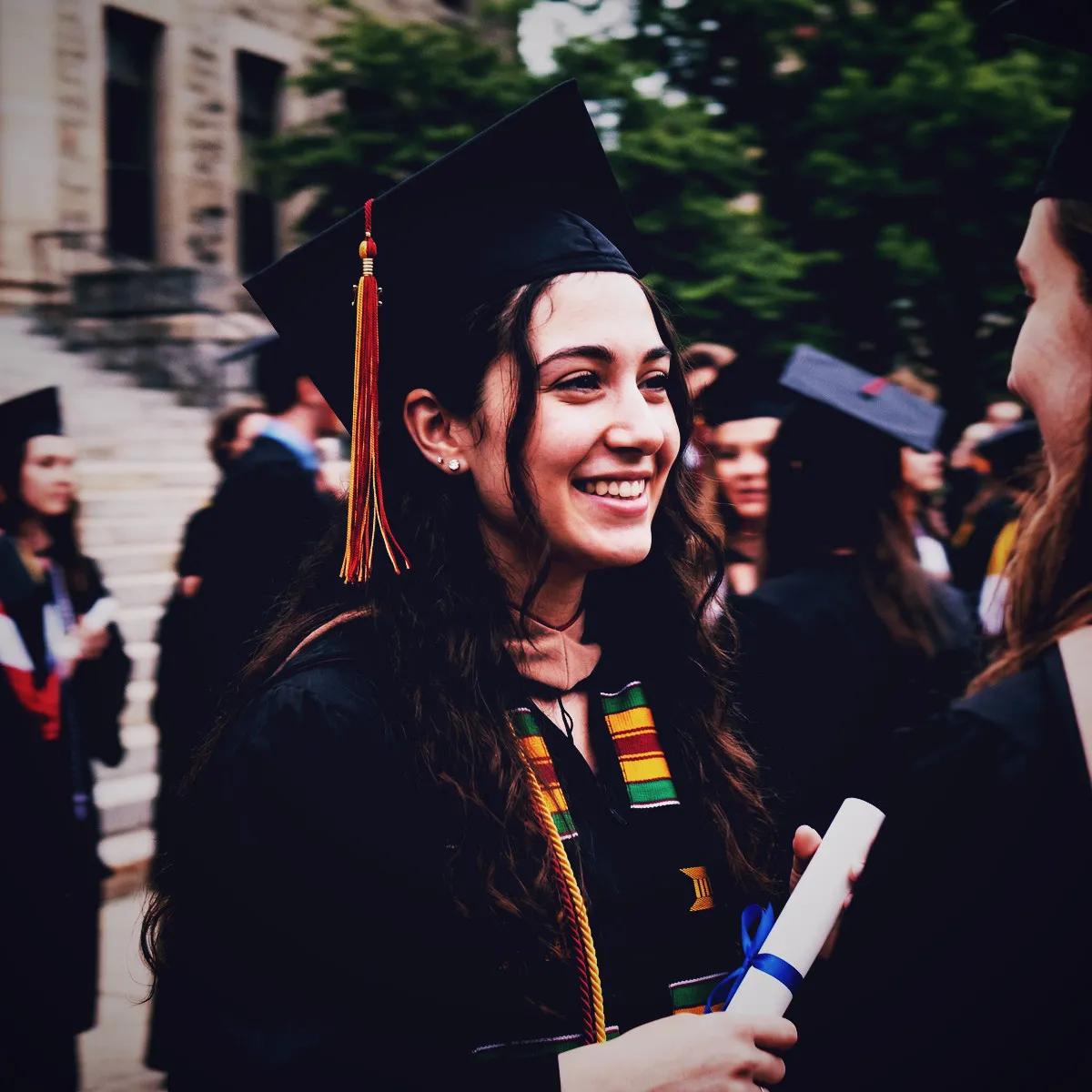
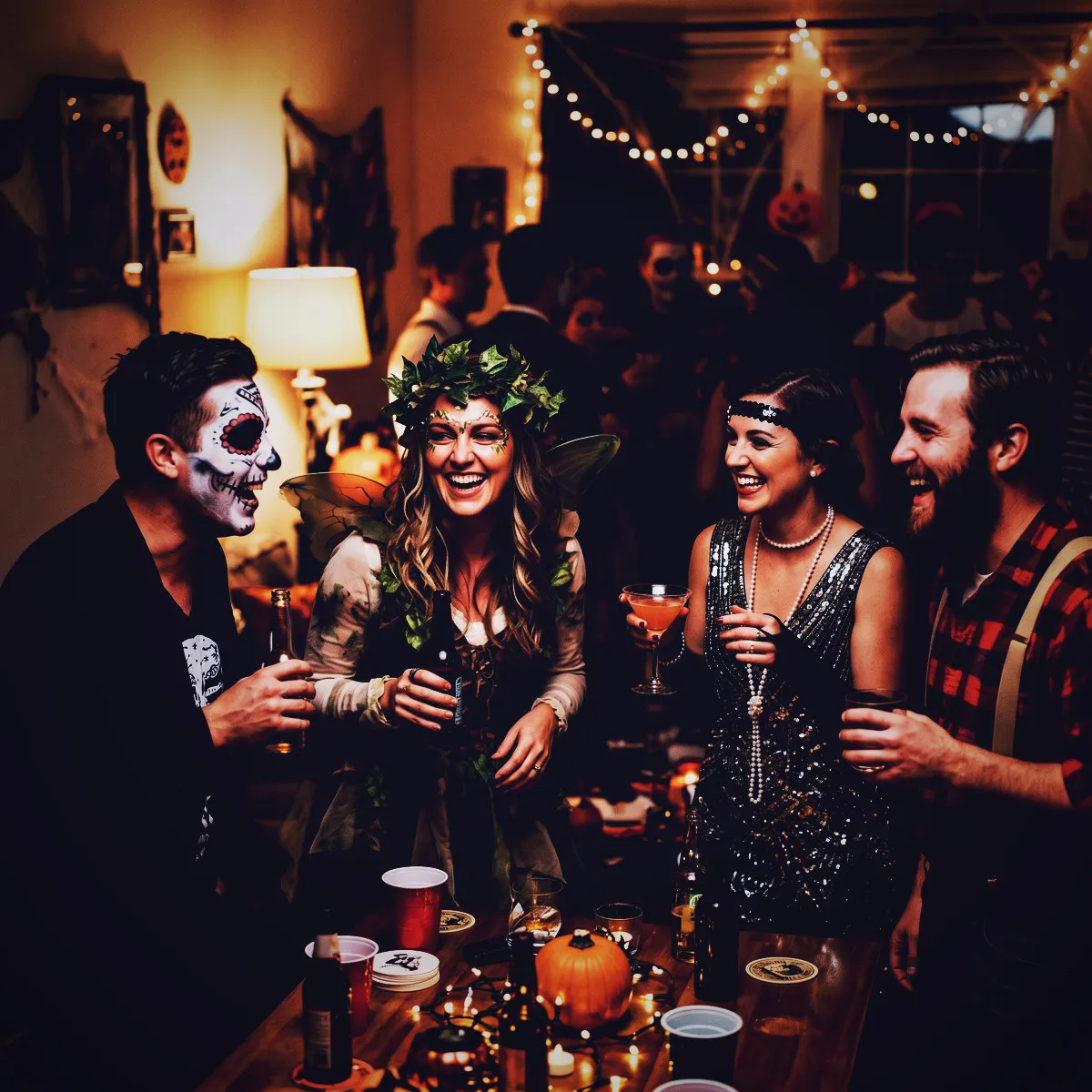
Some photos tell you what happened; others make you feel what it was like to be there. The Moody photo filter is designed for the latter. It instantly elevates a casual snapshot into a cinematic film still, giving every photo in your Revel Moment a sense of weight and narrative. By deepening the shadows and pulling the bright colors back into a muted, sophisticated palette, this filter strips away the clean, sterile look of modern smartphone cameras. The edges of each frame are kissed by a gentle, dark vignette, drawing your eyes directly to the heart of the image.

This visual chemistry is inspired by classic film stocks that thrived on contrast. Instead of hyper-bright, oversaturated hues, you get rich, ink-like shadows and cool, quiet undertones. Skin tones remain remarkably warm and natural, while the background details soften into a beautifully faded texture. It is a look that feels handcrafted and deliberate, transforming a messy background into a moody canvas of light and shadow.

When your guests arrive at your event, they simply scan your QR code or tap the NFC tag to instantly launch the App Clip. There is no tedious setup or app store waiting game. They are immediately ready to capture the night through this shared, artistic lens. Every shot they take is automatically styled, creating a gorgeous, unified gallery that feels less like a random collection of phone pictures and more like a carefully curated lookbook.

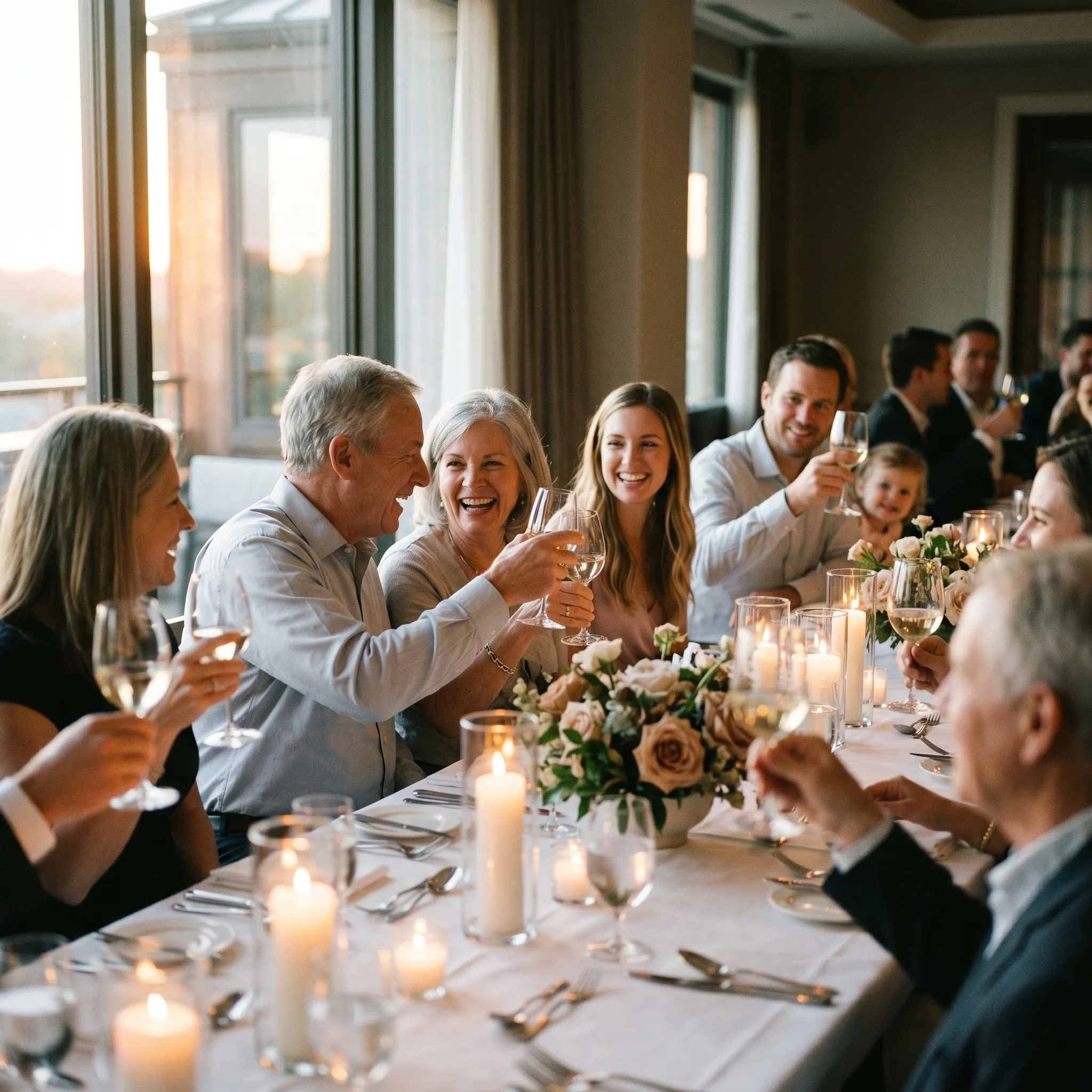
Setting an Intimate Mood

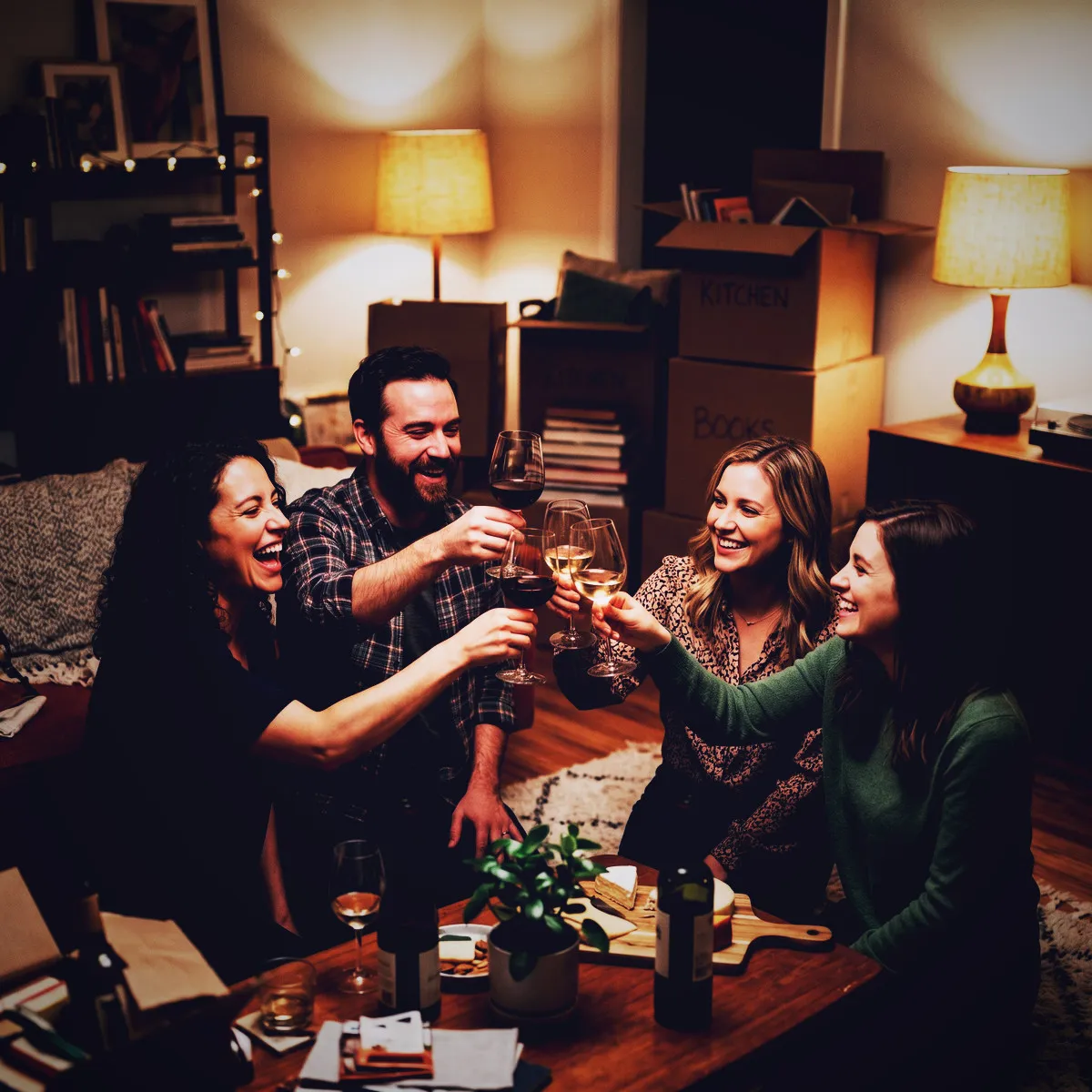
There is a quiet magic in the moments we do not perform for. The Moody photo filter is built to capture exactly those raw, unscripted fragments of your event. By trading bright, sterile perfection for deep contrast and mysterious shadows, this aesthetic encourages your guests to shoot from the hip. It creates an atmosphere of intimacy and authenticity, where the pressure to pose vanishes and the joy of simply being present takes over.

Every event has a dual nature: the grand, scheduled highlights, and the quiet, late-night conversations held in corners. This filter is the perfect companion for the secret side of your party. It turns a quick laugh over a shared drink, a stolen glance on the dance floor, or a quiet pause between songs into something poetic. Because the colors are understated and the contrast is high, the focus shifts entirely to the emotion, expression, and connection between people.

This emotional depth makes the eventual Reveal even more powerful. Because Revel limits shots and keeps the gallery hidden until the Moment ends, your guests will spend the night shooting without the instant gratification of checking their screens. When the timer runs out and the gallery finally unlocks, everyone gets to relive the night through a collective, nostalgic lens. The result is a shared memory book that feels intensely personal, deeply genuine, and beautifully raw.

Perfect Venues and Low-Light Magic

Standard phone cameras hate the dark. They fight against low light, artificial glares, and candlelit rooms by artificially boosting exposure, leaving you with grainy, washed-out images that completely ruin the vibe. The Moody photo filter does the exact opposite: it embraces the shadows. It is designed to work with the night, turning challenging lighting conditions into your greatest creative asset and making your low-light venues look absolutely spectacular.

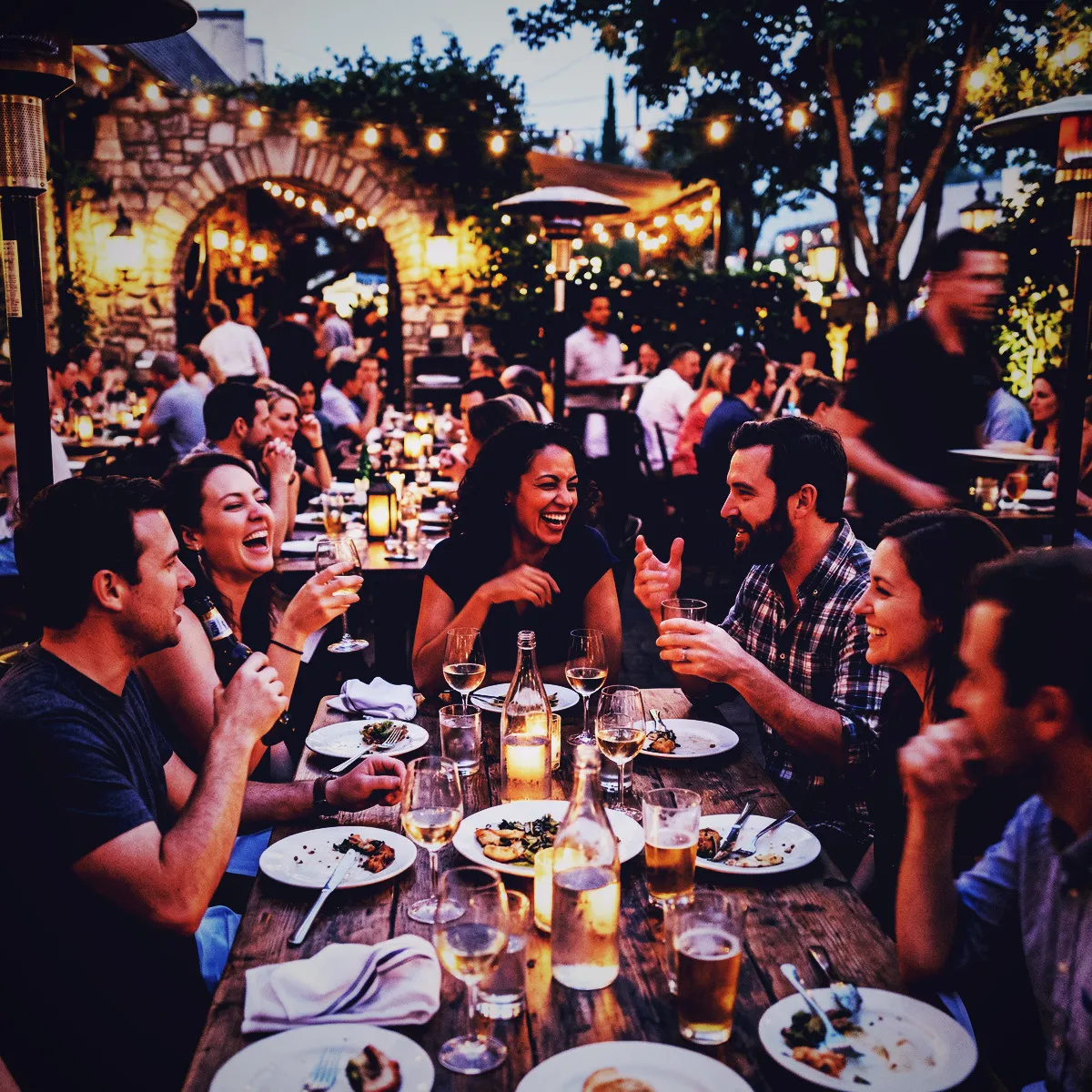
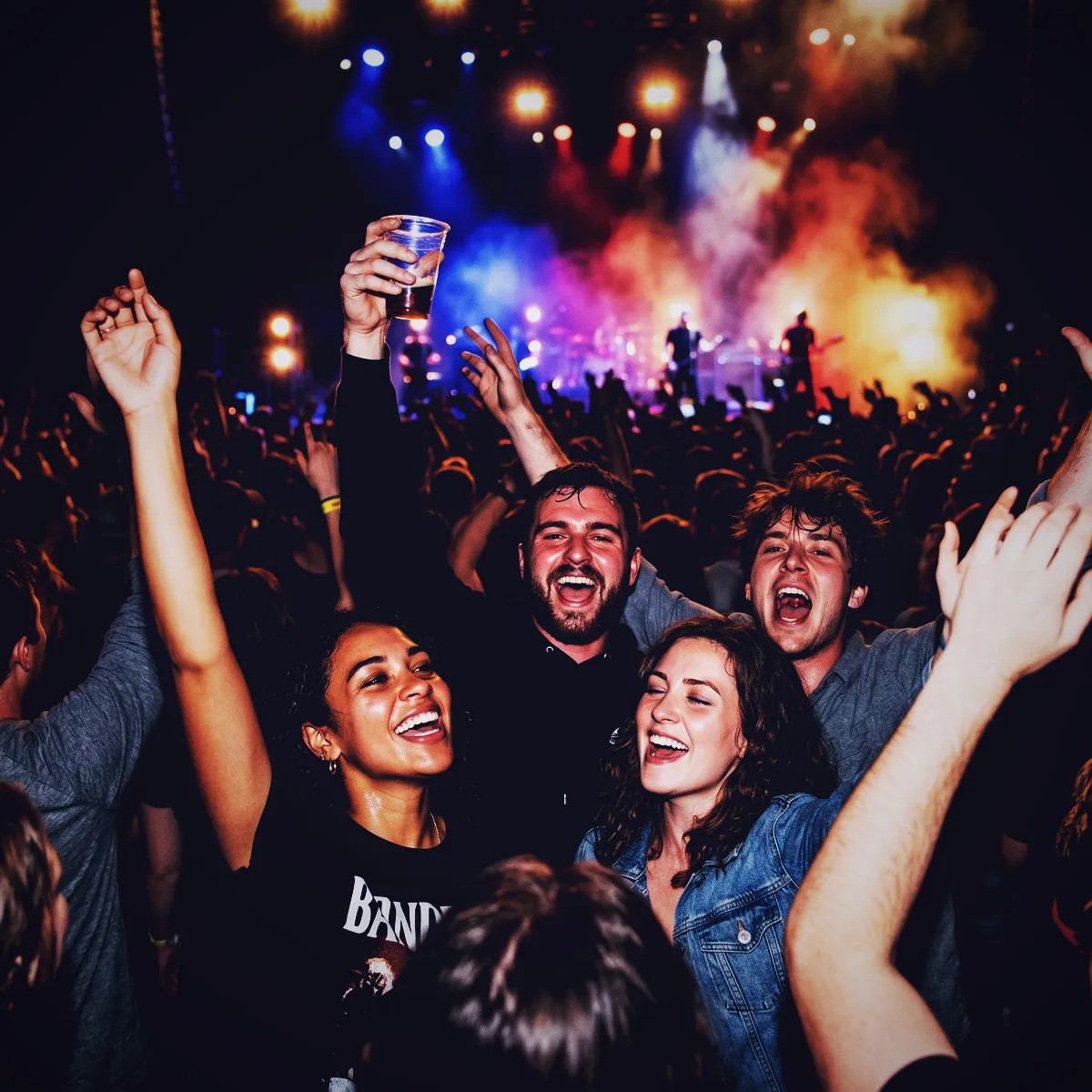
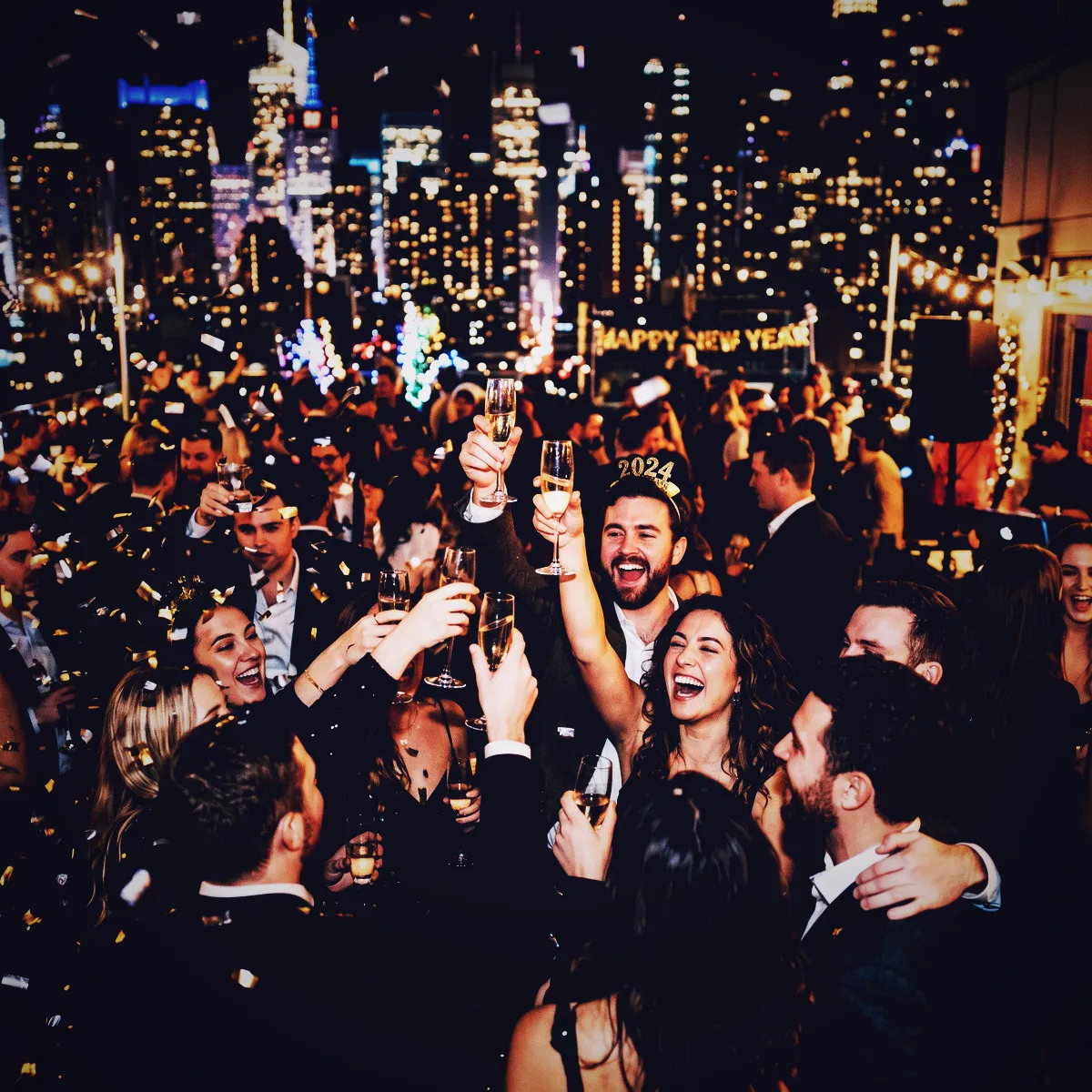
Picture a dimly lit speakeasy, a candlelit reception dinner, a neon-soaked dance floor, or a late-night outdoor festival. In these spaces, Moody thrives. It leans into the deep shadows and lets the local light sources do the heavy lifting. The warm glow of a candle, the cool neon buzz of a bar sign, or the dramatic sweep of a spotlight becomes a striking focal point, surrounded by a sea of rich, velvety dark tones.

Your guests do not need to be professional photographers or spend time adjusting complex exposure settings to get these results. They just scan the QR code, open the App Clip, and press the shutter. Revel does all the heavy lifting in the background, rendering every shot with the perfect amount of fade and deep contrast. When the final Reveal happens, you will find a gallery of stunning, low-light masterpieces that perfectly capture the cozy, electric, or mysterious energy of your venue.

The Shared Thrill of the Reveal

There is a distinct magic in waiting. In an era of instant gratification, Revel brings back the sweet anticipation of the analog days, and the Moody photo filter is the perfect partner for this slow burn. When your guests scan the QR code and join your Moment, they are not just snapping pictures; they are contributing to a hidden masterpiece. Because nobody can see the photos while the event is active, each shot taken with the Moody filter is a mystery waiting to be solved. Your guests will feel a thrilling curiosity as they shoot into the dark, knowing that every cool shadow and deep vignette is being saved for later.

When the Moment finally ends, the Reveal begins. This is the collective breath-hold before the curtain drops. Imagine you and your friends gathering around a screen, or opening the notification on your phones, to unlock the entire gallery at once. Because everyone used the App Clip without needing to download a bulky app, participation is incredibly high, giving you a massive, diverse collection of perspectives. Unlocking the Moody gallery is like opening a treasure chest of cinematic stills. Each photo has been processed with a unified, artistic touch, turning candid laughs and midnight dances into a high-contrast visual narrative.

This shared experience of discovery transforms the day after your event into a second celebration. As you scroll through the deeply vignetted, rich frames, you will relitigate the night's best memories. The muted saturation and cool-toned shadows give the entire gallery a cohesive, professional look, making even the messiest dance floor moments look like scenes from a classic indie movie. The Reveal proves that the wait was absolutely worth it, leaving you with a timeless, dramatic record of your favorite night.

Tips for Capturing Dramatic Shadows

To get the absolute most out of the Moody photo filter, you should encourage your guests to play with the light. Since this filter thrives on contrast and deep shadows, the standard way of shooting with the light behind the camera won't do it justice. Instead, tell your friends to seek out single, strong light sources. Think of a single candle flickering on a cocktail table, a vibrant neon sign casting a glow in a dim corridor, or a sharp beam of stage light on the dance floor. The App Clip makes it effortless for guests to quickly snap these moments, letting them focus on composition rather than settings.

One of the best techniques with the Moody filter is to embrace backlighting for stunning silhouettes. Have your subject stand directly in front of a bright light source, such as a sunset window or a bright spotlight, and shoot directly toward them. The filter's heavy 1.3 contrast multiplier and lowered gamma will naturally deepen the subject into a crisp, dramatic silhouette, while the subtle fade softens the edges just enough to keep it looking organic and artistic. The cool temperature of -15 will wrap the highlights in a gorgeous, clean glow, avoiding the harsh orange burn of standard phone cameras.

Finally, do not be afraid of the dark corners. While normal phone cameras try to artificially brighten up every shadow—resulting in noisy, flat images—the Moody filter celebrates the darkness. Encourage your guests to frame their shots so the subject is slightly off-center, letting the heavy 0.4 vignette naturally fade the edges of the photo into deep, rich black. Look for geometric shadows cast by railings, window frames, or architectural details. These dark lines will slice across the cool-toned highlights, creating a stunning sense of depth and mystery that makes every snapshot look incredibly deliberate.

Why Moody Beats Standard Filters

Most standard filters on social media suffer from a lack of imagination. They either wash your memories out in a flood of generic, warm sepia tones, or they strip away all the nuance with a flat, lifeless black-and-white conversion. The Moody photo filter refuses to take the easy way out. By maintaining a subtle, muted color palette with an 0.85 saturation value, it keeps the realistic essence of your event while injecting a heavy dose of cinematic atmosphere. It introduces cool, oceanic blues into the deep shadows and warm, delicate reds into the highlights, creating a complex, professional color story that standard filters simply cannot replicate.

It is all about the sophisticated geometry of light. While basic filters just globally slide the contrast up, Moody uses a custom-calibrated curve and a rich vignette that mimics the physics of expensive, vintage analog lenses. This drawing of the eye toward the center of the frame is incredibly flattering for portraits and candid crowd shots alike. The subtle 0.06 fade prevents the contrast from looking too harsh or digital, giving the final image a soft, velvety texture that feels incredibly premium. It does not just change the colors of your photos; it completely rearchitects the atmosphere of your Moment.

Moreover, Moody acts as the ultimate equalizer for your shared gallery. When your guests use the App Clip, they are shooting with dozens of different phone models, each with its own camera sensor and processing style. Standard filters often fail to unify these differences, resulting in a disjointed gallery. The Moody filter's strong, distinct personality binds these diverse photos together. Its deep vignetting, cool shadows, and high-contrast styling mask the technical differences between various phone cameras, turning a chaotic mix of snapshots into a beautifully curated, cohesive gallery that looks like it was shot by a single, visionary photographer.

See it in action

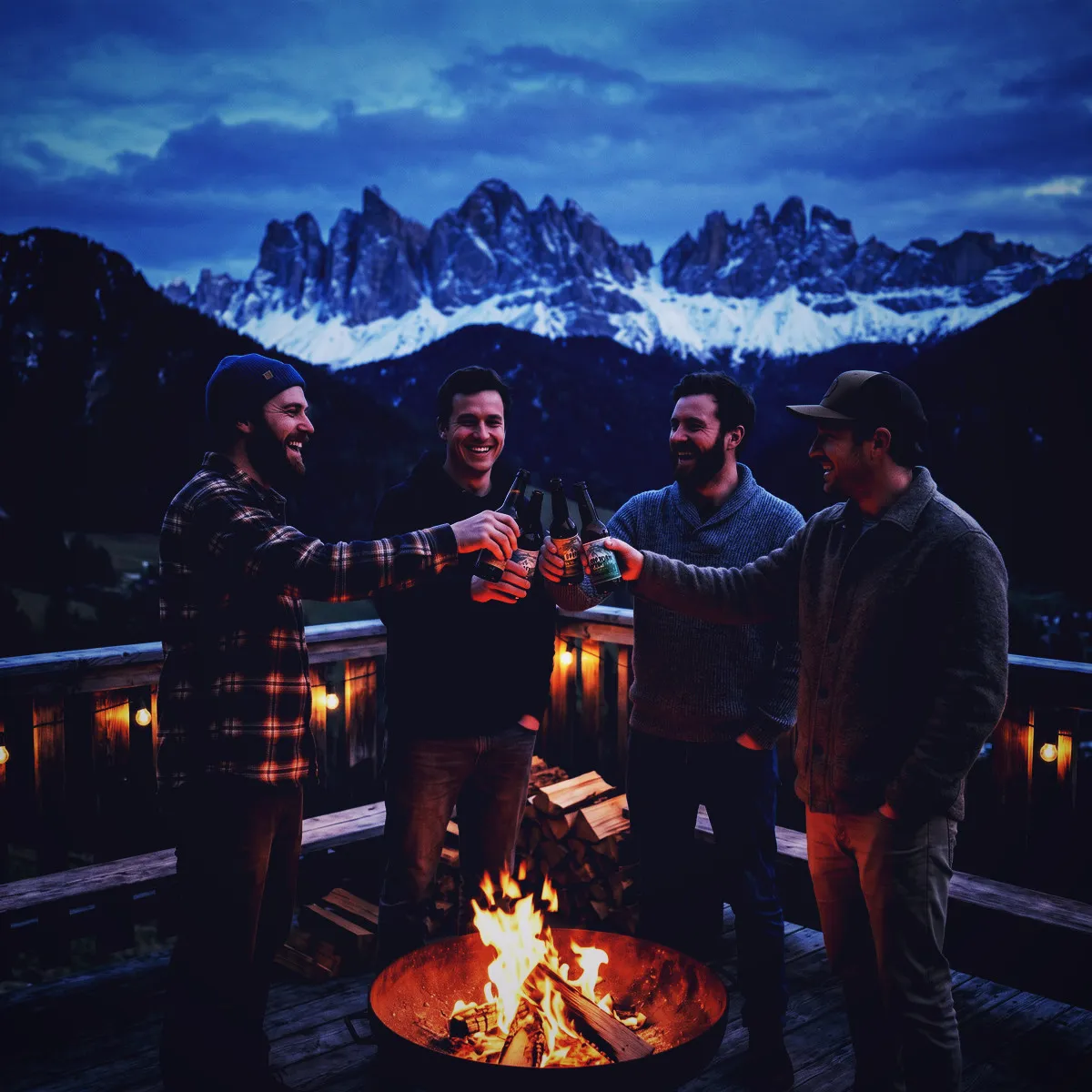
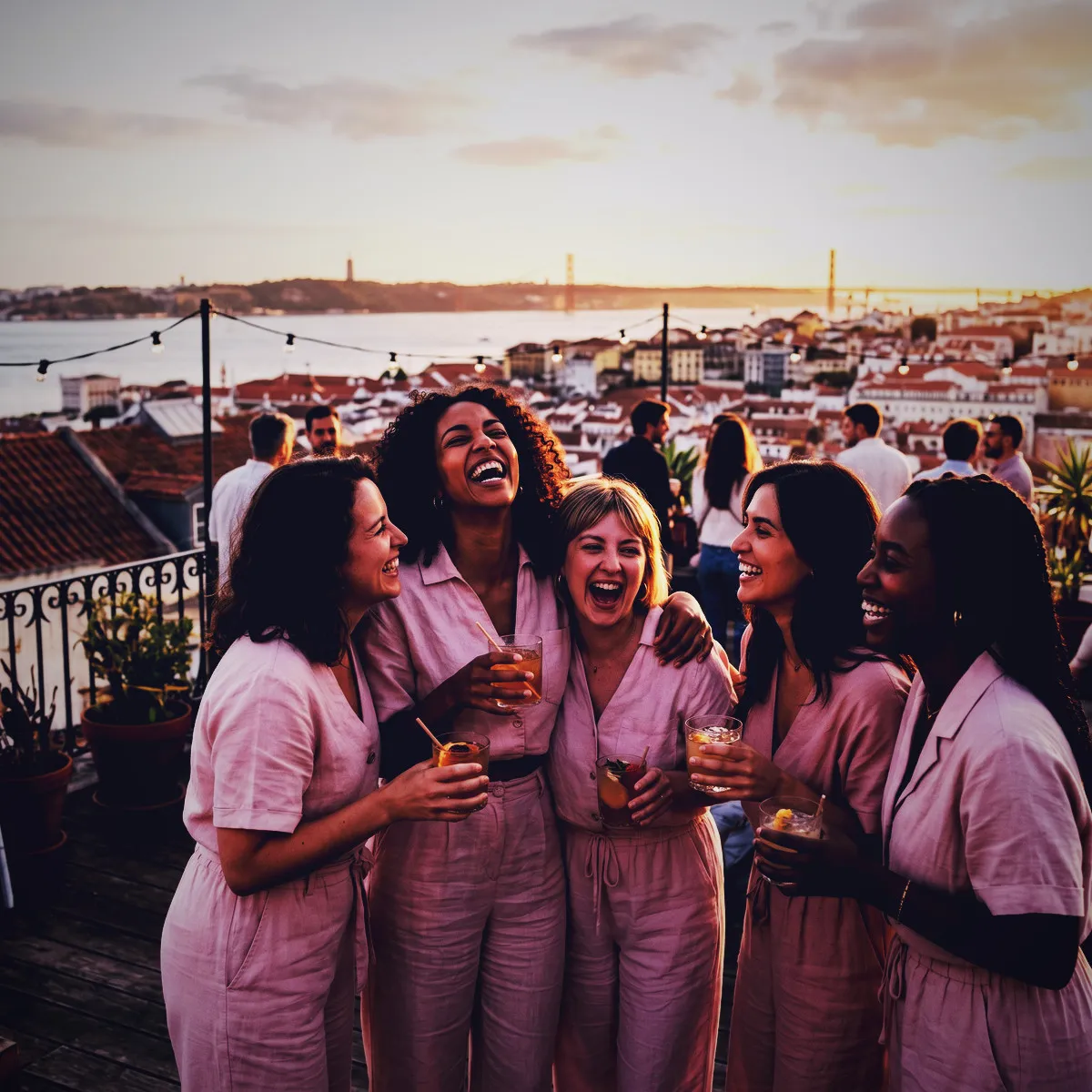
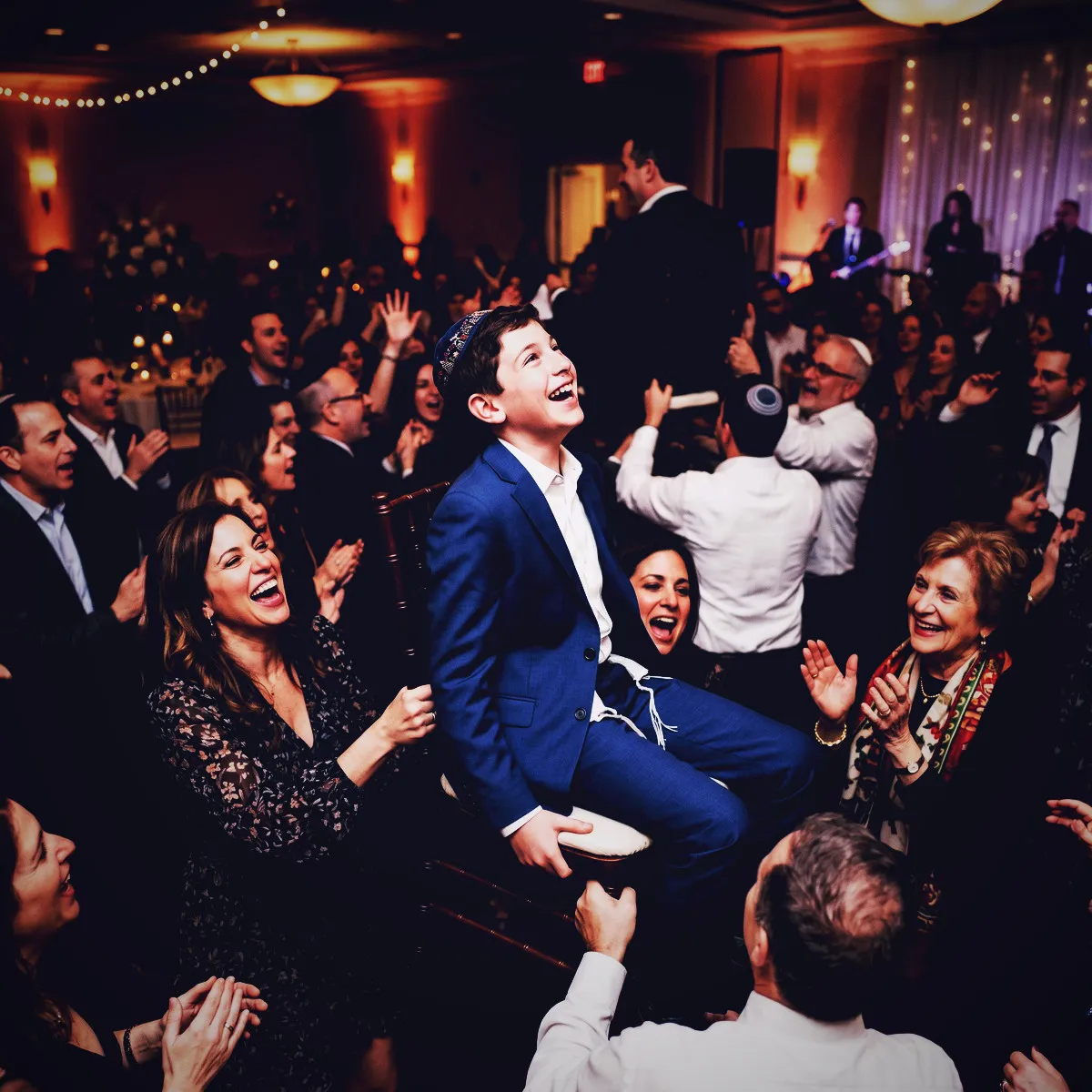
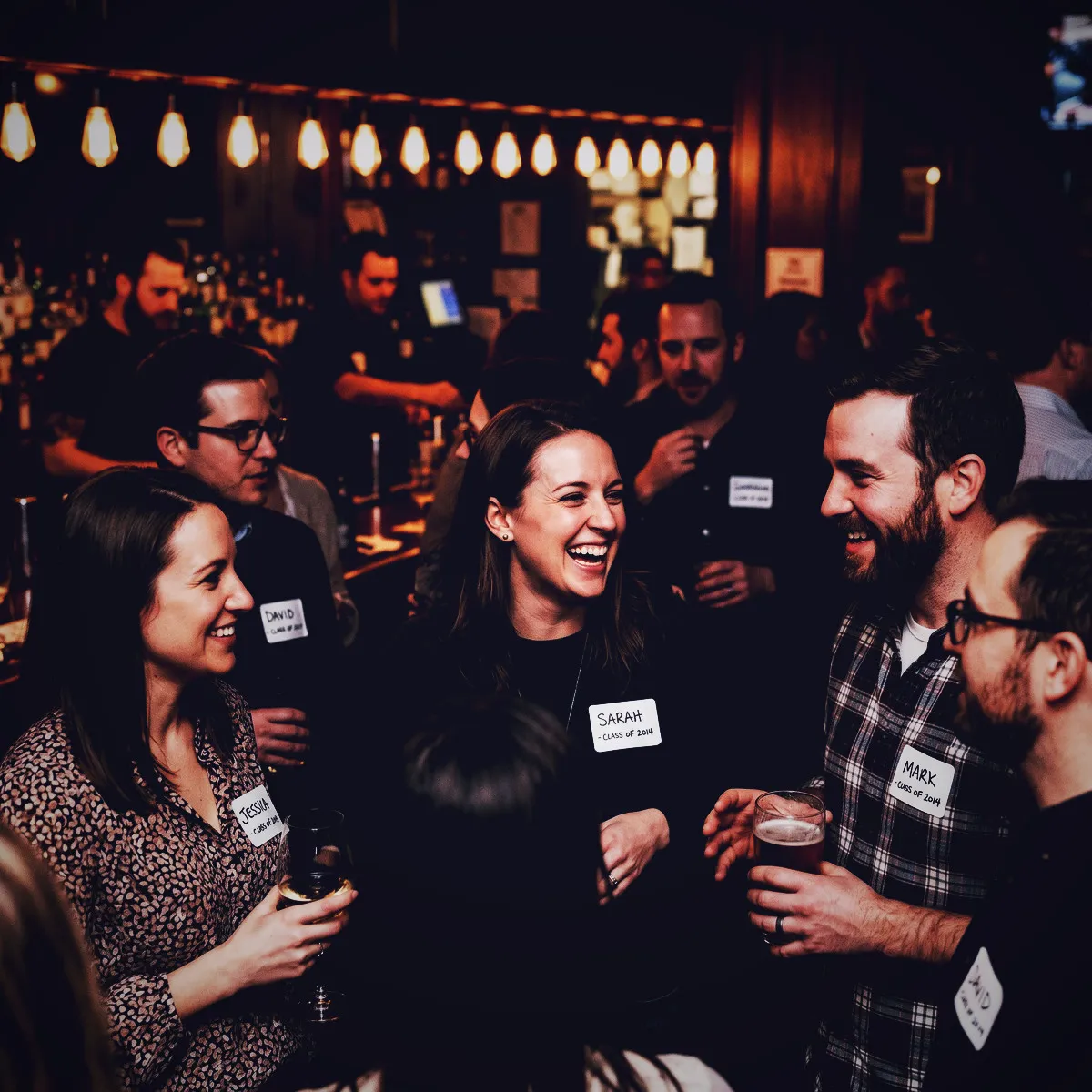
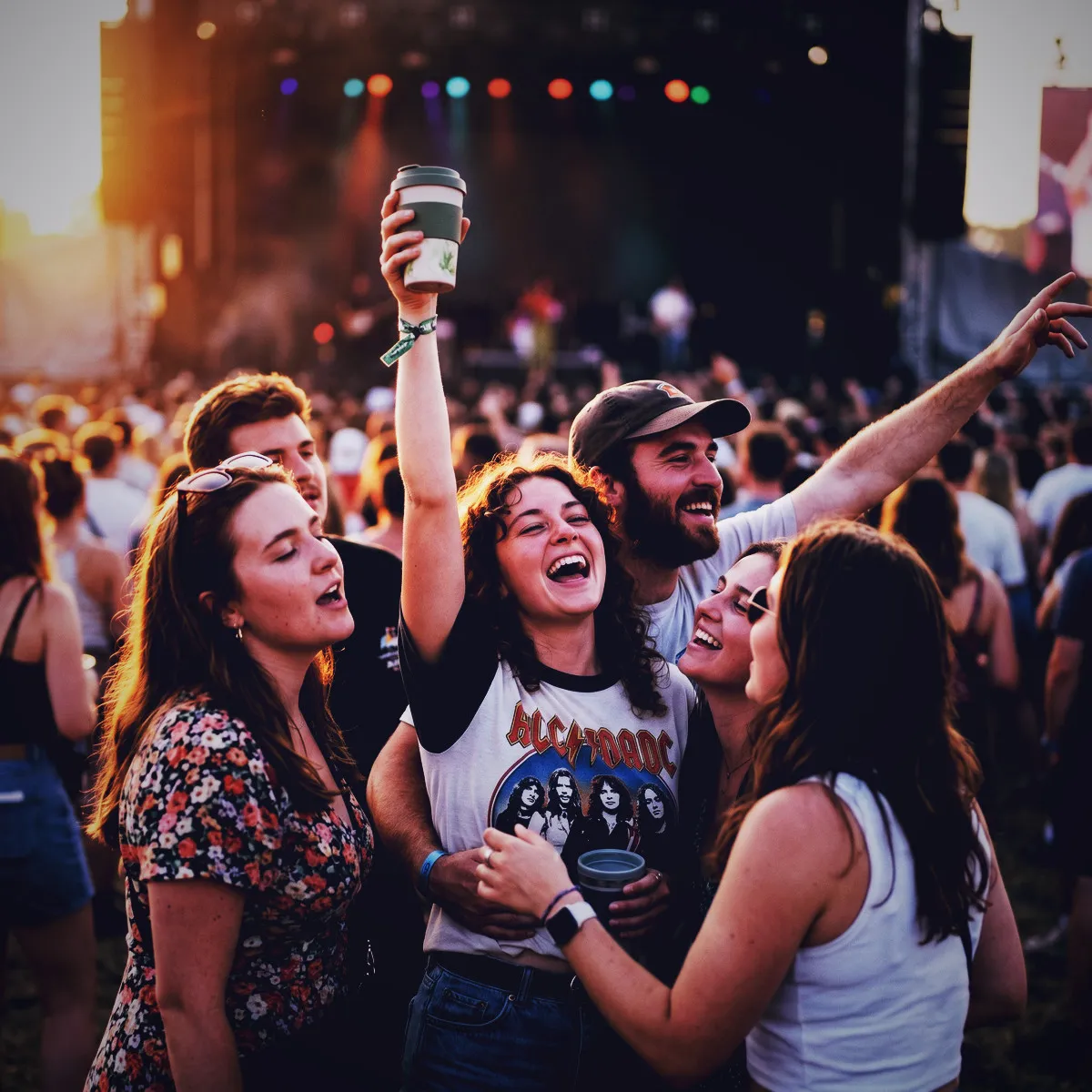
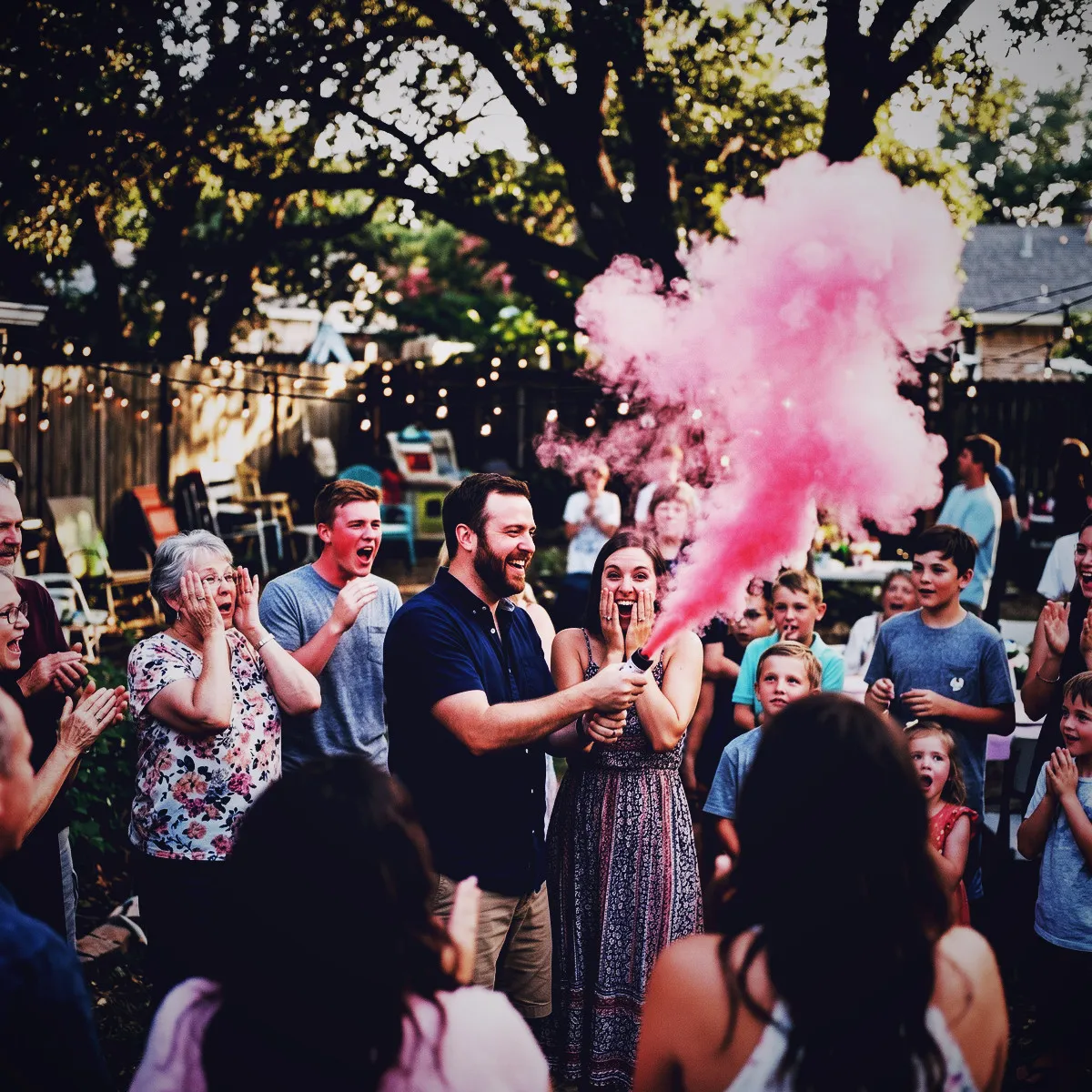
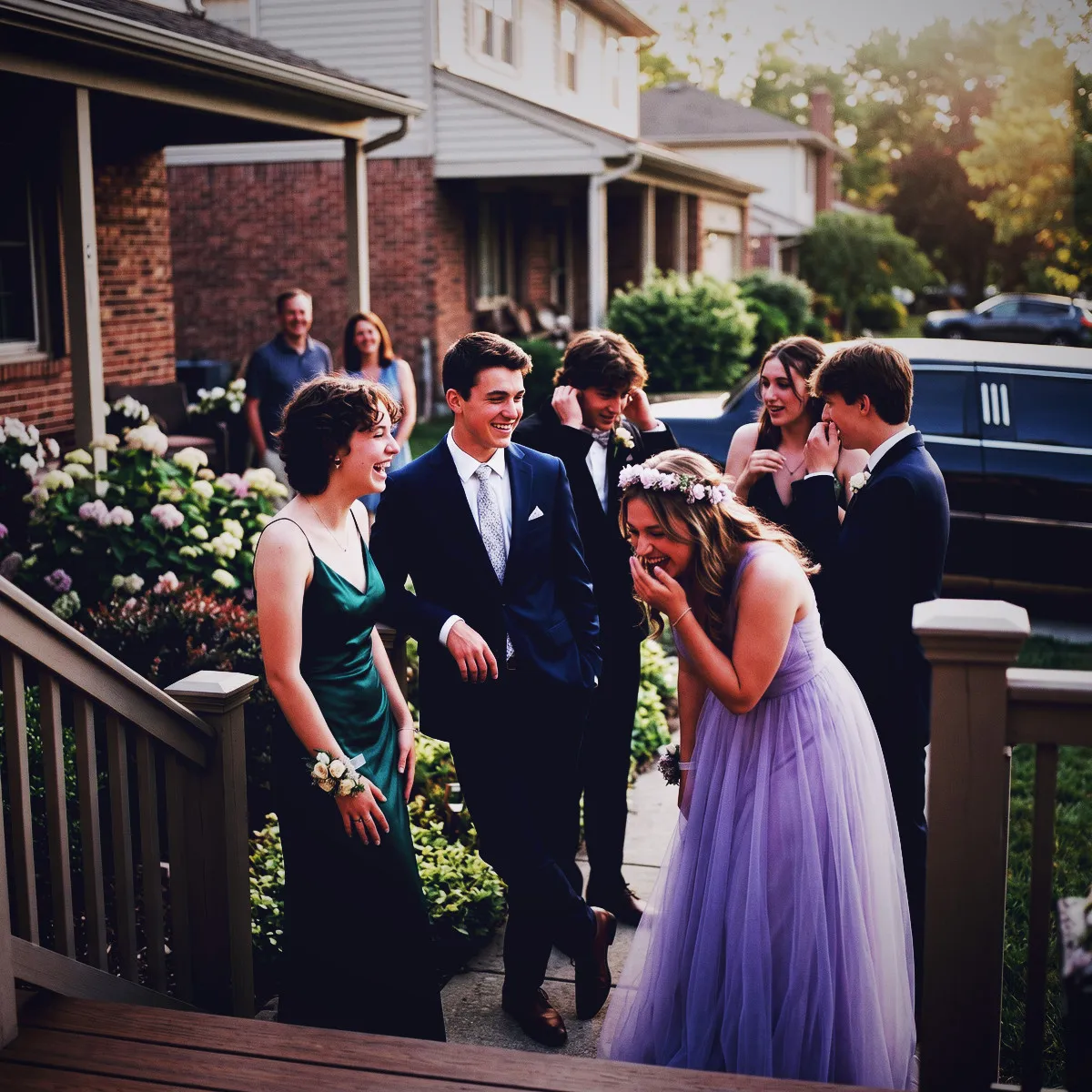
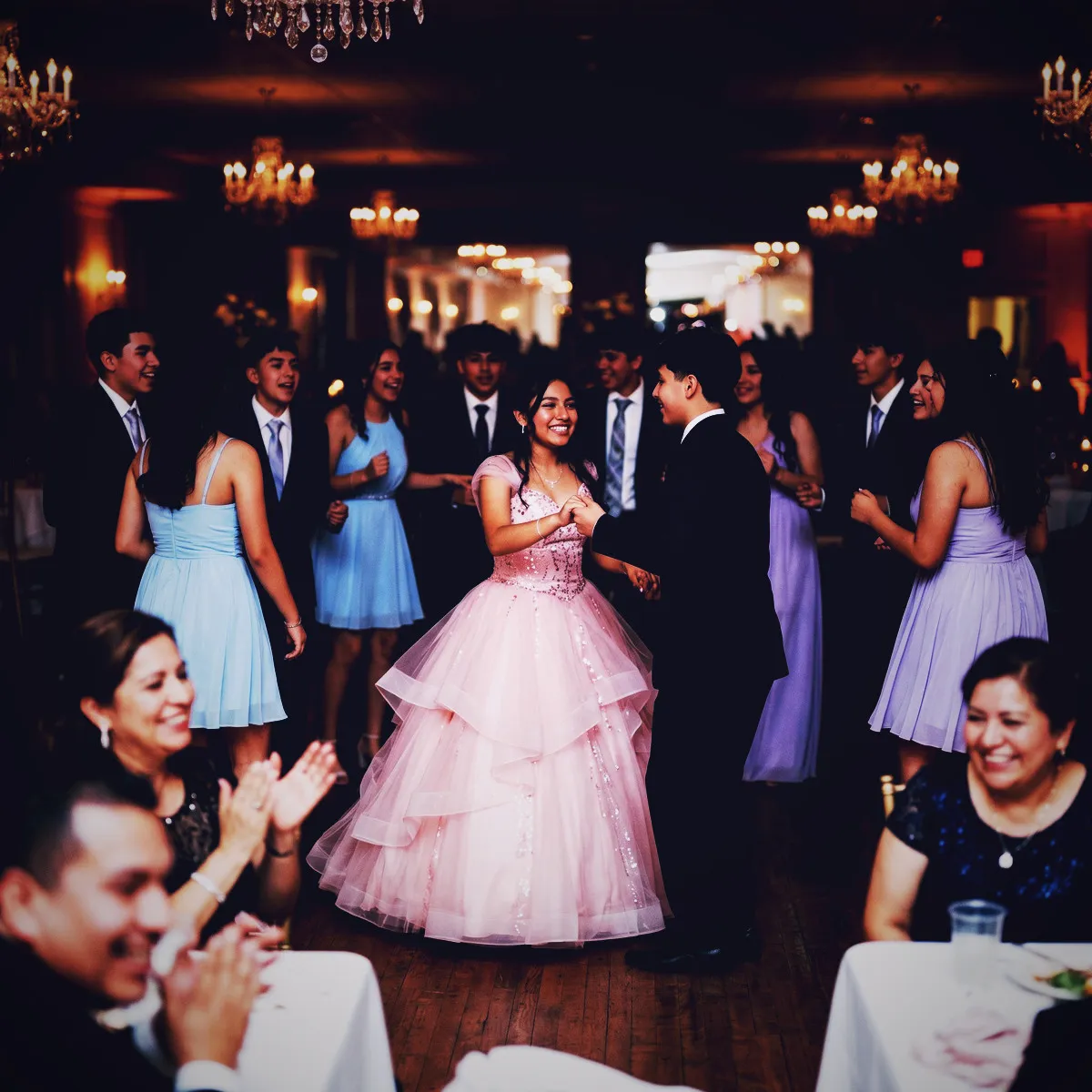
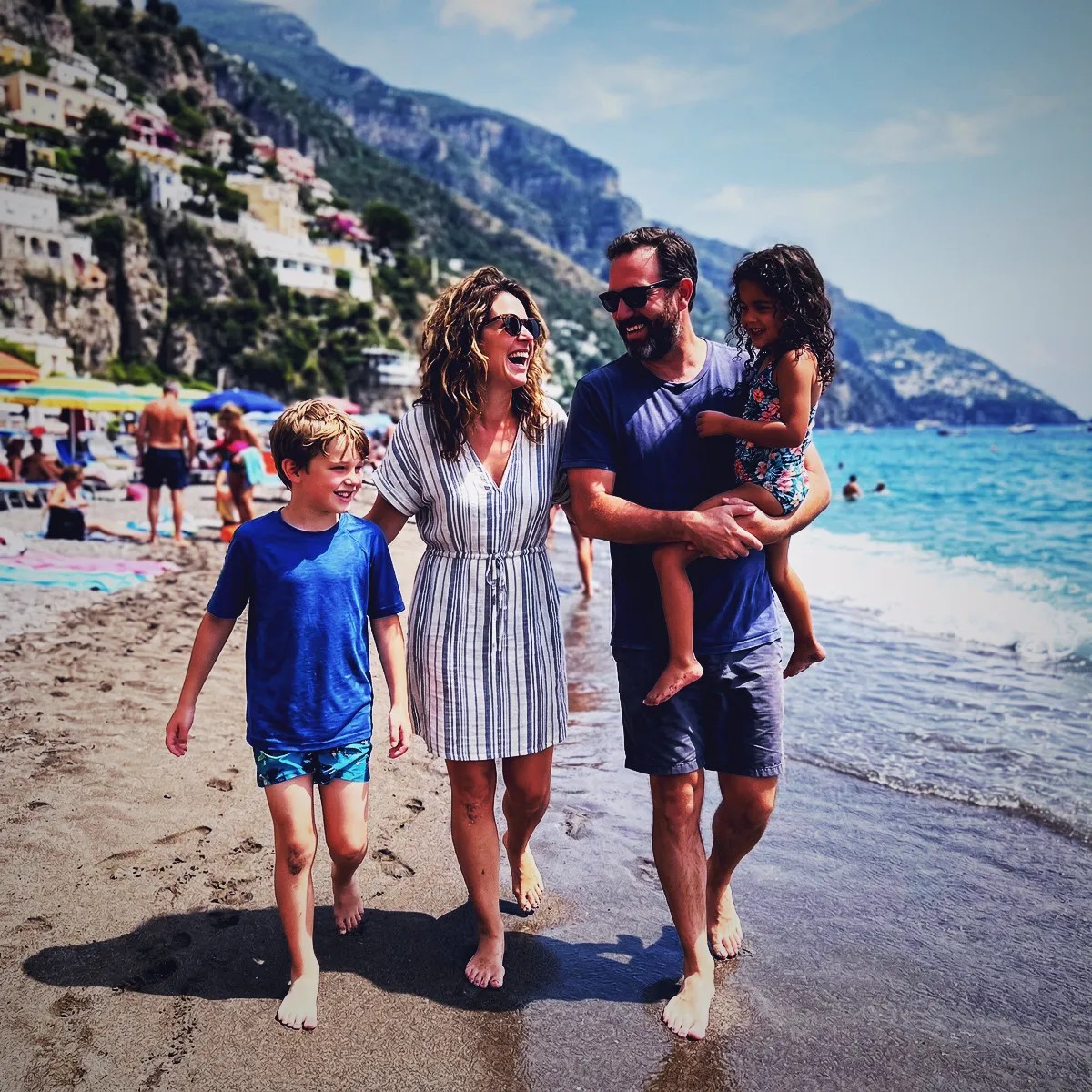
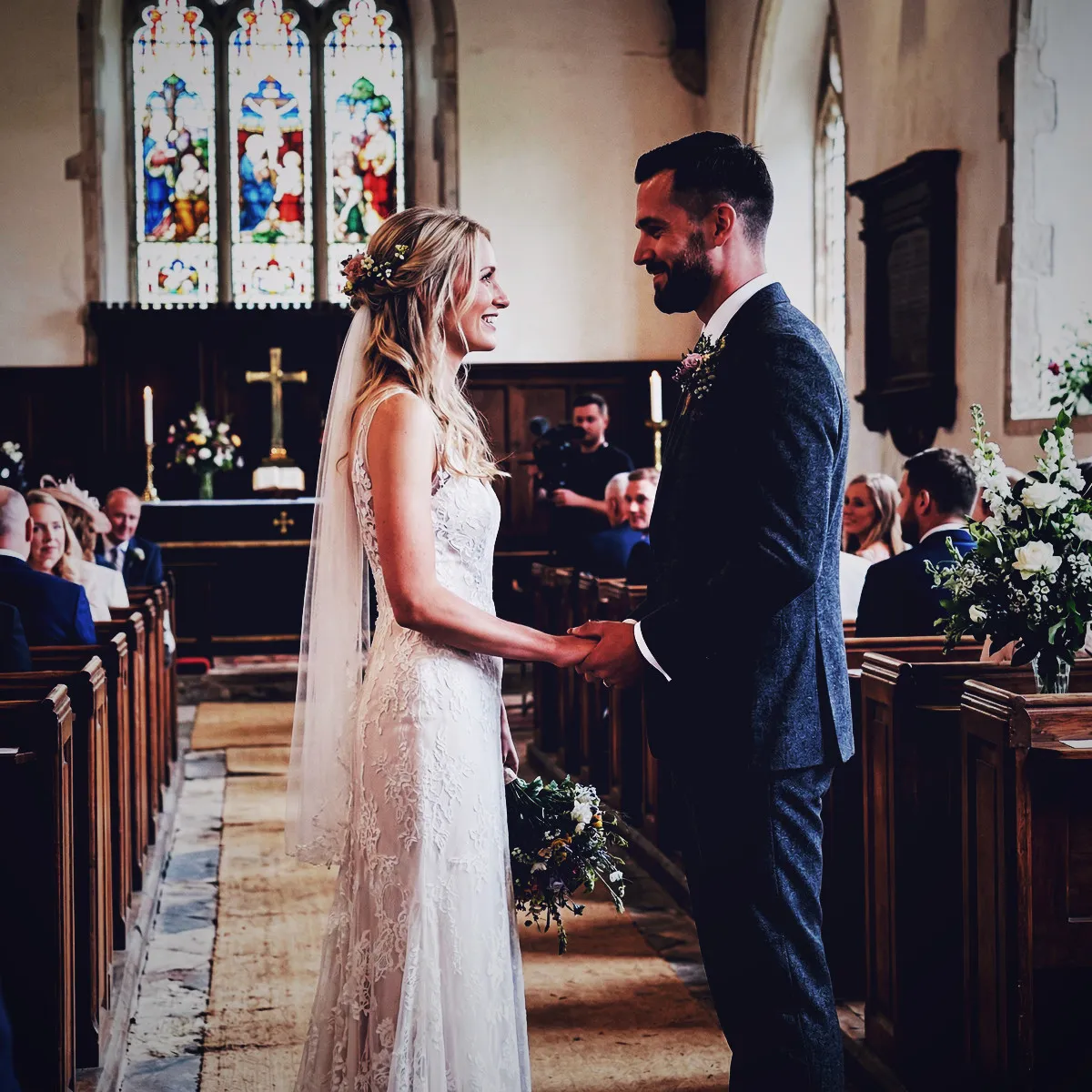
Moody on real event photos

Photo with the Moody filter applied Original photo before the Moody filter
Before
After
More examples
Moody photo filter example
Why Revel

Where to use Moody?

A few events and moods where this look really shines.

Speakeasy Gatherings

Flourishes in low-light lounges, cocktail bars, and intimate dinner parties.

Late-Night Afterparties

Captures the high-energy, shadow-soaked vibe of the dancefloor perfectly.

Untraditional Weddings

Adds a modern, cinematic, and deeply romantic edge to evening receptions.

Artistic Showcases

Ideal for gallery openings, indie gigs, and fashion-forward events.

Try it now

See it for yourself
in 5 seconds

Point your phone at this QR code and experience Revel as a guest. No app, no sign-up — just scan and shoot.

Scan with your phone camera
Moody FAQ

Common questions about the Moody filter.

Will the Moody filter make dark photos look too muddy or hard to see?

Not at all. While it deepens shadows, the filter carefully boosts contrast and raises the black point slightly to preserve vital details, giving your dark shots a rich, velvety texture rather than a blurry mess.

Does this filter work well during bright daytime events?

Yes, but it completely transforms them. In direct sunlight, the Moody filter mutes harsh colors and adds cool undertones, giving outdoor daytime shots a distinct, editorial look reminiscent of indie film.

How do the cool undertones affect skin tones in group shots?

The subtle cooling of shadows is balanced with rich contrast, which actually helps skin tones pop against darker backgrounds, creating striking, portrait-like contrast for everyone in the frame.

How do photo filters work in Revel?

You pick a style you like for your event, and Revel applies it automatically to every photo as your guests take them. Each shot is processed through the same pro-grade image pipeline, so the whole gallery shares one coherent look — no editing required from you or your guests.

When should I use a filter?

Use a filter whenever you want a consistent, intentional look across every photo from your event. Because dozens of guests shoot on different phones in different lighting, the raw gallery can feel scattered. A single filter ties it all together — perfect for weddings, parties, and branded company events where the mood matters.

When should I NOT use a filter?

Skip filters if you prefer the natural, unedited look of each photo, or if your event mixes very different settings where one style might not flatter them all. The originals are always preserved, so if you are unsure you can leave filtering off and decide later — nothing is lost either way.

Can I change the filter during the event?

Yes. You can switch the filter at any time, but it only applies to photos taken after the change. Photos captured earlier keep the filter that was active when they were taken, so your gallery may show more than one look if you switch mid-event.

Can I remove the filter later?

Yes. A filter can be removed at any time, and it clears from every photo in the Moment instantly. Your original, unfiltered photos are never altered, so removing a filter simply reveals them as they were shot.

Can I download both the filtered and original photos?

Yes. You can download the full gallery at any time, either with the filter applied or as the untouched originals. You always keep both versions, so you are free to choose per occasion.

Which filters does Revel support?

Revel offers over 50 filters across a wide range of styles — from classic black & white and warm vintage film to bold color effects and dreamy pastels. Every filter runs through a pro-grade image pipeline, so your photos stay crisp and high quality whichever look you choose.

Do my guests need to do anything to get the filtered look?

No. Guests just join your Moment by scanning a QR code or tapping an NFC tag — no app download or sign-up — and shoot as normal. The filter is applied automatically behind the scenes, so everyone contributes to the same styled gallery without lifting a finger.

Ready to create
your Moment?

Download Revel and start your first Moment in under a minute. Your guests are one scan away.

Free to start · No guest sign-ups · Works instantly

Try the demo