Noir

Transform your event into a cinematic masterpiece.

The Noir photo filter strips away distraction to leave only raw emotion, deep shadows, and timeless analog charm. Let your guests capture the night like classic Hollywood.

Free to start · No app for guests · Works in seconds

Noir

Noir

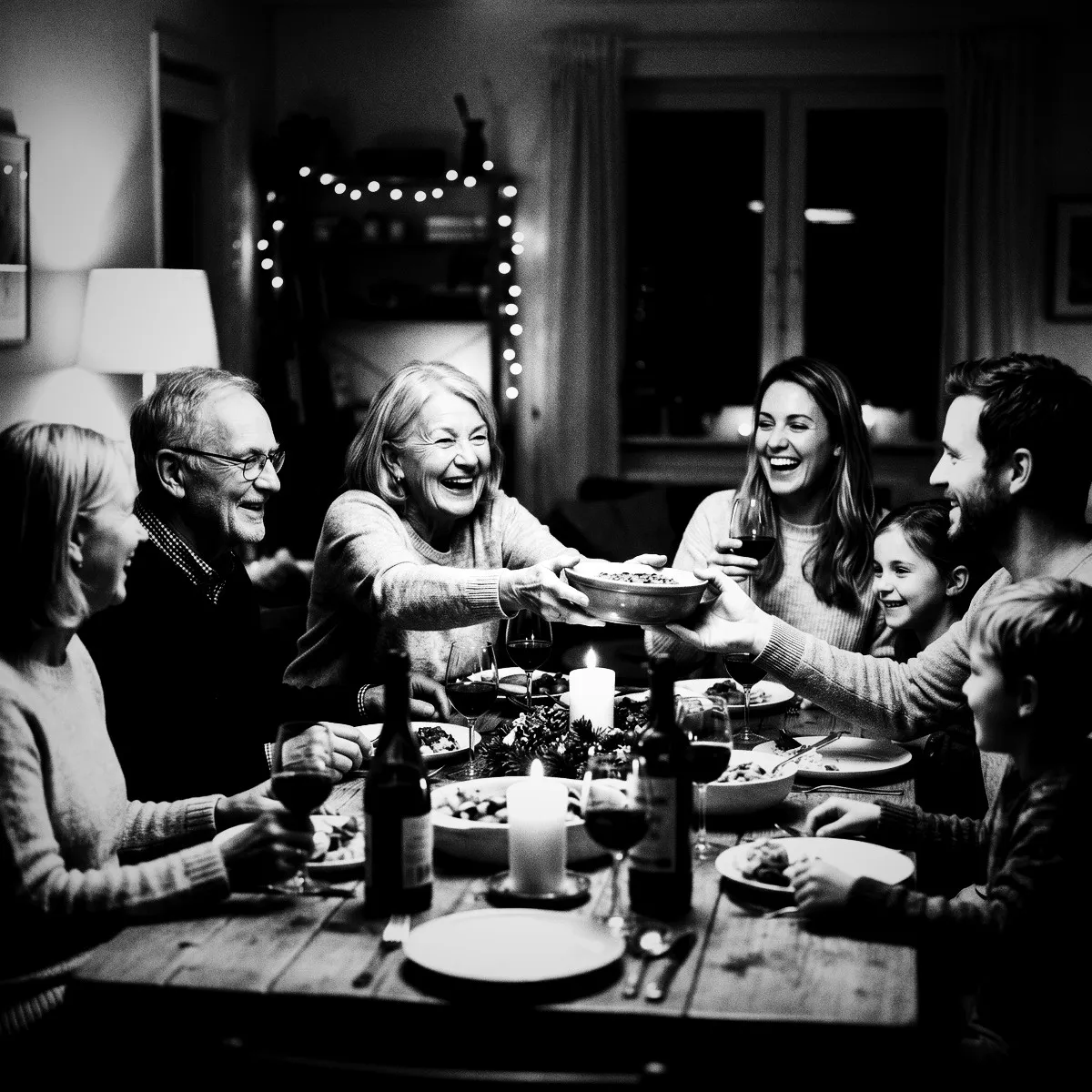
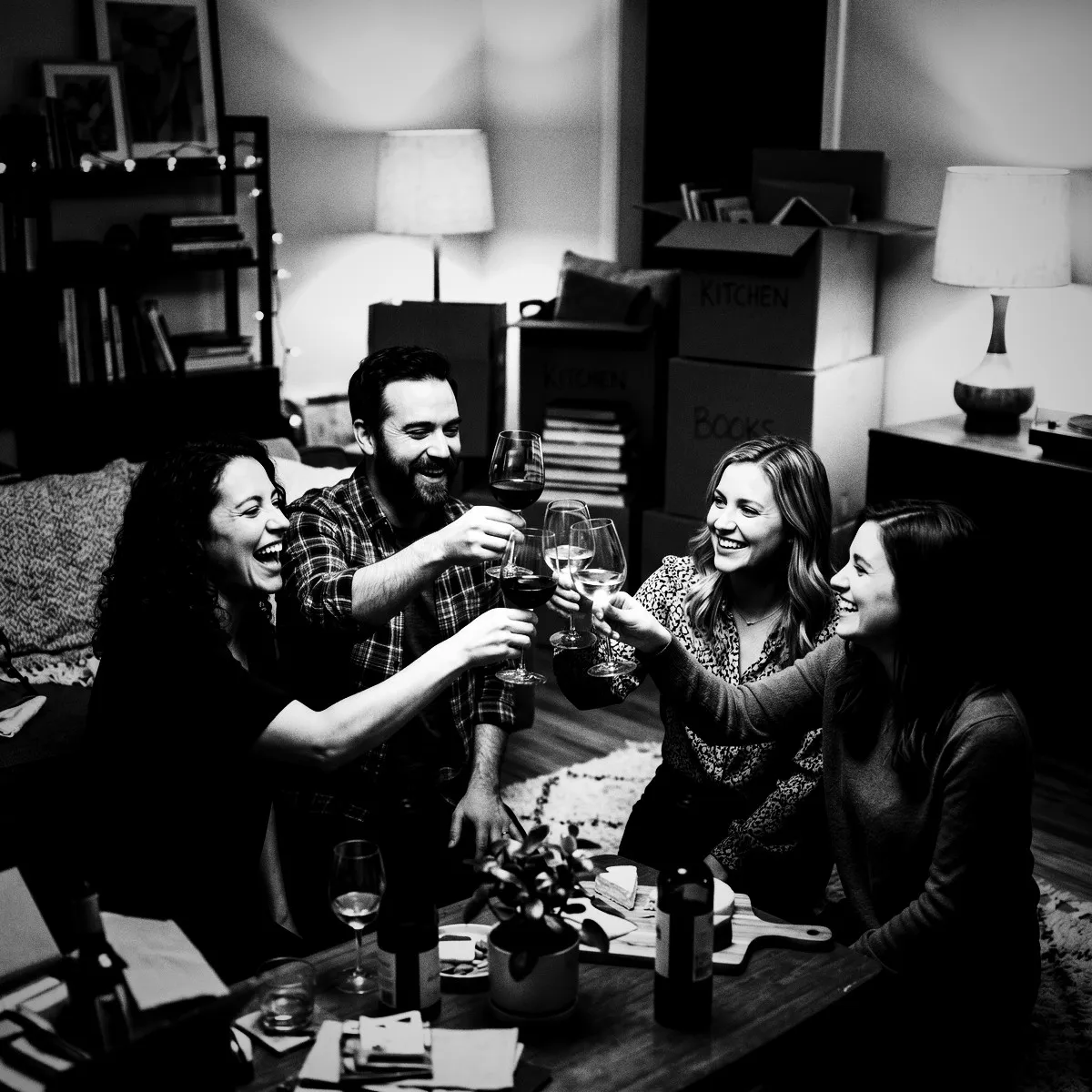
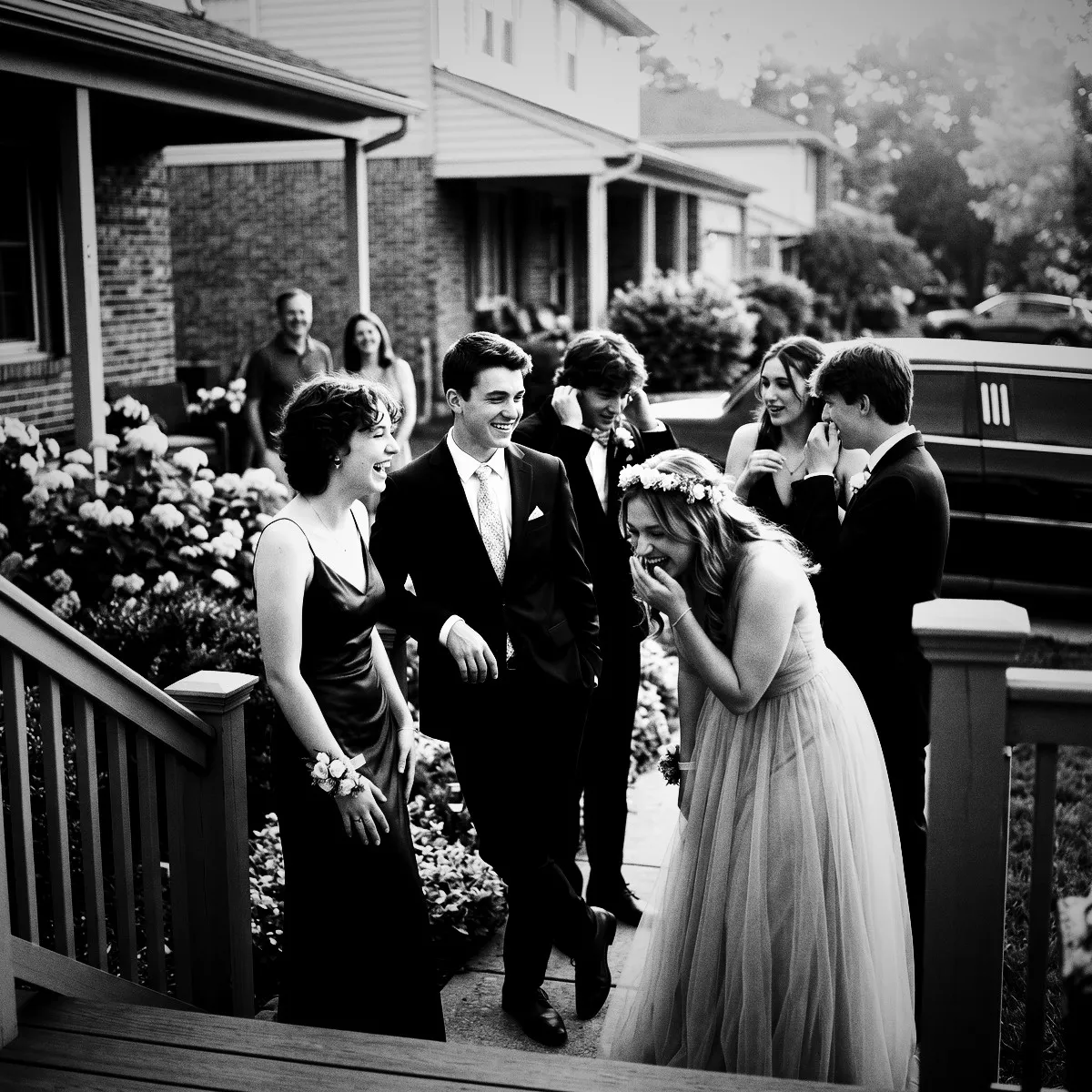
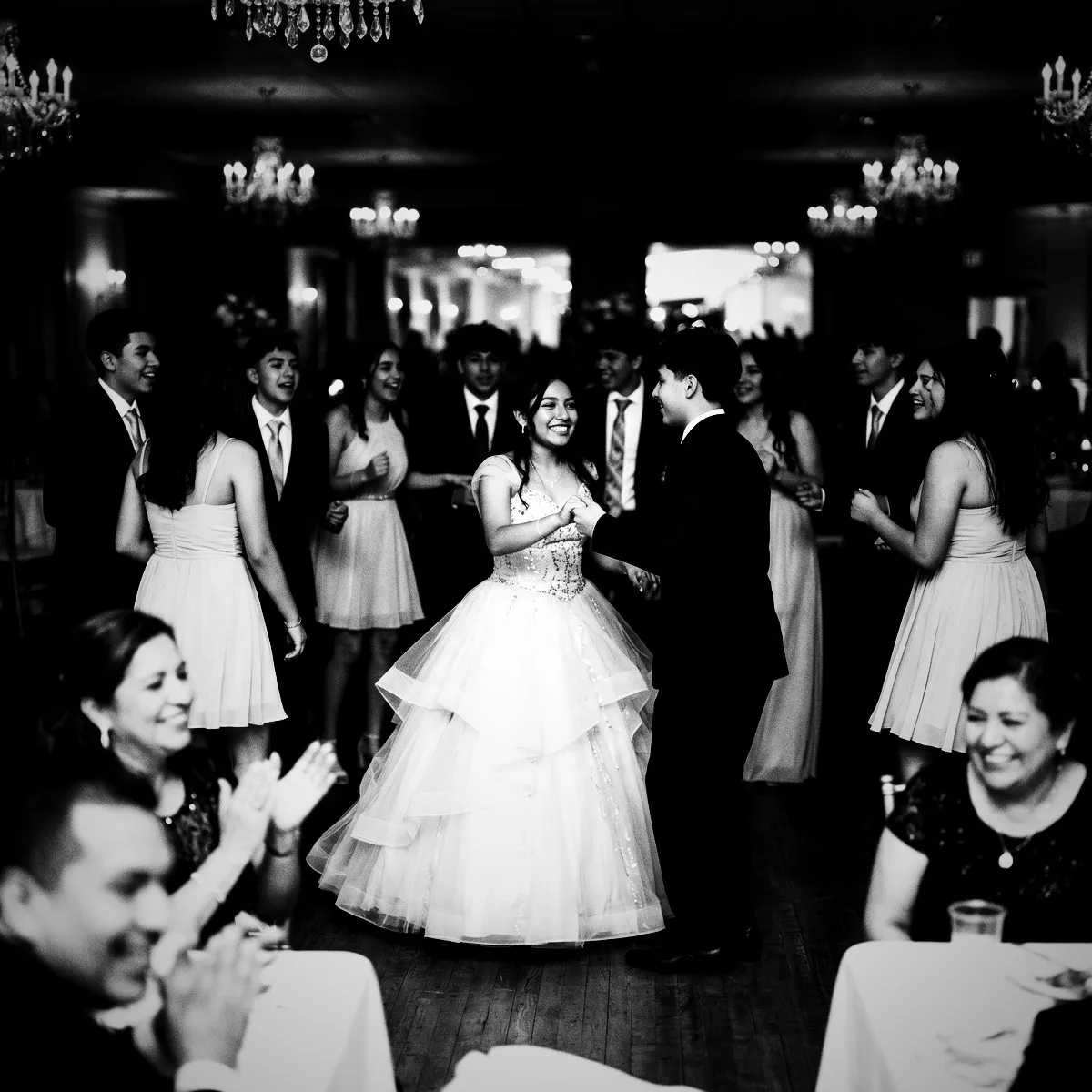
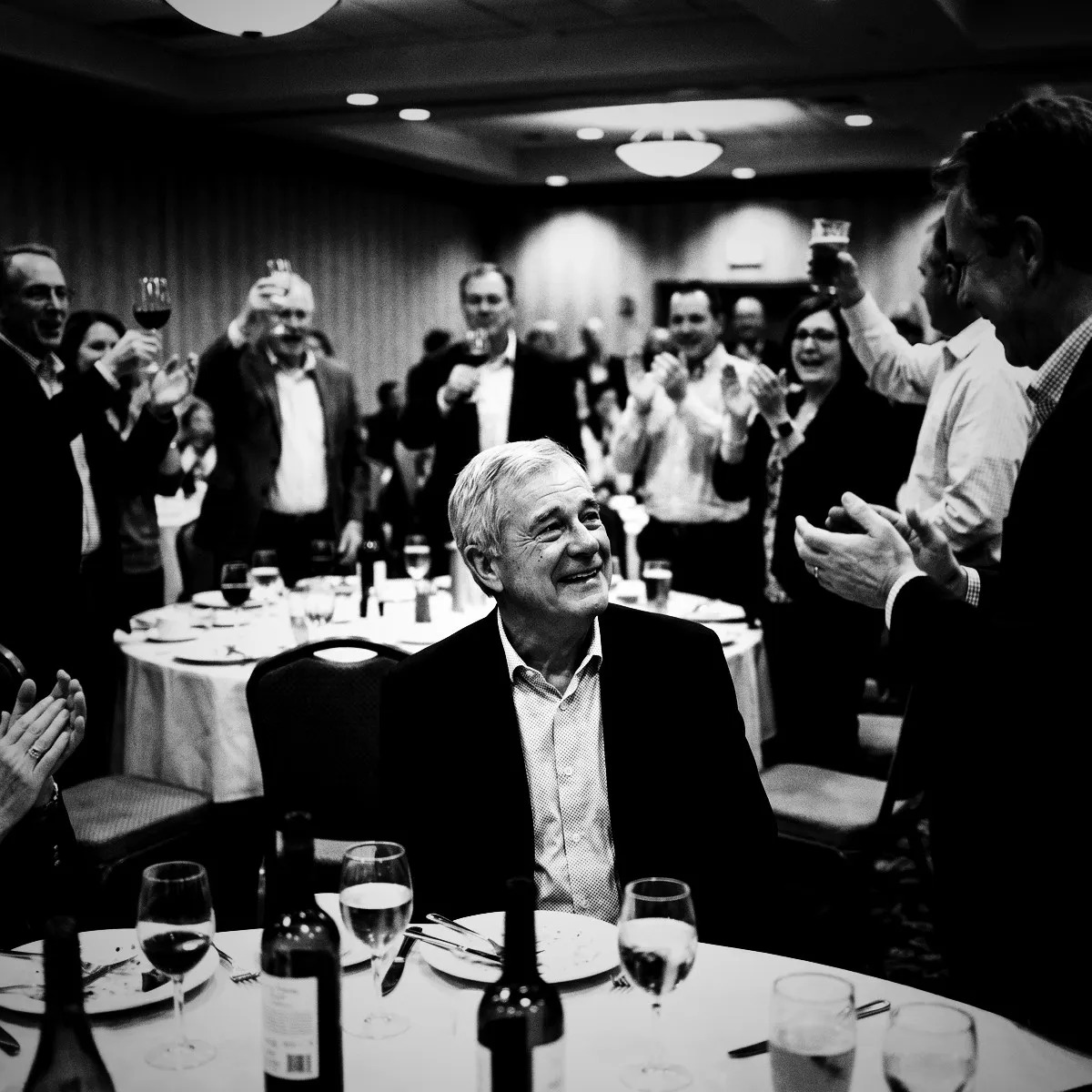
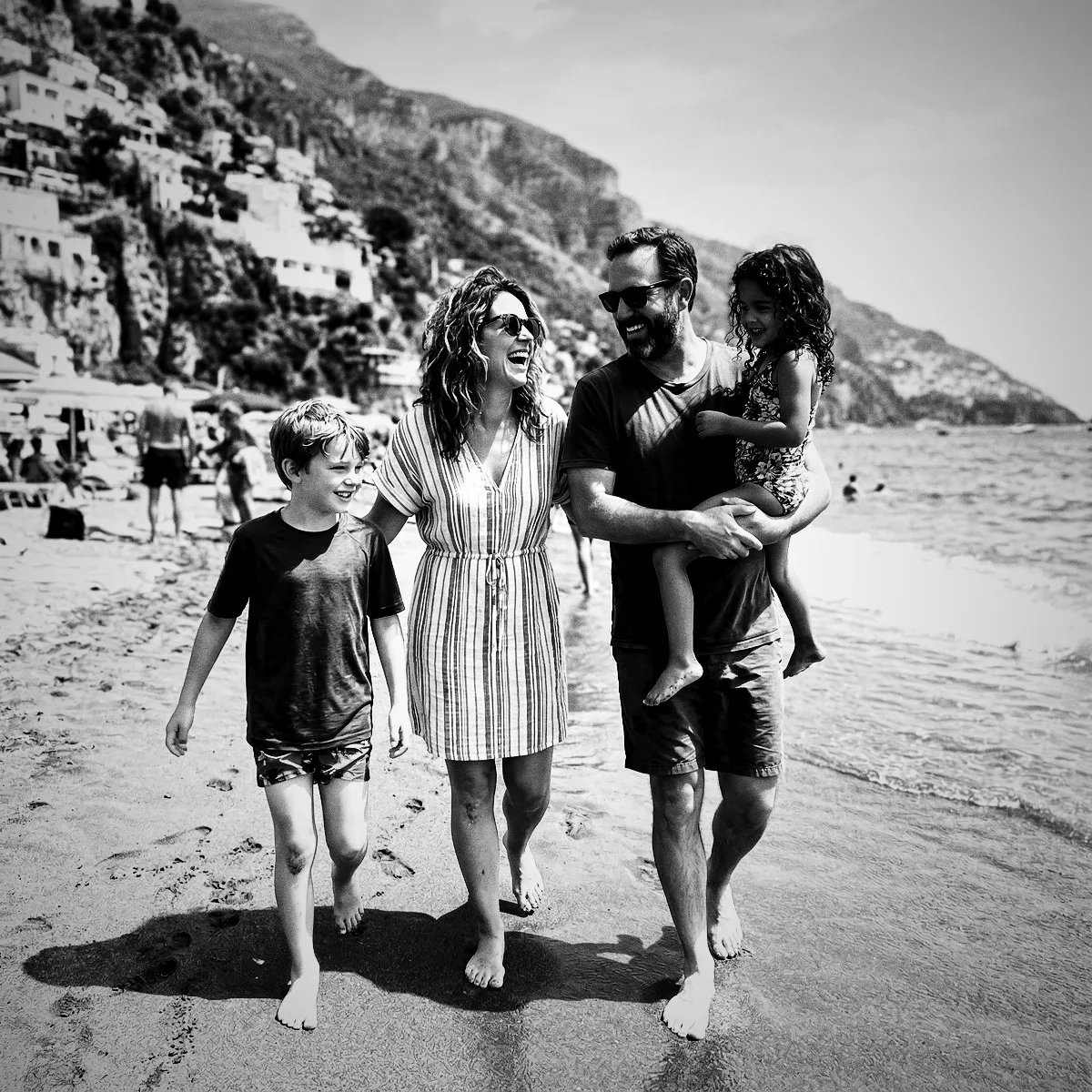
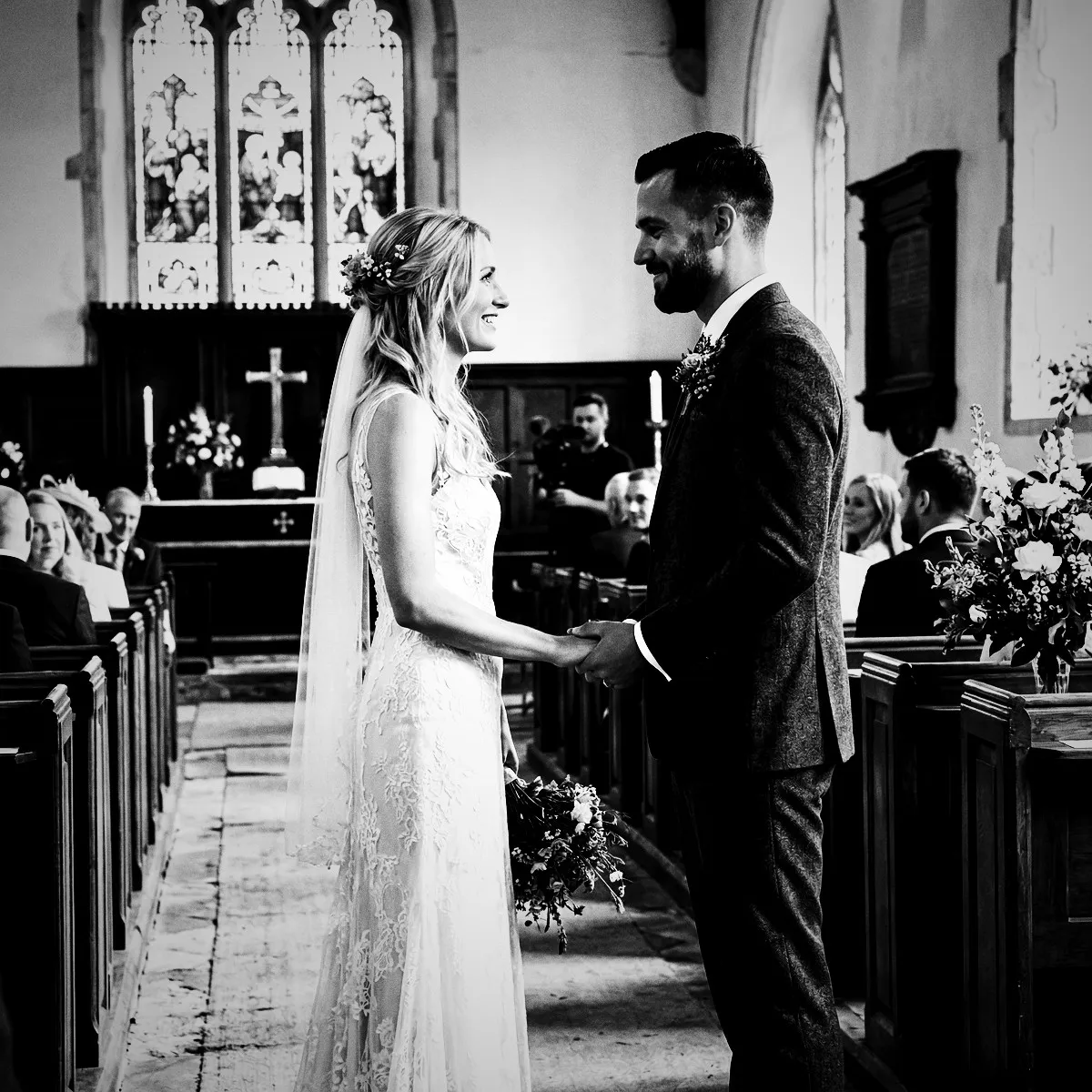
Some nights are too good for color. The Noir photo filter brings a heavy dose of classic, high-contrast cinema to your Revel event, wrapping every guest photo in rich shadows, gritty film grain, and a dramatic vignette. By stripping away distracting hues, it forces everyone to focus on the raw emotion, sharp lines, and candid energy of the moment. It is bold, artistic, and entirely unforgettable. When your gallery unlocks at the Reveal, you won't just see party photos—you will see a gorgeous, cohesive indie film starring your favorite people.

The Anatomy of Drama

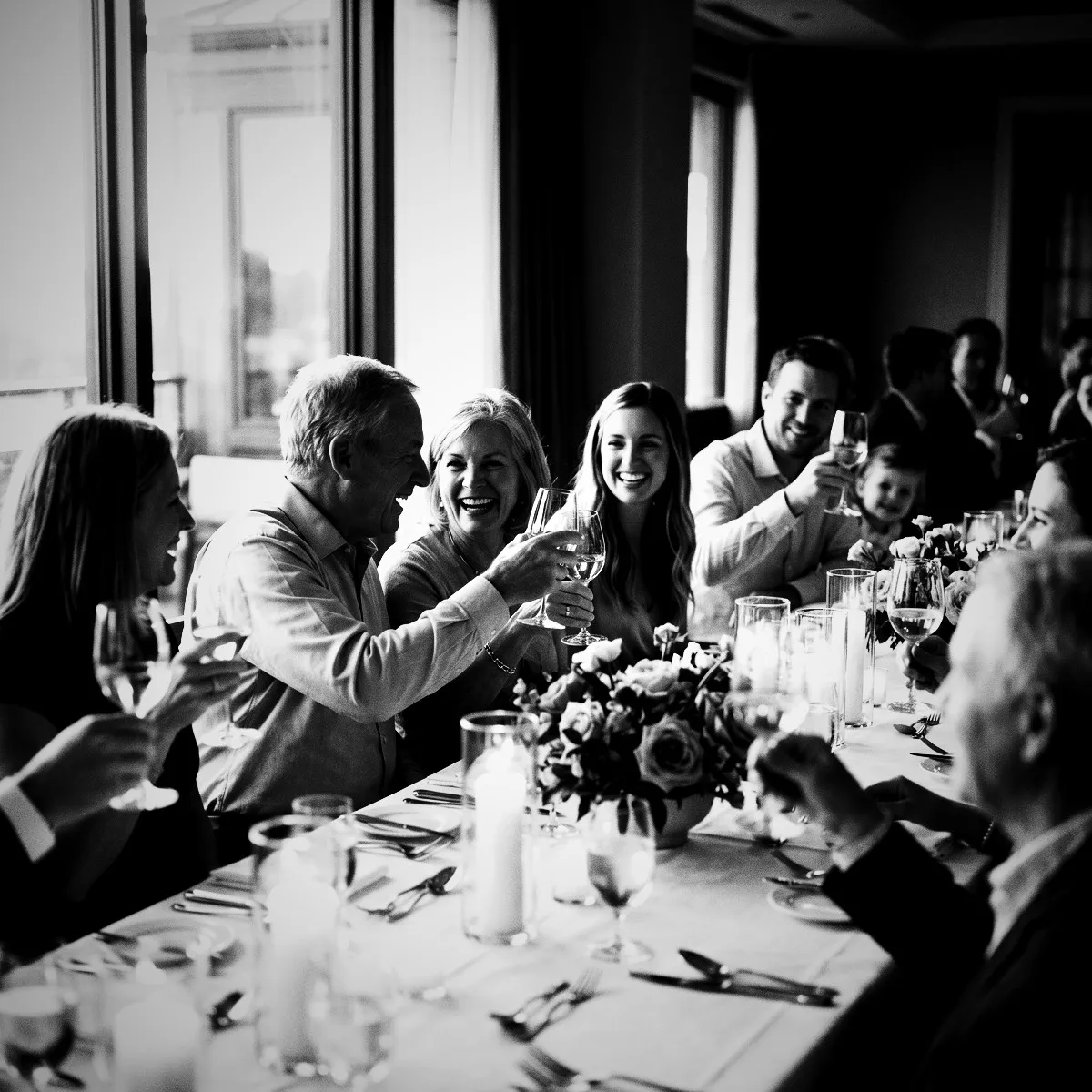
The Noir photo filter is not your average, polite black-and-white preset. It is a bold visual recipe engineered to transform everyday party snapshots into high-stakes cinema. By applying a deliberate color-recombination matrix, the filter strips away hues to expose the raw structure of your shot. A heavy vignette curls around the edges of the frame like creeping shadows on a dimly lit street, naturally guiding the eye to the heart of the action. It turns every guest into a director, framing their subjects with an artistic weight that modern smartphone cameras rarely achieve on their own.

At the core of this dramatic transformation is a dramatic boost in contrast coupled with crushed shadows. The filter actively pulls down the midtones and darkens the deepest areas of the image, turning ordinary shadows into rich, velvety voids. Meanwhile, the bright highlights are pushed forward, creating a stark, graphic interplay between light and dark. A curve adjustment fine-tunes this relationship, ensuring that skin tones maintain their luminous glow even as the background recedes into beautiful obscurity. This creates a sense of depth that makes every portrait look instantly iconic.

To complete the nostalgic illusion of physical film, a generous helping of simulated grain is woven into the image. This subtle, textured noise gives the digital photo a tactile quality, mimicking the high-ISO silver halide crystals of classic street photography. The result is a gorgeous, gritty finish that makes a modern wedding reception or birthday party feel like a legendary gathering from another era. When the Moment ends and the Reveal finally arrives, your guests will be stunned by how a simple photo could carry so much weight and history.
Strip Away the Distractions

Color is beautiful, but it can also be incredibly noisy. At any major event, the background is cluttered with distracting details: a bright orange exit sign, a neon plastic cup, or a guest in a fluorescent shirt who accidentally wandered into the frame. The Noir photo filter solves this problem by stripping away the color entirely. By removing these visual distractions, the filter instantly cleans up the composition, allowing the true subjects of your photo to take center stage without competing for attention.

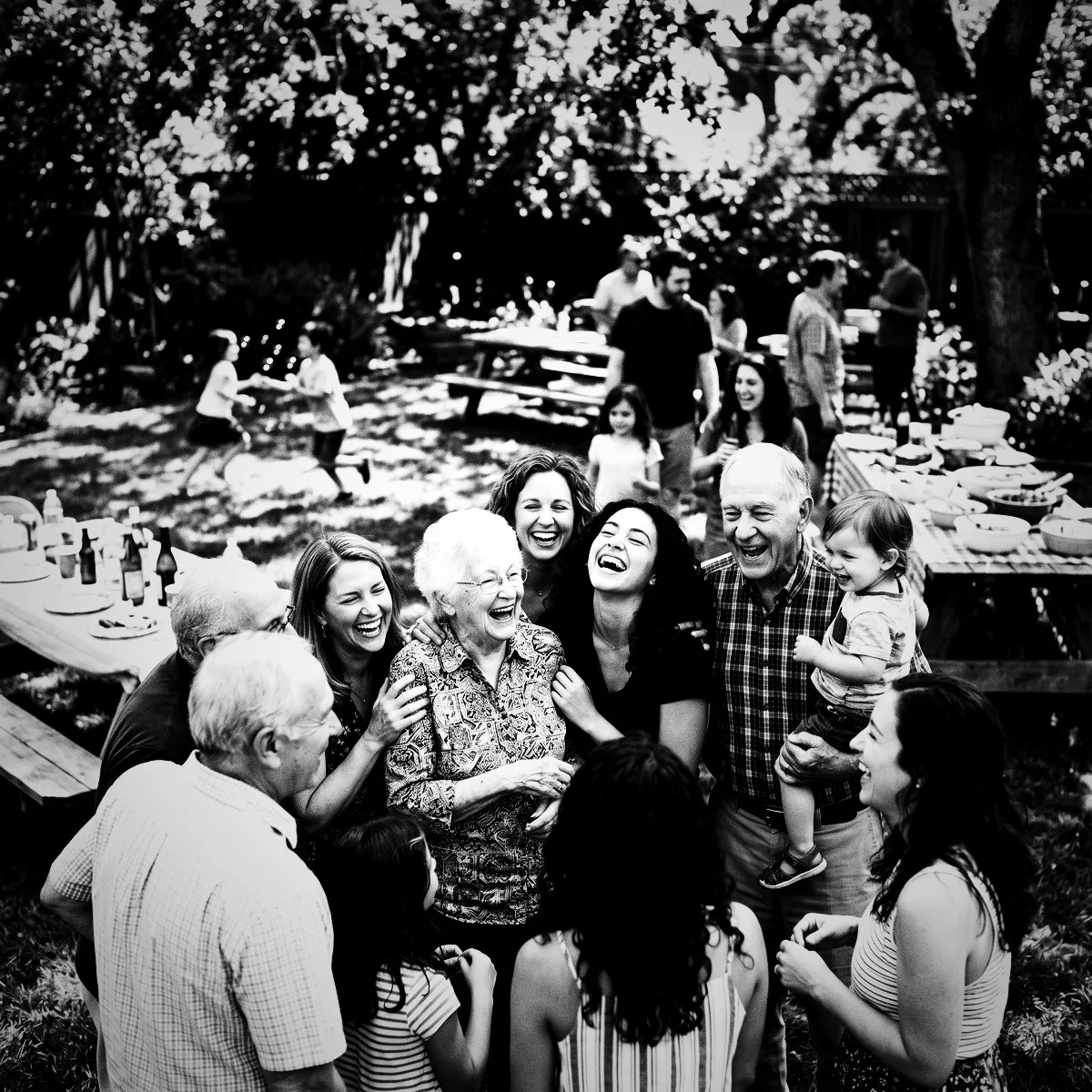
Once the color is gone, the language of your photos shifts from what people are wearing to how they are feeling. Without the distraction of different hues, the human eye naturally focuses on expressions, body language, and raw connection. You will notice the subtle crinkle around a friend's eyes when they laugh, the dramatic silhouette of a couple whispering in a corner, or the pure energy of a hand raised in celebration. Noir turns casual, passing gestures into powerful visual statements, making the emotions of your event feel vivid and immediate.

This emotional clarity is exactly why Noir is so powerful for a shared Revel gallery. When your guests use their App Clip to join your Moment, they are invited to capture the raw, unpolished truth of the night. During the Reveal, when all the photos unlock at once, you won't just see a record of your event's decor; you will feel the collective pulse of the celebration. It turns a simple photo album into a deeply moving document of human connection that feels timeless from the very first glance.

Chasing the Night Lights

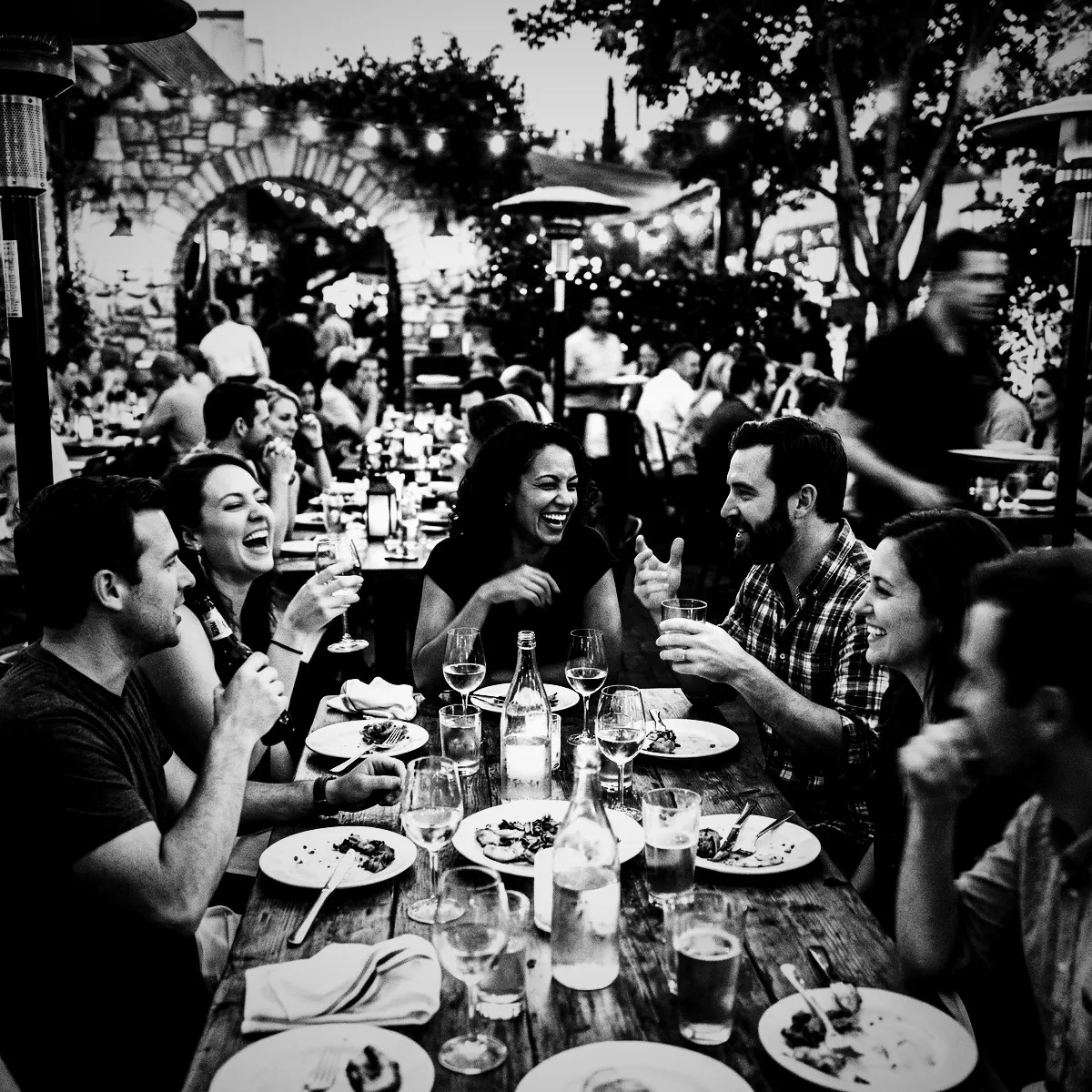
The Noir photo filter does not just tolerate challenging lighting; it actively thrives in it. While standard camera apps struggle with the dim, uneven lighting of a party, this filter turns those dark corners into your greatest asset. Cozy, candlelit dinner tables, dimly lit cocktail lounges, and intimate backyard gatherings are transformed into atmospheric backdrops. The low-light environment allows the deep, crushed shadows of the filter to blend seamlessly with the room, leaving only the warm glow of candlelight to illuminate your guests' faces.

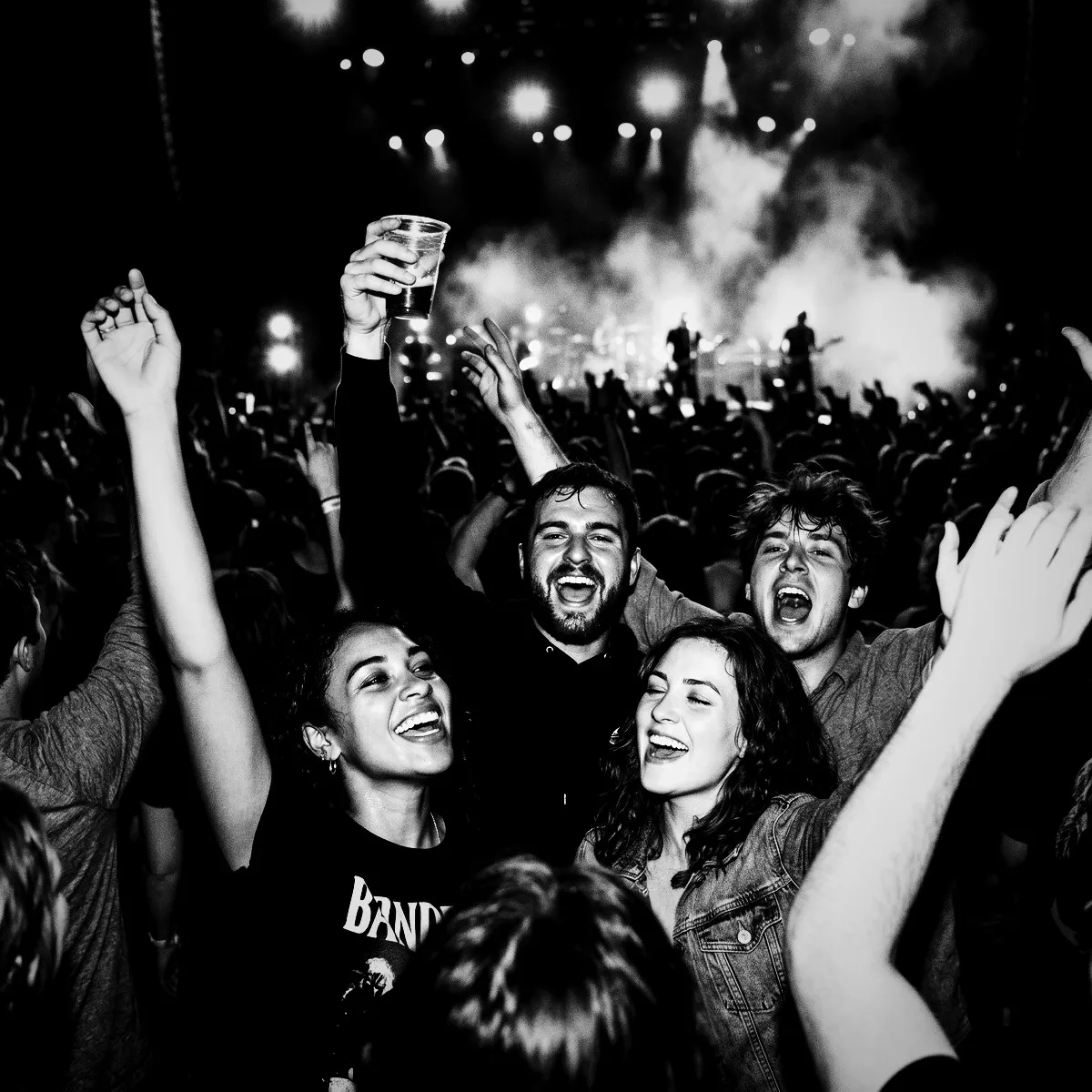
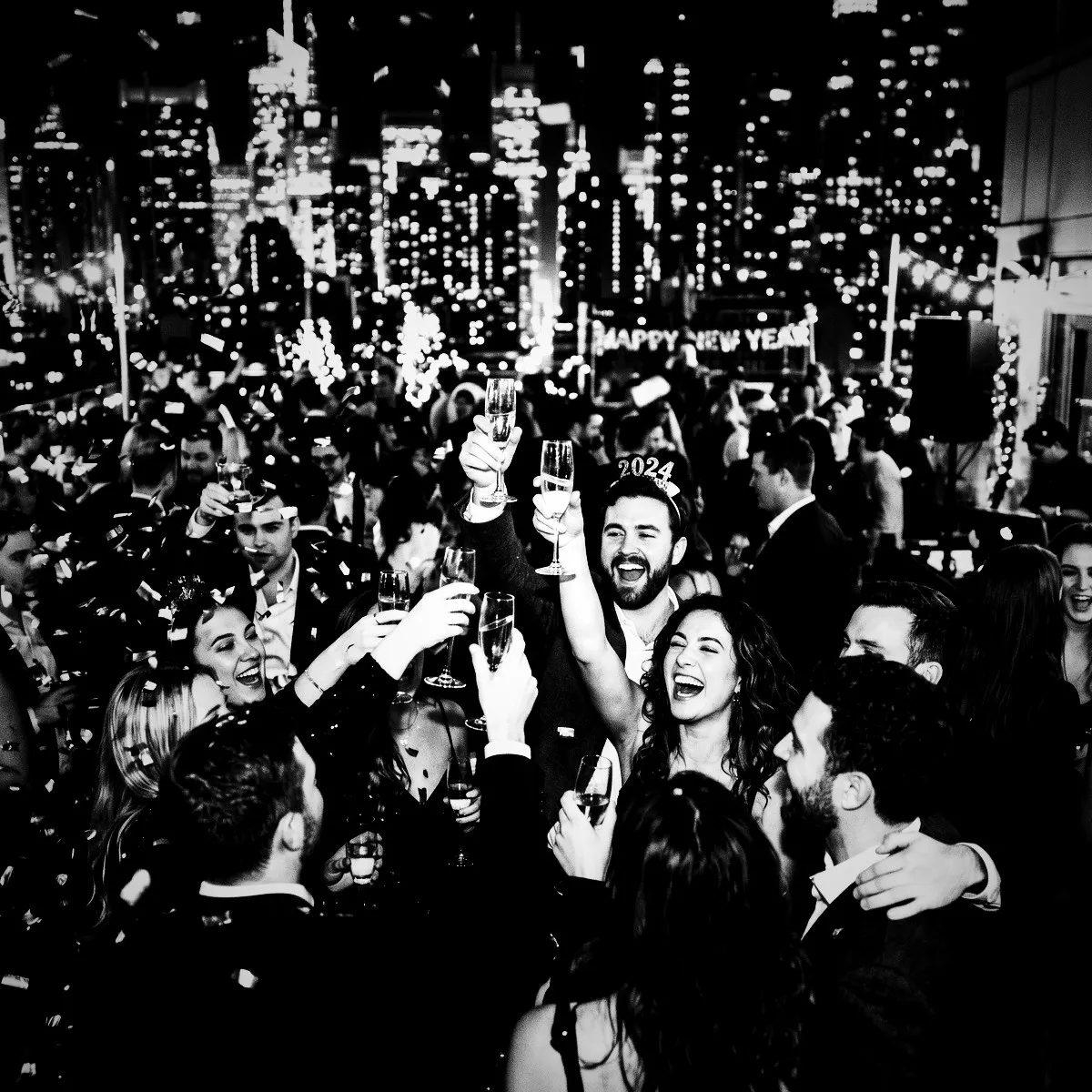
On the dance floor, Noir brings a whole new level of energy to the party. When the DJ's strobe lights flash or the lasers sweep across the room, the high-contrast filter captures these fleeting bursts of light with breathtaking precision. Instead of a blurry, chaotic mess of colors, you get sharp, graphic captures of movement. The heavy vignette frames the motion, turning the crowded dance floor into an artistic sea of light and shadow where every dancer looks like a rockstar caught in a spotlight.

We encourage you to tell your guests to chase the night lights during your Moment. Encourage them to position themselves near single light sources—whether that is the neon glow of a bar sign, the warm halo of an overhead lamp, or the soft light spilling from an open doorway. By shooting against these distinct light sources, they will create stunning, cinematic silhouettes and dramatic rim lighting. With Noir, the night becomes a canvas of high-contrast opportunities, transforming the late-night hours into the most photogenic part of your entire event.

The Film-School Vibe

Smartphone cameras are almost too perfect these days. They smooth over every edge, balance every light source, and erase the happy accidents that make real photography so charming. The Noir photo filter rejects this sterile perfection by injecting rich, analog character back into the frame. With a generous dose of simulated film grain, it mimics the textured look of classic 35mm stocks that defined vintage cinema. Every shot taken during your Moment becomes a tactile, grit-filled memory that feels tangible, even on a glass screen.

This is not a flat, lazy grey filter slapped onto a digital image. The algorithm weaves a fine, organic texture across the highlights and deep shadows, giving your photos the physical weight of a darkroom print. It evokes the nostalgic, hands-on thrill of winding a disposable camera, where you knew every shot captured would have its own unique physical identity. When your guests use the App Clip to snap a photo, they are not just capturing a file; they are pressing a physical stamp onto a digital canvas.

This analog texture turns even the simplest candid shots into intentional art. A blurry hand wave on the dance floor or a quick laugh over a cocktail suddenly looks like an expensive film still. By setting Noir as the sole filter for your event, you invite your guests to step into the role of a director, transforming your venue into a living, breathing set where every frame is rich with history and texture.

Tips for Your Cast and Crew

To help your guests make the most of this cinematic look, give them a few tips on how to play with the dramatic light. The Noir photo filter excels at contrast, which means your guests should actively seek out the light and embrace the dark. Encourage them to position their subjects directly in front of strong light sources, like a glowing neon sign, a bright window, or a stage spotlight. Because the filter crushes the shadows so beautifully, this setup will yield gorgeous, striking silhouettes where the shape of a profile tells a whole story.

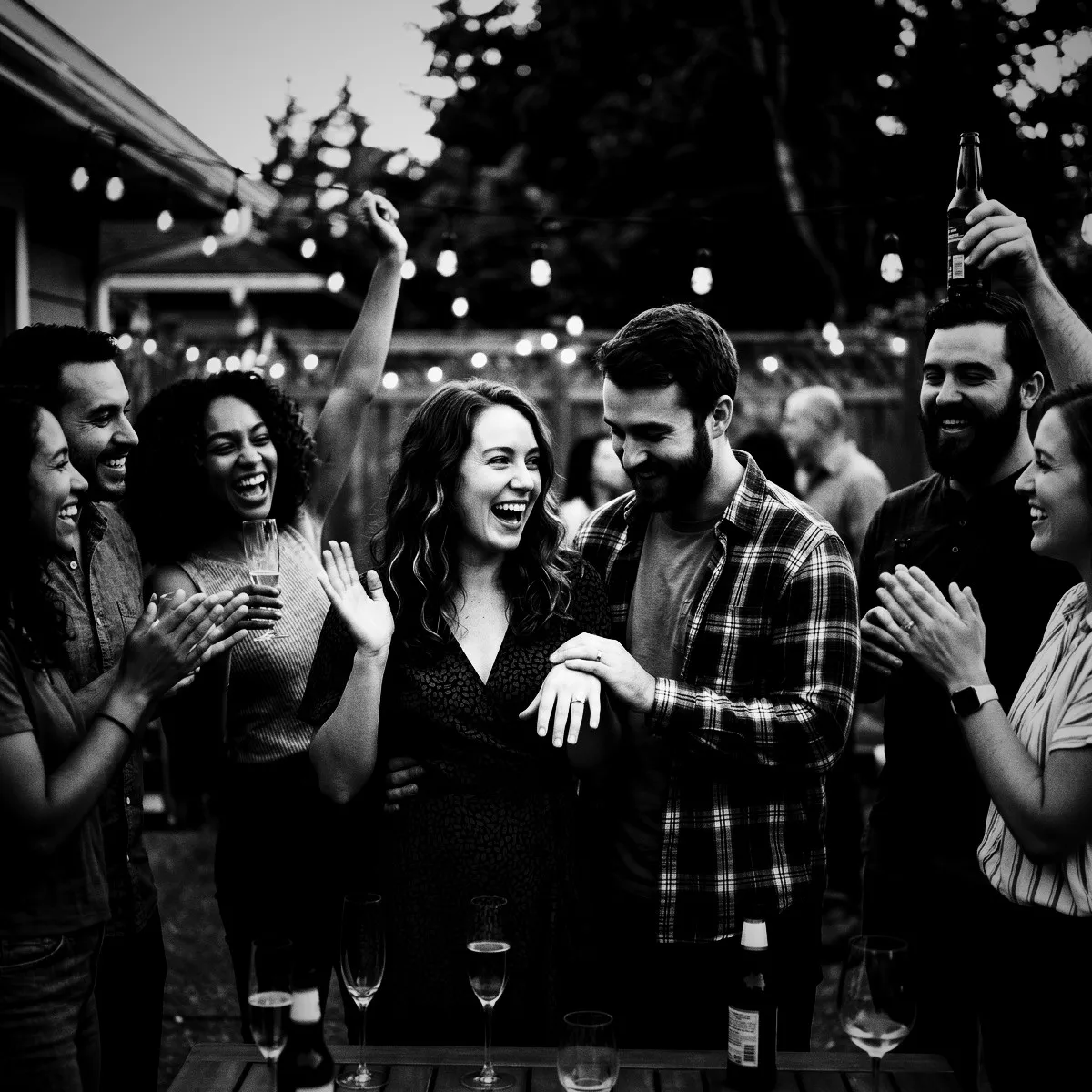
Another key feature of this look is the heavy vignette, which gently darkens the edges of every image. Tell your guests to lean into this framing effect by keeping their primary subjects dead-center. The dark borders act like a natural spotlight, drawing all focus inward. It is the perfect tool for intimate portraits, capturing quiet conversations in the middle of a chaotic venue, or highlighting a single detail like a wedding ring or a beautifully decorated cake.

Finally, encourage them to look for rich textures and deep shadows. Instead of worrying about flat, even lighting, guests should look for how light grazes a sequined dress, a textured brick wall, or the steam rising from a hot dish. Shadows are no longer things to avoid; they are the active canvas. Best of all, because there is no app to download or account to create, your crew can start experimenting with these composition tips the second they arrive.

The Unveiling of a Classic

The true magic of using Revel culminates when your event ends and the countdown ticks to zero. That is the moment of the Reveal, when the collective gallery unlocks for everyone at once. Instead of a messy, disjointed feed of mismatched colors, harsh phone flashes, and distracting backgrounds, your guests are greeted by a unified masterpiece. Every single candid moment is displayed in the exact same timeless, dramatic black-and-white, instantly turning your event's casual snapshots into a cohesive gallery.

This unified look strips away the visual noise of the modern world. Mismatched outfits, bright exit signs, and chaotic background colors disappear, leaving only the pure, raw emotion of the day. A messy dance floor suddenly looks like an exclusive after-party, and a quiet moment by the buffet feels like an intimate cinematic scene. By tying the whole gallery together with the Noir photo filter, you elevate a standard album of phone photos into a carefully curated exhibition.

Your guests will spend hours scrolling through the shared roll, marveling at how gorgeous everyone looks under this classic treatment. There is a beautiful, democratic harmony to it: every guest's perspective, no matter their photography skill, is preserved in a high-fashion style that never goes out of trend. You are not just archiving a party; you are unveiling a classic collection of memories that will look as sophisticated decades from now as it does today.

See it in action

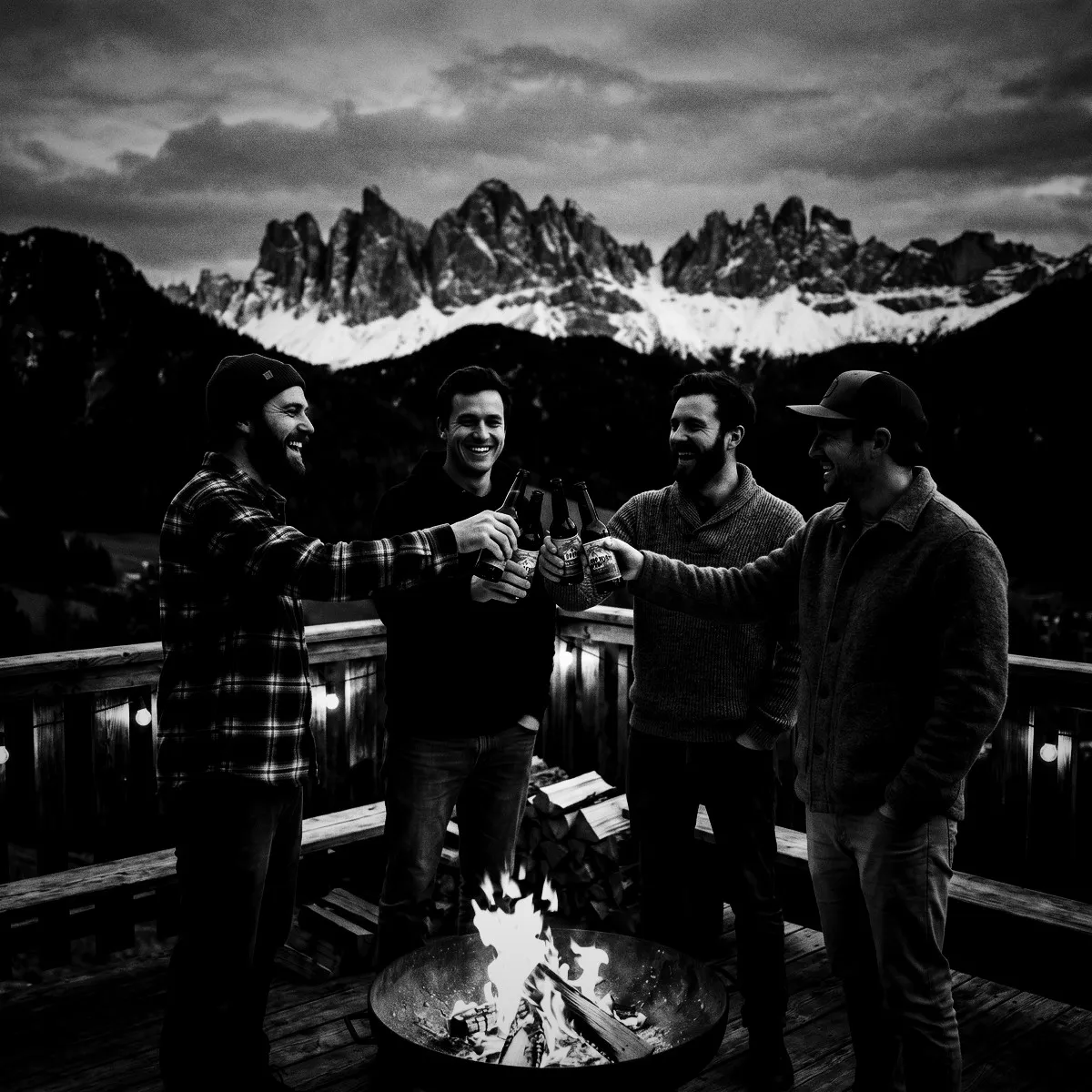
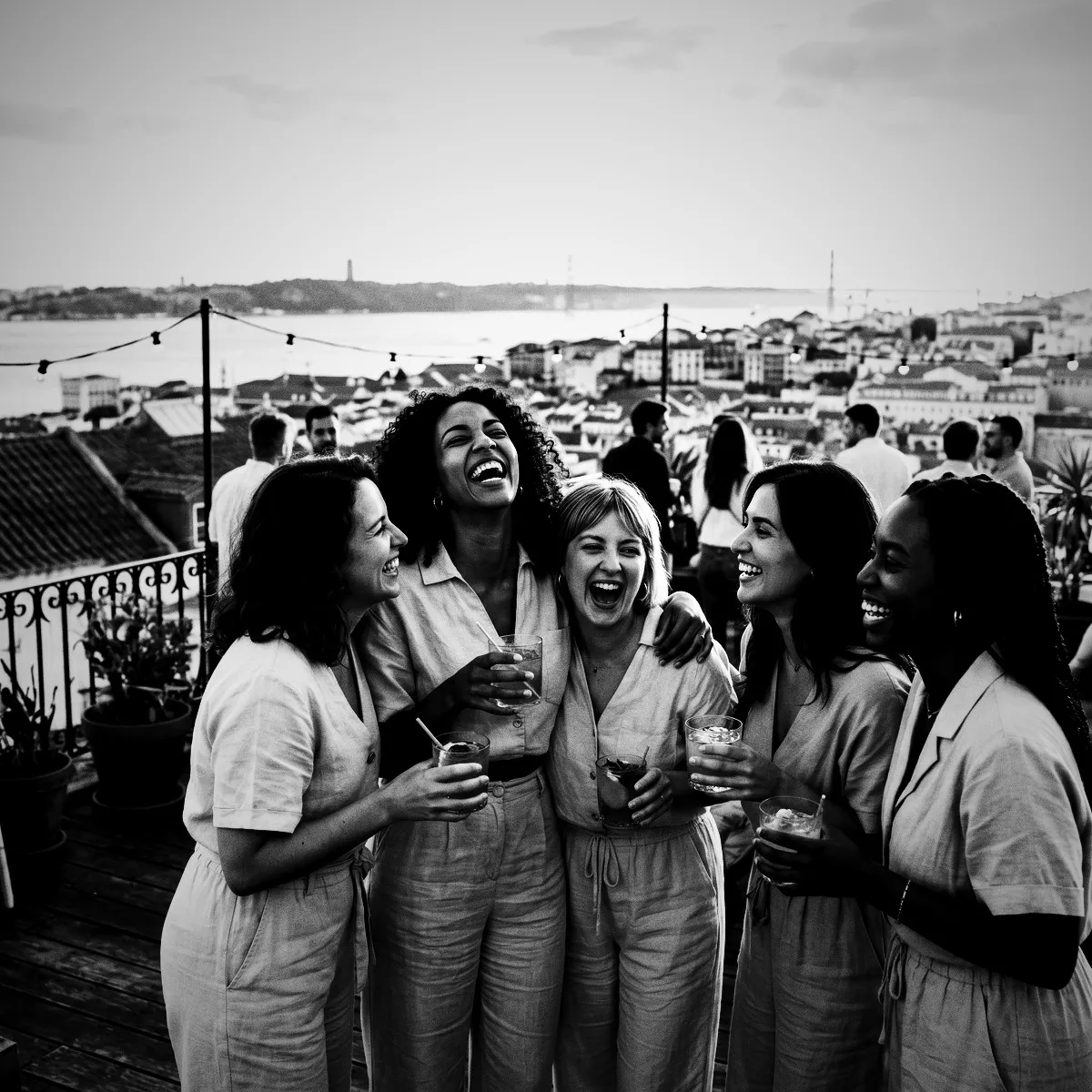
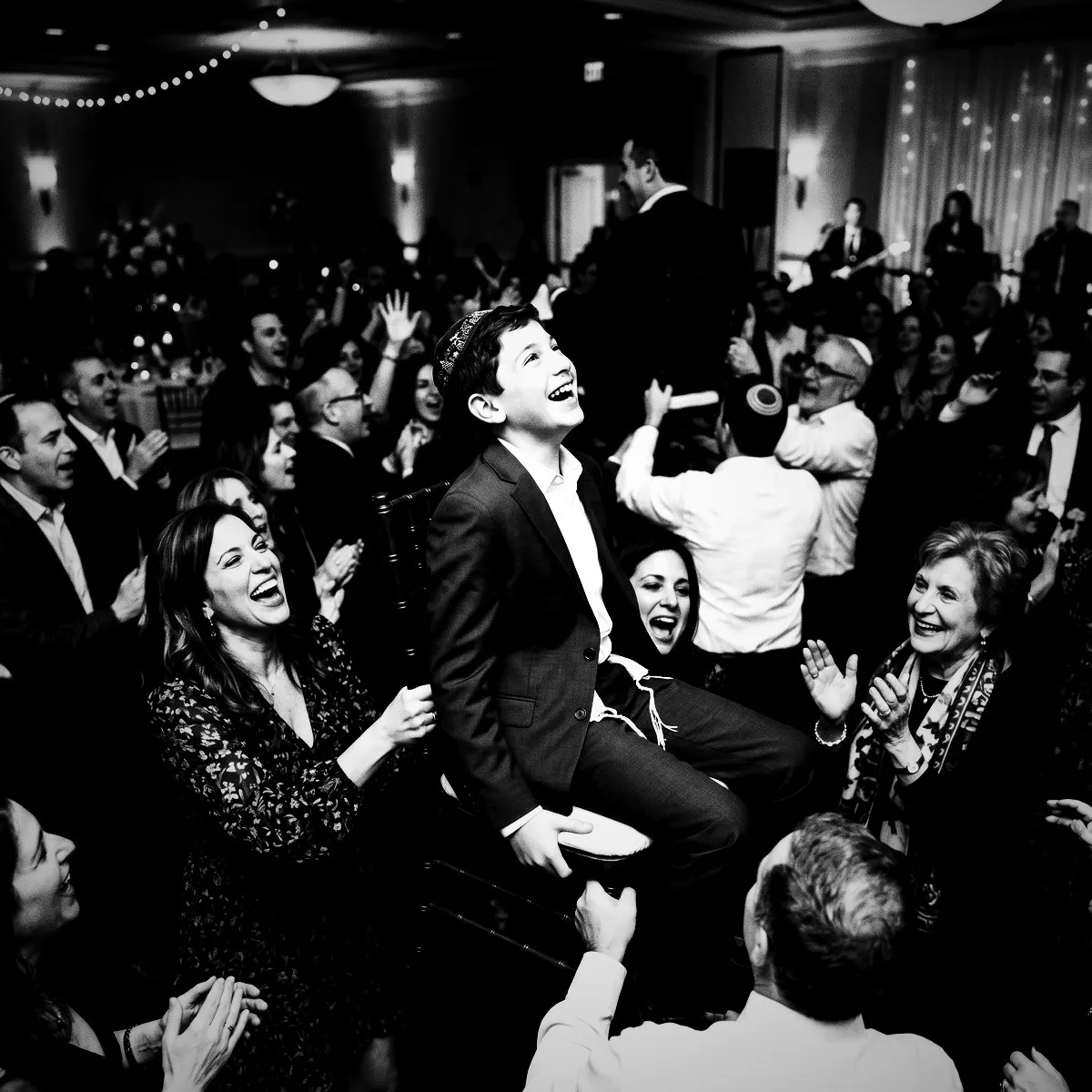
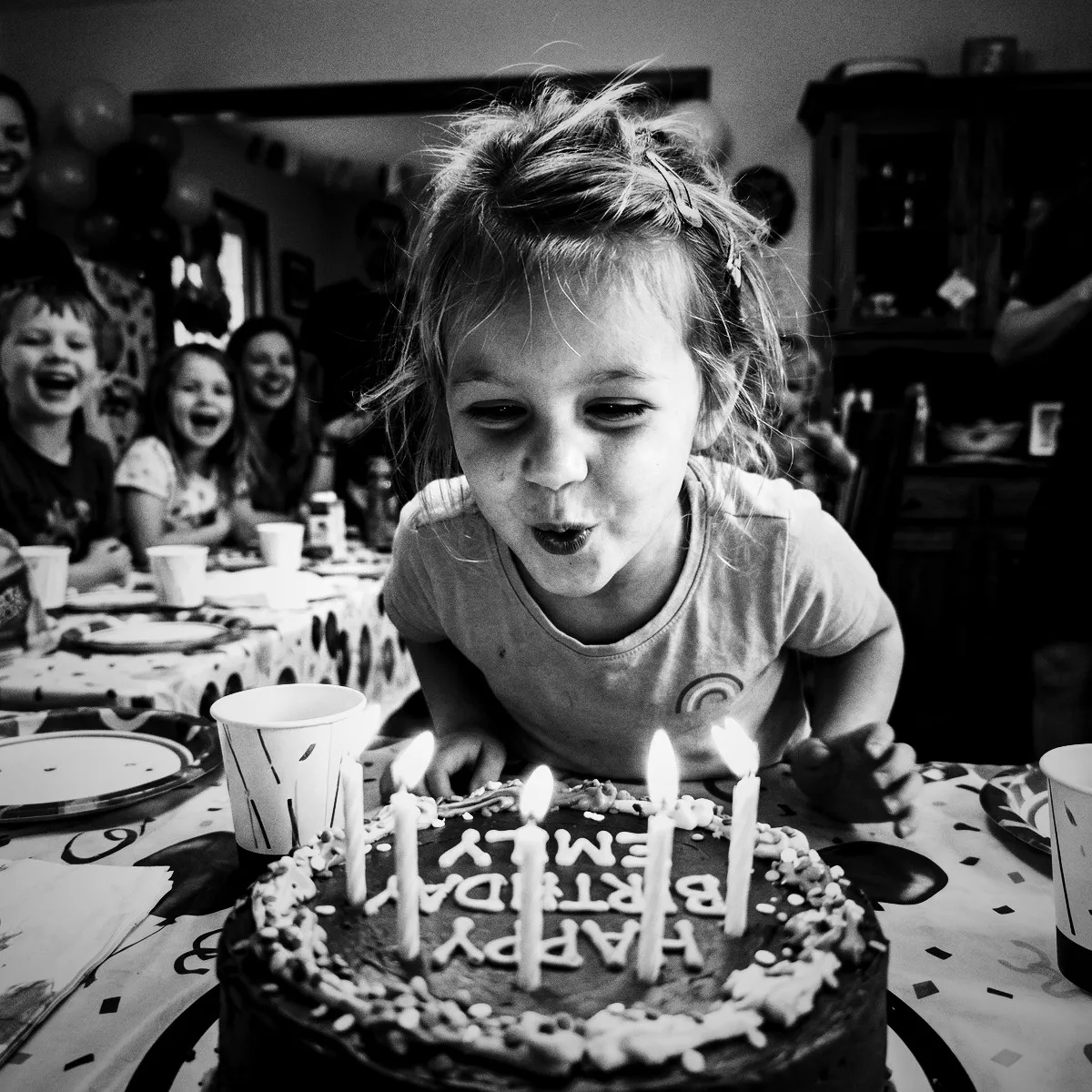
Noir on real event photos

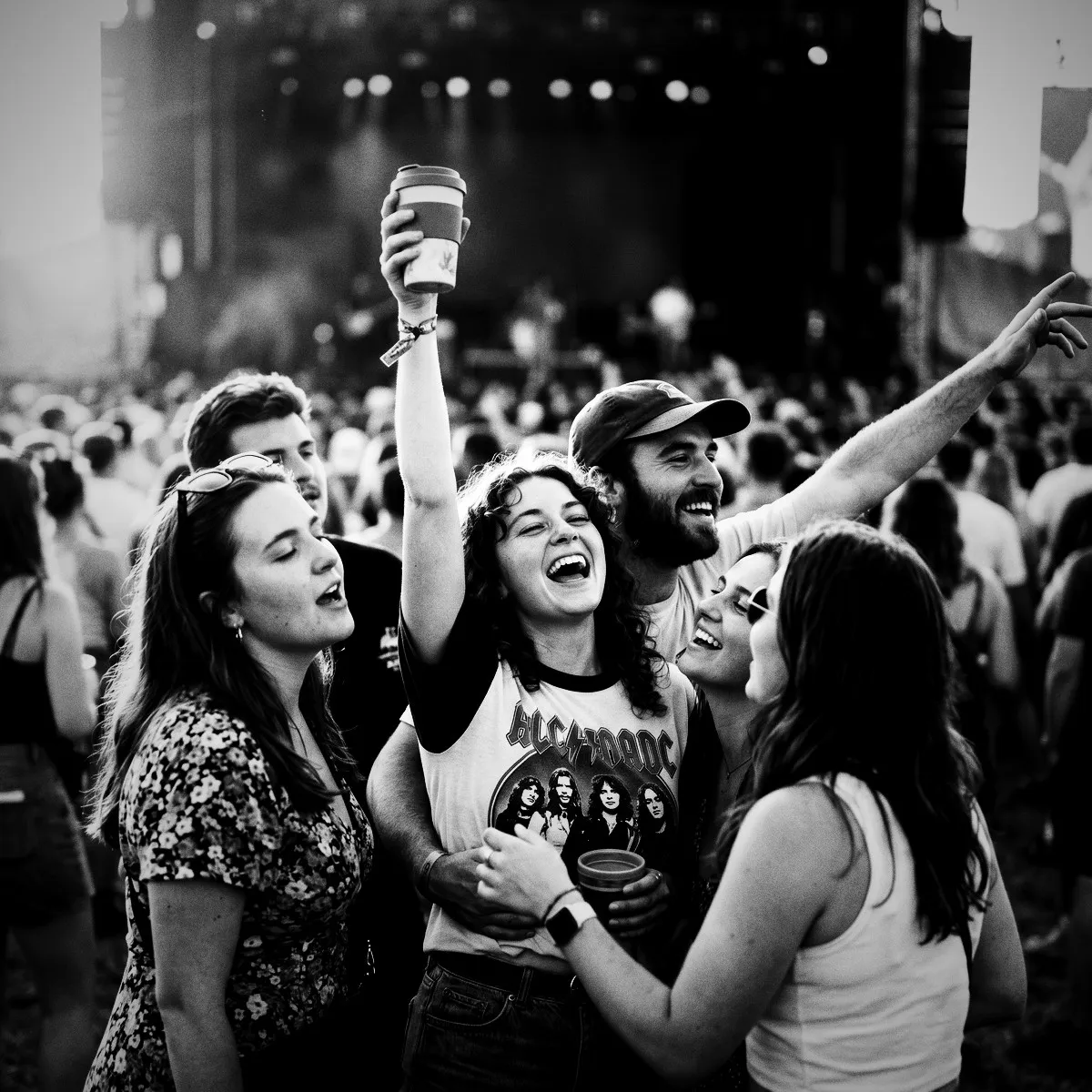
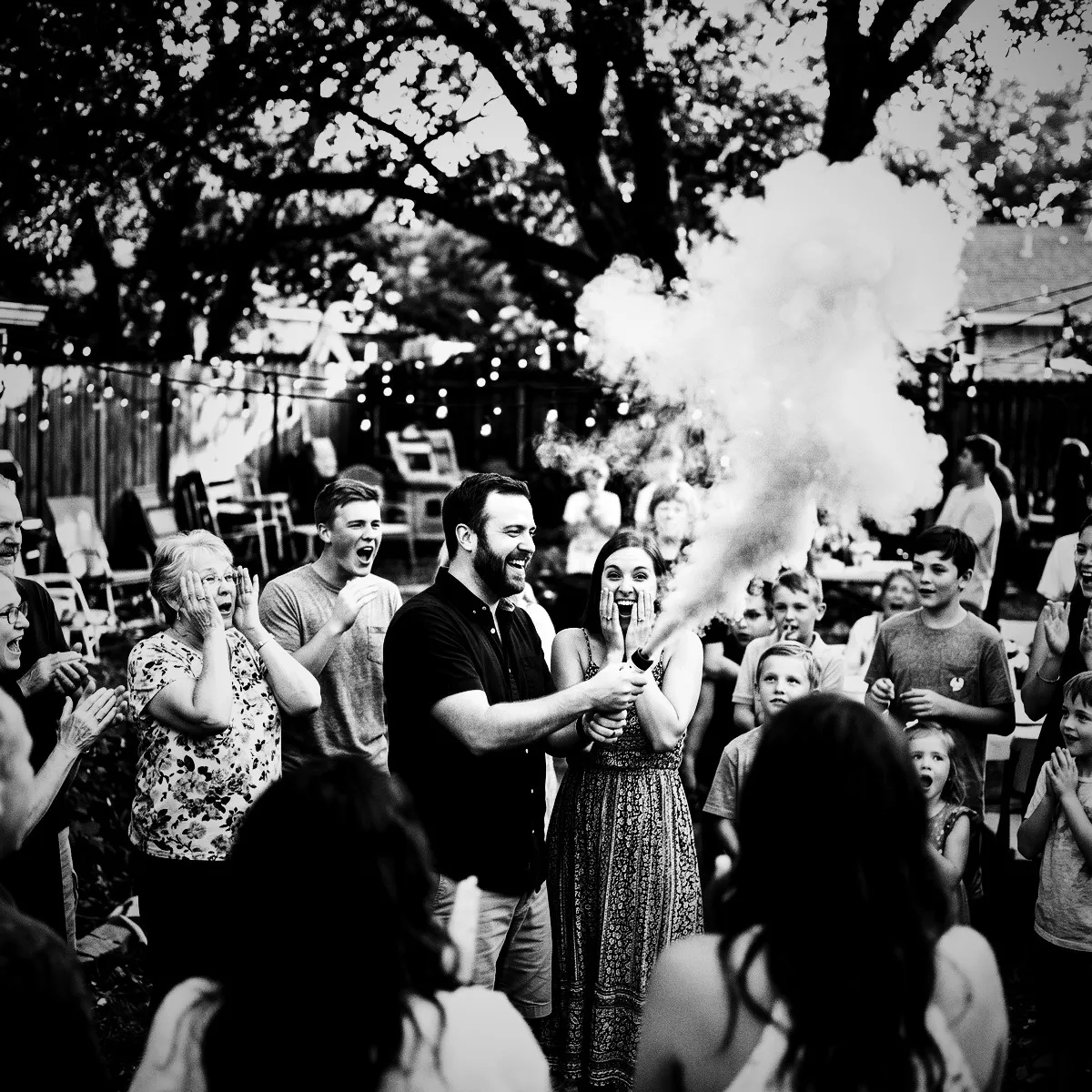
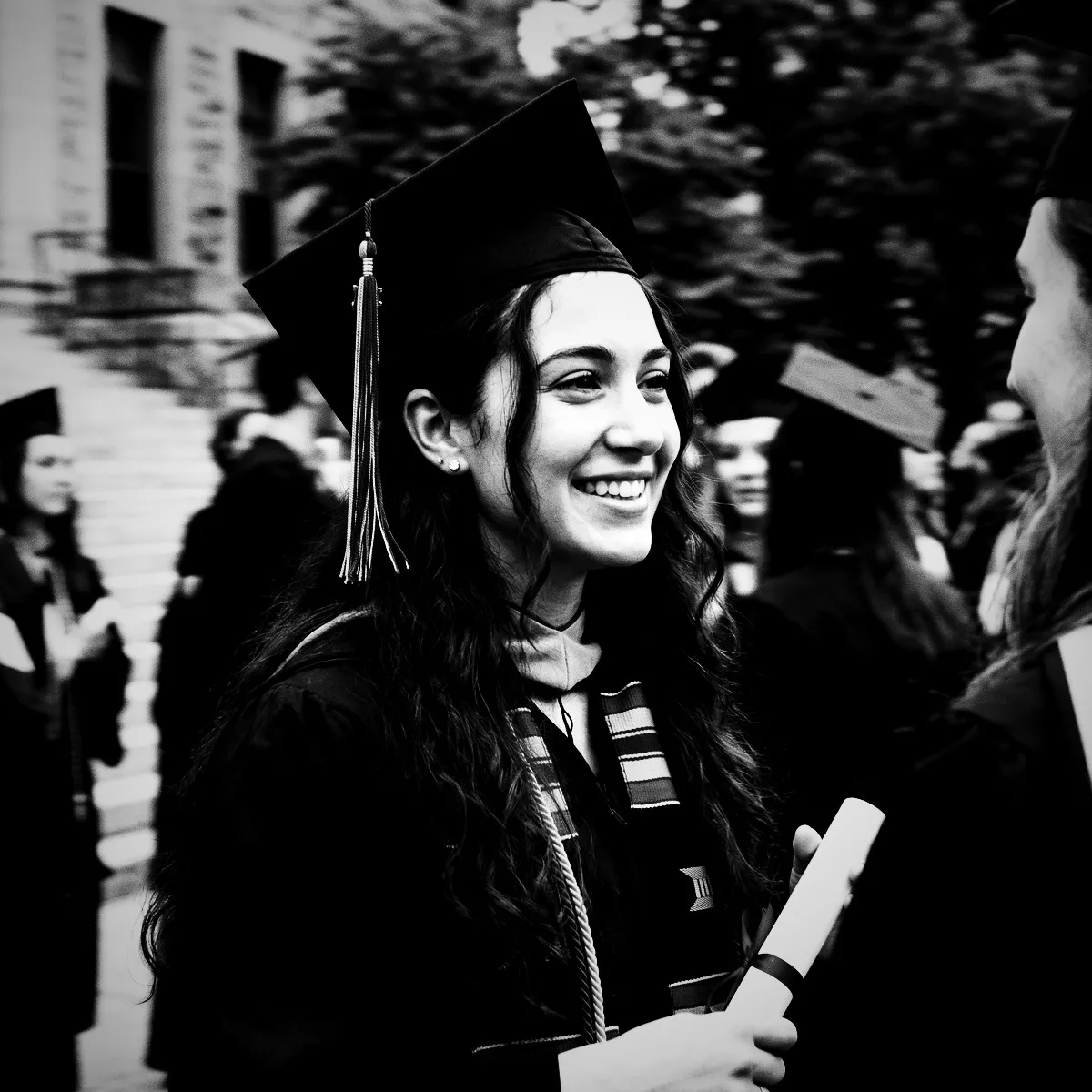
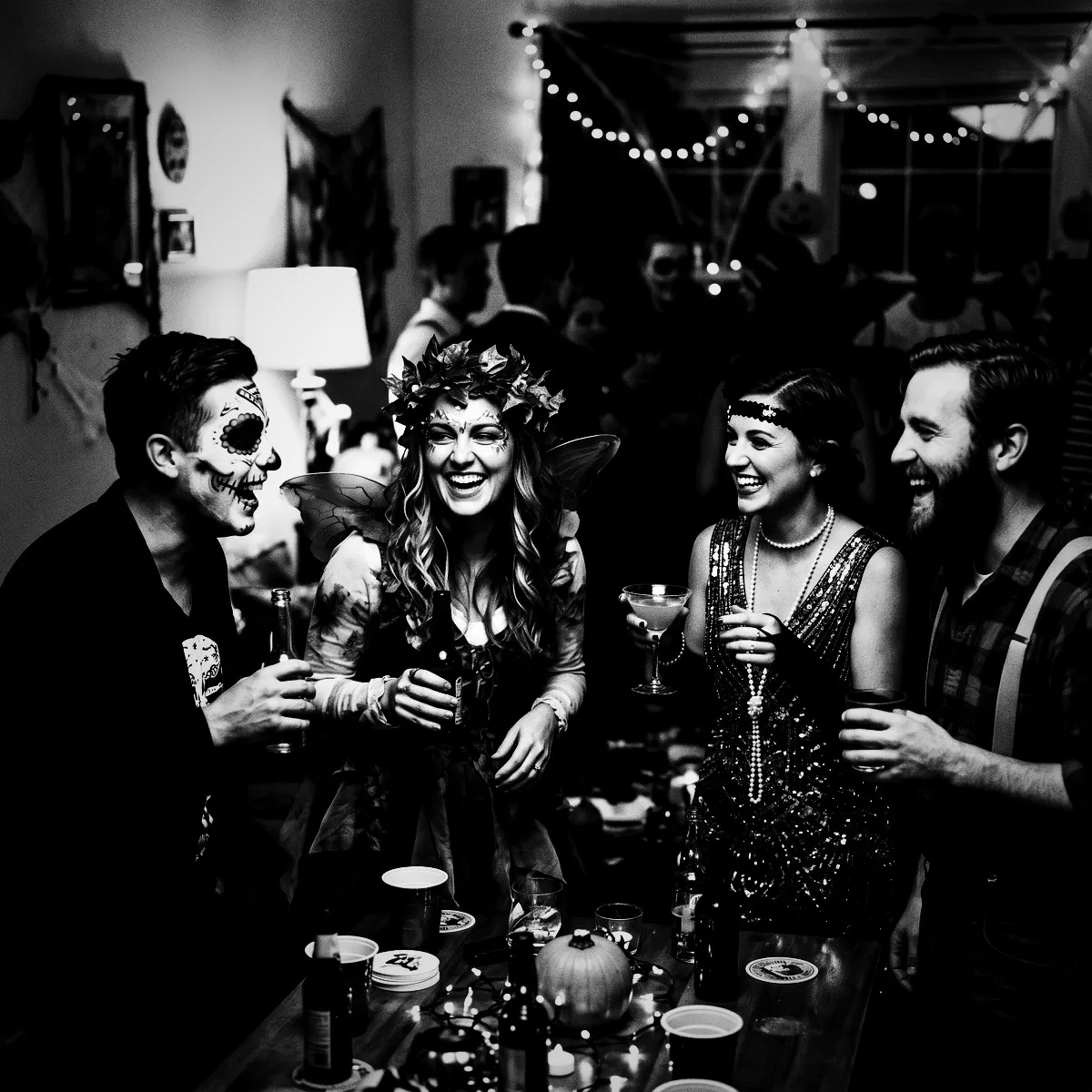
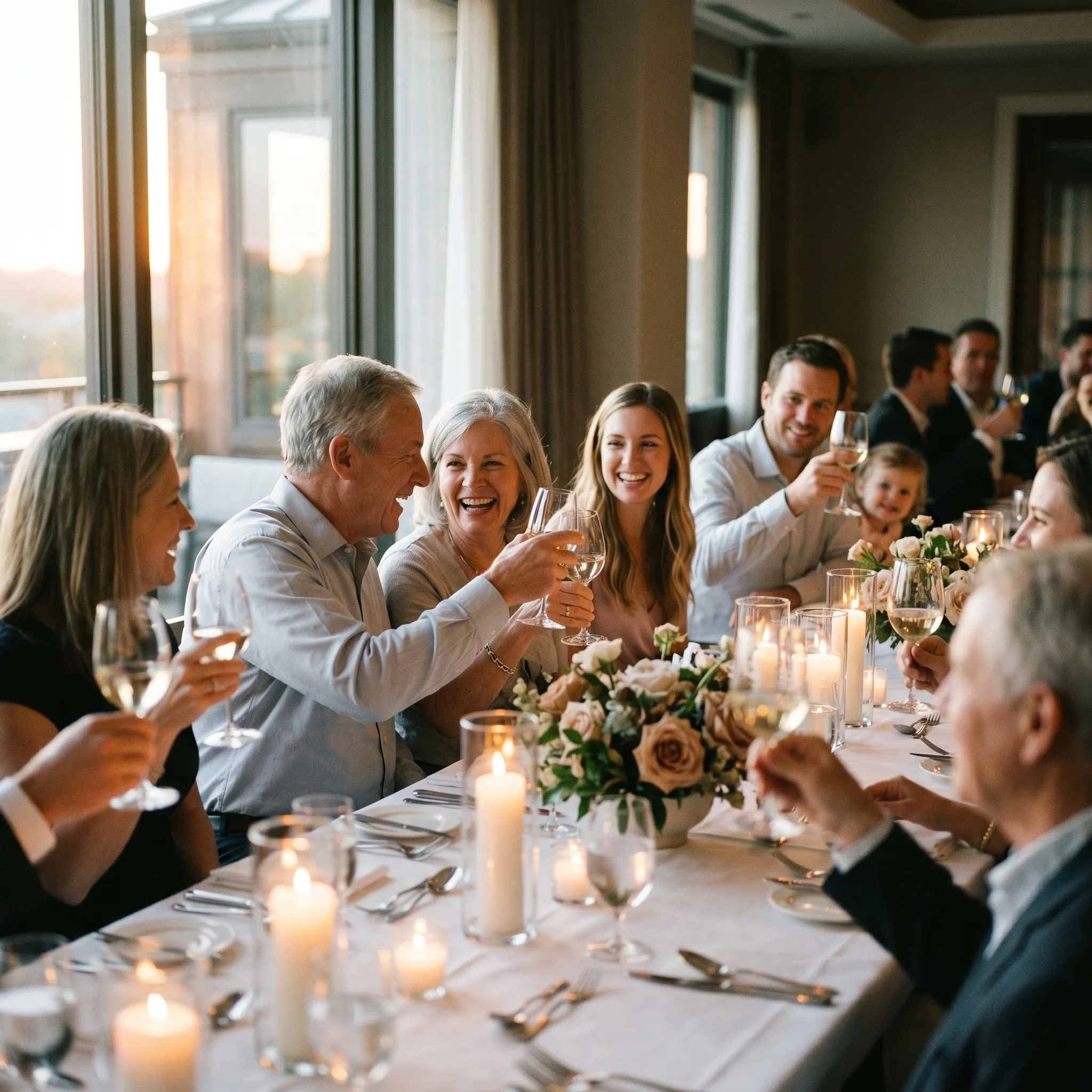
Photo with the Noir filter applied Original photo before the Noir filter
Before
After
More examples
Noir photo filter example
Why Revel

Where to use Noir?

A few events and moods where this look really shines.

Cocktail Galas

Elevate formal attire and clinking glasses with high-contrast, moody sophistication.

Late-Night Afterparties

Turn flashing club lights and shadowed dance floors into a gritty, energetic film scene.

Intimate Weddings

Focus on the raw, candid emotions of your ceremony without the distraction of background colors.

Live Performances

Capture musicians and crowds with the iconic, smoky feel of a classic jazz club record cover.

Try it now

See it for yourself
in 5 seconds

Point your phone at this QR code and experience Revel as a guest. No app, no sign-up — just scan and shoot.

Scan with your phone camera
Noir FAQ

Common questions about the Noir filter.

Will Noir make dark indoor venues look too muddy or hard to see?

Not at all. While Noir crushes shadows for dramatic contrast, it boosts highlights to ensure faces and bright spots pop. It actually turns challenging, uneven indoor lighting into an intentional, highly stylized artistic choice.

Can guests toggle back to color if they want to see the original photo?

To keep the event's aesthetic beautifully unified, the Noir photo filter is applied permanently to the entire Moment. Part of the magic of Revel is the commitment to a single, cohesive style that everyone shares and experiences together at the Reveal.

Does the grain and vignette look good on modern smartphone cameras?

Yes, beautifully so. The added analog grain softens the overly sharp, clinical look of modern phone sensors, while the heavy vignette naturally frames your guests, giving every shot an authentic, vintage-print quality.

How do photo filters work in Revel?

You pick a style you like for your event, and Revel applies it automatically to every photo as your guests take them. Each shot is processed through the same pro-grade image pipeline, so the whole gallery shares one coherent look — no editing required from you or your guests.

When should I use a filter?

Use a filter whenever you want a consistent, intentional look across every photo from your event. Because dozens of guests shoot on different phones in different lighting, the raw gallery can feel scattered. A single filter ties it all together — perfect for weddings, parties, and branded company events where the mood matters.

When should I NOT use a filter?

Skip filters if you prefer the natural, unedited look of each photo, or if your event mixes very different settings where one style might not flatter them all. The originals are always preserved, so if you are unsure you can leave filtering off and decide later — nothing is lost either way.

Can I change the filter during the event?

Yes. You can switch the filter at any time, but it only applies to photos taken after the change. Photos captured earlier keep the filter that was active when they were taken, so your gallery may show more than one look if you switch mid-event.

Can I remove the filter later?

Yes. A filter can be removed at any time, and it clears from every photo in the Moment instantly. Your original, unfiltered photos are never altered, so removing a filter simply reveals them as they were shot.

Can I download both the filtered and original photos?

Yes. You can download the full gallery at any time, either with the filter applied or as the untouched originals. You always keep both versions, so you are free to choose per occasion.

Which filters does Revel support?

Revel offers over 50 filters across a wide range of styles — from classic black & white and warm vintage film to bold color effects and dreamy pastels. Every filter runs through a pro-grade image pipeline, so your photos stay crisp and high quality whichever look you choose.

Do my guests need to do anything to get the filtered look?

No. Guests just join your Moment by scanning a QR code or tapping an NFC tag — no app download or sign-up — and shoot as normal. The filter is applied automatically behind the scenes, so everyone contributes to the same styled gallery without lifting a finger.

Ready to create
your Moment?

Download Revel and start your first Moment in under a minute. Your guests are one scan away.

Free to start · No guest sign-ups · Works instantly

Try the demo