Party Cam

Capture the raw, late-night energy with Party Cam

Give your event photos the gritty, nostalgic look of a disposable camera shot in a crowded basement party—harsh flash, deep shadows, and beautiful grain.

Free to start · No app for guests · Works in seconds

Party Cam

Party Cam

There is a specific magic to photos taken on a cheap plastic camera in the middle of a crowded, dimly lit room. The Party Cam photo filter recreates that exact aesthetic for your next Revel Moment. It embraces the dark, cranking up the contrast and washing your photos in a warm, amber-toned flash. It turns every shot your guests take into a raw, unfiltered memory. This isn't about perfect lighting; it’s about perfect energy.

The Anatomy of the Late-Night Look

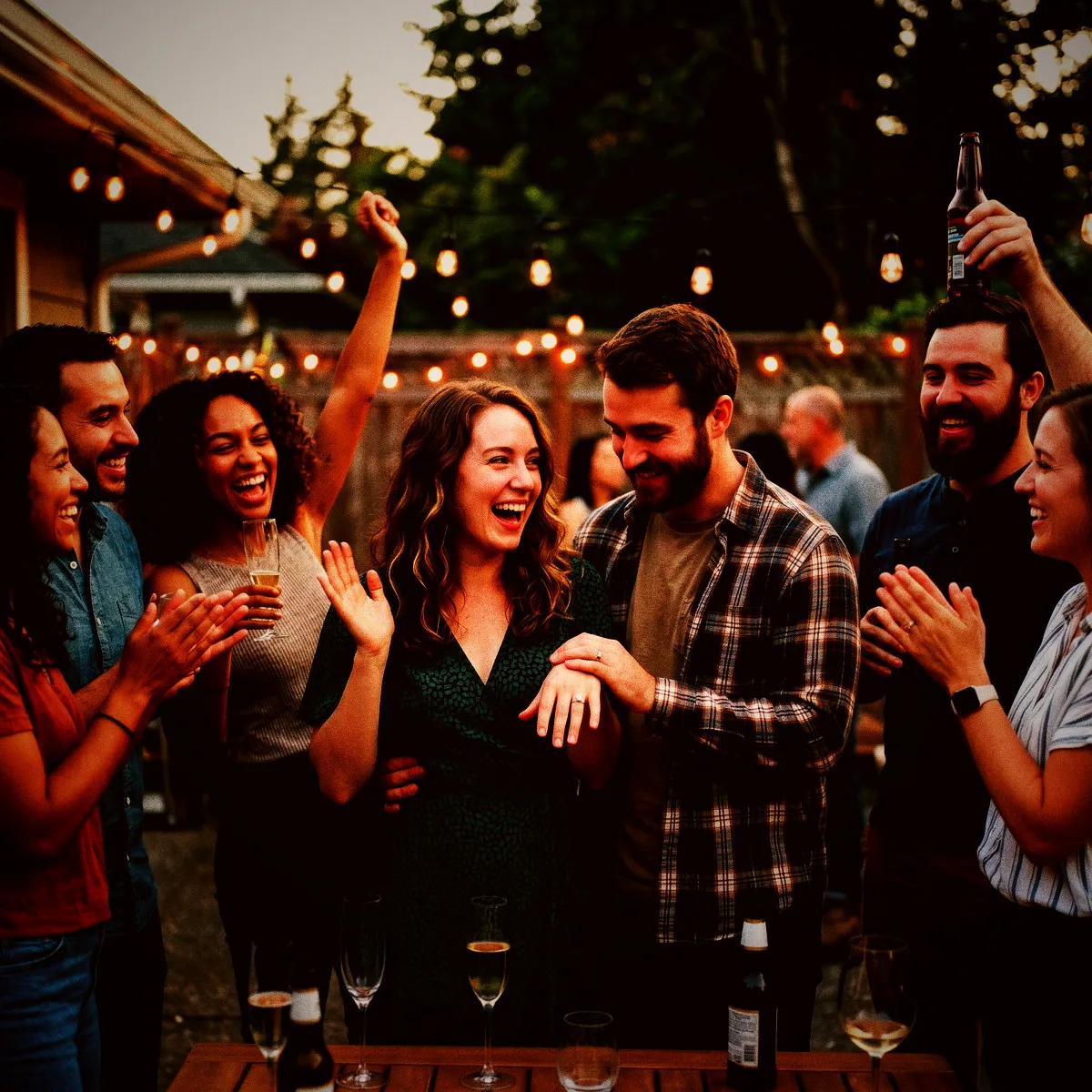
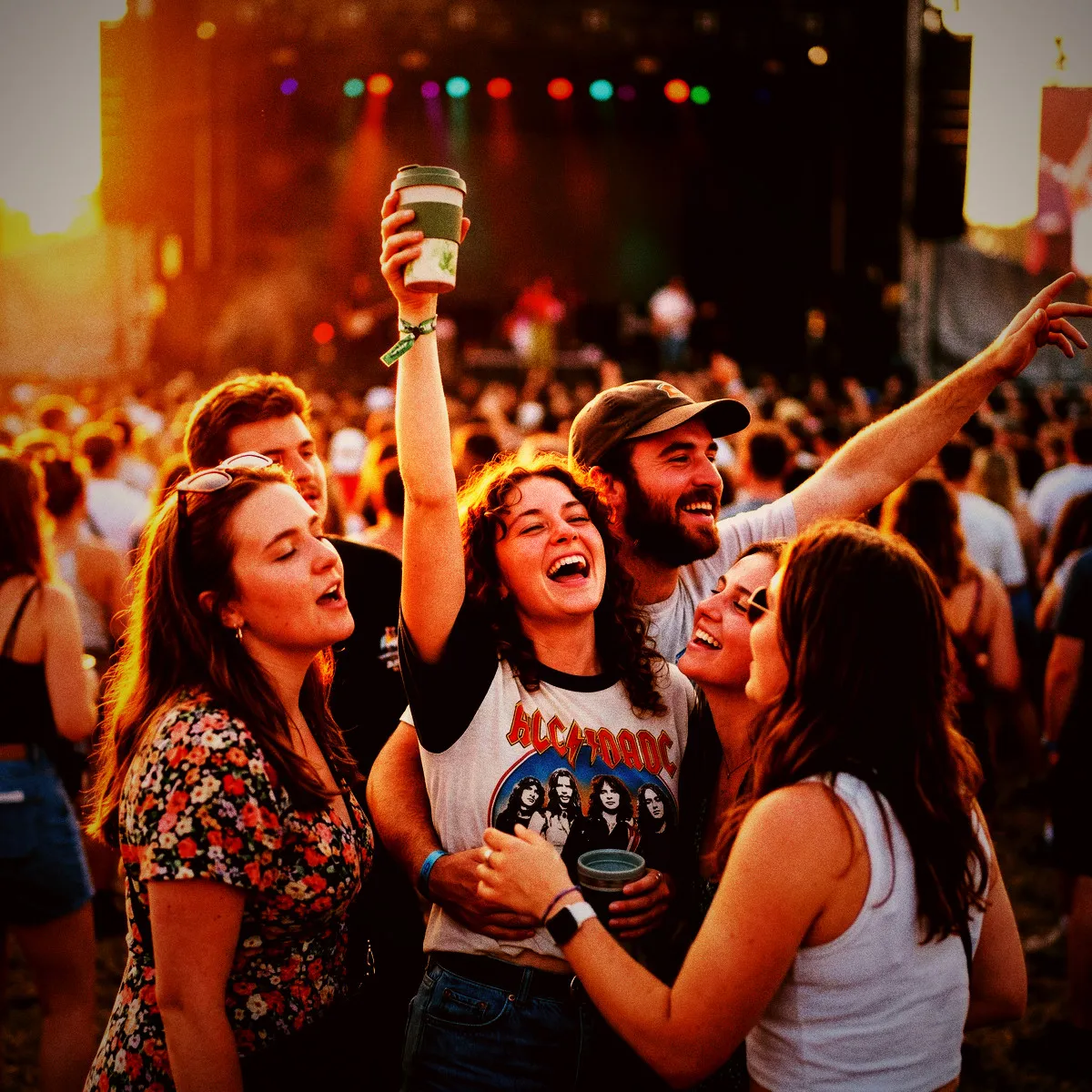
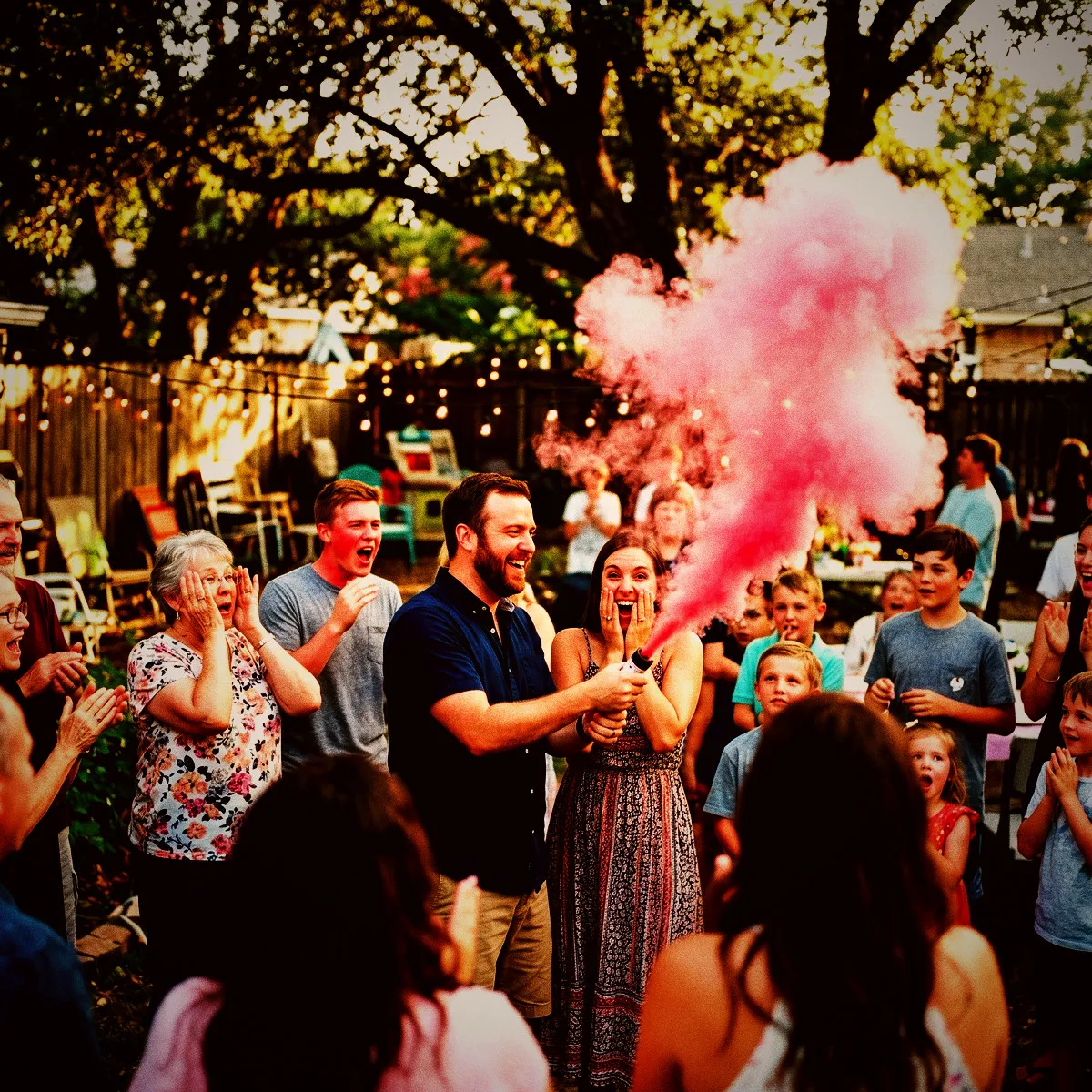
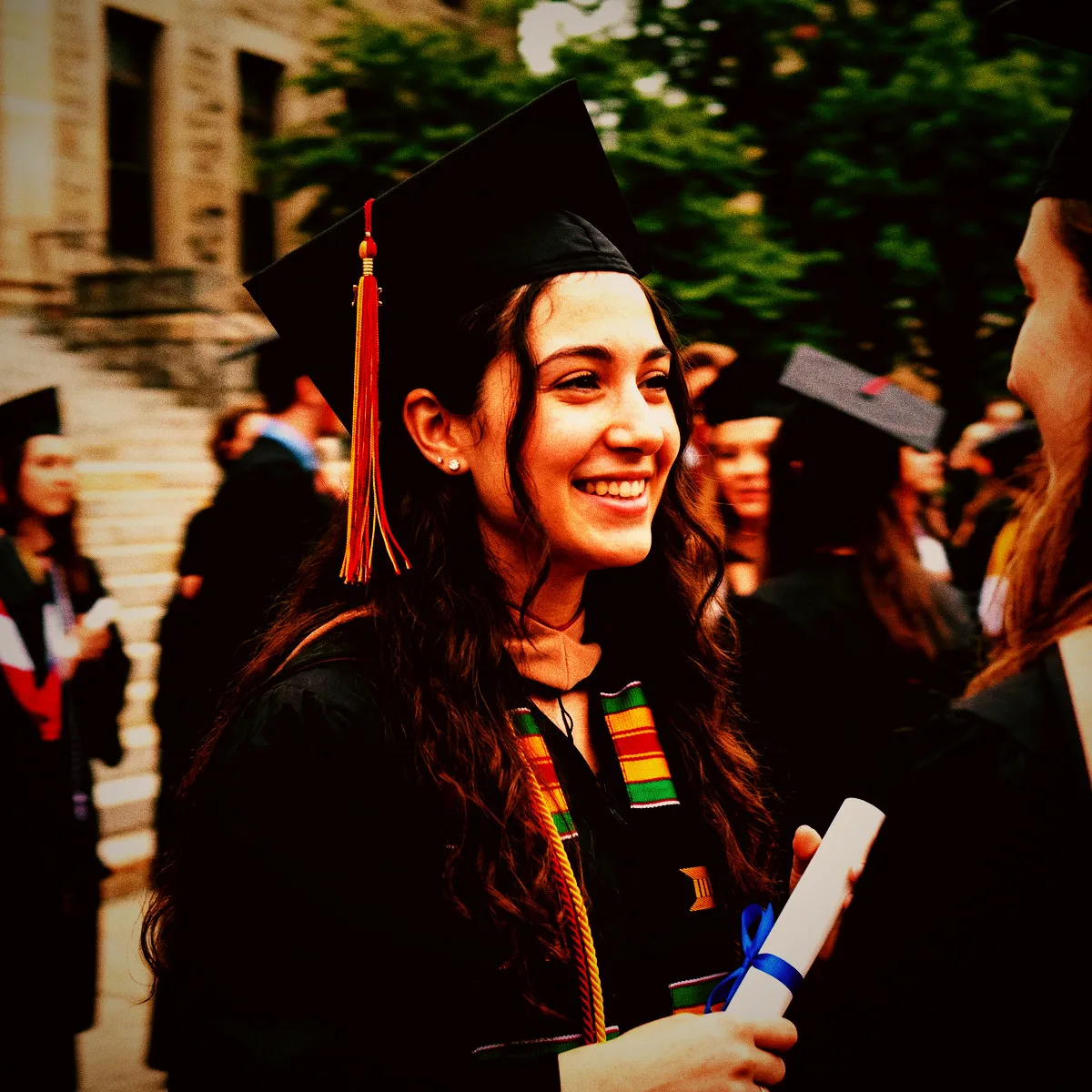
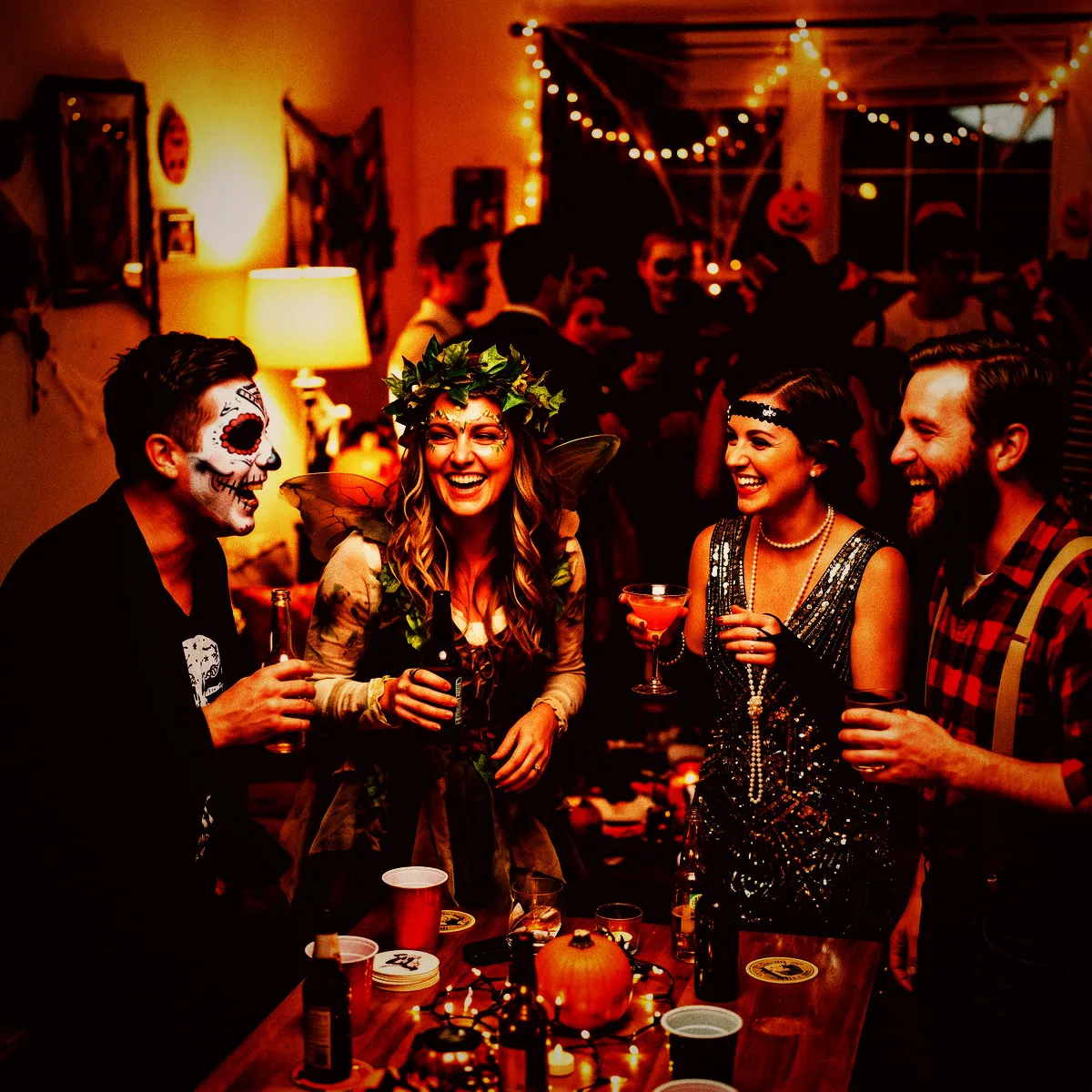
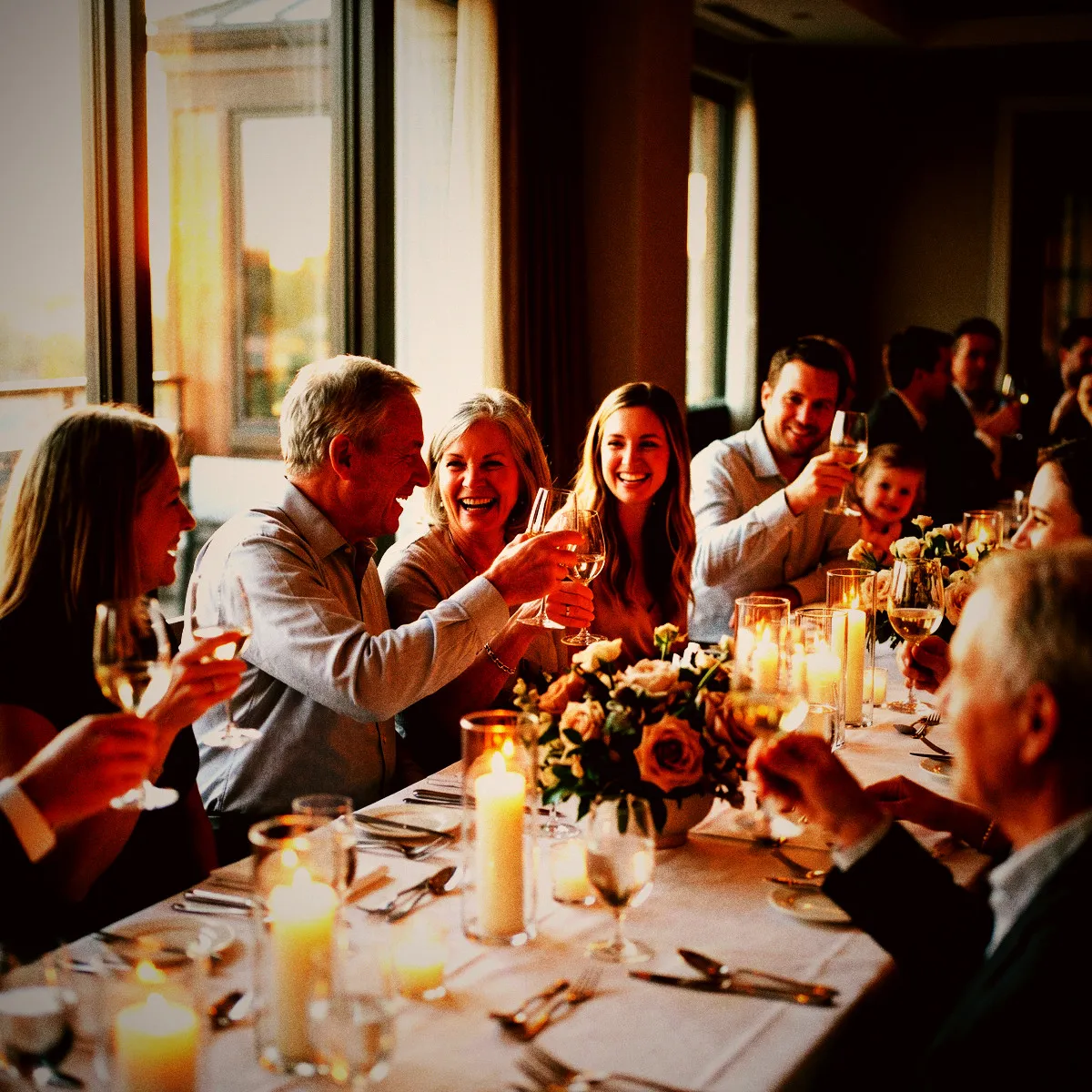
The Party Cam photo filter isn't about clean, sterile digital perfection. It is inspired by the gritty, high-energy aesthetic of classic disposable cameras, designed to capture the raw spirit of your gathering. The defining feature of this look is the simulated harsh flash, which cuts through the darkness to create dramatic highlights while casting everything else into deep, velvety shadows. It mimics the look of a cheap plastic lens pushing a burst of light into a dark room, giving every image an instant sense of immediacy and action.

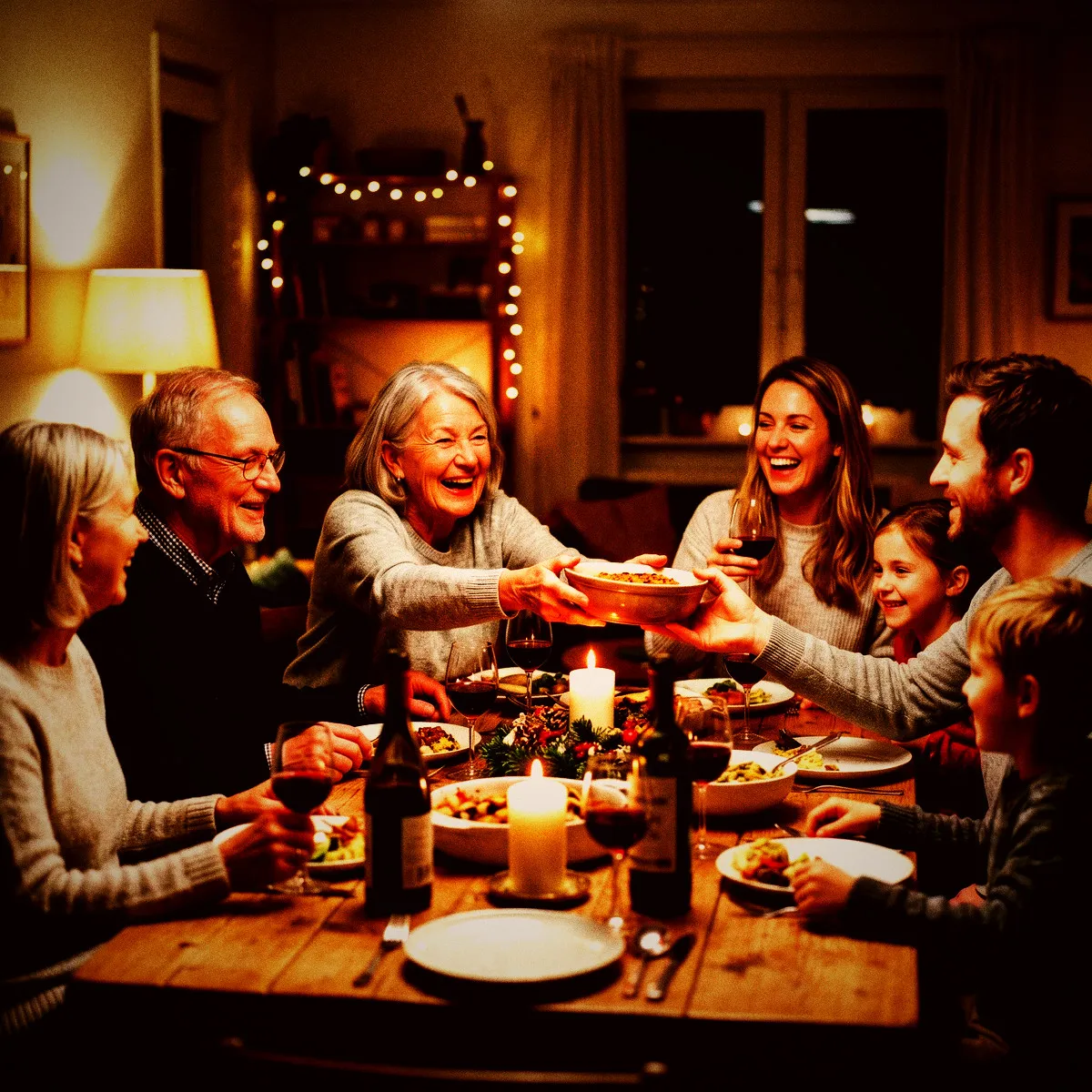
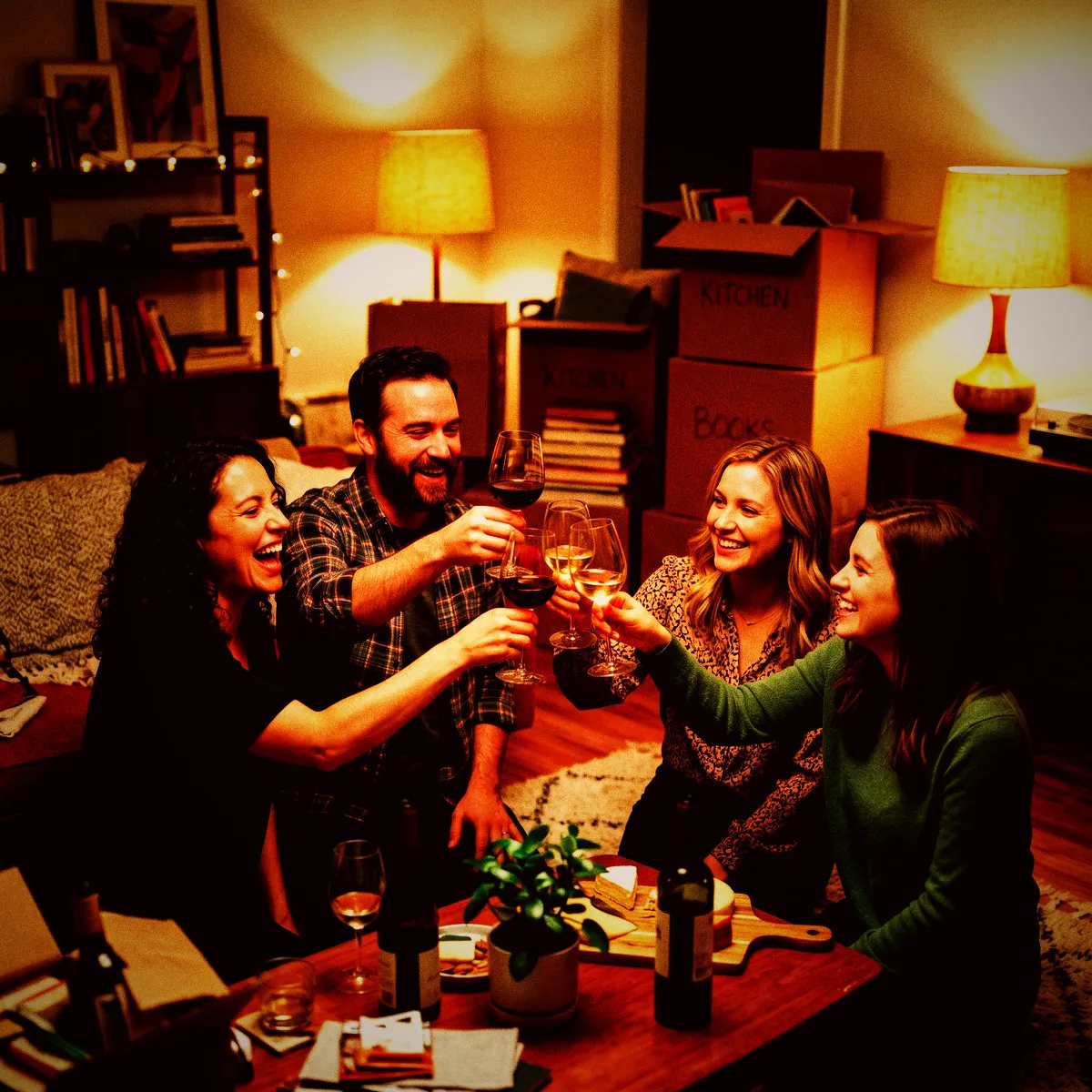
To achieve this nostalgic feel, we dial up the contrast and add a heavy dose of realistic grain. This grain acts like physical silver halide crystals on film, scattering tiny textures across the frame to soften digital harshness and add a rich tactile quality. We also introduce a distinct warm red cast to the color balance, washing the highlights and shadows in a subtle amber glow that makes skin tones look warm, vibrant, and incredibly alive. It feels less like a smartphone photo and more like a physical print you would pull from a paper envelope.

Finally, a dark vignette wraps around the borders of every photo taken in your Revel Moment. This soft, circular framing gently darkens the edges, drawing your eyes directly to the center of the action and hiding distractions. When your guests scan the QR code to join, they do not need to spend time editing or applying individual presets. Every shot they take is instantly processed with this signature look, building a gorgeous, unified gallery of your event that looks like a curated, retro photo essay.

Why Darkness is Your Best Friend

Dimly lit spaces are usually the enemy of mobile photography, resulting in blurry details, washed-out tones, and digital noise. The Party Cam photo filter completely flips this narrative by making low-light environments your greatest asset. Instead of fighting the dark, this filter embraces it. By dropping the brightness and dropping the gamma, it crushes the background shadows, effectively swallowing up any messy clutter like stray cables, plastic cups, or awkward exit signs. The background fades away, leaving only the energy of your guests.

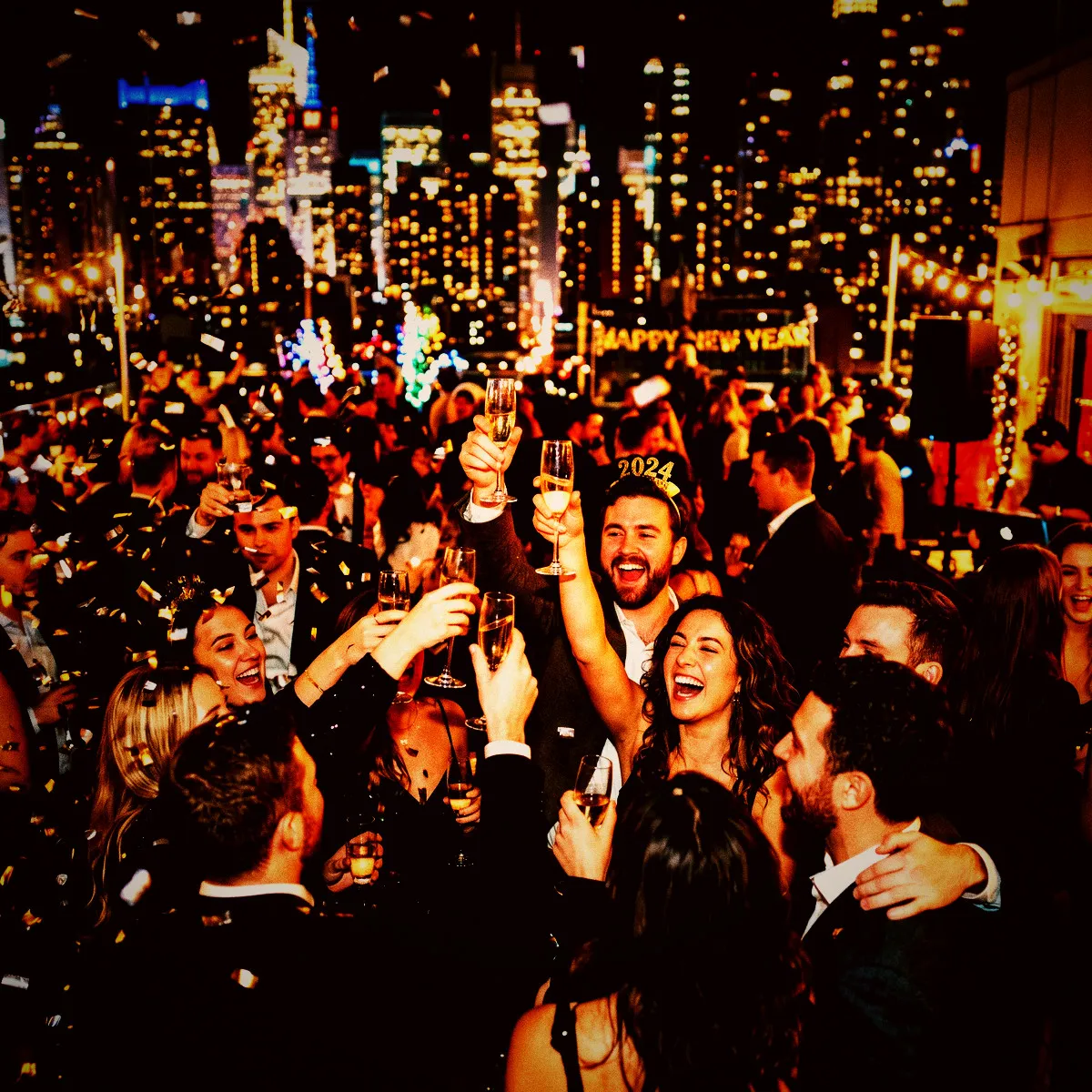
What is left in the light pops with an incredible, high-contrast intensity. The harsh flash effect isolates your subjects, capturing the sweat on the dance floor, a sudden burst of laughter, or a glass raised mid-toast in sharp, dramatic detail. Because the contrast is pushed to its limits, the colors that do escape the shadows—like the red of a solo cup or the blue of a neon sign—saturate beautifully, leaping off the screen against the dark backdrop.

This makes taking photos completely stress-free for your guests. They do not need to worry about finding the perfect light source or staging a clean shot. They can simply open your Revel Moment via the App Clip, point their phone into the crowd, and shoot. The shadows do all the heavy lifting of framing the photo, turning what would have been a messy, dark snapshot into a moody, artistic capture of the night.

Perfect for the After-Hours

Some celebrations are too vibrant and unpredictable for polite, brightly lit photography. The Party Cam photo filter is built specifically for the events that truly kick off after the sun goes down. It is the ultimate match for a packed house party where guests are squeezed into a kitchen, a sweaty basement birthday bash illuminated only by a neon sign, or a late-night wedding reception where the formal dinner has dissolved into a wild dance circle. It thrives in crowded, high-energy settings where everyone is living in the moment.

Think of those legendary nights out that start at a local dive bar and end with a group crowding into a late-night diner booth. This filter captures that exact feeling of unfiltered fun. When you choose Party Cam for your Revel Moment, you are letting your guests know that this is a space to let loose. The gritty, high-energy look encourages people to strike unposed, candid shots, make goofy faces, and capture the real, unpolished side of the party.

When the night finally ends and your Moment closes, the collective gallery unlocks for everyone at once. That is the Reveal—and scrolling through a hundred high-contrast, grain-heavy photos feels exactly like finding a lost disposable camera on the floor the next morning. Every frame, from the blurry dance moves to the midnight snacks, is bound together by a cohesive, nostalgic aesthetic that makes the memories feel even more legendary than the night itself.

A Shared Roll Full of Surprises

When your guests scan the QR code to launch your Revel Moment via the App Clip, they are stepping into a time machine. They won't need to download an app or sign up for an account; they just start shooting. But here is the magic: with the Party Cam photo filter active, they cannot immediately obsess over how their photos turned out. Every shot goes straight into a shared, locked vault, keeping the focus entirely on the dance floor rather than the screen. The anticipation builds with every flash that goes off in the dark.

Everyone is contributing to a single, collaborative narrative of the night. Because no one can see the shared roll until the Reveal, guests shoot with a rare freedom. They capture the raw, unpolished moments—the mid-laugh grimaces, the chaotic dance moves, and the tight hugs—knowing it is all being styled with the same gritty, high-contrast look. The shared roll becomes a collective secret that everyone is building together, one heavy-grained snapshot at a time.

Then comes the Reveal. When the Moment ends, the entire gallery unlocks at once, delivering a massive wave of shared nostalgia. Seeing the night unfold through a hundred different eyes, all unified by the warm red cast and deep blacks of the Party Cam filter, is an unmatched rush. It is a digital development process that transforms a regular party into an instant, legendary memory that everyone owns together.

How to Shoot for Maximum Impact

To get the absolute most out of the Party Cam photo filter, you need to throw away the standard rules of smartphone photography. This is not a look designed for pristine landscapes or careful, quiet compositions. First and foremost, tell your guests to get close to the action. This filter thrives on proximity. Because it uses a heavy vignette and a sharp contrast curve, getting right up to your subjects allows the harsh flash to illuminate them beautifully while plunging the messy background into dramatic, deep blacks.

Do not worry about keeping your hands perfectly still, either. Standard phone cameras work overtime to eliminate motion blur, often sucking the life right out of a dynamic crowd. With this filter, movement is a feature, not a bug. A little bit of motion blur combined with the filter's heavy grain creates a sense of kinetic energy. It captures the dizzying spin of a wedding dress or the frantic pulse of a packed dance floor with an authentic, cinematic streak that looks incredibly cool.

Finally, let the flash do the heavy lifting. The Party Cam filter is specifically calibrated for dark environments and low-light scenes, shifting the color balance toward a warm, nostalgic red cast in the highlights. Advise your guests to seek out the shadows and shoot directly into the dim spaces. The combination of high contrast and strong saturation will pull vibrant, punchy colors out of the dark, making every single photo feel like a treasured relic from a wild disposable camera roll.

Ditching Perfection for Real Memories

Modern smartphones have spent years perfecting computational photography, resulting in clean, sterile images that often feel devoid of soul. They smooth out skin tones, artificially raise the shadows, and balance the colors until everything looks like a stock photo. The Party Cam photo filter is a deliberate rebellion against that polished aesthetic. It values character over sharpness, and raw emotion over clinical perfection. By embracing deep blacks, heavy grain, and a warm, punchy contrast, it mirrors the nostalgic charm of analog film.

When you choose this filter for your Revel Moment, you are giving your guests permission to stop posing and start capturing real life. Nobody looks perfect under a harsh flash, and that is exactly the point. It highlights the sweat on the dance floor, the unchoreographed laughter, and the beautiful chaos of a real celebration. These are the details that actually trigger memory and emotion years down the road, far more than a perfectly lit, sterile portrait ever could.

Ultimately, your event is not a corporate branding shoot; it is a gathering of the people you love. Ditching the pressure of perfection allows everyone to relax and be present. When the Reveal finally happens, you won't find a gallery of curated, fake poses. Instead, you will unlock a raw, vibrant, and incredibly honest time capsule. The Party Cam look ensures that your memories feel exactly as fun, messy, and alive as the night itself actually was.

See it in action

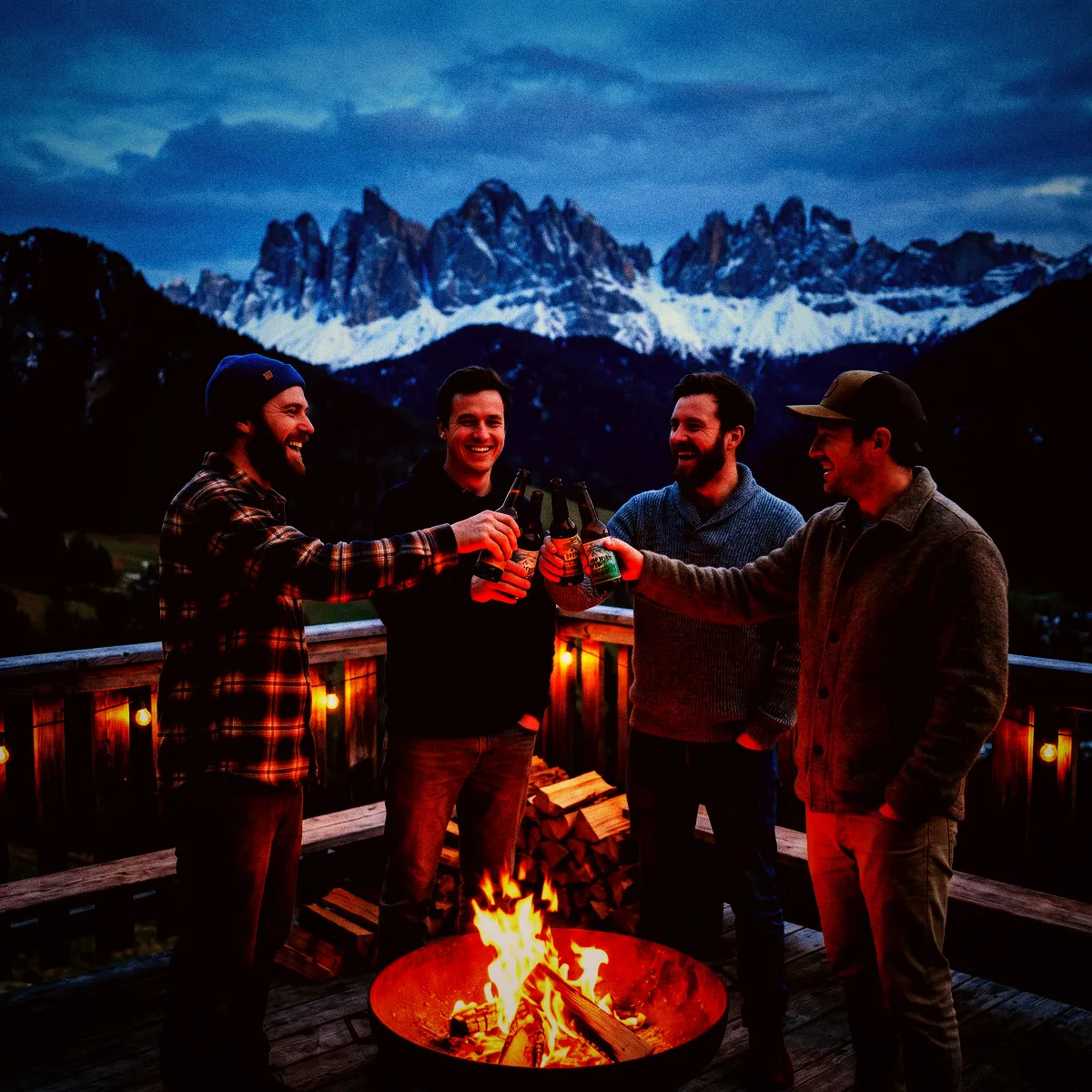
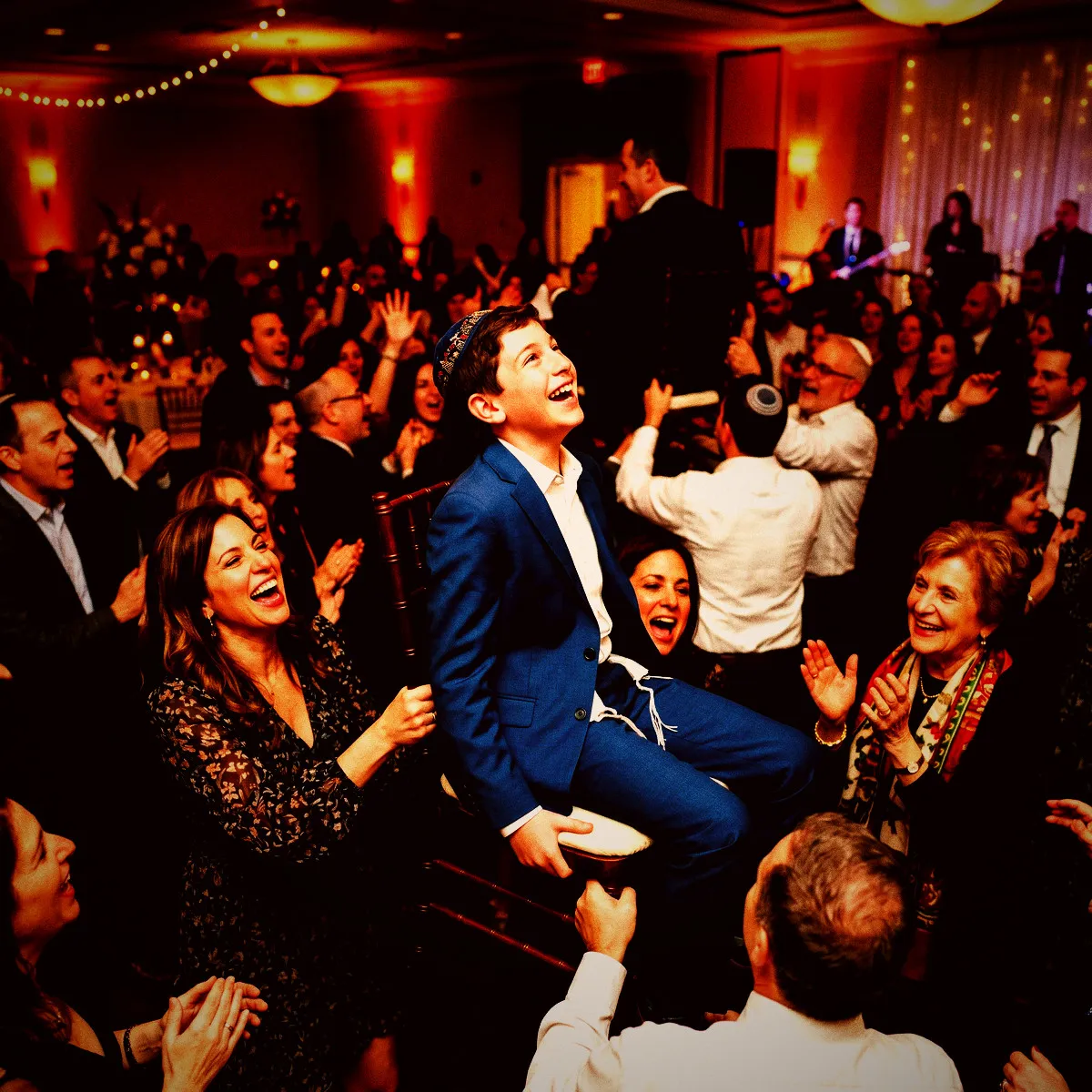
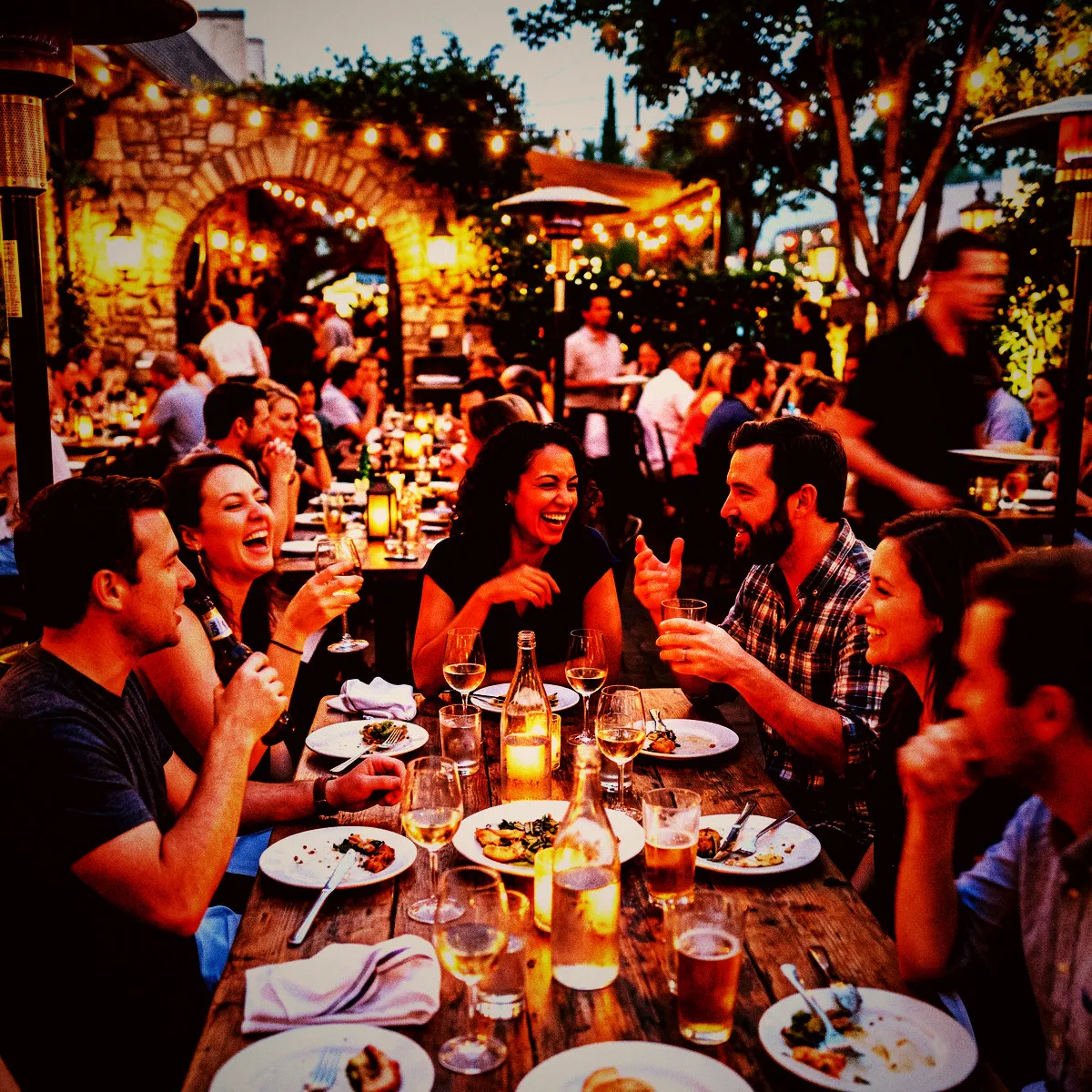
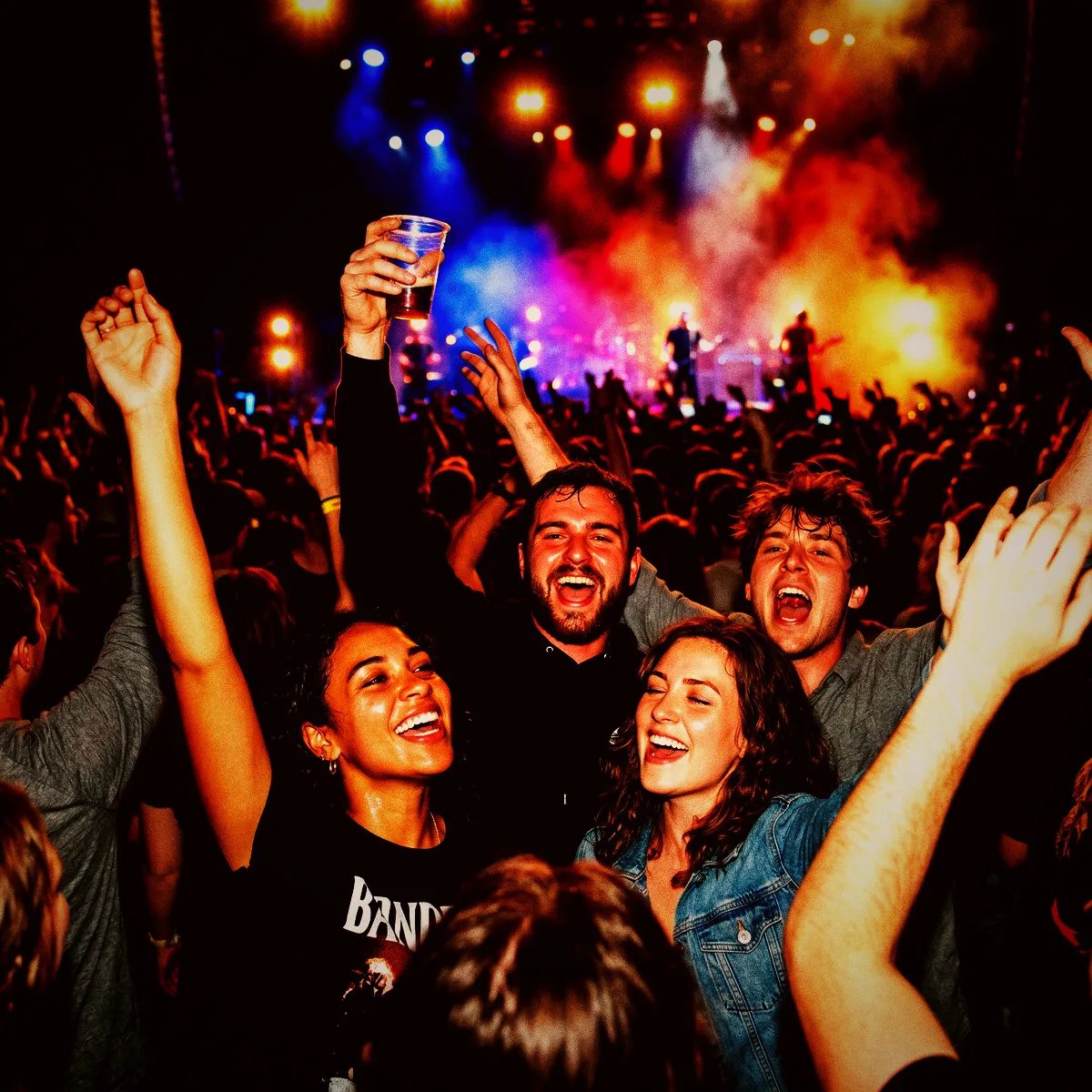
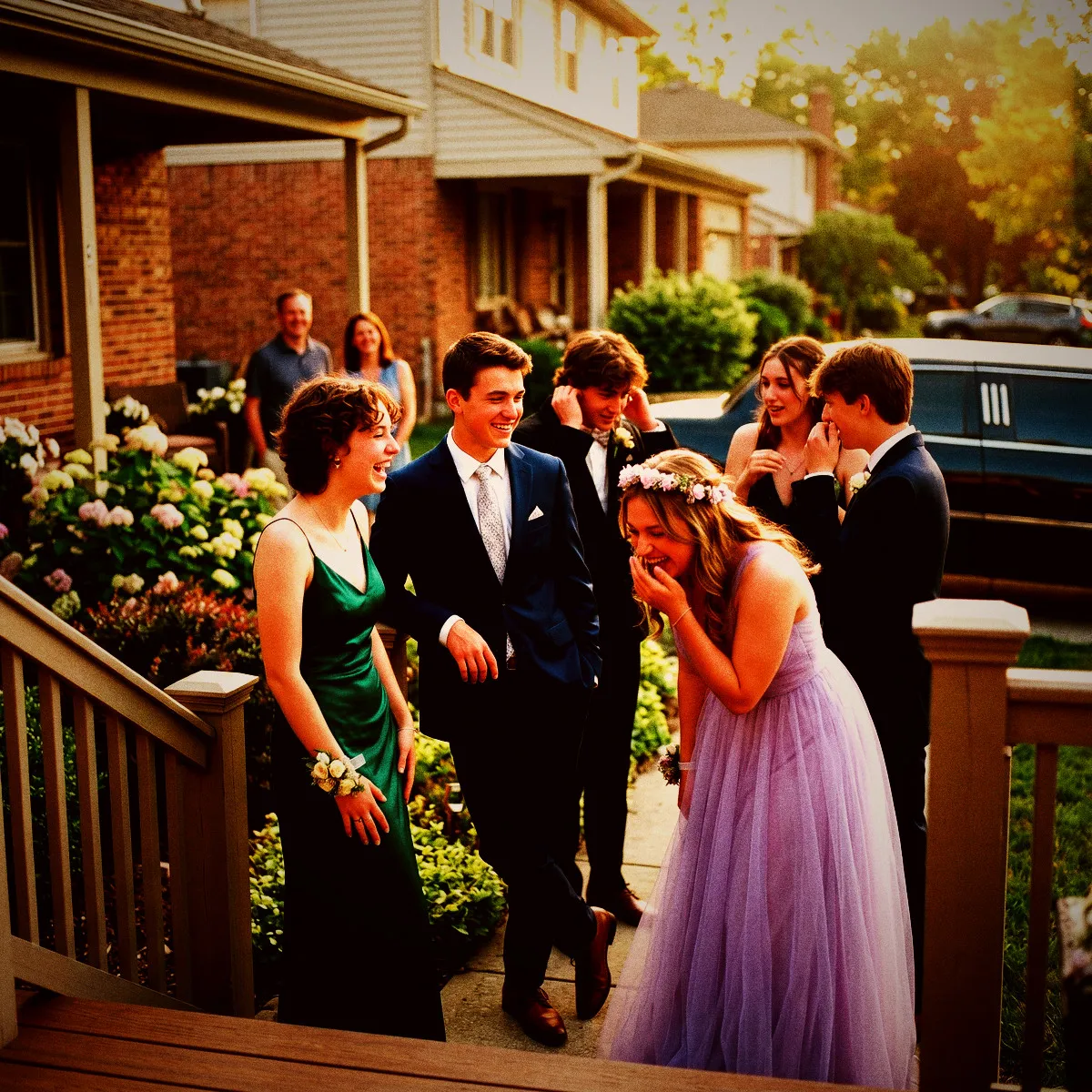
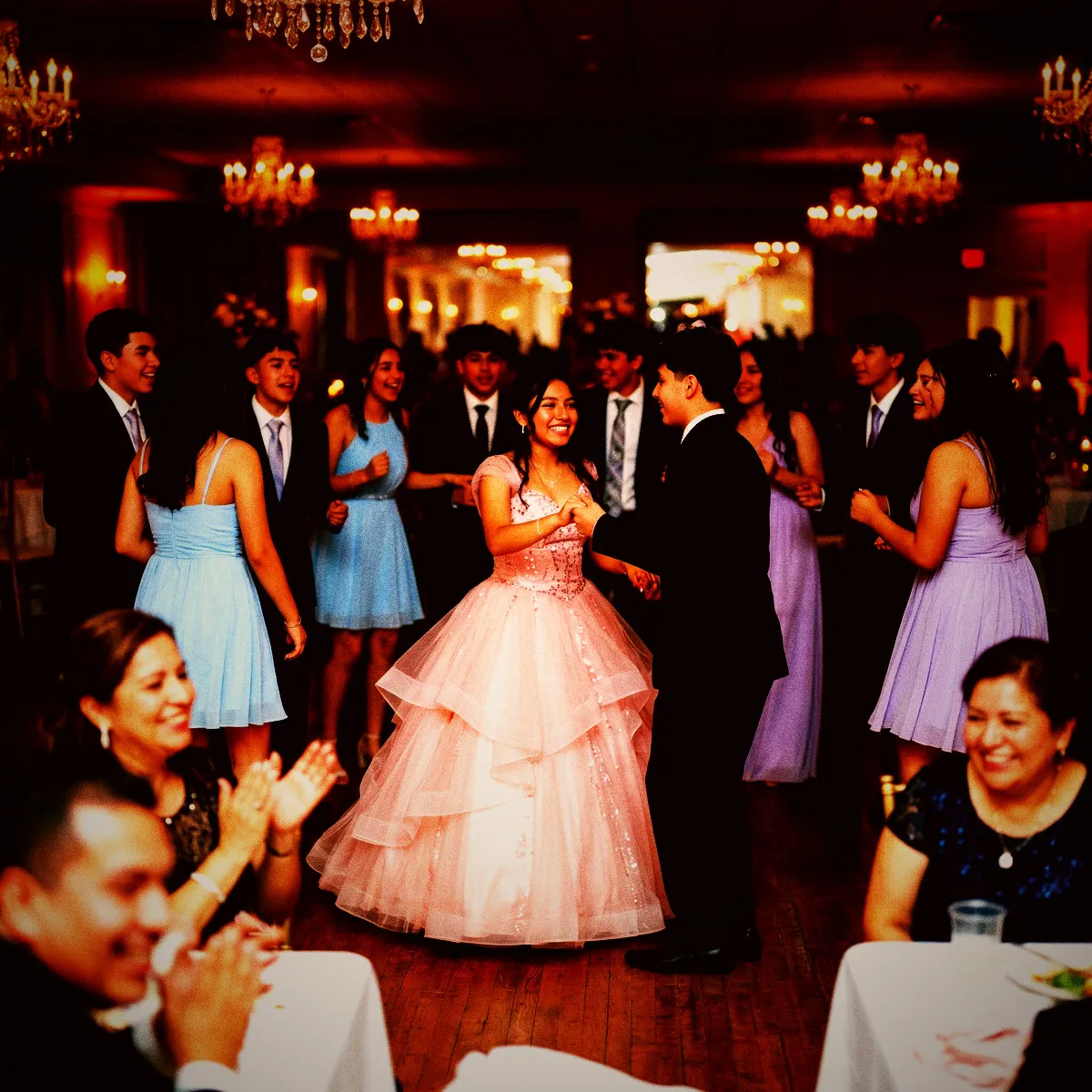
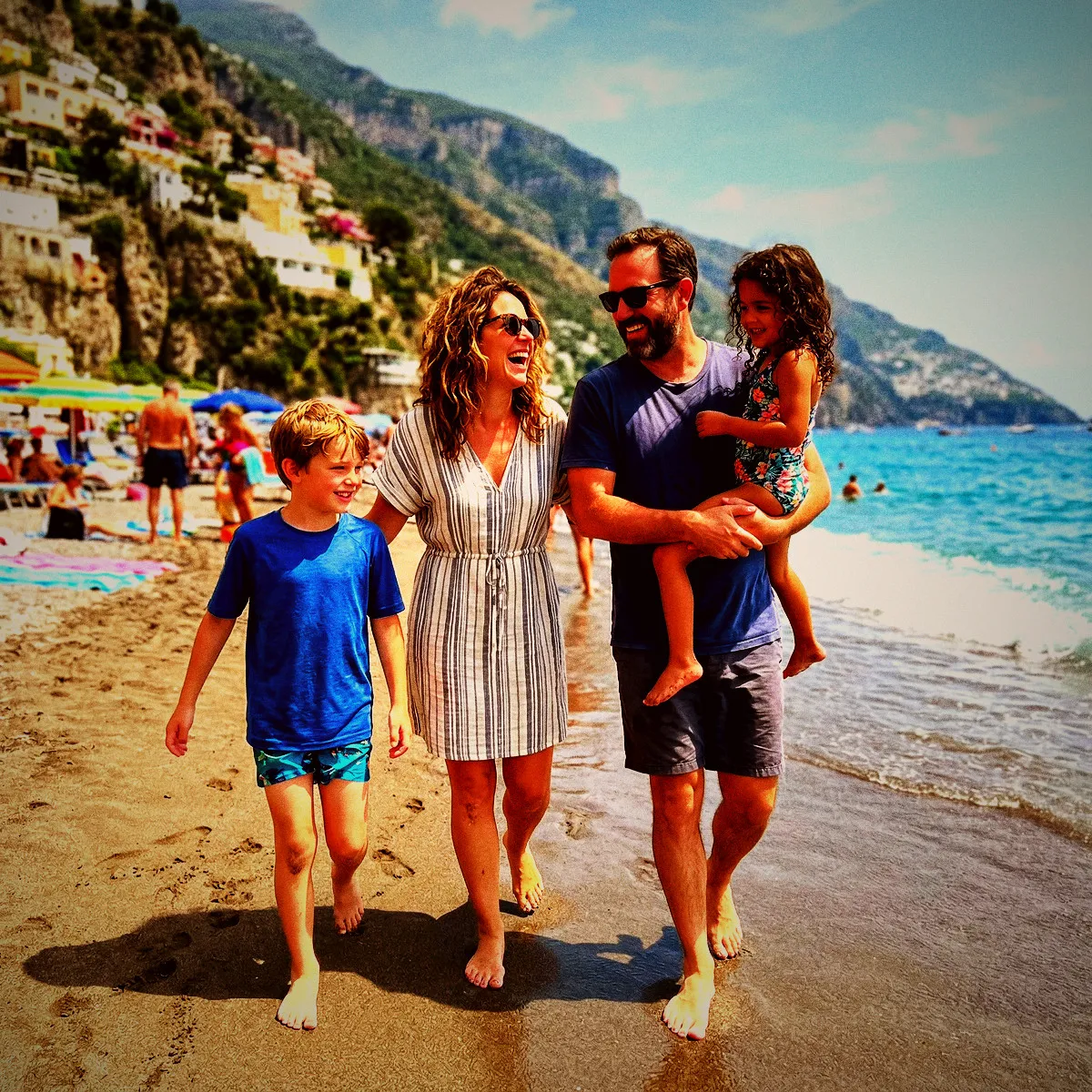
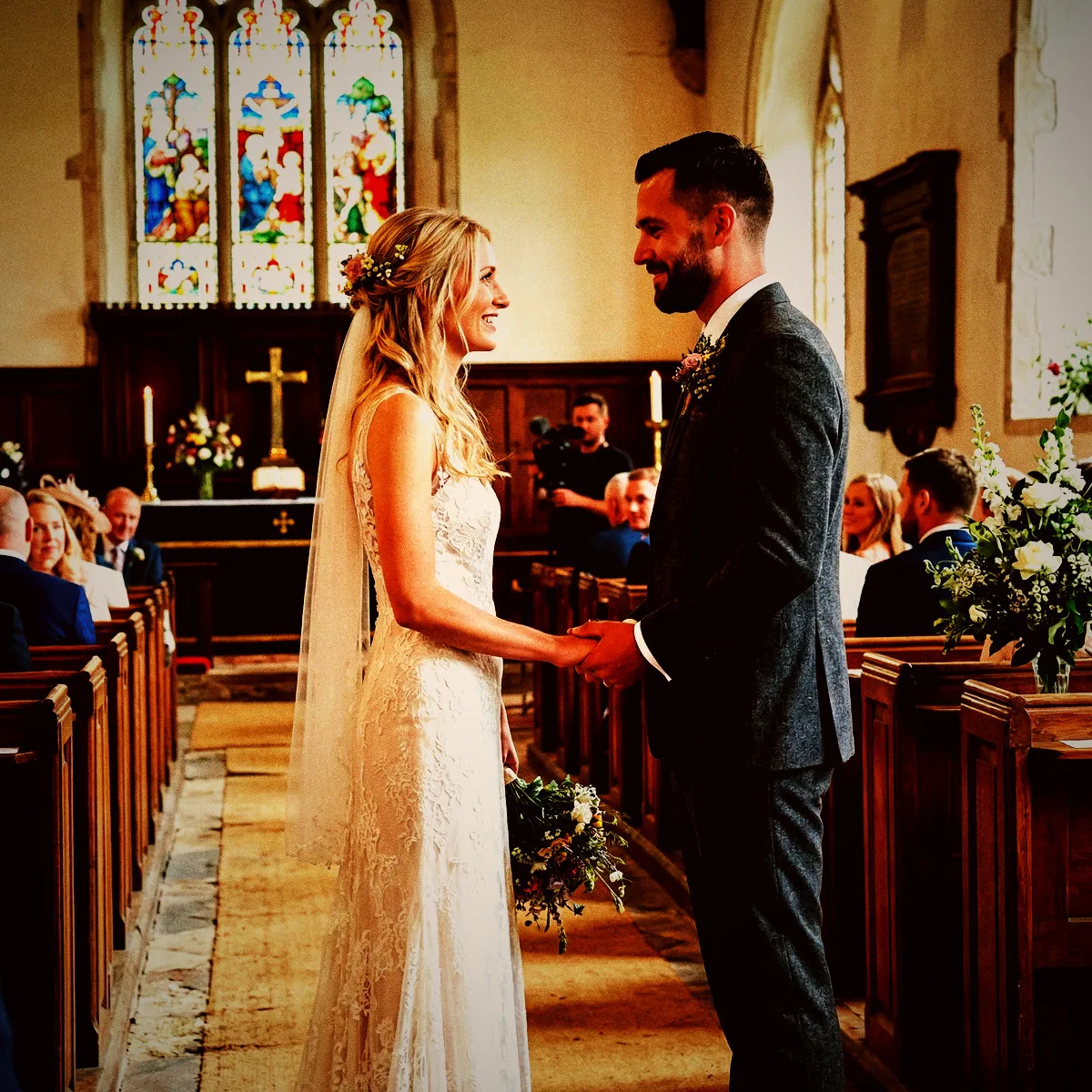
Party Cam on real event photos

Photo with the Party Cam filter applied Original photo before the Party Cam filter
Before
After
More examples
Party Cam photo filter example
Why Revel

Where to use Party Cam?

A few events and moods where this look really shines.

House Parties & Raves

Thrives in crowded, dark spaces where the only light comes from neon signs and camera flashes.

Wedding After-Parties

For when the formal ceremony ends, the ties come off, and the real dance floor chaos begins.

Concerts & Gigs

Captures the gritty, energetic pulse of live music and sweaty, singing crowds.

Try it now

See it for yourself
in 5 seconds

Point your phone at this QR code and experience Revel as a guest. No app, no sign-up — just scan and shoot.

Scan with your phone camera
Party Cam FAQ

Common questions about the Party Cam filter.

Do my guests need to buy physical flashes or clip-on lights for this filter?

Not at all! The Party Cam filter uses software processing to give standard phone camera flashes that signature warm, high-contrast, disposable look automatically.

Does this filter look good in broad daylight?

While it excels in dark, moody spaces, shooting in daylight with Party Cam yields a high-contrast, heavily stylized retro look with a distinct sun-drenched warmth and heavy grain.

Will the heavy grain make my photos look blurry?

No, the grain is designed to add raw texture and vintage character, not blur. Your subjects will remain sharp and punchy against the deep, high-contrast shadows.

How do photo filters work in Revel?

You pick a style you like for your event, and Revel applies it automatically to every photo as your guests take them. Each shot is processed through the same pro-grade image pipeline, so the whole gallery shares one coherent look — no editing required from you or your guests.

When should I use a filter?

Use a filter whenever you want a consistent, intentional look across every photo from your event. Because dozens of guests shoot on different phones in different lighting, the raw gallery can feel scattered. A single filter ties it all together — perfect for weddings, parties, and branded company events where the mood matters.

When should I NOT use a filter?

Skip filters if you prefer the natural, unedited look of each photo, or if your event mixes very different settings where one style might not flatter them all. The originals are always preserved, so if you are unsure you can leave filtering off and decide later — nothing is lost either way.

Can I change the filter during the event?

Yes. You can switch the filter at any time, but it only applies to photos taken after the change. Photos captured earlier keep the filter that was active when they were taken, so your gallery may show more than one look if you switch mid-event.

Can I remove the filter later?

Yes. A filter can be removed at any time, and it clears from every photo in the Moment instantly. Your original, unfiltered photos are never altered, so removing a filter simply reveals them as they were shot.

Can I download both the filtered and original photos?

Yes. You can download the full gallery at any time, either with the filter applied or as the untouched originals. You always keep both versions, so you are free to choose per occasion.

Which filters does Revel support?

Revel offers over 50 filters across a wide range of styles — from classic black & white and warm vintage film to bold color effects and dreamy pastels. Every filter runs through a pro-grade image pipeline, so your photos stay crisp and high quality whichever look you choose.

Do my guests need to do anything to get the filtered look?

No. Guests just join your Moment by scanning a QR code or tapping an NFC tag — no app download or sign-up — and shoot as normal. The filter is applied automatically behind the scenes, so everyone contributes to the same styled gallery without lifting a finger.

Ready to create
your Moment?

Download Revel and start your first Moment in under a minute. Your guests are one scan away.

Free to start · No guest sign-ups · Works instantly

Try the demo