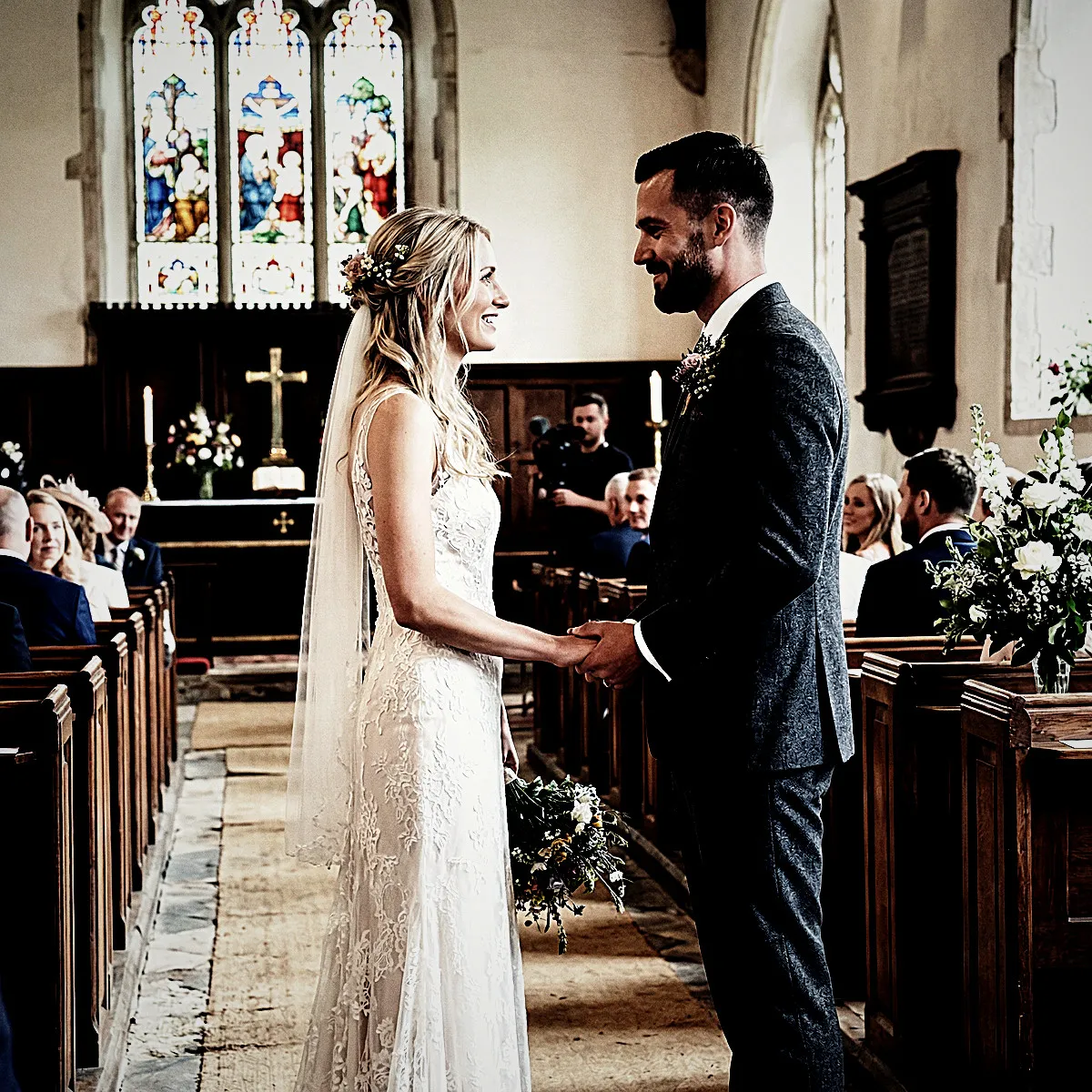
Bleach Bypass

Give your next event a gritty cinematic edge.

The Bleach Bypass filter strips away distracting colors to deliver raw, high-contrast silver tones. Perfect for turning any party into a striking indie film.

Free to start · No app for guests · Works in seconds

Bleach Bypass

Bleach Bypass

Step away from sweet pastels and embrace the raw energy of classic cinema. The Bleach Bypass photo filter infuses your Revel Moment with striking, desaturated colors and intense, silvery contrast that makes every candid shot look like a still from a cult film. It is gritty, textured, and deeply atmospheric—ideal for hosts who want their gallery to feel less like a generic photo booth and more like an art house premiere. When your guests scan the QR code and start shooting, they will capture the night with a striking, metallic edge.

The High-Contrast Silver Screen Look

Give your next Moment the unmistakable weight of classic celluloid. The Bleach Bypass photo filter brings a striking, industrial elegance to your event's shared gallery by emulating a legendary darkroom technique. By skipping the traditional bleaching agent during film processing, the silver remains on the emulsion, resulting in a look that is both raw and deeply sophisticated. When your guests point their phones at the dance floor or the cocktail lounge, they are not just taking snapshots; they are capturing frames of a film that feel instantly historic, defined by an unmistakable metallic sheen and a rich, moody undertone.

At the heart of this look is a deliberate tension between color and contrast. The Bleach Bypass photo filter pulls the saturation back, letting the vibrant hues of the room recede into a muted, sophisticated palette. But it does not simply wash the image out. Instead, it pairs those understated colors with a heavy, uncompromising boost in contrast. The bright whites of a crisp shirt or a spotlight punch through the frame, while the deep shadows plunge into rich, ink-like blacks. The result is a gorgeous, silver-plated rendering of your event where every texture, from the drape of a velvet blazer to the condensation on a cocktail glass, is rendered with tactile precision.

To complete the cinematic illusion, this filter introduces a gritty, organic texture that makes digital photos feel tangible. It sharpens the edges to carve your subjects out from the background, adding a sharp, documentary-style clarity to every candid laugh and stolen glance. A dusting of fine film grain runs through the midtones, softening the harshness of modern phone sensors and lending a nostalgic, tactile warmth. Finally, a subtle, dark vignette wraps around the edges of the frame, gently drawing the eye inward toward the heart of the action. It turns every casual snap into a beautifully composed, self-contained story.


A Mood of Pure, Raw Drama

Some events aren't meant to be soft, pastel, or politely understated. When you choose the Bleach Bypass photo filter for your Moment, you are instantly dialing up the raw emotional gravity of your gathering. This look strips away the distracting, candy-colored noise of everyday snapshots, replacing it with a heavy, silver-screen intensity that demands attention. Your guests won't just be taking photos; they will be capturing a mood of pure, cinematic drama. Every glance, laugh, and toast feels less like a casual party occurrence and more like a pivotal scene in an indie film.

The magic lies in how the filter alters the energy of the room. By pulling the saturation down and pushing the contrast to its limits, the Bleach Bypass photo filter transforms mundane details into striking artistic elements. The shadows become deep and heavy, while the highlights cut through with a brilliant, metallic edge. A fine layer of simulated film grain adds a tactile, gritty texture that makes every shot feel immediate and authentic. When your guests scan the QR code to instantly launch the App Clip and join your Moment, their phone cameras are instantly converted into tools of high-fidelity narrative, capturing the honest, unvarnished spirit of your celebration.

Imagine the collective thrill when the Moment ends and the Reveal finally unlocks the shared gallery. Instead of the usual flood of generic smartphone photos, you and your guests will discover a cohesive, breathtakingly dramatic visual chronicle. It turns a milestone birthday, an intimate warehouse wedding, or an underground album release party into a legendary night frozen in silver and shadow. By opting for this distinct aesthetic, you give everyone permission to skip the posed perfection and embrace the beautiful, raw reality of the night.

Commanding Low Light and Shadow

Bleach Bypass is not a filter for gentle, sun-drenched picnics. It is a look that demands edge, thriving in the moody, dimly lit spaces where your best stories unfold. Think of warehouse venues, underground clubs, or industrial lofts with exposed brick and steel. The Bleach Bypass photo filter excels here by gripping onto the shadows and deepening them into rich, inky blacks. Instead of getting lost in a muddy low-light haze, your Moment's photos gain an instant weight and structure, turning even a dimly lit corner of the bar into a dramatic movie set.

When your guests fire up their smartphone flashes in these dark spaces, magic happens. The intense contrast of this filter cuts through the darkness like a knife. Direct flash hits your subjects with a brilliant, silver-toned pop, while the background drops off into a sharp, vignetted frame. If your venue features neon signs, harsh spotlights, or glowing LED installations, this filter translates those light sources into electric, high-contrast focal points. The desaturated color palette keeps the colors from looking messy or oversaturated, focusing instead on the raw energy of light carving through the darkness.

There is a tangible texture to these night shots that modern, ultra-clean smartphone cameras usually smooth away. With an added layer of cinematic grain and enhanced sharpness, every shadow feels gritty and deliberate. Your guests do not need to worry about perfect lighting because the Bleach Bypass photo filter embraces the imperfections of low light. The final Reveal will show a gallery filled with snapshots that feel heavy, tactile, and incredibly cool—capturing the late-night energy of your event exactly how it felt to be there in the dark.

Your Guests as Documentary Photographers

By stripping away the friction of app downloads and account creation, Revel turns your event guests into an agile, onsite press corps. The second they scan your Moment's QR code, an App Clip launches on their phone, ready to shoot instantly. There is no fumbling with passwords or waiting for progress bars while a perfect, fleeting moment passes by. Armed with this immediate access and the Bleach Bypass photo filter, every guest becomes a documentary photographer, hunting for those raw, unscripted slices of life that traditional wedding or party photography so often misses.

This is not the filter for staged smiles or perfectly posed group alignments. The Bleach Bypass photo filter thrives on the fly, capturing the honest energy of your crowd. With its heavy desaturation, dialed-up contrast, and a healthy dose of gritty film grain, every snapshot takes on the weighty feel of classic street photography. The texture of a laughing guest's linen jacket, the sharp reflection of light off a champagne flute, and the intense shadows of the dance floor are rendered with a stark, tactile honesty. It turns everyday interactions into historic-feeling documents.

Because every guest shoots through this single, shared lens, your collective photo roll feels incredibly cohesive. Instead of a messy jumble of mismatched smartphone cameras, you get a unified photo essay captured from dozens of different angles. One friend catches the quiet, backstage nerves of the groom, while another snaps the chaotic energy of the buffet line. With the Bleach Bypass look automatically applied to every frame, these disparate perspectives blend seamlessly into a single, beautifully textured narrative of your event, written in real-time by the people who know you best.

The Cinematic Reveal

The real magic of Revel is the collective suspense that builds throughout your event. As your guests scan the App Clip and start shooting, every photo is swept away into a locked gallery. No instant previews, no digital distraction. With the Bleach Bypass photo filter active, everyone is shooting blind, trusting the raw, silver-screen aesthetic to capture the unfiltered energy of the night. This anticipation turns the entire evening into a collaborative countdown, transforming your event into a living set where everyone is eagerly waiting to see the final cut.

When the Moment finally ends, the collective gallery unlocks all at once. This is the Reveal, and with the Bleach Bypass filter, it feels less like scrolling through a camera roll and more like a private film premiere. The heavy contrast, deep shadows, and gritty grain turn simple snapshots into cinematic stills. As your guests open their phones, they are greeted by a unified, high-drama gallery where every candid laugh and late-night dance move looks like a carefully directed frame from a classic indie drama.

The desaturated tones and sharp, silver-like highlights of the Bleach Bypass photo filter give the entire collection a cohesive, timeless mood. Because the filter automatically applies the same rich, desaturated palette to every shot, the final Reveal tells a seamless visual story. Your guests will spend hours scrolling, sharing, and reliving the night, amazed at how a simple birthday or wedding was transformed into a striking, high-contrast work of art.

Directing the Action Behind the Lens

To get the absolute most out of the Bleach Bypass photo filter, encourage your guests to think like avant-garde directors rather than casual tourists. This look thrives on tension, which means flat, straight-on eye-level shots won't do it justice. Tell them to crouch low, shoot upward against the sky, or frame subjects from unexpected, sharp angles. The heavy vignette and boosted sharpening of the filter will naturally draw the eye toward the center of these dynamic compositions, turning an ordinary candid shot of someone laughing at the bar into a commanding, off-kilter movie poster.

Next, advise everyone to actively hunt for shadows. Because the Bleach Bypass filter aggressively crunches blacks and ramps up the contrast, the play between light and dark becomes your main playground. Urge your guests to position their subjects next to single, harsh light sources—like a spotlight on the dance floor, a single hanging bulb, or a sliver of afternoon sun cutting through a window. The high-contrast silver tones will transform those shadows into deep, rich pools of ink while rendering the lit areas with a crisp, almost metallic brilliance.

Finally, do not let them stand still. This filter hates static, posed perfection. The added digital grain and heavy texture actually look better when there is raw, unpolished movement in the frame. Tell your guests to capture the blur of a coat spinning on the dance floor, a hand mid-gesture, or someone caught mid-laugh. When your Moment ends and the Reveal finally arrives, you will find a gallery filled with gritty, high-energy street photography that feels alive, breathless, and utterly cinematic.

See it in action

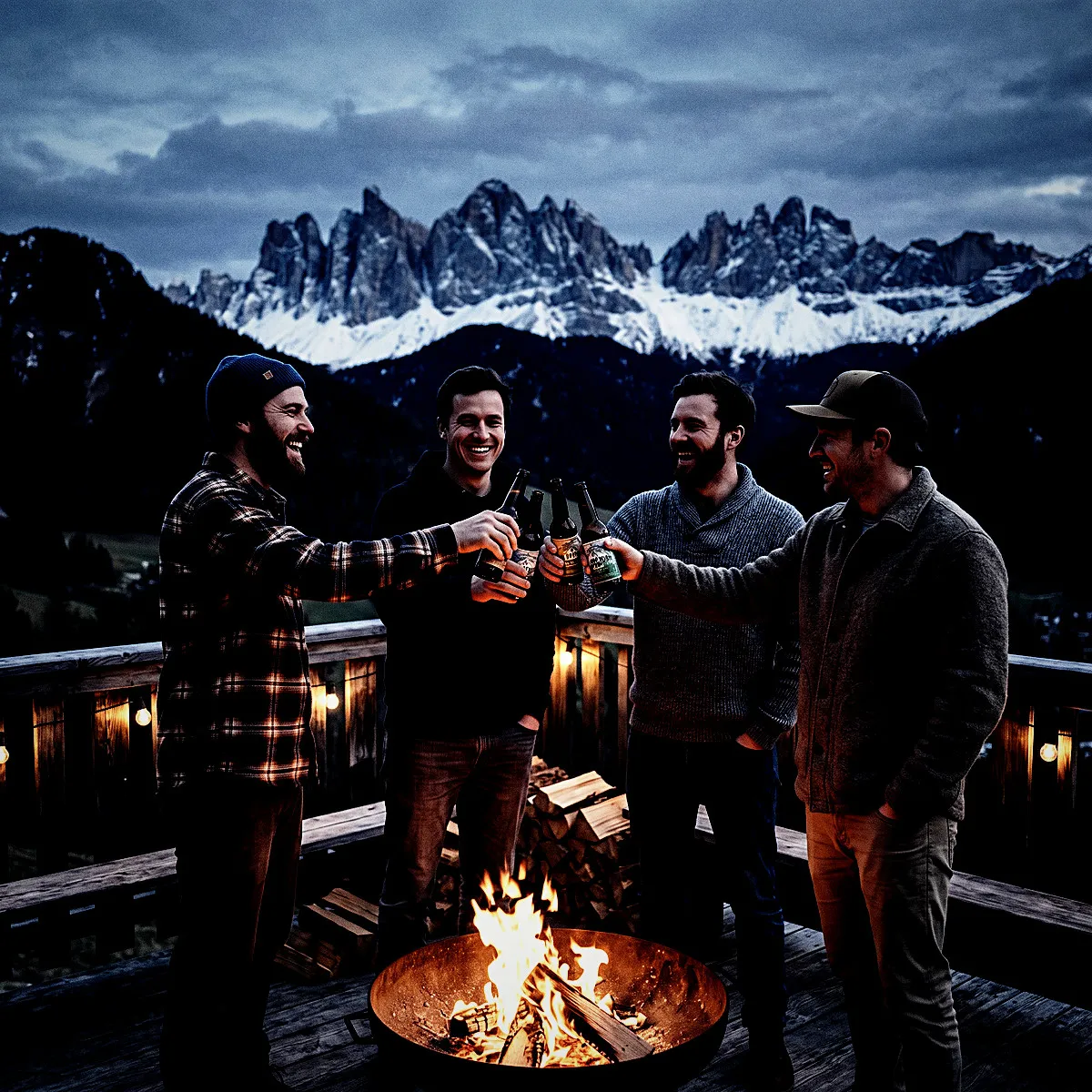
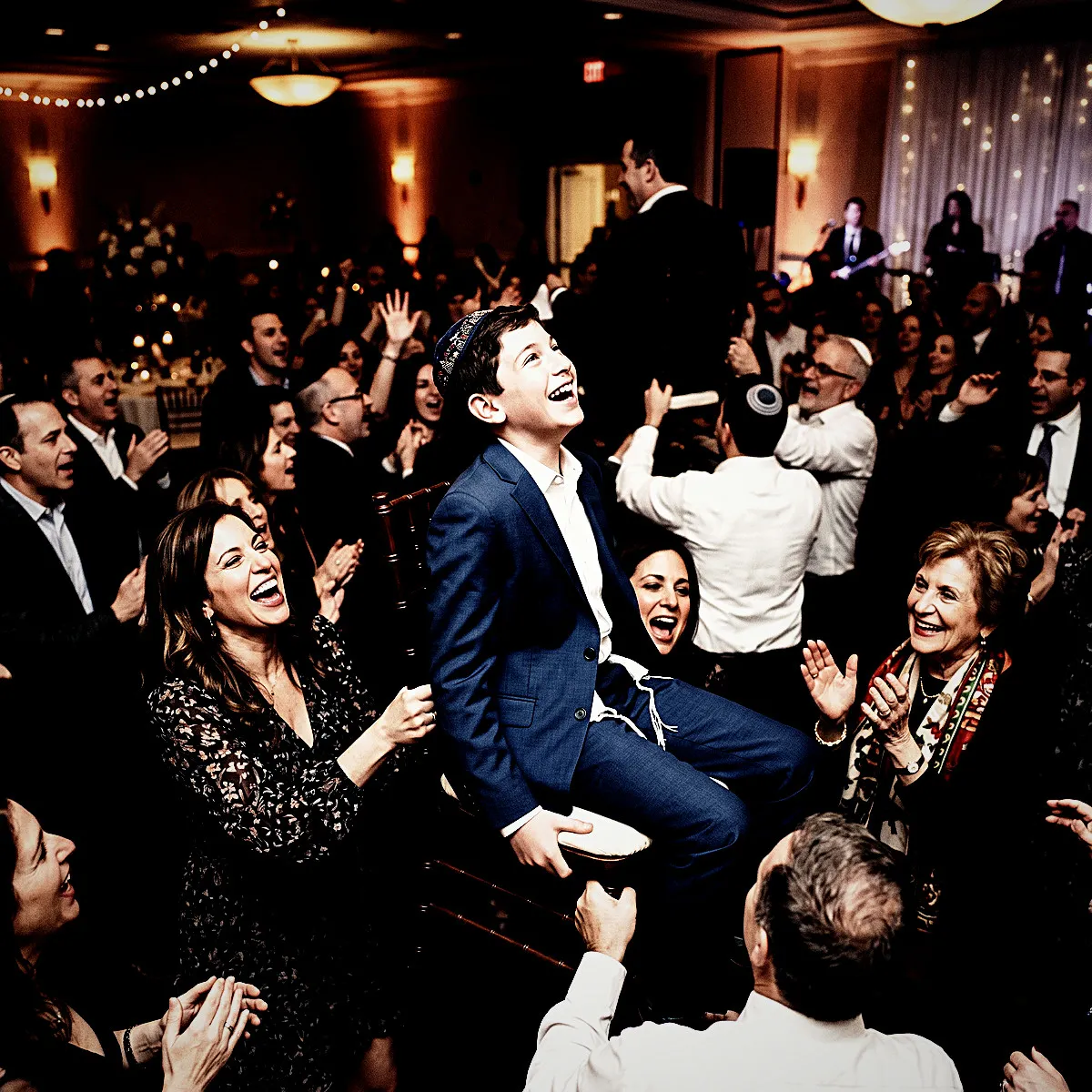
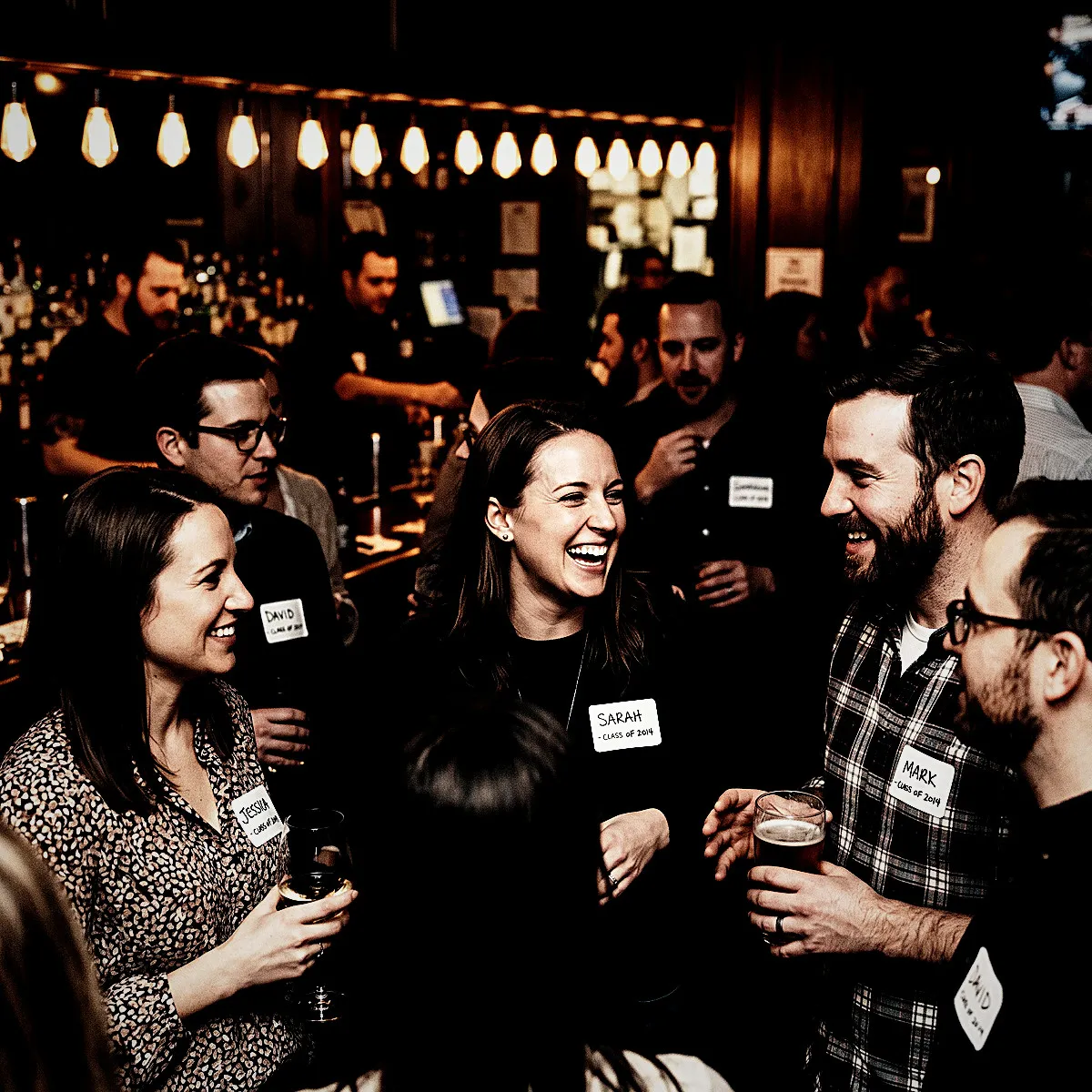
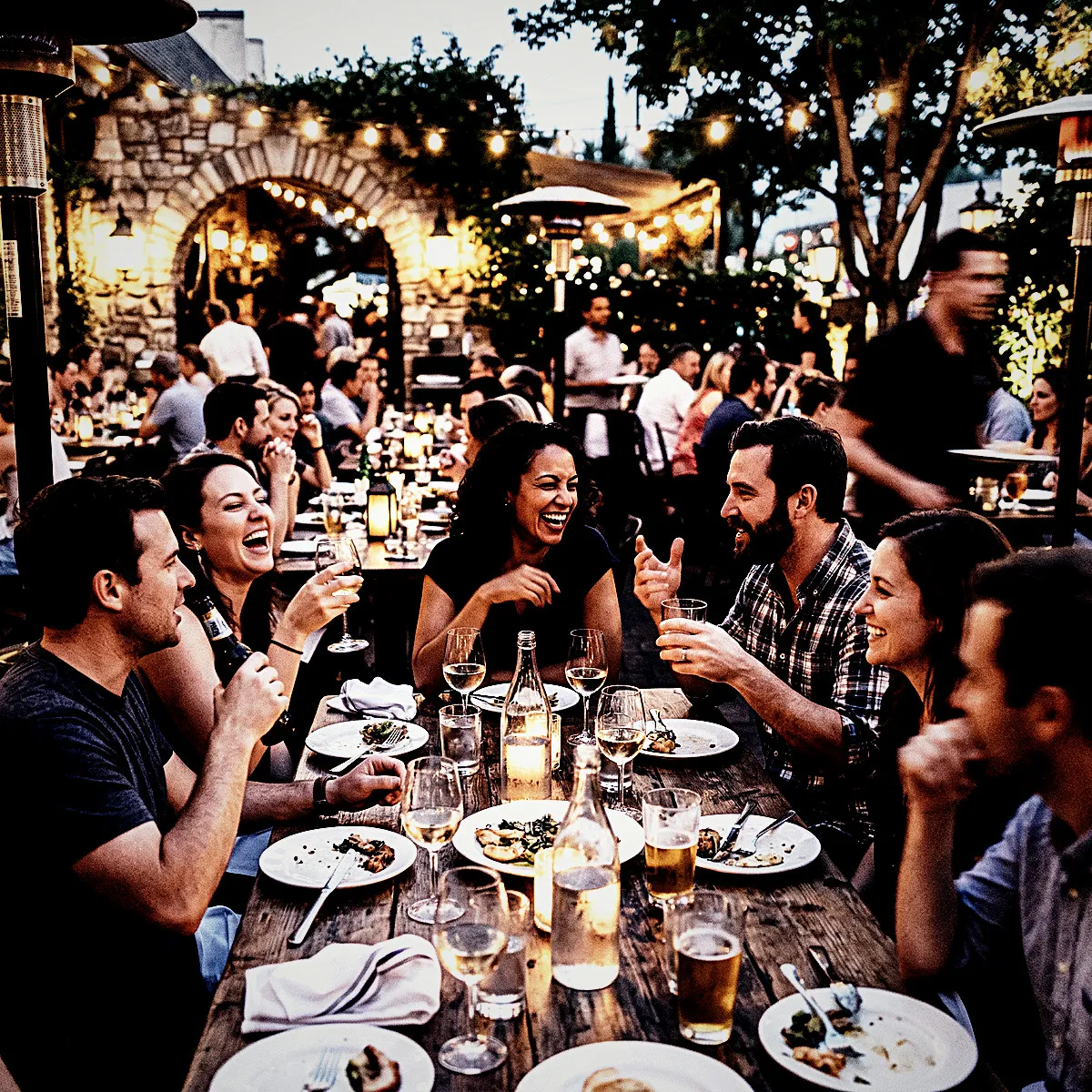
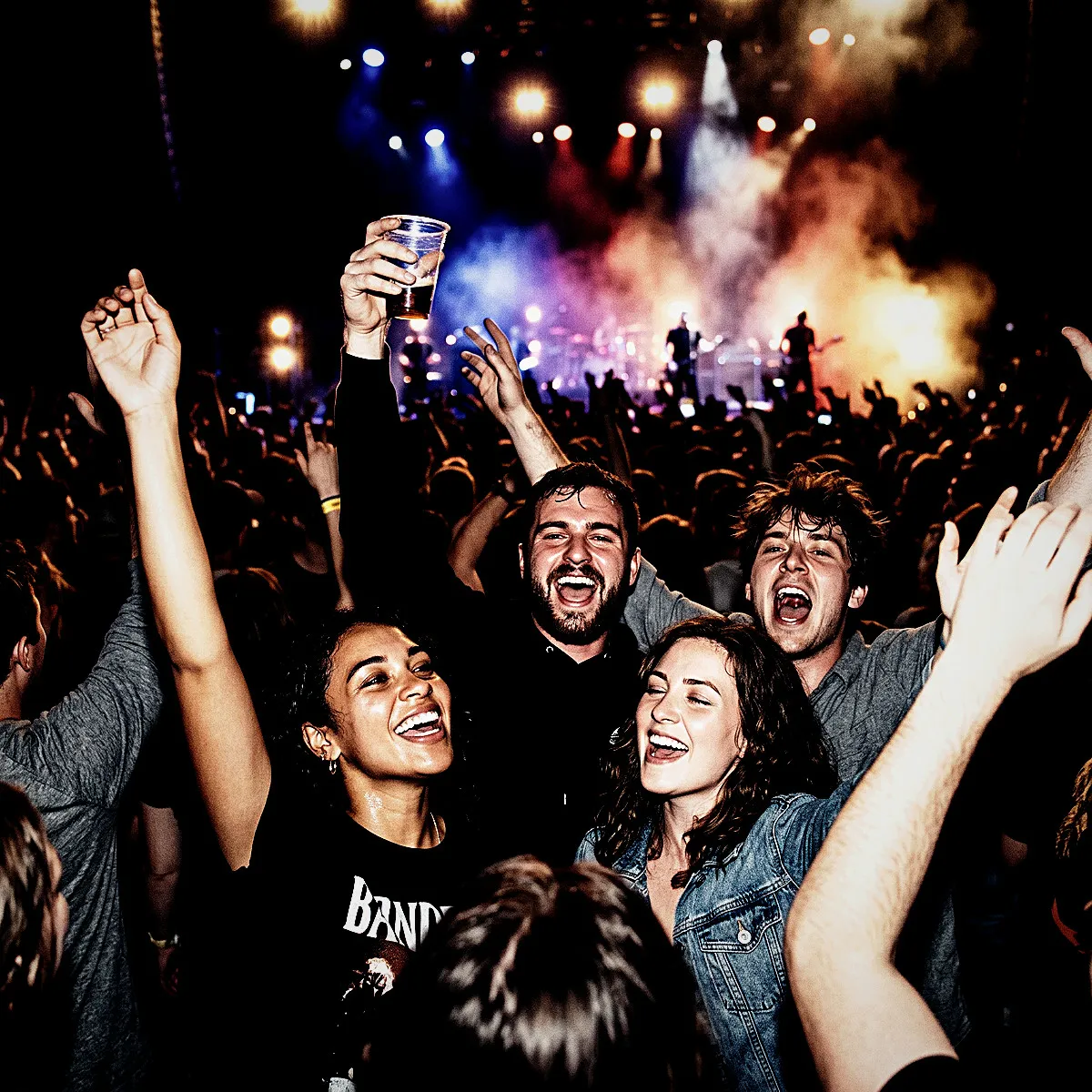
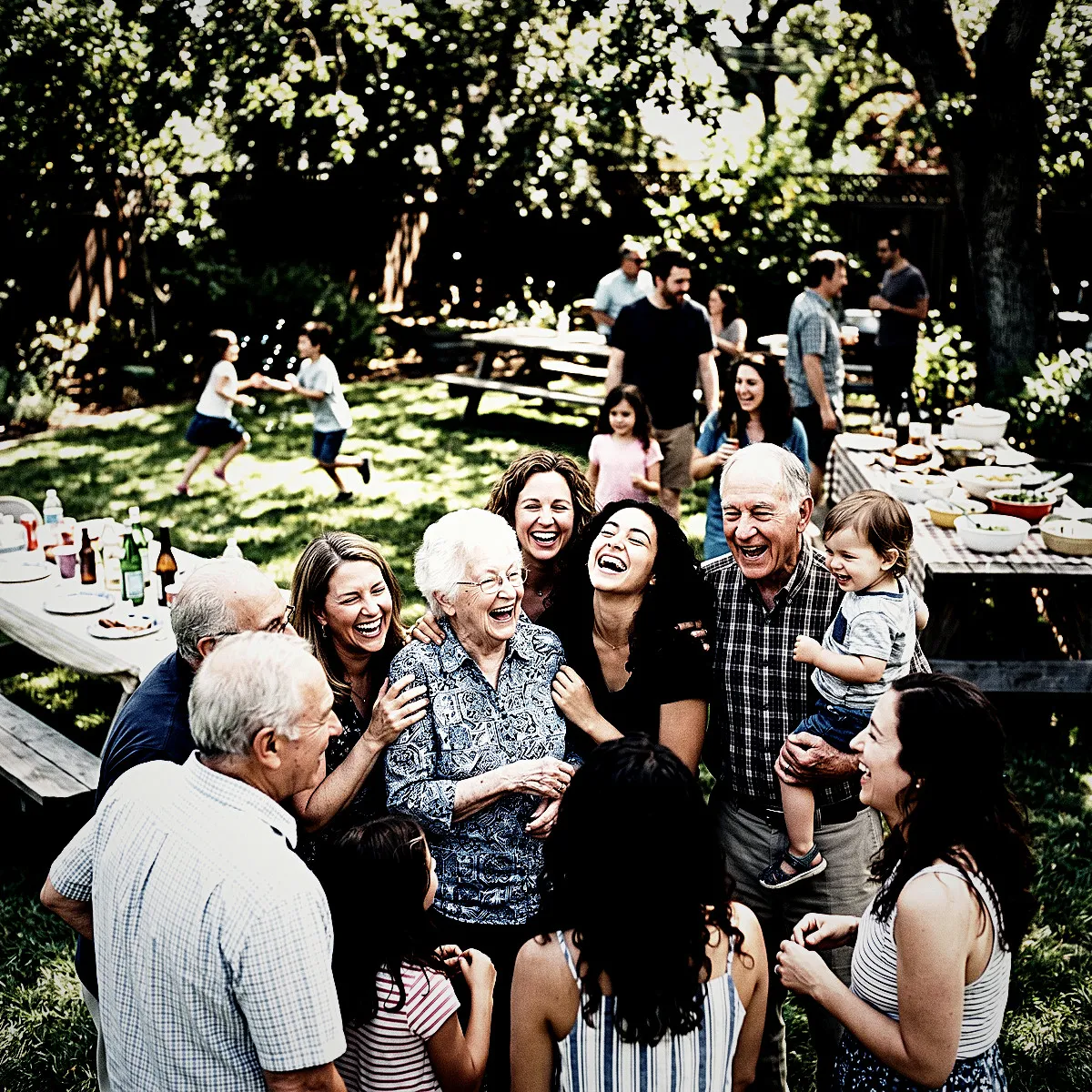
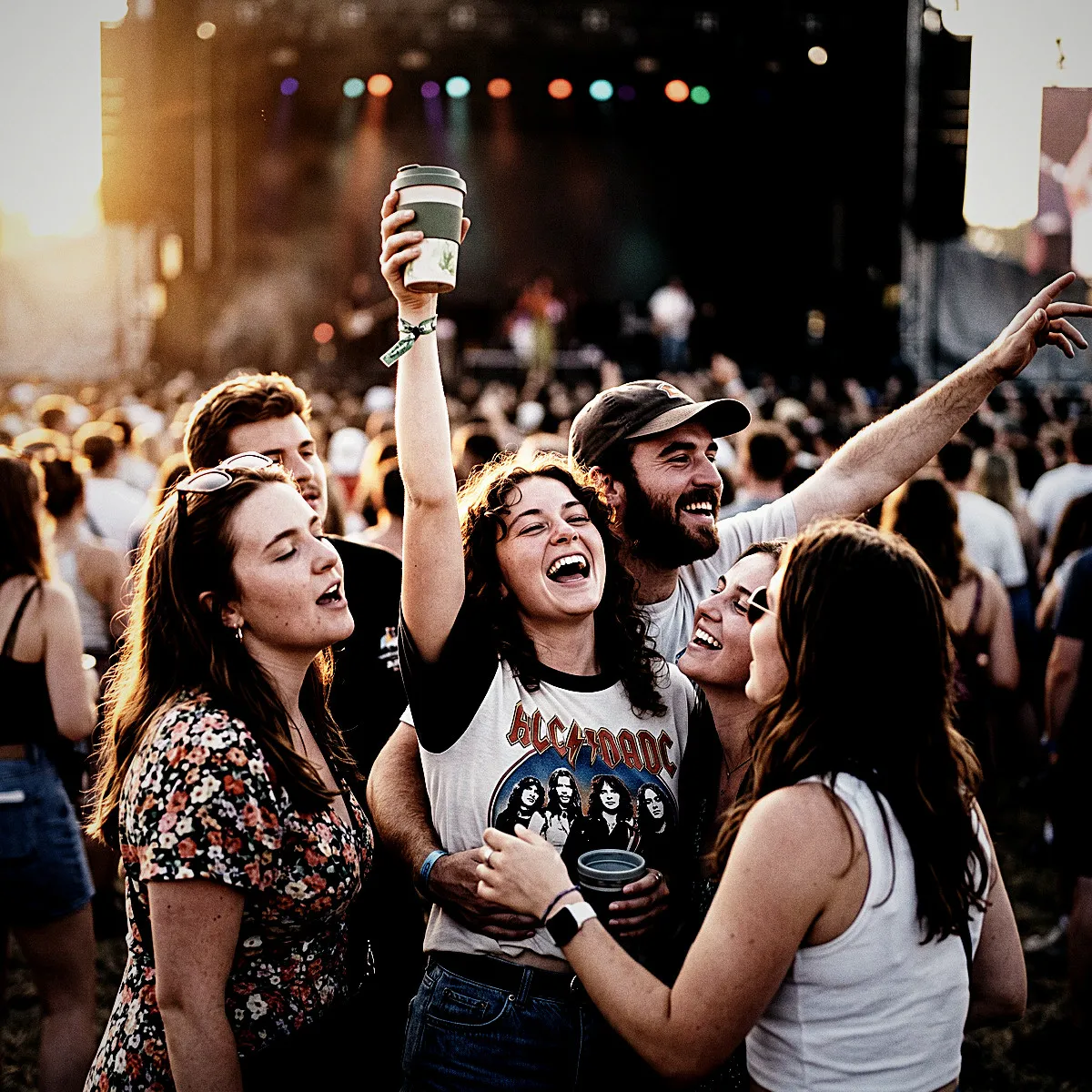
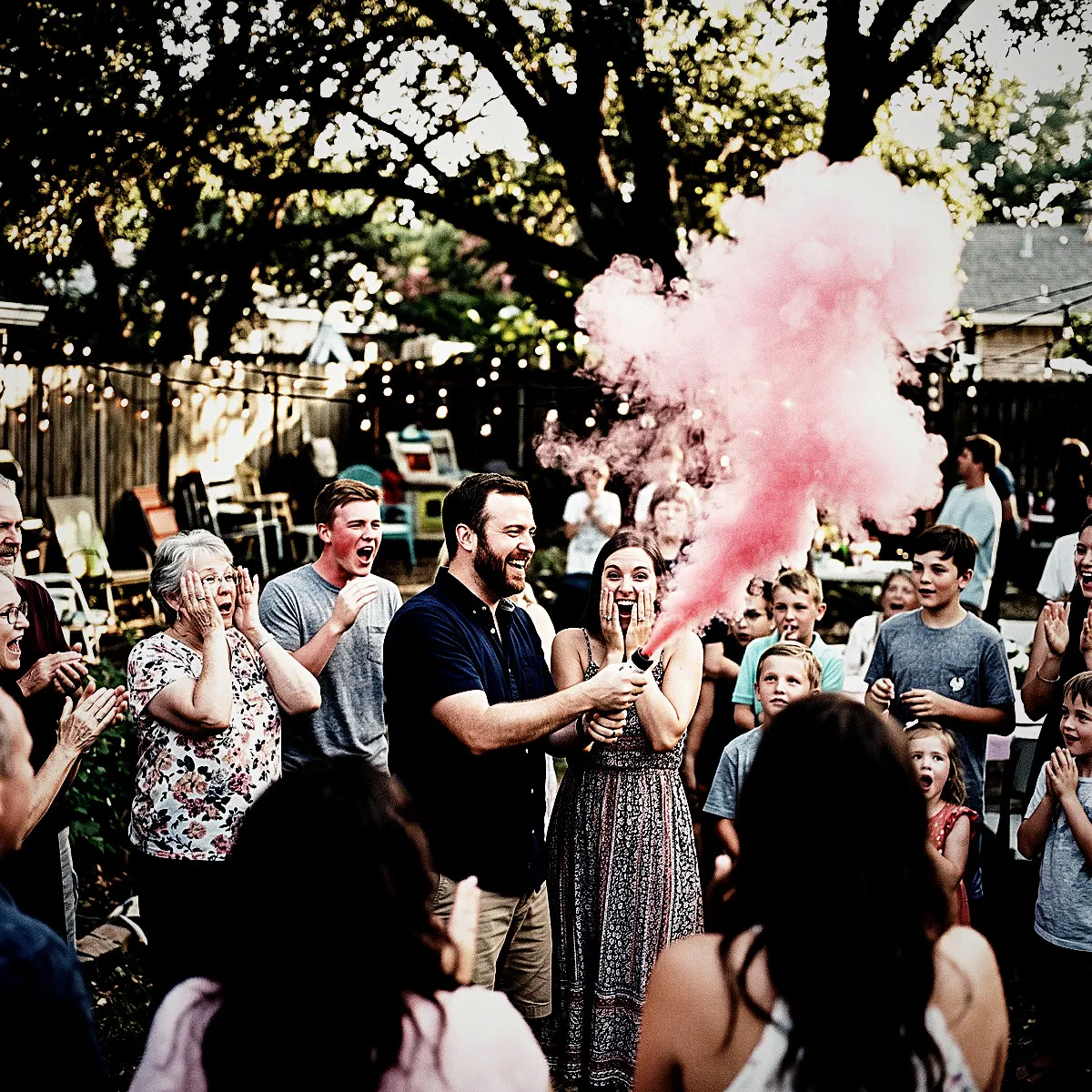
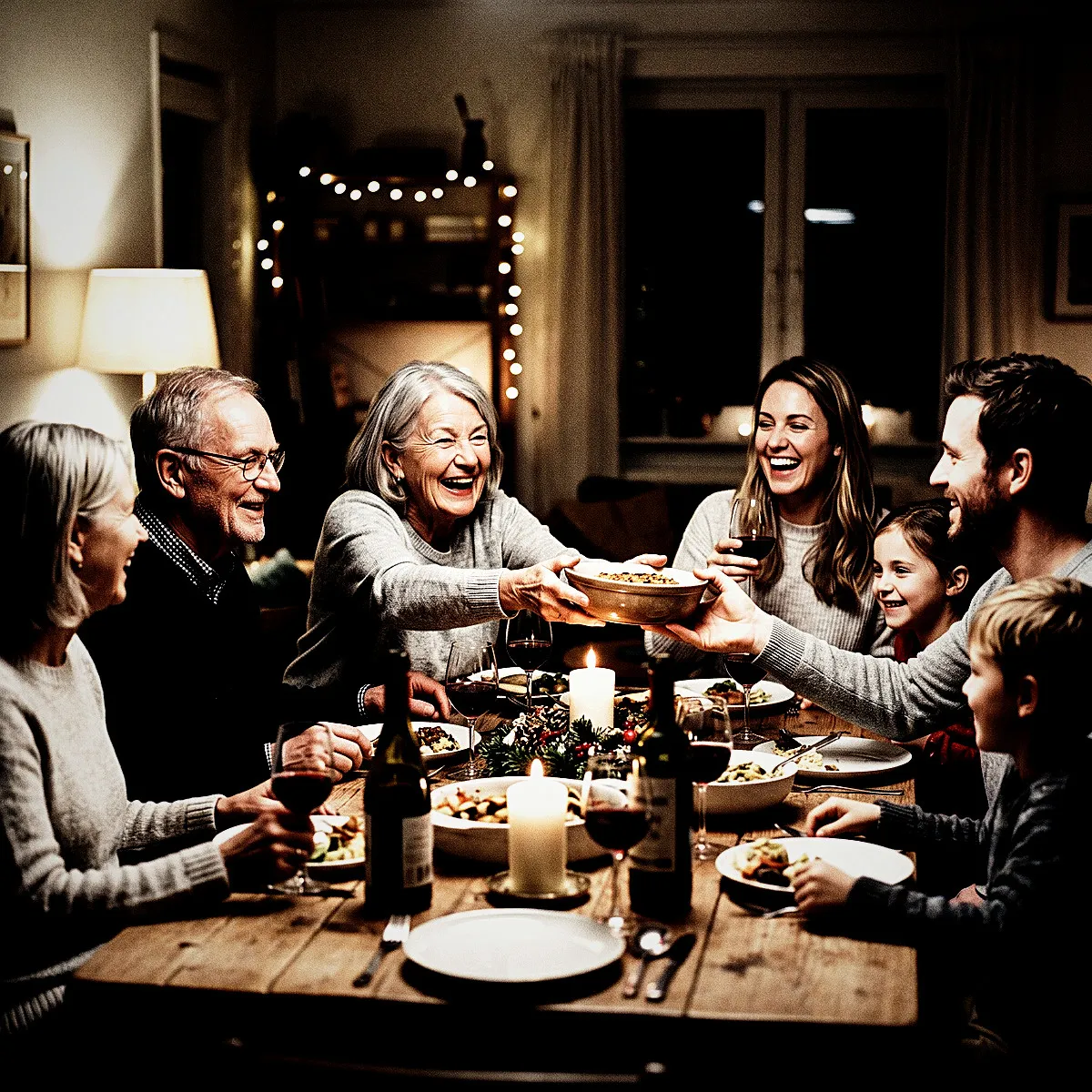
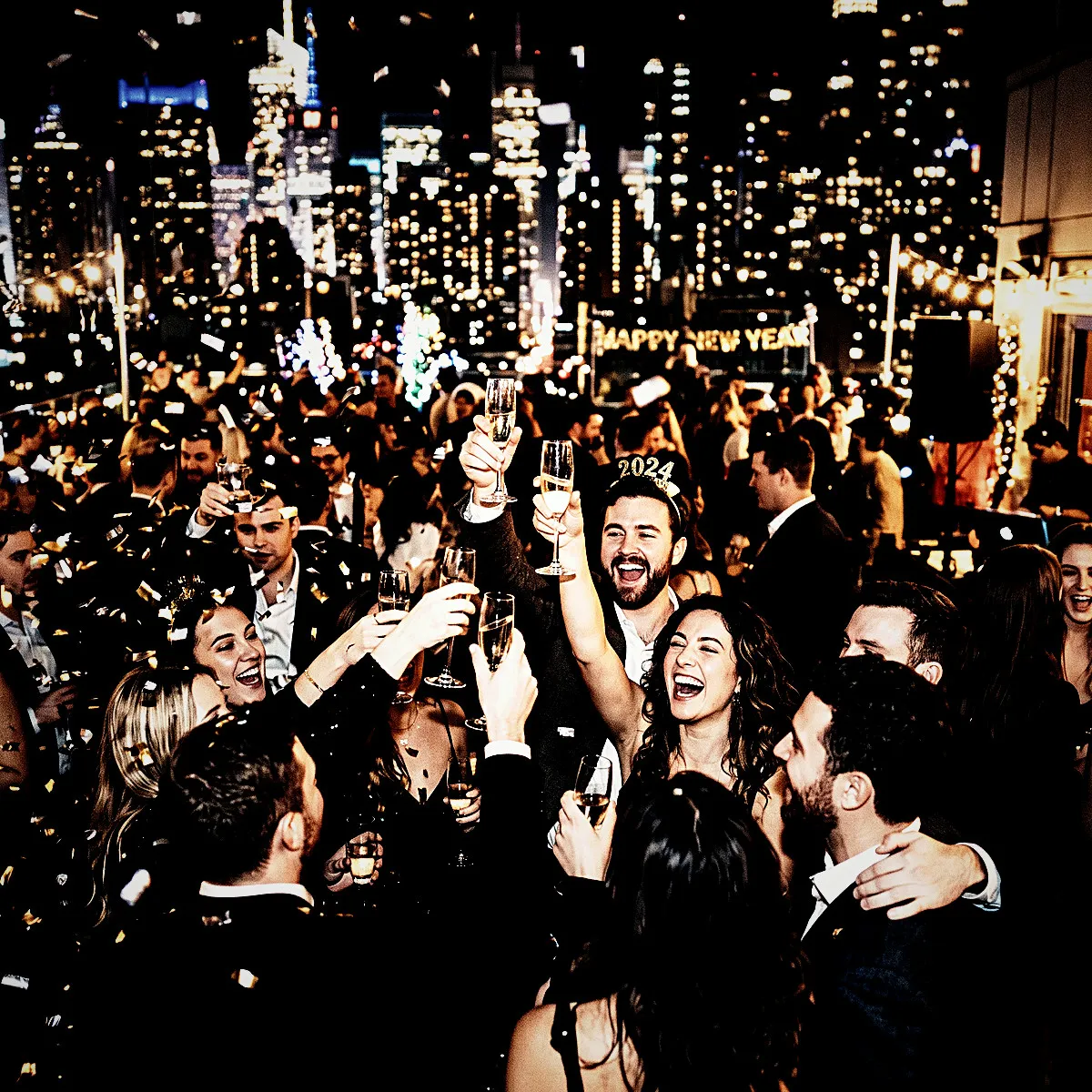
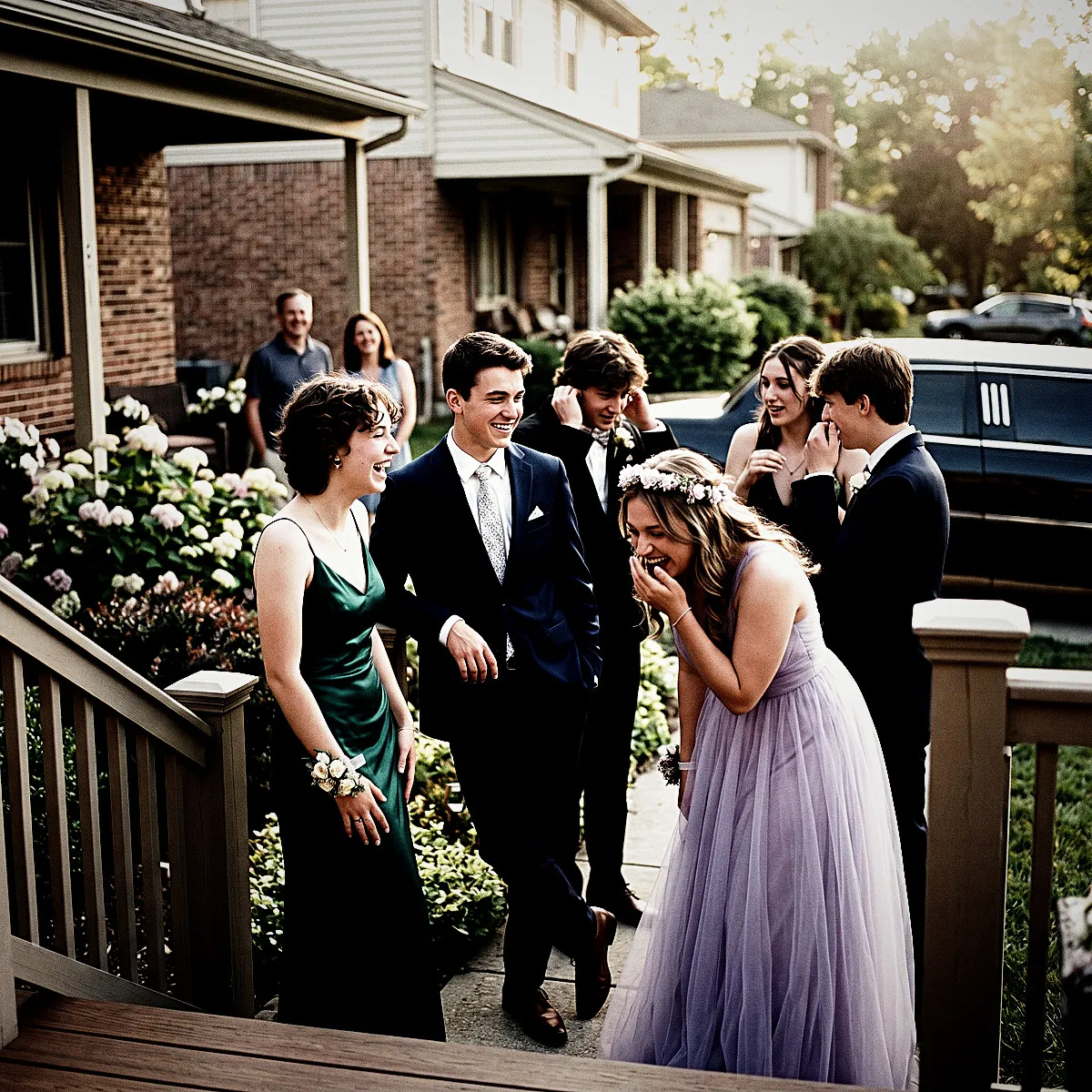
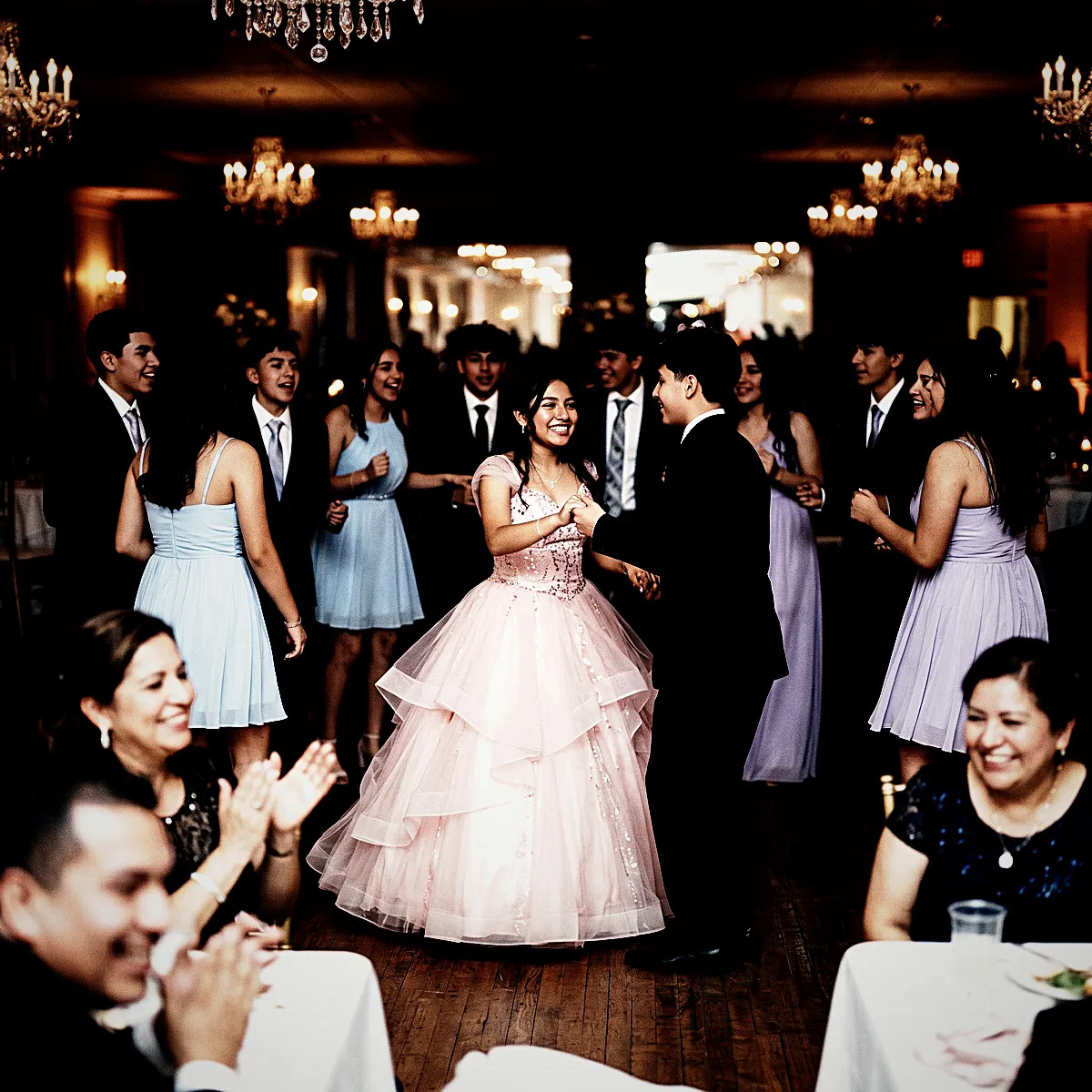
Bleach Bypass on real event photos

Photo with the Bleach Bypass filter applied Original photo before the Bleach Bypass filter
Before
After
More examples
Bleach Bypass photo filter example
Why Revel

Where to use Bleach Bypass?

A few events and moods where this look really shines.

Underground Parties

Thrives in strobe lights, deep shadows, and raw industrial warehouse spaces.

Editorial Fashion

Perfect for modern couples wanting an edgy, high-fashion documentary look over traditional soft wedding pastels.

Concerts and Festivals

Captures the gritty, high-octane atmosphere of live music and dramatic stage lighting.

Try it now

See it for yourself
in 5 seconds

Point your phone at this QR code and experience Revel as a guest. No app, no sign-up — just scan and shoot.

Scan with your phone camera
Bleach Bypass FAQ

Common questions about the Bleach Bypass filter.

Does this filter work well in low light?

Yes, it absolutely thrives in low light. The high contrast and heavy grain turn camera sensor noise into beautiful, filmic texture, while bright lights pop dramatically against crushed shadows.

Will Bleach Bypass make my guests look washed out?

While it desaturates colors, it actually enhances skin texture and bone structure through intense contrast and subtle warm highlights. It creates a bold, character-driven look rather than a flattering, soft-focus beauty filter.

What kind of venues pair best with this aesthetic?

Think brick walls, concrete floors, neon signs, and moody underground lounges. It beautifully accentuates raw materials, metallic surfaces, and architectural lines, making it perfect for industrial or urban settings.

How do photo filters work in Revel?

You pick a style you like for your event, and Revel applies it automatically to every photo as your guests take them. Each shot is processed through the same pro-grade image pipeline, so the whole gallery shares one coherent look — no editing required from you or your guests.

When should I use a filter?

Use a filter whenever you want a consistent, intentional look across every photo from your event. Because dozens of guests shoot on different phones in different lighting, the raw gallery can feel scattered. A single filter ties it all together — perfect for weddings, parties, and branded company events where the mood matters.

When should I NOT use a filter?

Skip filters if you prefer the natural, unedited look of each photo, or if your event mixes very different settings where one style might not flatter them all. The originals are always preserved, so if you are unsure you can leave filtering off and decide later — nothing is lost either way.

Can I change the filter during the event?

Yes. You can switch the filter at any time, but it only applies to photos taken after the change. Photos captured earlier keep the filter that was active when they were taken, so your gallery may show more than one look if you switch mid-event.

Can I remove the filter later?

Yes. A filter can be removed at any time, and it clears from every photo in the Moment instantly. Your original, unfiltered photos are never altered, so removing a filter simply reveals them as they were shot.

Can I download both the filtered and original photos?

Yes. You can download the full gallery at any time, either with the filter applied or as the untouched originals. You always keep both versions, so you are free to choose per occasion.

Which filters does Revel support?

Revel offers over 50 filters across a wide range of styles — from classic black & white and warm vintage film to bold color effects and dreamy pastels. Every filter runs through a pro-grade image pipeline, so your photos stay crisp and high quality whichever look you choose.

Do my guests need to do anything to get the filtered look?

No. Guests just join your Moment by scanning a QR code or tapping an NFC tag — no app download or sign-up — and shoot as normal. The filter is applied automatically behind the scenes, so everyone contributes to the same styled gallery without lifting a finger.

Ready to create
your Moment?

Download Revel and start your first Moment in under a minute. Your guests are one scan away.

Free to start · No guest sign-ups · Works instantly

Try the demo