Fuji Velvia

Drench your memories in vivid, high-contrast color.

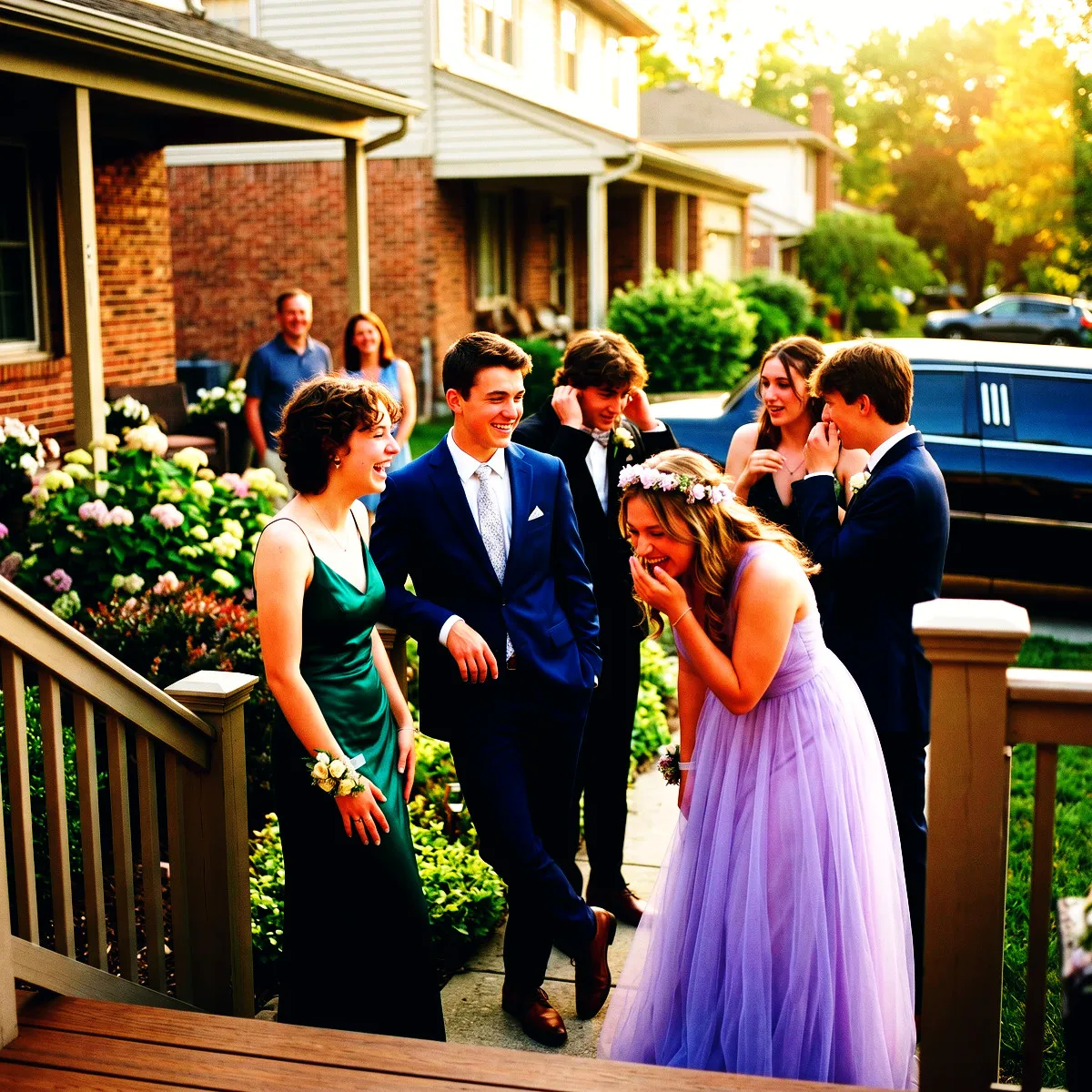
Inspired by legendary slide film, the Fuji Velvia filter brings ultra-saturated tones and deep, punchy shadows to your shared event gallery on Revel.

Free to start · No app for guests · Works in seconds

Fuji Velvia

Fuji Velvia

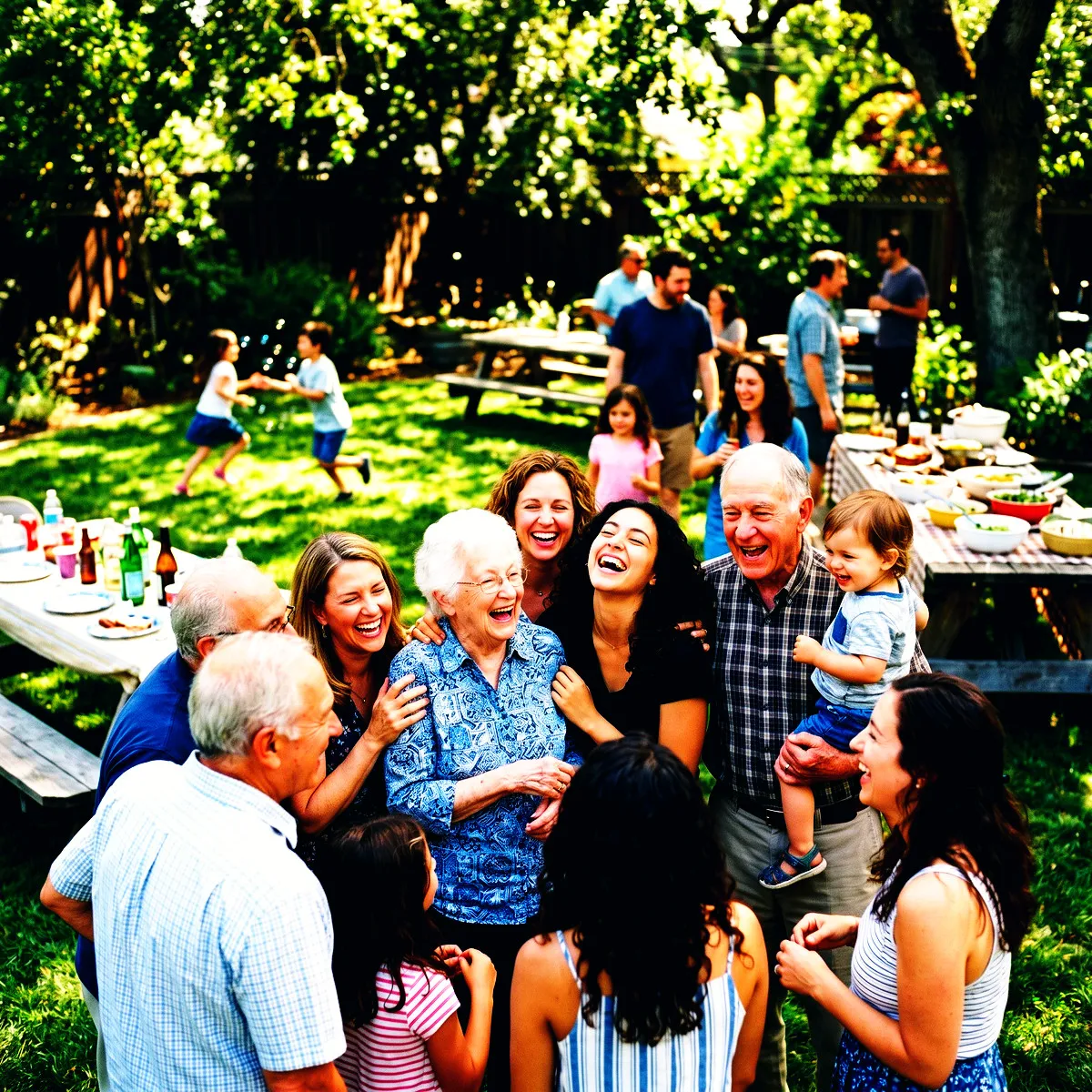
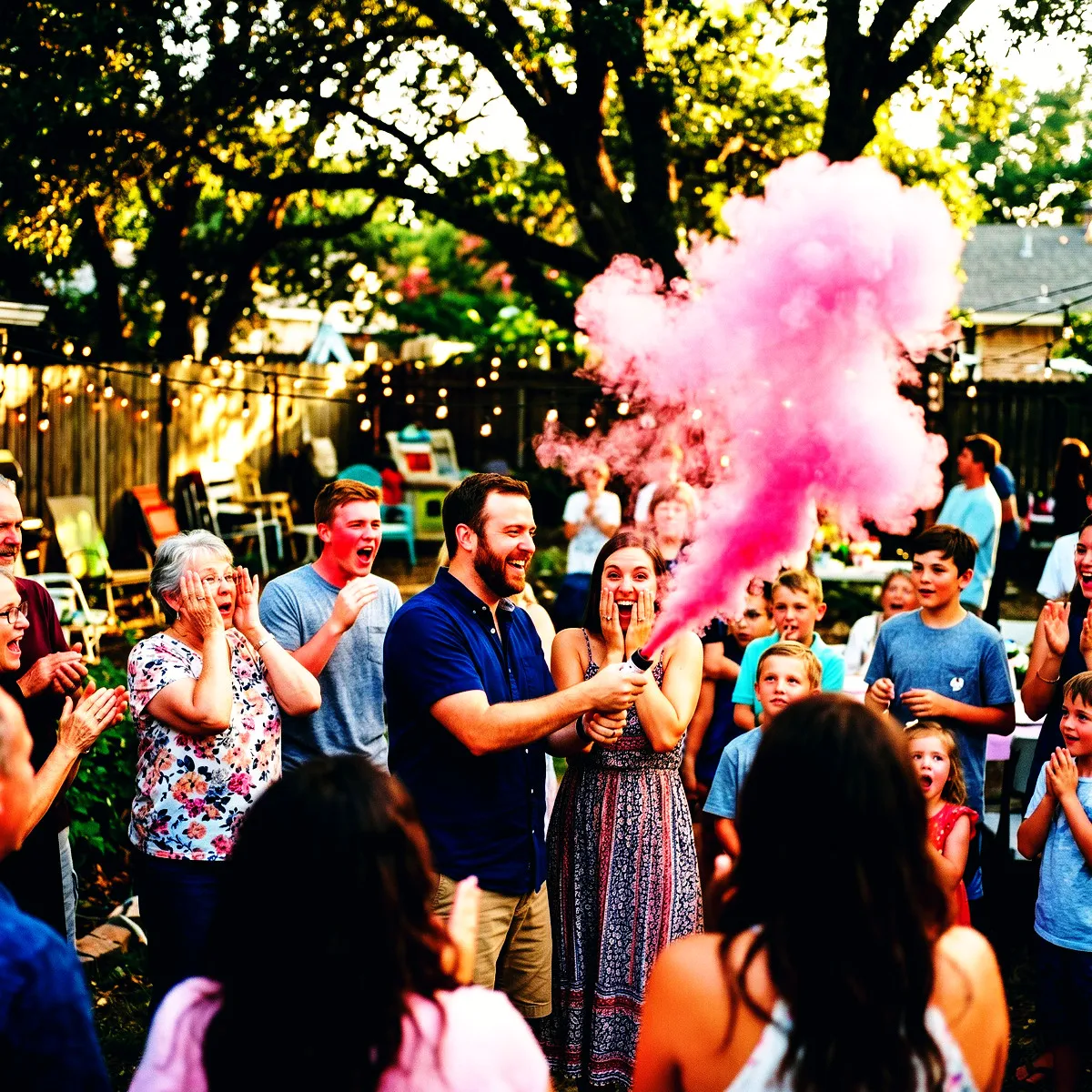
Some moments are too vibrant for muted tones. The Fuji Velvia photo filter is designed for events that demand to be seen in full, glorious color. By combining ultra-vivid saturation with deep, dramatic contrast, this filter emulates the legendary slide film beloved by outdoor and street photographers. From bright sunset ceremonies to neon-soaked dance floors, it turns every guest snapshot into an energetic, cinematic masterpiece. When your collective gallery finally unlocks at the Reveal, you will experience a visual story that feels alive, punchy, and unapologetically bold.

The Signature Velvia Look: Saturated & Bold

The Fuji Velvia photo filter is designed for those who refuse to let their memories fade into the background. Inspired by the legendary Fujifilm slide film prized by professional landscape photographers, this aesthetic brings an uncompromising boldness to your Revel Moment. We have meticulously calibrated this filter to boost saturation by over fifty percent, turning everyday colors into rich, delicious eye candy. A red dress becomes a crimson fire; a simple blue sky transforms into a deep, mesmerizing canopy.

But color is only half the story. To truly recreate the slide film magic, we crank up the contrast and pull down the gamma. This creates ink-black, deep shadows that give every photo an incredible sense of weight and dimension. Instead of the flat, sterile look of standard smartphone cameras, your guests will capture photos with dramatic, sculpted depth. It is a look that demands you stop and stare, turning casual snapshots into physical-feeling art.

We also introduce a sophisticated color balance to the shadows and highlights. The shadows are injected with cool, subtle blue and green undertones, while the highlights carry a touch of warm, golden red. This temperature split mimics the chemical reaction of classic analog film, making skin tones look vibrant and backgrounds feel deeply cinematic. When your guests use the App Clip to snap photos, they are not just taking pictures; they are developing a cohesive, highly stylized gallery.

Electric Energy: Setting a Dramatic Mood

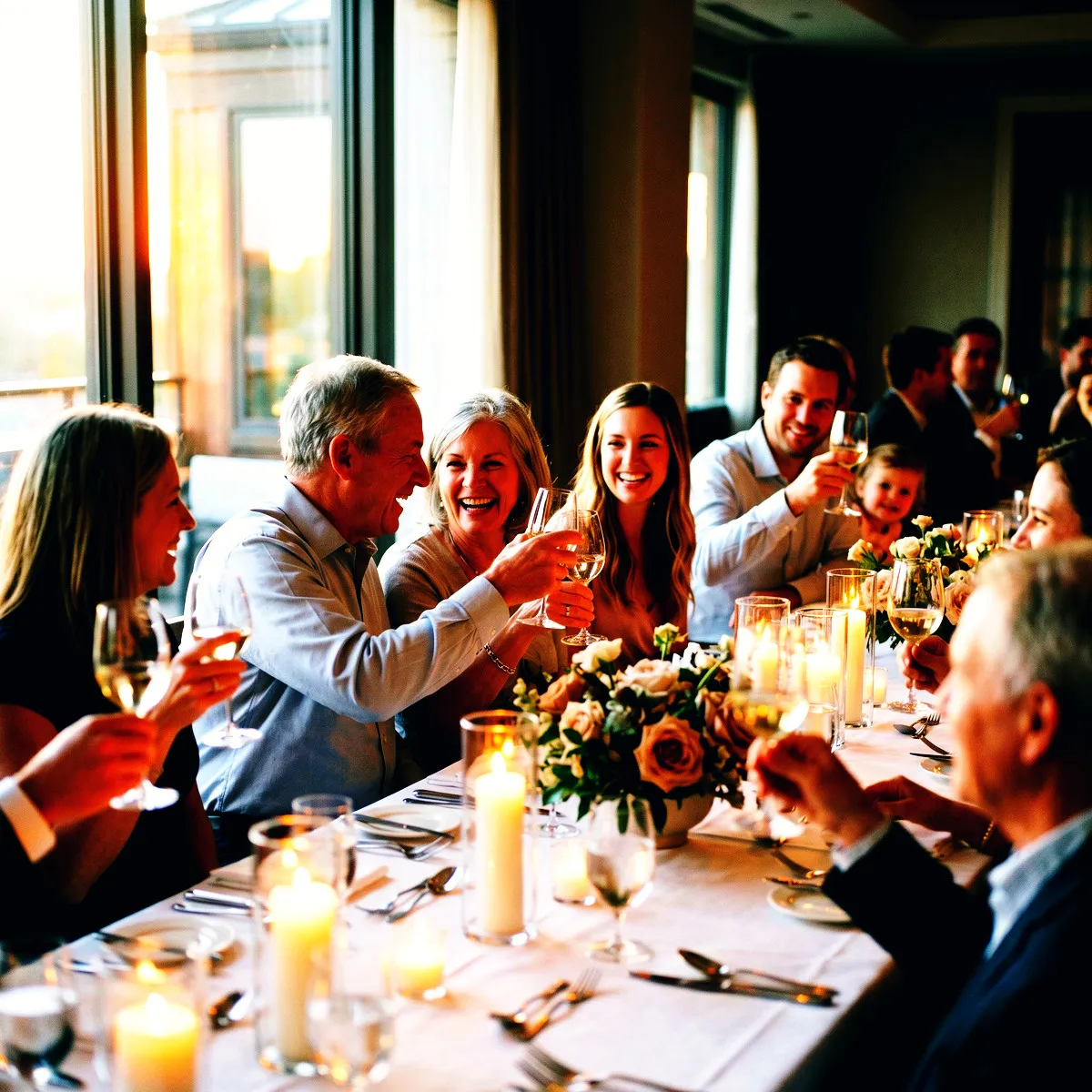
Some events are meant to be whispered, but yours is meant to be shouted. The Fuji Velvia photo filter is all about high drama and electric energy. It does not do subtle. By drenching your Moment in rich, high-contrast colors, it instantly elevates the mood of your entire gathering. It turns a casual toast into a historic declaration and a dance floor huddle into an album cover. There is an undeniable sense of theater in every frame.

This is what we call high-fidelity nostalgia. Unlike other retro filters that wash out your photos with artificial grain and faded grays, Velvia keeps things crisp, sharp, and punchy. It invokes the glorious, saturated aesthetic of late-90s film fashion shoots while retaining modern clarity. This makes the anticipation of the Reveal even more thrilling. When the Moment ends and the shared roll finally unlocks, your guests will be treated to a gallery that feels like a glossy, high-fashion magazine dedicated entirely to your night.

This dramatic look actually changes how people behave behind the lens. When guests catch a glimpse of the rich colors and deep shadows on their screens, they start shooting with more confidence. They strike bolder poses, chase more interesting angles, and seek out vivid backdrops. The sheer excitement of the filter becomes infectious, turning your shared photo roll into a collaborative canvas of pure, unadulterated fun.

Chasing the Light: Best Events and Environments

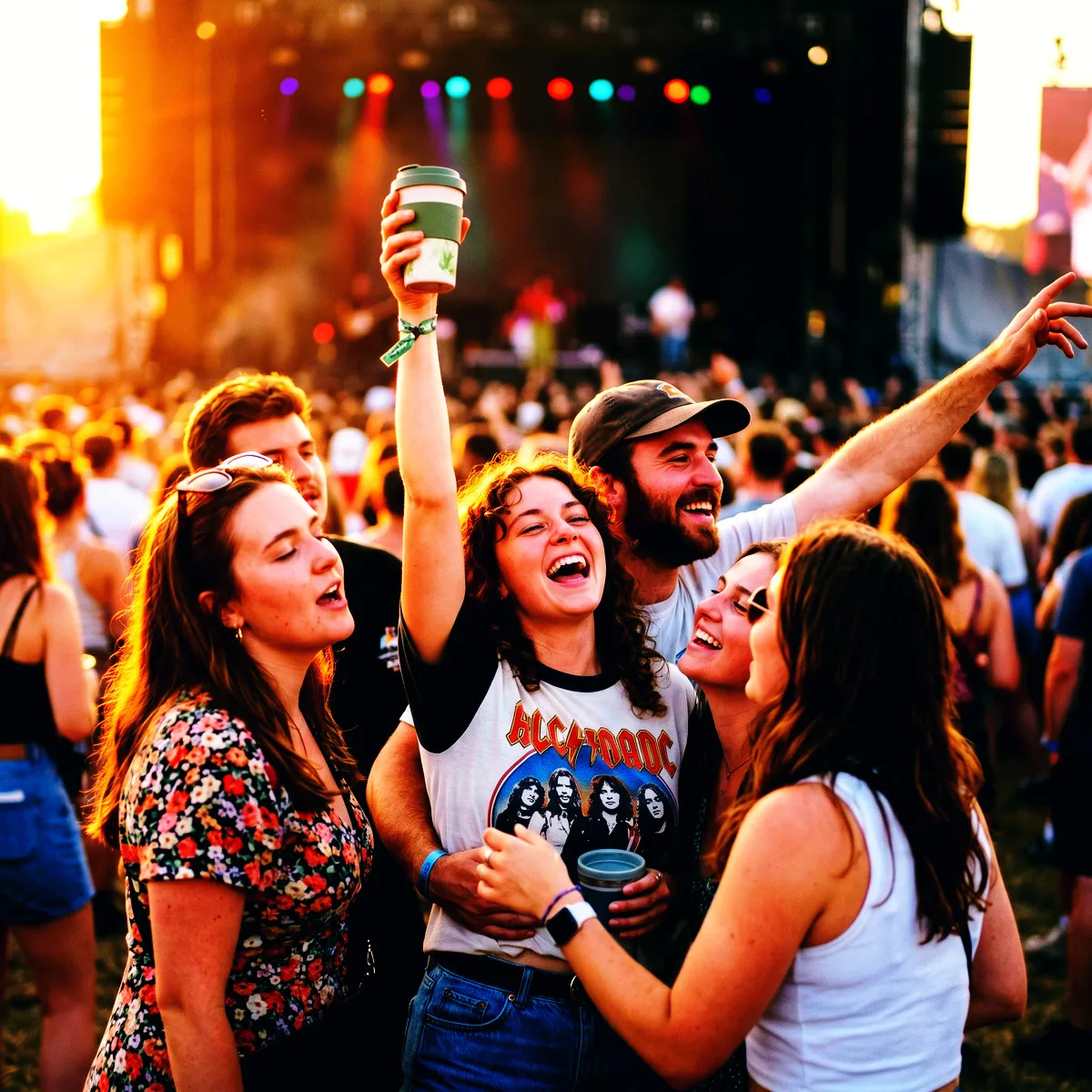
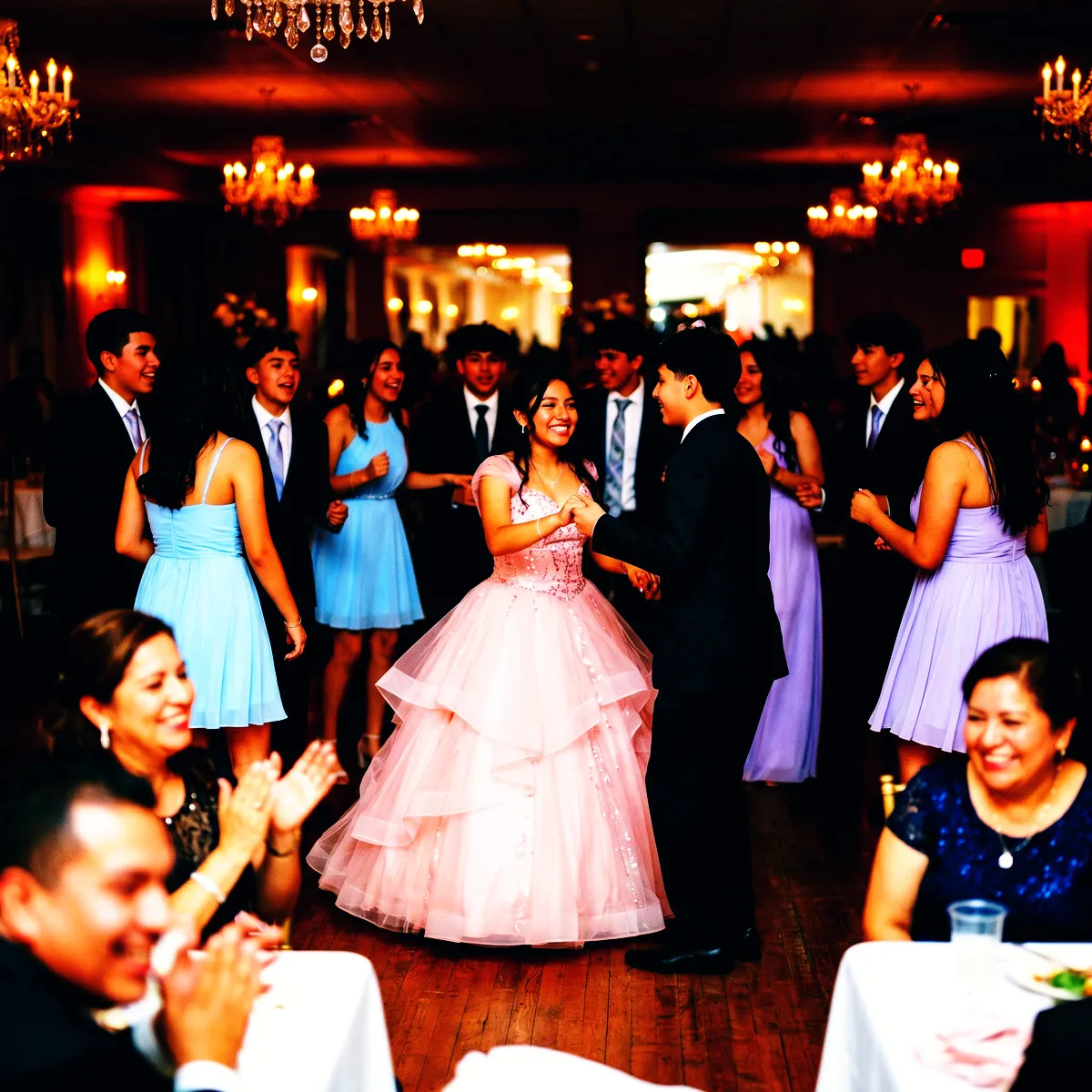
To get the absolute most out of the Fuji Velvia photo filter, you need to feed it dynamic light and rich environments. It is a hungry filter that absolutely shines at outdoor music festivals. When the sun starts to set and the stage lights flare up, Velvia captures the neon strobes, dusty air, and colorful crowd outfits with unmatched intensity. Every laser beam and glow stick becomes a vibrant streak of pure color against the deep, contrasty night sky.

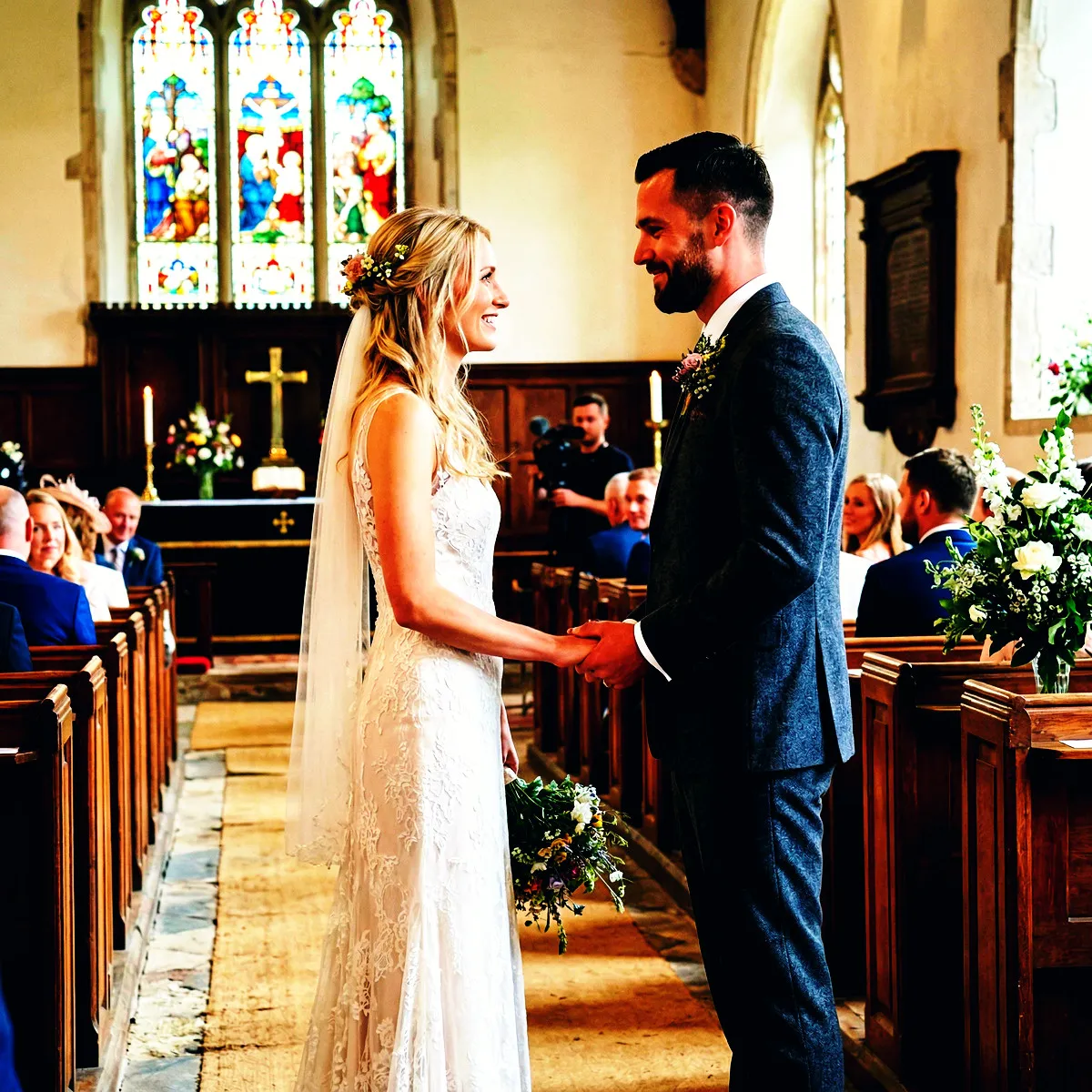
It is also the ultimate secret weapon for a golden hour wedding. As the sun hits that perfect, low angle, the filter grabs those warm highlights and wraps them around your guests, while the cool shadow undertones balance the deepening blue of the twilight. The result is an impossibly romantic, cinematic atmosphere that makes formal wear pop and floral arrangements look like they were painted by hand. It elevates the classic wedding album into something epic and timeless.

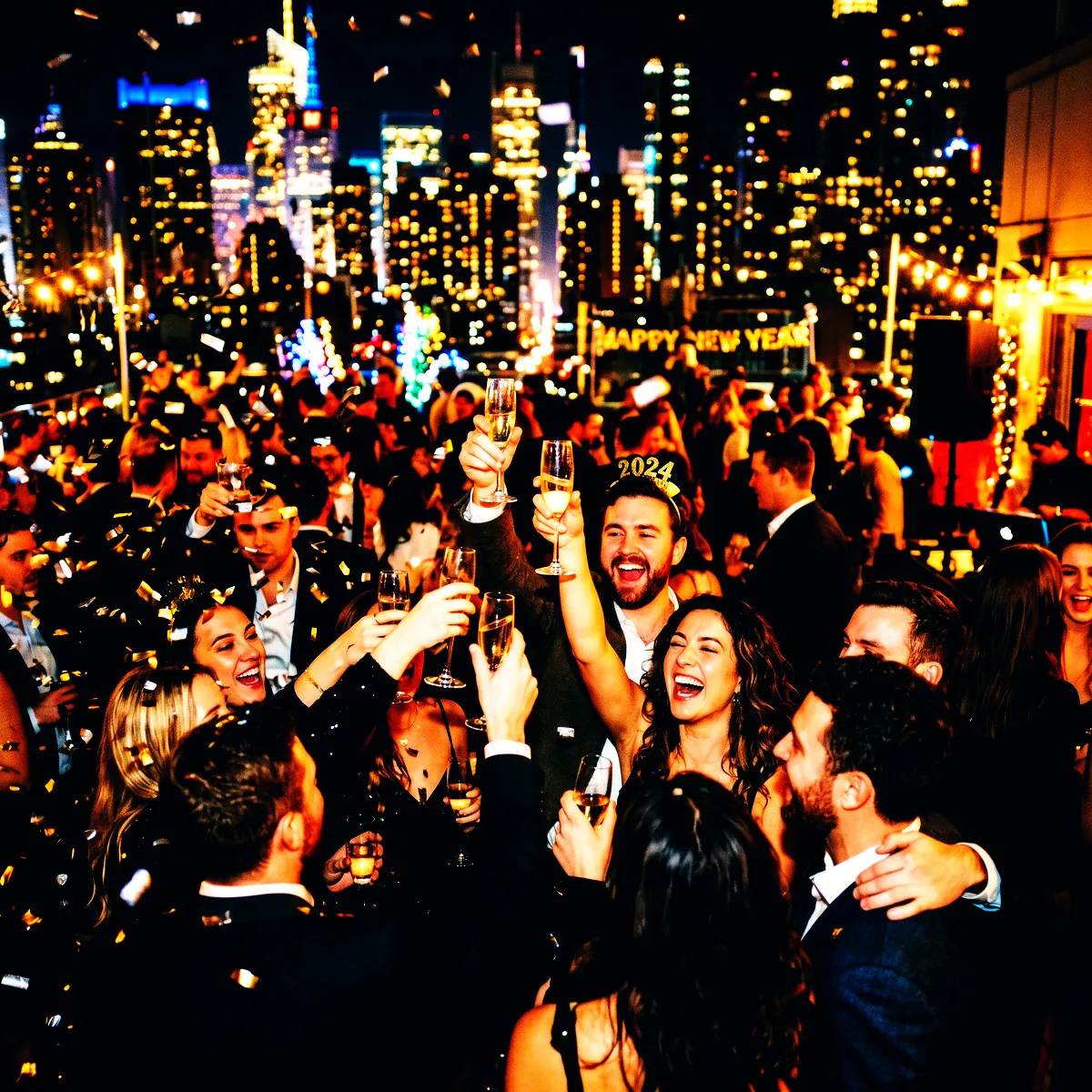
Do not shy away from using it indoors or after dark, either. If you are hosting a high-energy house party, a gallery opening, or a club night, Velvia thrives on the challenge. The harsh glare of a smartphone flash is transformed into a dramatic, stylized spotlight, cutting through the deep shadows to highlight laughing faces and clinking glasses. No matter where your event takes place, choosing this look ensures your Revel gallery is bursting with life, light, and color.

The Thrill of the Shared Roll

Setting up a Moment with Revel means handing your guests a virtual disposable camera, but with a massive upgrade. When your guests arrive, they do not need to fumble with app stores or register for another account they will forget tomorrow. A quick scan of a QR code on the table or a swift tap of an NFC tag instantly launches the Revel App Clip. Within seconds, everyone is connected to the same shared roll, ready to capture the magic of your event through the lens of the iconic Fuji Velvia photo filter.

This frictionless entry means nobody is left out of the fun. Your tech-averse uncle and your most trend-conscious friends are suddenly shooting side-by-side into the same collective gallery. Because Revel locks the photos until the event concludes, there is no endless scrolling, no immediate editing, and no self-conscious deleting. Everyone shoots on pure instinct, capturing raw, candid moments that are instantly baked with the deep, saturated contrast of classic slide film.

The real magic happens at the end of the night during the Reveal. When the Moment finishes, the collective gallery unlocks all at once. Opening the app to see hundreds of vibrant, punchy Velvia photos is like opening a box of freshly developed slides from the lab. The shared anticipation turns into a collective rush as everyone relives the night together, seeing how the ultra-vivid colors transformed even the simplest moments into cinematic masterpieces.

Pro Tips for Your Guests: Making Colors Pop

To get the absolute most out of the Fuji Velvia photo filter, you want to guide your guests to chase the light. Velvia is not a delicate, whispering filter; it thrives on high contrast and bold illumination. Encourage your guests to step into direct sunlight or to turn on their phone flashes, even during the day. The custom S-curve and high contrast of this filter love hard light, turning sharp highlights and deep, cool-toned shadows into graphic elements that make every snapshot look like a professional editorial.

Color is your best friend when shooting with this look. Tell your guests to actively hunt for bright backdrops and vivid clothing. Whether it is a blazing red dress on the dance floor, a lush green garden path, or a bright neon sign pulsing in the corner of the venue, Velvia will grab those tones and amplify them. With a saturation boost of over fifty percent, those colors will leap off the screen, creating images that feel incredibly alive and tactile.

Do not let your guests shy away from shadows, either. Because the Velvia filter applies a cool blue tone to the darker areas of the image while keeping highlights warm and punchy, shadows become a powerful composition tool. Urge your guests to embrace the contrast by framing bright subjects against dark, moody backgrounds. The result is a stunning, three-dimensional depth that makes every photo in your shared roll feel rich, dramatic, and intensely memorable.

A Bold Departure from Muted Retro Filters

Lately, the digital world has been flooded with washed-out, pastel retro filters that strip the life out of your photos. They offer faded blacks, muted colors, and a sleepy, low-contrast haze that makes every event look like a dusty memory from a forgotten attic. The Fuji Velvia photo filter is a defiant departure from that tired, desaturated aesthetic. It does not try to hide your event behind a veil of beige and grey; instead, it celebrates the vibrant, high-energy reality of your celebration.

By choosing Velvia for your Revel Moment, you are making a conscious decision to remember your event in full color. This is the look for hosts who want their photos to pack a punch. While other filters flatten the scene, Velvia carves out deep, rich blacks and pushes colors to their absolute limit. It honors the true energy of a wedding, a festival, or a milestone birthday by turning up the volume on every single hue, making reds burn brighter and blues feel infinitely deeper.

Your memories are not meant to be muted. Your guests did not dress up in their best outfits just to be faded into pastel obscurity. With the Fuji Velvia filter, your shared gallery becomes an unforgettable visual feast that captures the actual, electric feeling of being there in the room. It is a confident, modern take on nostalgia that ensures your event stands out in a sea of identical, washed-out social media feeds.

See it in action

Fuji Velvia on real event photos

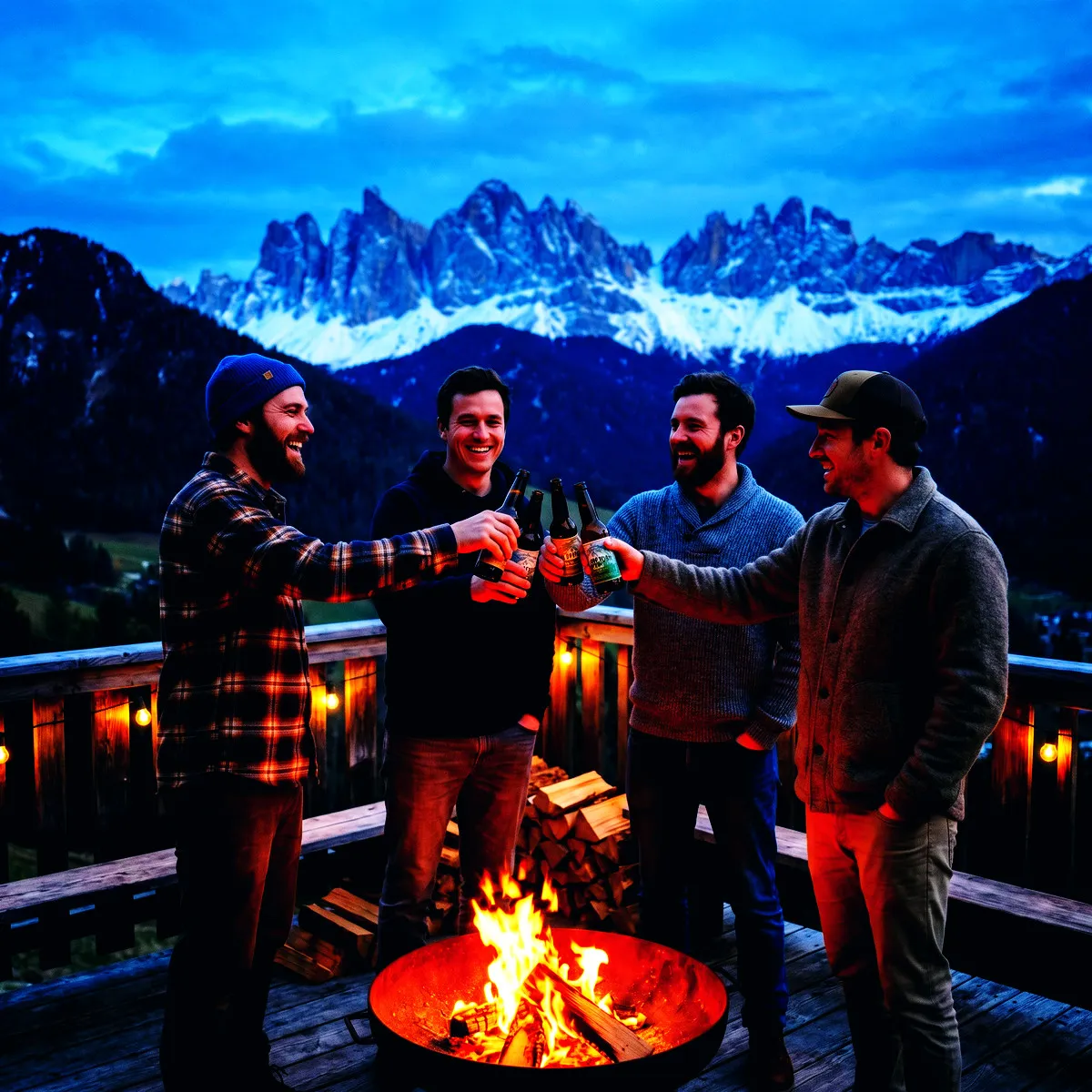
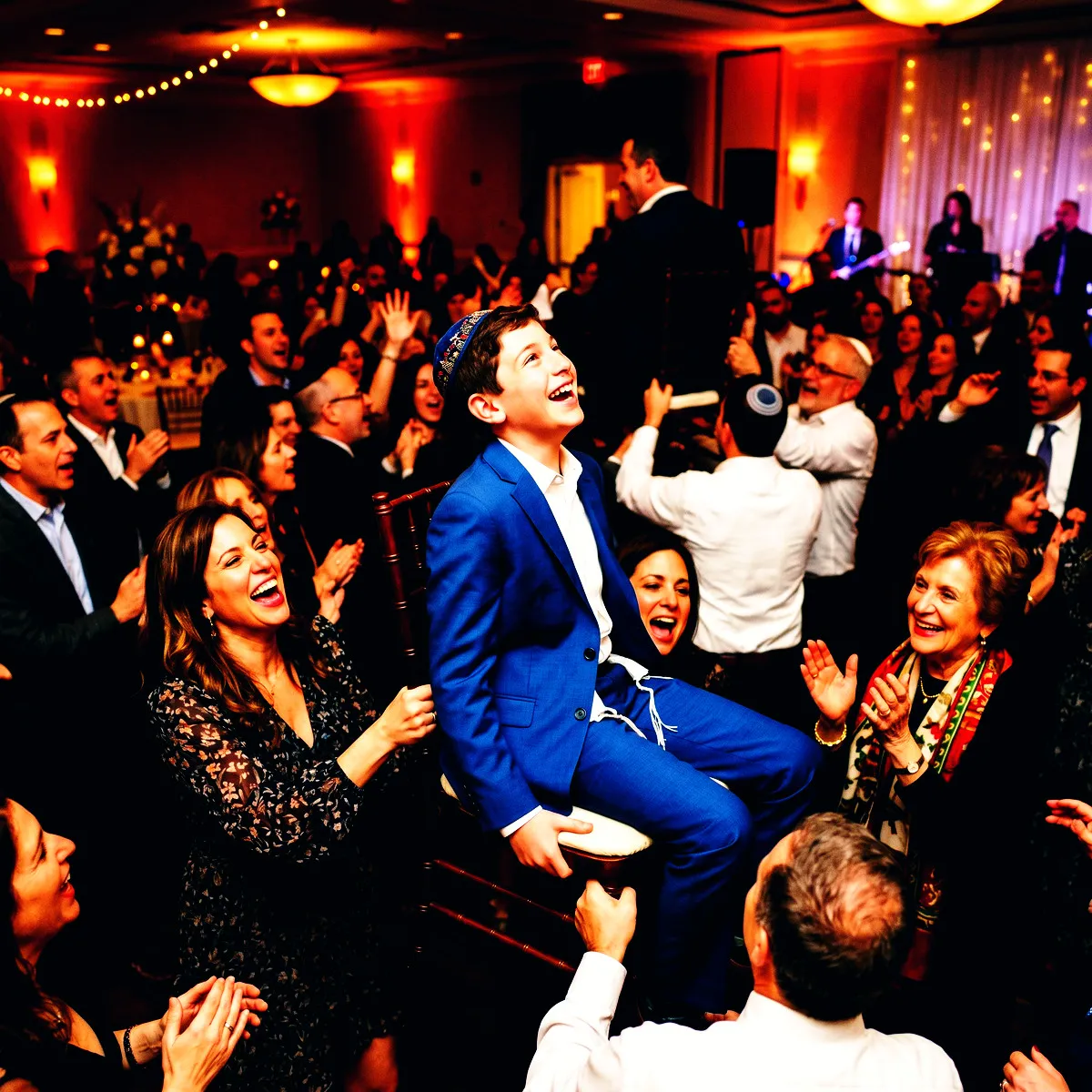
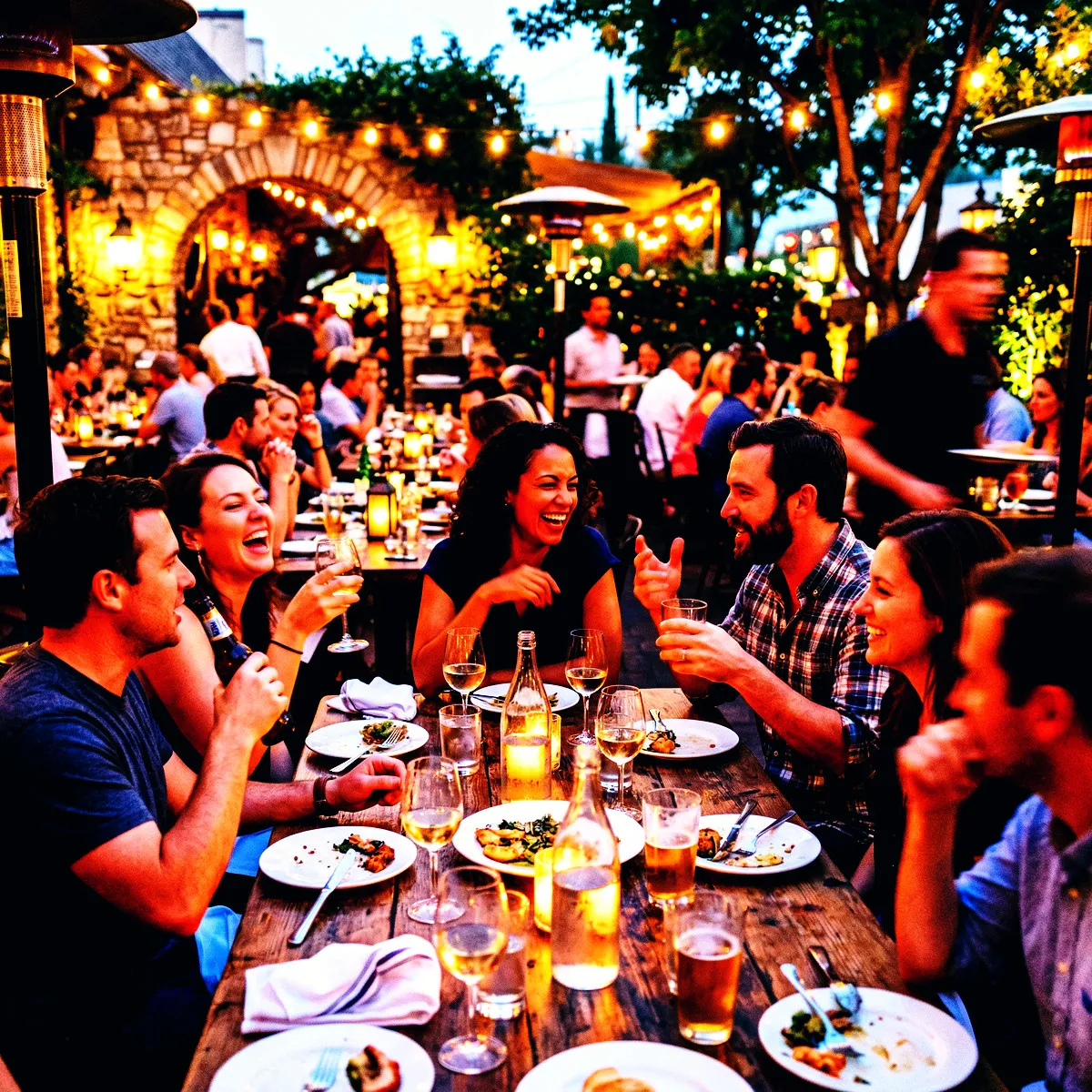
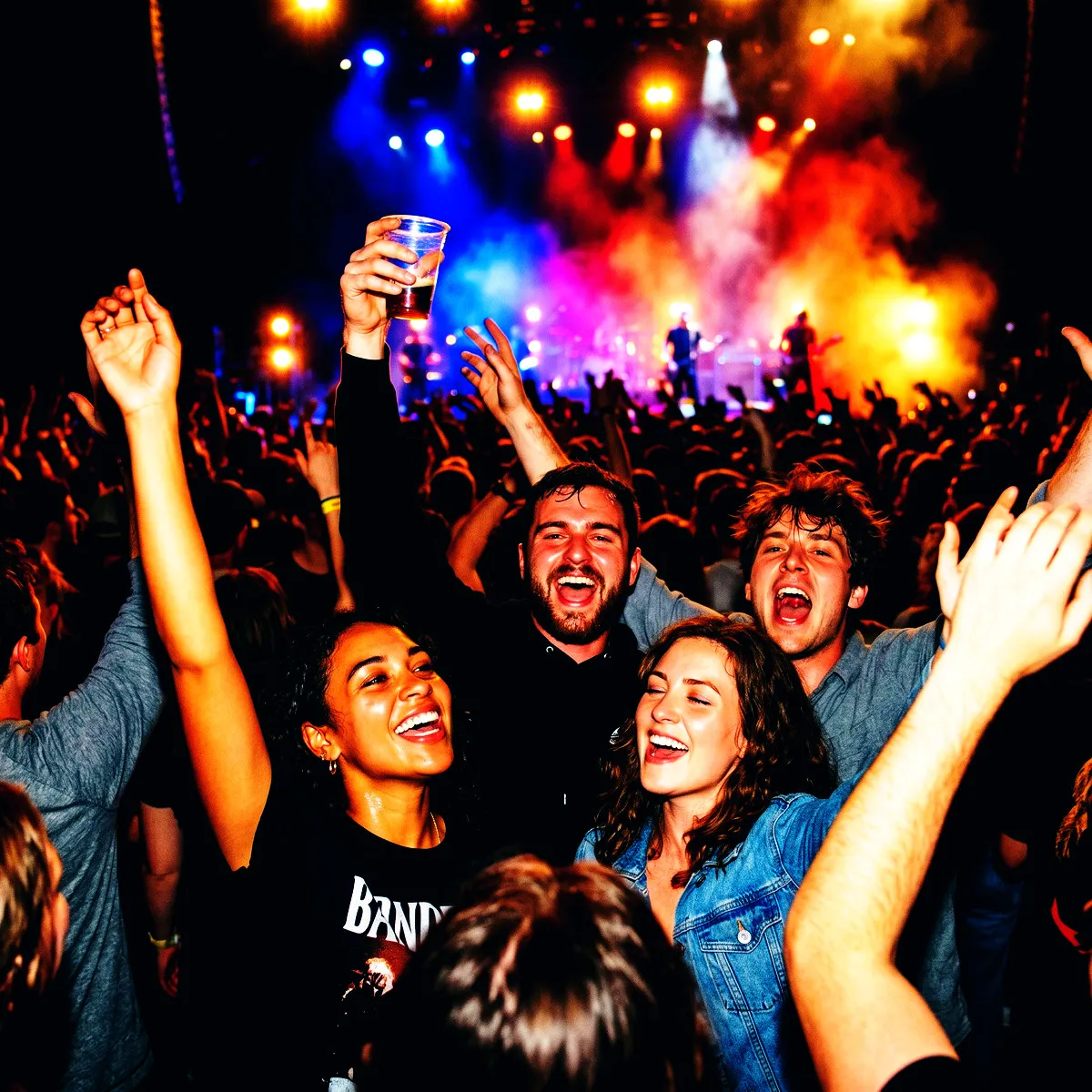
Photo with the Fuji Velvia filter applied Original photo before the Fuji Velvia filter
Before
After
More examples
Fuji Velvia photo filter example
Why Revel

Where to use Fuji Velvia?

A few events and moods where this look really shines.

Golden Hour Weddings

Turns sunset vows into a warm, dramatic canvas with rich orange tones and deep blue skies.

Outdoor Festivals

Captures every neon outfit, green field, and stage light with hyper-saturated energy.

Neon-Lit Afterparties

Makes dark rooms pop by dropping shadows to deep black while letting vibrant party lights shine.

Try it now

See it for yourself
in 5 seconds

Point your phone at this QR code and experience Revel as a guest. No app, no sign-up — just scan and shoot.

Scan with your phone camera
Fuji Velvia FAQ

Common questions about the Fuji Velvia filter.

How does the Fuji Velvia filter handle low-light party environments?

With its high-contrast curve and deep shadow processing, low-light photos look incredibly dramatic. Ambient dark backgrounds will drop into deep, rich blacks, making colored lights, disco balls, and flash-lit faces pop with electric intensity.

Will skin tones look too orange or red with this high-saturation look?

While the Fuji Velvia filter boosts color overall, we have carefully balanced the highlight channels to keep skin tones looking lively, warm, and sun-kissed rather than unnaturally flushed or oversaturated.

Can my guests switch to a different filter during our Moment?

No, and that is by design. To ensure your final event gallery has a beautifully cohesive, curated aesthetic, the Fuji Velvia filter is applied automatically to every photo taken by your guests during the Moment.

How do photo filters work in Revel?

You pick a style you like for your event, and Revel applies it automatically to every photo as your guests take them. Each shot is processed through the same pro-grade image pipeline, so the whole gallery shares one coherent look — no editing required from you or your guests.

When should I use a filter?

Use a filter whenever you want a consistent, intentional look across every photo from your event. Because dozens of guests shoot on different phones in different lighting, the raw gallery can feel scattered. A single filter ties it all together — perfect for weddings, parties, and branded company events where the mood matters.

When should I NOT use a filter?

Skip filters if you prefer the natural, unedited look of each photo, or if your event mixes very different settings where one style might not flatter them all. The originals are always preserved, so if you are unsure you can leave filtering off and decide later — nothing is lost either way.

Can I change the filter during the event?

Yes. You can switch the filter at any time, but it only applies to photos taken after the change. Photos captured earlier keep the filter that was active when they were taken, so your gallery may show more than one look if you switch mid-event.

Can I remove the filter later?

Yes. A filter can be removed at any time, and it clears from every photo in the Moment instantly. Your original, unfiltered photos are never altered, so removing a filter simply reveals them as they were shot.

Can I download both the filtered and original photos?

Yes. You can download the full gallery at any time, either with the filter applied or as the untouched originals. You always keep both versions, so you are free to choose per occasion.

Which filters does Revel support?

Revel offers over 50 filters across a wide range of styles — from classic black & white and warm vintage film to bold color effects and dreamy pastels. Every filter runs through a pro-grade image pipeline, so your photos stay crisp and high quality whichever look you choose.

Do my guests need to do anything to get the filtered look?

No. Guests just join your Moment by scanning a QR code or tapping an NFC tag — no app download or sign-up — and shoot as normal. The filter is applied automatically behind the scenes, so everyone contributes to the same styled gallery without lifting a finger.

Ready to create
your Moment?

Download Revel and start your first Moment in under a minute. Your guests are one scan away.

Free to start · No guest sign-ups · Works instantly

Try the demo