How to Make Private Event Albums Guests Use
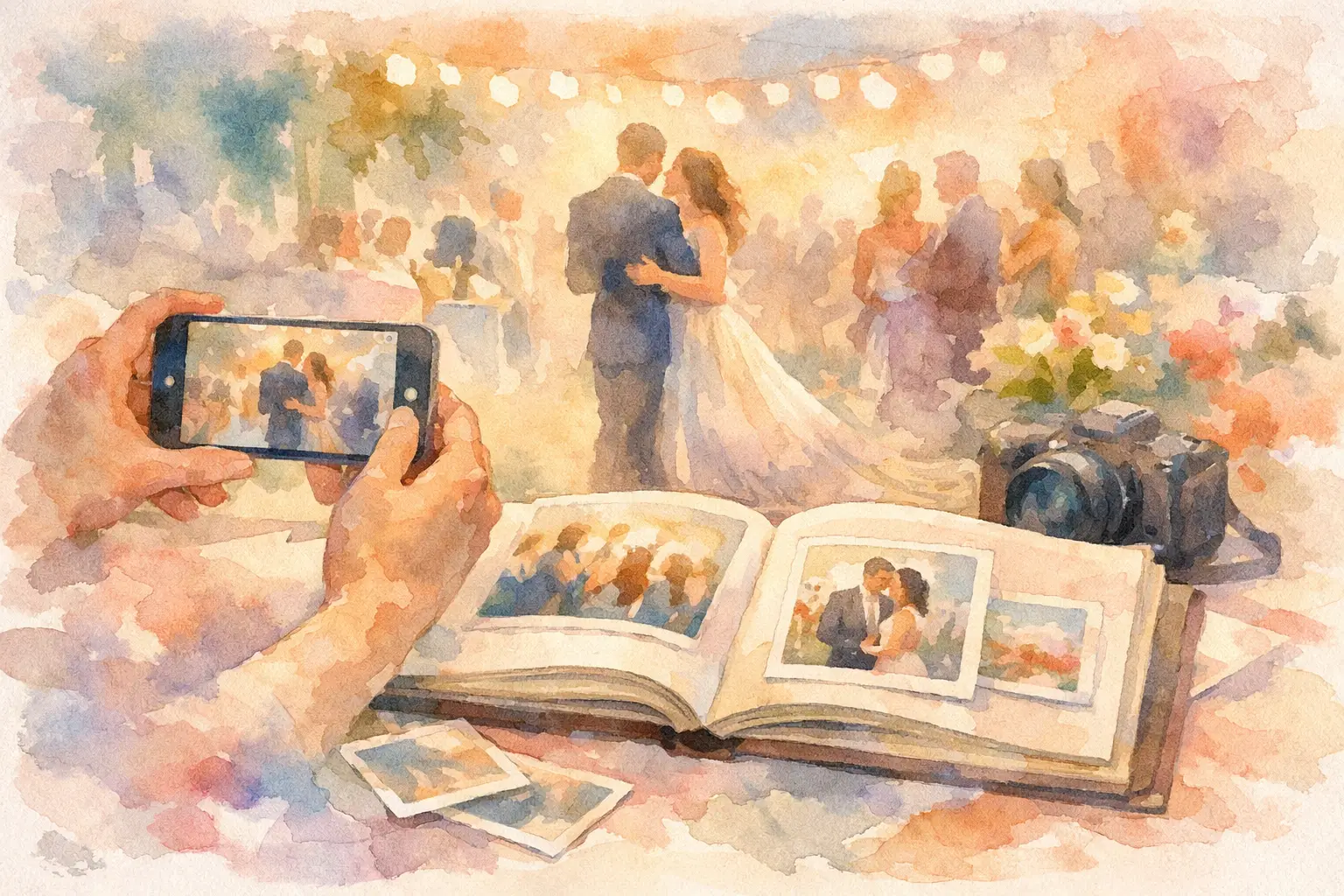
The group chat is not an event photo album. It is where great photos go to get buried beneath “made it home!” messages, blurry duplicates, and one person asking for the address again. Knowing how to make private event albums changes that. Instead of chasing everyone after the party, you give guests one easy place to capture, contribute, and relive the night together.
A good private album does more than hide photos from strangers. It creates a small, shared world for the people who were actually there. The best setup feels almost invisible during the event, then delivers the emotional payoff later: every angle, every inside joke, every photo you did not know existed.
Start With the Kind of Privacy Your Event Needs
“Private” can mean a few different things, and the right choice depends on the room. A birthday party with 20 close friends needs a different level of control than a 300-person company celebration or a brand activation.
For personal events, the goal is usually simple: only invited guests should be able to view or add photos. For work events, you may also need to decide whether attendees can download images, whether organizers approve photos before they appear, and how long the album stays available. For client events, make those expectations clear before anyone scans a code.
Think through three questions before you create anything: Who can join? Who can upload? Who can see the gallery? If the answer is “anyone with the link,” treat that link like an invitation. Do not post it publicly, add it to an open social caption, or leave the QR code displayed outside the event space.
How to Make Private Event Albums Feel Effortless
Privacy only works if people actually participate. A complicated sign-up process may technically protect the gallery, but it also means half your guests will never upload the photos sitting in their camera rolls. The sweet spot is controlled access with almost no friction.
Create one clear entry point
Give guests a single way in: a QR code on table cards, signage, place settings, or the welcome screen. Put it where people naturally pause. At a wedding, that may be near the guest book or bar. At a company event, it belongs near check-in and again near the main gathering area.
The visual cue matters. A lonely QR code can look like a parking validation form. Pair it with a short prompt that tells guests exactly what to do: “Scan to add your night’s best photos” or “Your camera roll has a group project.” People are far more likely to scan when they know what happens next.
Remove account creation from the moment
Your guests are at a party, not opening a bank account. If joining requires downloading an app, verifying an email, remembering a password, and finding the upload button, you have already lost the candid moments.
Choose a private album experience that works directly in a phone browser and lets guests start taking or adding photos right away. Revel, for example, uses a QR-based camera experience so guests can join without an app or account. That is especially useful when the crowd includes everyone from camera-roll power users to the friend whose phone storage is permanently full.
Decide whether photos appear instantly or later
An immediate gallery is great for a family reunion, a graduation party, or a conference where people want to share photos while the energy is high. It gives guests something to browse between conversations and can create a fun feedback loop: someone sees a photo, remembers a moment, and adds their own version.
A delayed reveal creates a different kind of magic. Guests take photos throughout the event, but the full gallery appears later, after everyone has gone home. It is perfect for weddings, milestone birthdays, trips, and any event where you want the photo collection to feel like a surprise rather than another live feed.
Neither option is automatically better. Use instant viewing when participation needs a nudge in real time. Use a timed reveal when you want people present in the room instead of refreshing a gallery all night.
Give guests a reason to contribute
Most people will happily take photos. The gap is getting them to share those photos somewhere useful. Your job is to make contributing feel like part of the event, not admin work waiting for them afterward.
A digital disposable camera format helps because it adds a small creative constraint. Limited shots encourage guests to look for moments worth catching instead of firing off 40 nearly identical pictures of the cake. Nostalgic filters can also make the collection feel cohesive without turning your event into a staged photo shoot.
Use language that gives people permission to capture the imperfect stuff. Ask for dance-floor chaos, reception table selfies, behind-the-scenes setup, a friend’s speech reaction, and the tiny details the official photographer may miss. Those are often the images people care about most six months later.
Set the Album Rules Before the First Photo
The easiest time to handle consent is before the event begins. A private album should not feel secretive. Guests should understand that photos are being collected, who will see them, and whether the gallery will be shared beyond the group.
For a close social event, a small note on the QR sign is usually enough: “Photos are for this guest group only.” For a workplace event, add clearer guidance around professional conduct, approved sharing, and whether photos may appear in company channels. For events with children, be especially careful. Ask parents or guardians before sharing images outside the immediate group, even if the album itself is private.
If you are organizing a brand event, privacy has a trade-off. A private album can make guests feel safer being candid, but it will not generate public social reach on its own. You can solve that by offering an optional, clearly labeled way for guests to submit photos they are comfortable sharing publicly. Keep the private gallery and promotional content paths separate.
Design for Real-World Event Conditions
The event plan may be polished. The Wi-Fi may not be. Build your album setup around the reality of crowded rooms, low batteries, poor reception, and guests who arrive late.
Test the QR code from a few different phones before the event. Print it large enough to scan quickly and use high contrast. Place it in more than one location so guests do not need to hunt for it after the welcome moment passes. If the venue has spotty service, use a tool that supports offline capture and later syncing so a weak signal does not kill participation.
Also consider timing. Put the first prompt in front of guests early, before the room gets busy. Then repeat it at a natural peak, such as just before speeches, after dinner, or when the dance floor opens. One reminder feels helpful. Five reminders feel like a marketing campaign nobody asked for.
Keep the Gallery Curated, Not Controlling
A private event album should have personality, and that means accepting a little mess. Not every photo will be perfectly framed. Some will be dark, chaotic, or hilariously unflattering. That is part of the point.
Still, organizers should have a plan for content that does not belong. Choose a platform with host controls so you can remove accidental uploads, duplicates, or anything that makes a guest uncomfortable. At a professional event, moderation may be necessary before photos appear. At a birthday party, light-touch cleanup after the fact is usually enough.
Do not over-curate the collection into a highlight reel. The value of a shared private album is perspective. The official photographer gets the big moments. Your guests get the laugh at the back table, the pre-ceremony nerves, and the photo of your aunt teaching everyone a dance move.
Make the Reveal Worth the Wait
The after-event moment is where private albums earn their place. Send the gallery when people are ready to revisit the event, not when they are still in the rideshare home. For a Saturday celebration, Sunday afternoon often lands well. For a multi-day trip, share it after everyone has had a chance to settle back into normal life.
Your message can be short: “The photos are in. You were all busy.” That is enough. Let the gallery do the talking. If guests can revisit the album without digging through an old text thread, those memories stay accessible long after the decorations are gone.
The best private event albums do not make guests work harder to share. They make everyone feel like they were part of making the memory. Put the camera in more hands, keep the room intimate, and let the real version of the night show up.

A writer interested in connection, memory, and the everyday moments that matter more than we realize.
Tags: Private event , Event gallery , Event photo collection , Event photo sharing , Event photography , Event planning , Event QR , Offline event photo uploads , Shared event photos , Team events