How Do Guests Upload Photos at Events?
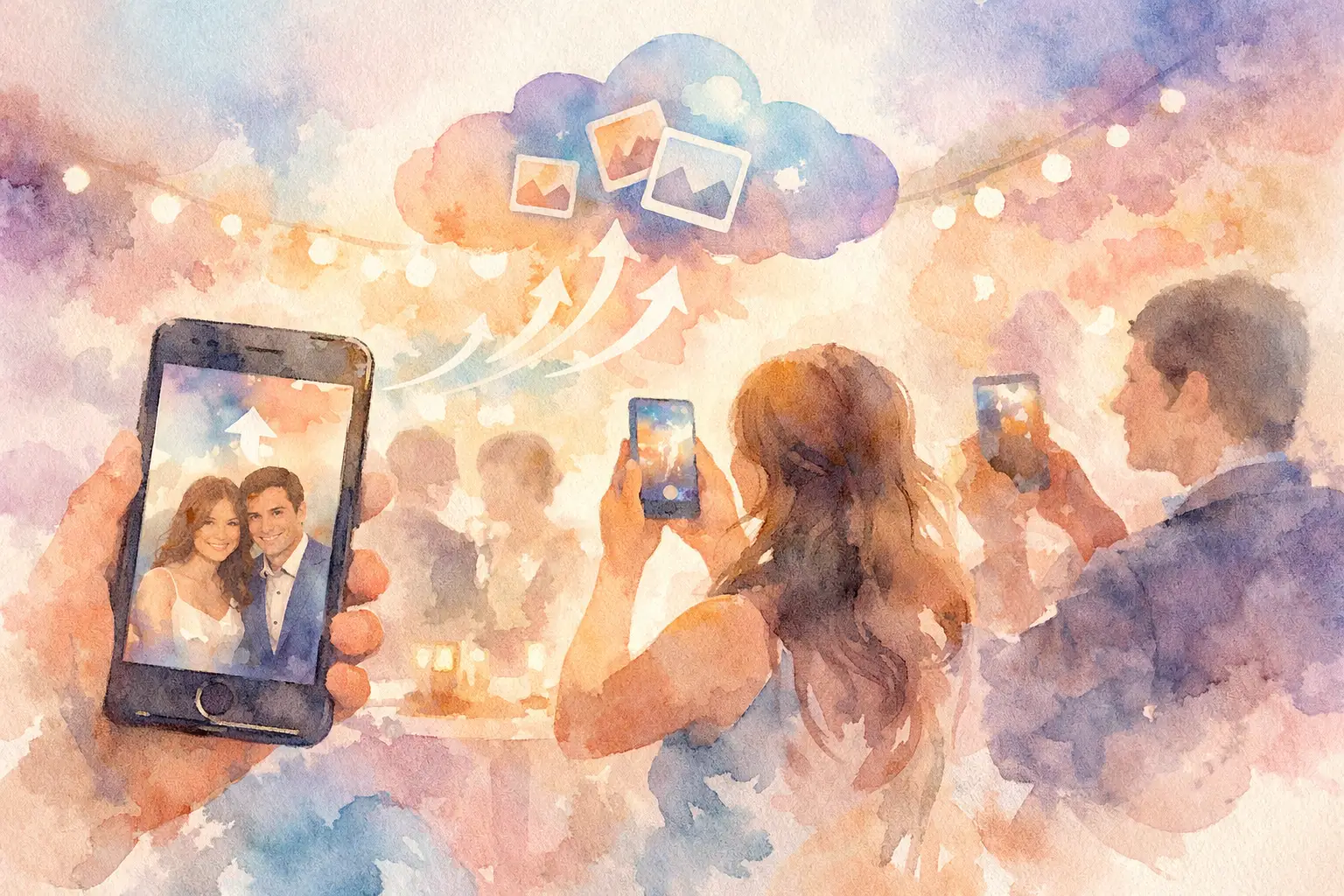
You can always spot the moment photo sharing breaks down. The party is great, people are taking amazing candids, and then by the next morning everything is scattered across six group chats, three Instagram stories, and one friend’s camera roll that never sees daylight. If you’re wondering how do guests upload photos without turning your event into a tech support session, the short answer is this: make it instant, mobile, and stupidly easy.
That’s the whole game. If guests have to download an app, make an account, remember a password, or figure out where to send files later, participation drops fast. Not because people don’t want to share, but because the moment passes. Good event photo collection works when guests can join in seconds and contribute while the energy is still high.
How do guests upload photos without friction?
The best systems remove every extra step between taking a photo and adding it to the shared album. In practice, that usually means guests scan a QR code, open a mobile page instantly, and start snapping or uploading right from their phones.
That flow matters more than most hosts realize. At a wedding, nobody wants to stop cocktail hour to create a login. At a birthday, nobody wants to search old texts for a link after the party. At a company event, nobody wants to email large image files to the organizer on Monday morning. The simpler the entry point, the more photos you actually collect.
A QR-based setup tends to win because it matches how people behave in real life. Guests see a code on a table card, sign, screen, or invitation insert. They scan it. They’re in. No app store detour. No account wall. No awkward instructions.
That’s also why digital disposable camera-style sharing has taken off. Instead of asking guests to think like file managers, it lets them act like participants. They join, capture the moment, and move on. The sharing mechanism fades into the background, which is exactly where it should be.
What the guest experience should look like
If you want people to upload photos, the experience has to feel obvious on first try. Not “pretty easy once you explain it.” Obvious.
A strong guest flow usually starts with one action: scan. From there, guests should land on a page that tells them exactly what to do next, whether that’s taking photos inside the experience, uploading existing ones from their camera roll, or both. The interface should work on current iPhones and Android devices without any setup drama.
This is where a lot of traditional tools lose people. Shared drives can feel too corporate. Private albums can still require accounts. Messaging threads are easy at first, but terrible for organizing full-resolution images from a whole crowd. Social platforms are public-first, compressed, and incomplete. None of that feels built for a real event.
A better setup keeps the energy social while making the process structured. Guests don’t need to think about folders, permissions, or where the photos will live later. They just participate.
That difference sounds small, but it changes behavior. When contribution feels effortless, more guests join in. And when more guests join in, you get the good stuff - the blurry dance floor shots, the behind-the-scenes getting-ready moments, the table selfies, the photos you never would have seen from the official photographer alone.
Why guests stop uploading photos
Usually, it’s not laziness. It’s friction.
Some guests stop at the first obstacle. Others mean to upload later and forget. A few assume someone else has it covered. That’s why “send me your pics” almost never works as well as hosts hope. It relies on motivation after the event, when attention has already moved on.
There are a few common drop-off points. The first is app fatigue. People are tired of downloading one more thing for one more occasion. The second is account creation. Even a quick sign-up can feel like too much when someone is at a reception, on vacation, or mid-conversation. The third is delayed effort. If uploading only happens after the event, contribution rates usually shrink.
There’s also a psychological factor. People are far more likely to share when it feels like part of the event itself, not an admin task waiting afterward. The closer uploading is to the moment of capture, the better your results tend to be.
That’s why event hosts should think less about storage and more about participation design. The question isn’t just where photos go. It’s how the system makes guests want to contribute right now.
How do guests upload photos during the event?
The easiest answer is: right from their phones, in the moment.
During the event, guests should be able to scan a code and either take photos directly through the event camera experience or upload from their camera roll on the spot. This works especially well when the upload tool is built around mobile behavior rather than desktop logic. People are already holding their phones. You want the path from seeing something fun to sharing it to be about as fast as sending a text.
For social events, this creates momentum. One person scans, takes a few photos, and suddenly the table is doing it. At weddings and birthdays, that group effect matters. At conferences and brand activations, it matters even more because participation often follows social proof. If attendees see others engaging, they’re more likely to join.
There’s a trade-off here, though. Real-time uploads are great for volume and energy, but some hosts want more control over the reveal. That’s where timed gallery access can be smart. Guests can still upload immediately, but the full album opens later. You keep the participation high without sacrificing the surprise.
It’s a simple mechanic with a surprisingly emotional payoff. People contribute in the moment, then come back to relive the event together.
What makes a photo upload system actually work
Not every event needs the same setup, but the best ones tend to share a few traits. They’re fast to join, flexible across devices, and forgiving when real life gets messy.
Offline capture support is a good example. At weddings in remote venues, festivals, or packed conference spaces, signal can be spotty. If guests can take photos anyway and sync them once service returns, you avoid the classic problem where the system works great in theory but fails exactly when the dance floor gets good.
High-resolution uploads matter too. If guests are contributing great content, you don’t want those images flattened into low-quality files that feel pulled from a screenshot. And privacy matters more than people admit. Guests are often more willing to contribute when the album feels private and purpose-built for the group, not posted into the wild.
That combination - low friction, solid quality, broad compatibility, and private sharing - is what turns a nice idea into something people actually use.
The difference between collecting photos and chasing them
A lot of hosts are used to chasing photos after the fact. They post in the group chat. They text reminders. They ask people to AirDrop during cleanup. They get a handful of images, maybe. The rest disappear into personal camera rolls forever.
That approach depends on follow-through, and follow-through is unreliable. People get busy. They forget. They assume their best shots aren’t needed. The result is always the same: the event was bigger than the album.
When the upload process happens inside the event itself, the whole dynamic changes. You stop asking guests to do a favor later and start giving them a fun way to participate now. That’s a much easier yes.
This is where a platform like Revel makes sense. It turns guest photo sharing into part of the event experience instead of a cleanup task after it. Guests scan, shoot, upload, and keep moving. No app. No account. No chasing people down three days later.
For hosts, that means more perspectives and less work. For guests, it feels natural. And for the album itself, it means the final gallery looks like the event actually felt - social, messy in the best way, and full of moments no single person could have captured alone.
Choosing the right setup for your event
The right answer depends a little on the type of event you’re running.
If it’s a wedding or milestone party, you probably care most about ease, privacy, and getting contributions from guests of different ages and tech comfort levels. If it’s a vacation or reunion, flexibility matters because people are moving around and capturing moments at different times. If it’s a company event or brand activation, speed and visibility matter because you want attendees to participate without needing a walkthrough.
But across all of those use cases, the rule stays the same: fewer steps, more photos.
That’s the real answer to how do guests upload photos. Not by being more organized. Not by remembering later. Not by navigating a complicated tool. They upload when the experience is fast enough, clear enough, and fun enough that saying yes takes almost no effort.
If you want better event photos, don’t ask guests to work harder. Give them a better way to join the memory while it’s still happening.

A writer interested in connection, memory, and the everyday moments that matter more than we realize.
Tags: Guest photo album , Guest photo capture , Guest photo sharing , Guest photo uploads , Wedding guest album , Wedding guest photos