Photo Booths vs QR Photo Sharing: What Fits Your Event?
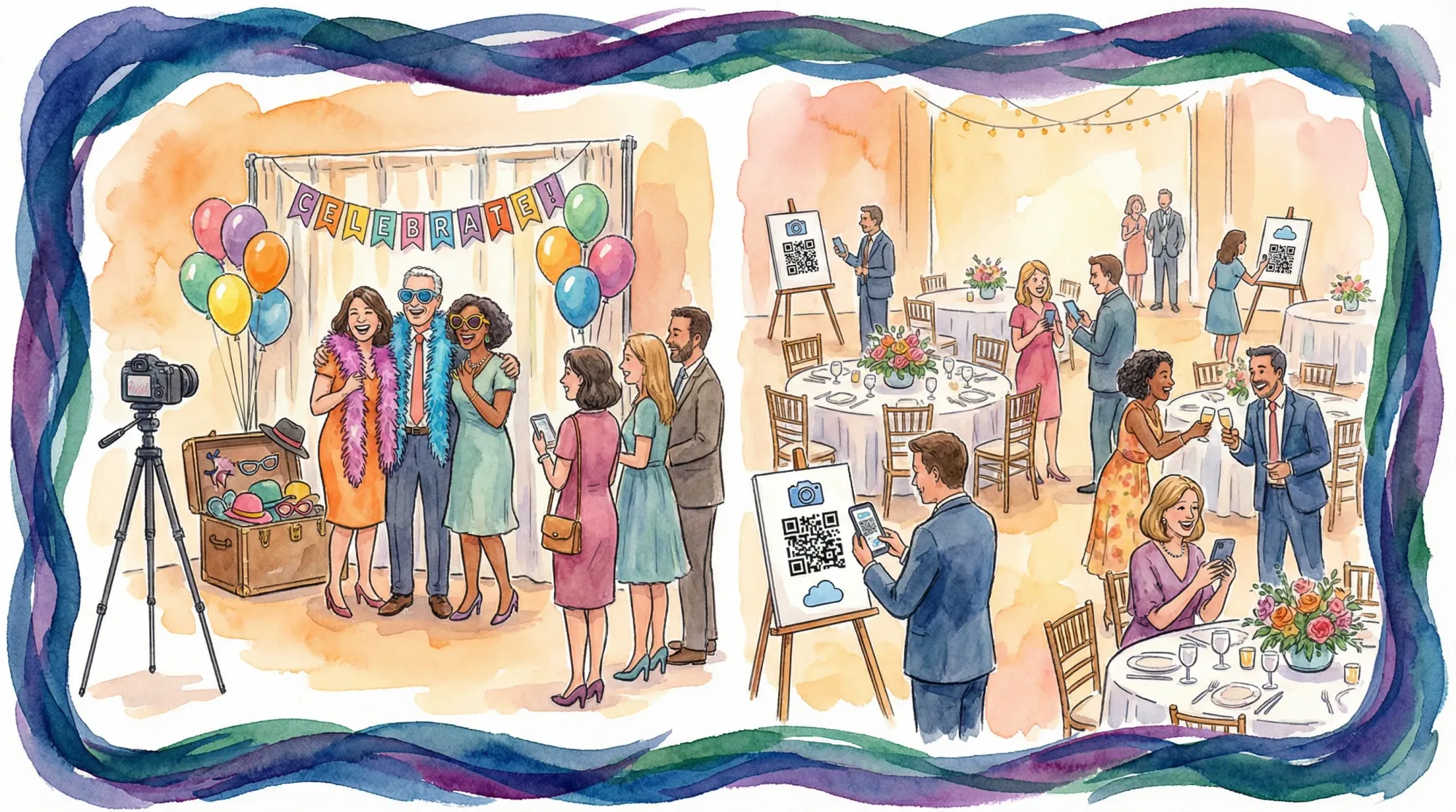
Most events don’t fail to get photos. They fail to collect the right photos, from enough people, in a way you can actually use afterward.
That’s why “photo booths vs QR photo sharing” is a real decision, not a trend question. A booth creates a specific type of memory (posed, styled, repeatable). QR photo sharing captures the event as it actually happens (candid, distributed, continuous). The best choice depends on what you want your gallery to do.
What a photo booth is best at
When people say “photo booths,” they’re usually talking about a dedicated photo station with some combination of:
- A fixed camera setup and controlled lighting
- A backdrop (or enclosure)
- Props
- A guided flow (sometimes with an attendant)
- Prints or instant digital delivery
A good booth becomes an activity. Guests step out of the main event, do the bit, and walk away with a keepsake.
You should lean toward a photo booth if you want...
A predictable, branded output. Booth photos are consistent. If you need images that match a campaign aesthetic, that consistency matters.
Physical prints. If part of the goal is “something guests can hold,” a booth is still the clearest path.
A single focal point. Booths give people permission to take photos, even at events where guests are otherwise hesitant.
Where photo booths often struggle
A booth is a point solution. It captures what happens at the booth, not what happens everywhere else.
Operationally, booths also introduce real-world constraints:
- Space, power, load-in, and sometimes Wi‑Fi requirements
- Lines and crowding (especially right after dinner or during peak networking)
- A single point of failure (if it goes down, that “photo plan” goes down)
If your event goal is “document the whole story,” a booth rarely covers enough.
What QR photo sharing is best at
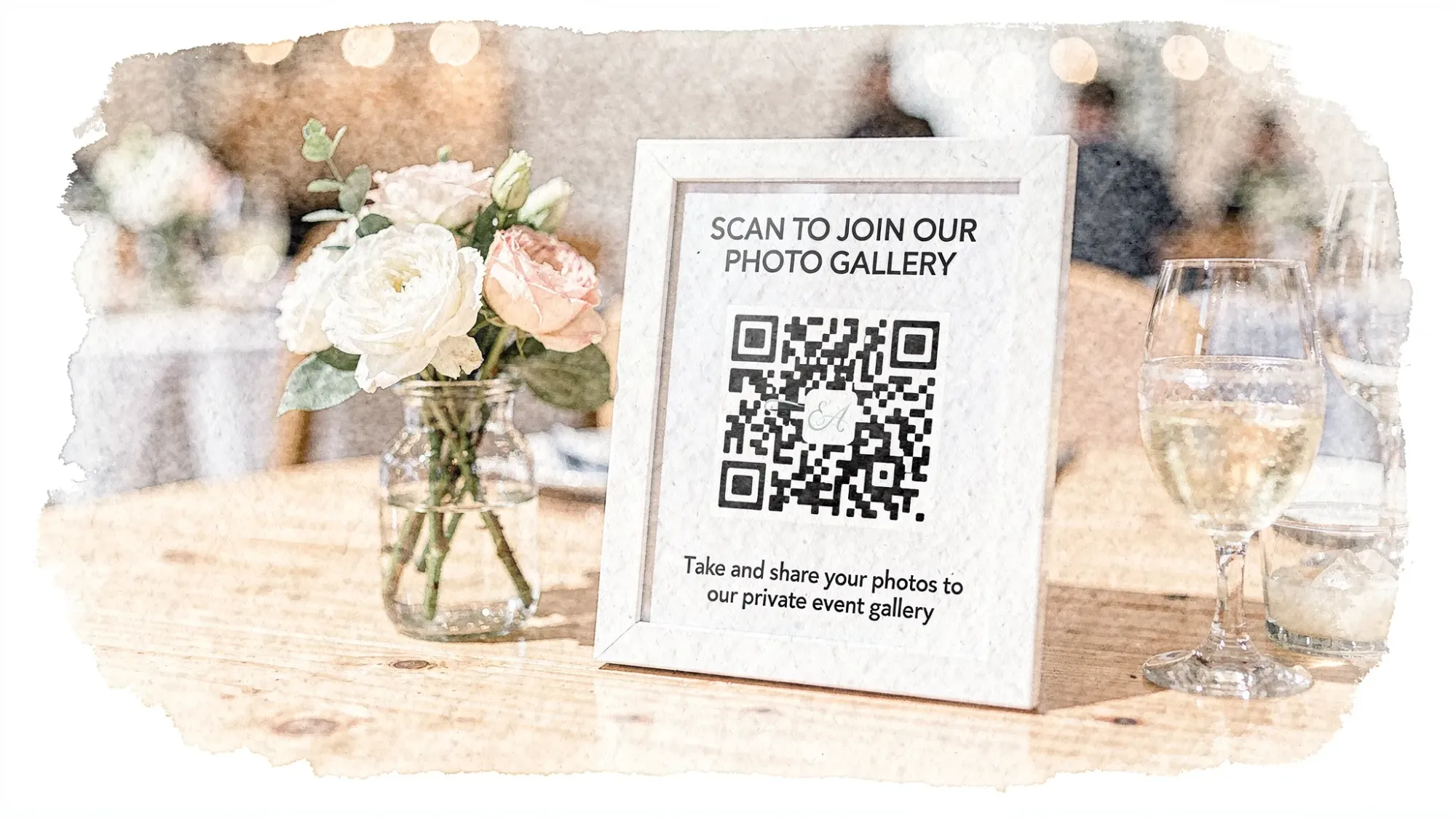
QR photo sharing is a guest workflow: scan a QR code (or tap NFC), take photos, and they upload to one event gallery.
Unlike a shared album link, a camera-first QR flow is designed for in-the-moment participation. Done right, guests don’t need to hunt for an app, create an account, or remember to upload later.
Revel.cam is built specifically for this event-first flow. Hosts create a private event gallery called a Moment, then share it via QR code, NFC tag, or link. Guests join instantly, take photos, and every shot uploads automatically to the Moment. (On iPhone, Revel.cam can launch as an App Clip, so guests can jump straight in without a full install.)
You should lean toward QR photo sharing if you want...
Coverage, not just a station. You get ceremony angles, cocktail candids, hallway selfies, table moments, and the after-party.
Higher participation with less friction. People already have cameras in their hands. The only job is making sharing effortless.
One organized gallery. Instead of chasing photos later through group chats and DMs, everything lands in one place.
Guardrails. For event galleries, “more” is not always better. A strong QR system lets you set limits, control timing, and moderate what gets shared.
Where QR photo sharing needs intention
QR photo sharing works when the system is clear:
- Guests notice it (placement and signage)
- Guests trust it (privacy expectations are explicit)
- Guests remember it (simple prompts and announcements)
If you hide the QR on one table card and never mention it, adoption will be low no matter what tool you pick.
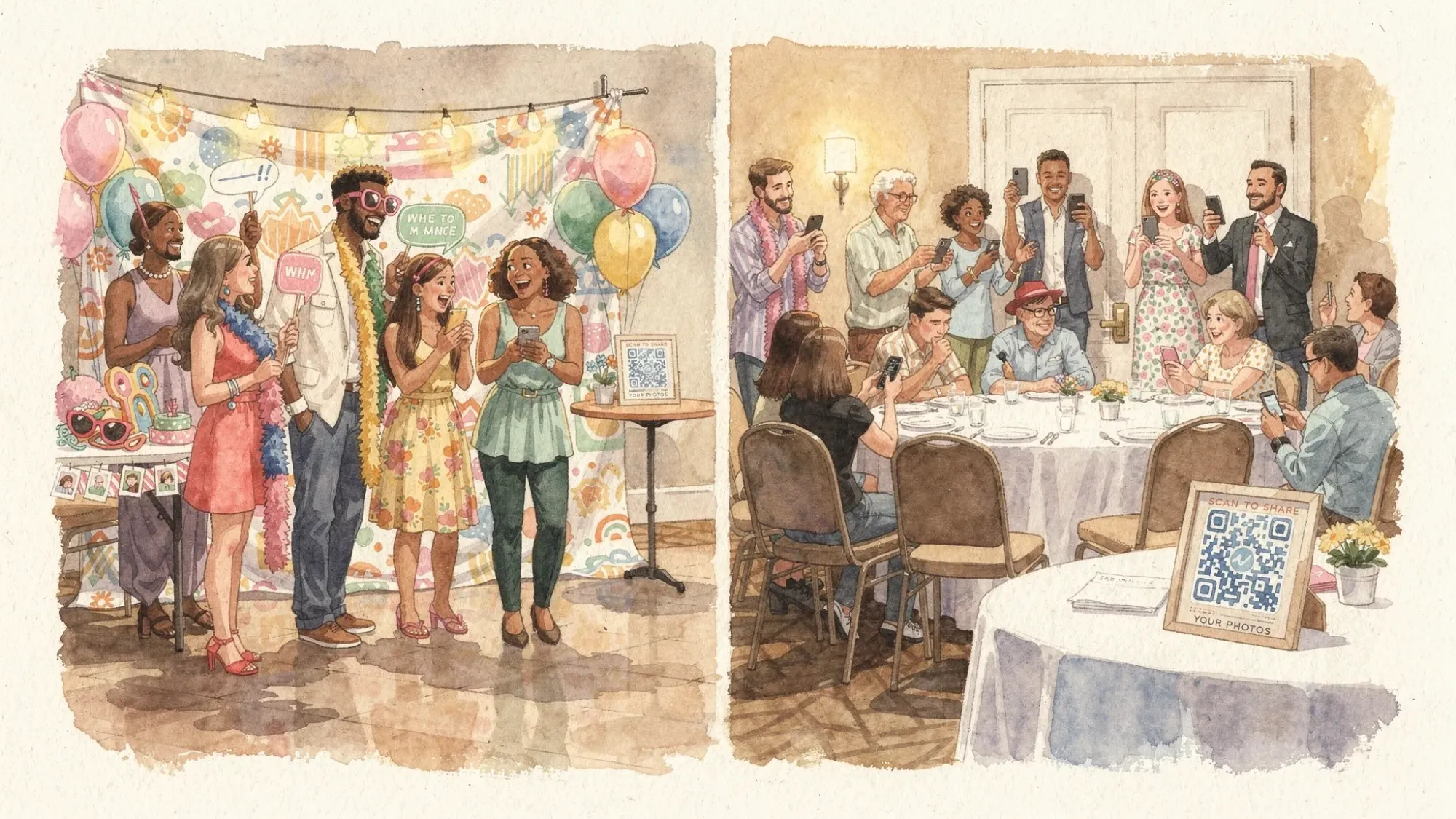
Photo booths vs QR photo sharing: side-by-side comparison
Here’s the practical difference, in event-day terms.
| Decision factor | Photo booths | QR photo sharing (event camera) |
|---|---|---|
| Primary output | Posed, styled, repeatable photos | Candid, distributed event coverage |
| Guest effort | Walk to booth, wait in line, take set | Scan/tap once, shoot anywhere |
| Participation pattern | Spikes when people visit the booth | Steady across the whole event |
| Space + equipment | Needs physical footprint and setup | Minimal footprint (signage/QR/NFC) |
| Prints | Often included or add-on | Typically digital-first (you can print later) |
| Brand control | High (backdrop, overlays, props) | Medium (prompts, moderation, curated gallery) |
| Risk profile | Single station can bottleneck or fail | Distributed capture reduces bottlenecks |
| Best for | Activations, print favors, structured fun | Weddings, conferences, parties, any event where you want “the full story” |
The hidden variable: what kind of memories do you want?
A useful way to decide is to choose your memory mode:
“Artifact mode” (choose photo booths)
Your priority is the keepsake. You want a consistent look, a repeatable pose, or a physical print people take home.
Examples:
- A brand activation where the printed strip is part of the campaign
- A gala where sponsors want uniform photos
- A wedding where the booth doubles as the guestbook moment
“Story mode” (choose QR photo sharing)
Your priority is coverage. You want the gallery to feel like the event felt.
Examples:
- Weddings where the couple misses half the reactions happening across the room
- Conferences where you want attendee perspectives, not just stage shots
- Birthday parties where people will take photos anyway, you just want them centralized
Budget and logistics: what you’re really paying for
It’s tempting to reduce this decision to price, but the bigger difference is logistics.
Photo booth logistics typically include
- Delivery/load-in and teardown windows
- Power planning and layout approvals
- On-site support (attendant or remote troubleshooting)
- Physical assets (backdrop, props, printer consumables)
If your event involves multiple cities, heavy equipment, or tight venue constraints, logistics becomes a project. For large corporate programs, organizers sometimes lean on partners experienced in moving gear and materials across locations, such as freight forwarding and 3PL services to reduce risk.
QR photo sharing logistics typically include
- Printing QR signage (and possibly NFC tags)
- Testing scan reliability in your venue lighting
- A simple “owner” on-site to remind people and troubleshoot (usually one person)
The operational footprint is smaller, and scaling to more guests is mostly about signage and prompts, not hardware.
Privacy, moderation, and brand safety
This is where a lot of “just use a shared album” solutions fall apart.
If you’re running a wedding, you need guests to feel safe contributing without worrying their photos will become public content.
If you’re running a corporate event, you may need:
- A private-by-default gallery
- A defined end time (so the gallery doesn’t keep collecting random photos later)
- Host review and moderation before anything is shared broadly
Revel.cam’s Moments are private by default, allow hosts to set guest limits and photo limits, define when the Moment ends, and review photos before sharing. Those guardrails are often the difference between “we got 800 random images” and “we got a gallery we can actually send to stakeholders.”
Which fits your event type?
Weddings
Most couples benefit from QR photo sharing as the baseline, because the real value is coverage: table candids, behind-the-scenes, and moments the photographer cannot physically be in.
A photo booth can still be worth it if prints are part of your guest experience or if you want a dedicated activity.
If you’re currently comparing booth rentals, it helps to read through a question list like Photo Booths Near Me: Questions to Ask Before You Rent so you don’t get surprised by delivery windows, space requirements, or output limitations.
Corporate events and conferences
If you need a steady stream of usable content (breakouts, sponsor moments, networking, team photos), QR photo sharing fits naturally because it captures across the floor, not at one station.
Photo booths make sense when:
- The booth is a sponsor deliverable
- You need consistent headshots or a branded step-and-repeat moment
For privacy-sensitive environments, make sure whatever system you use supports controlled sharing and moderation. (QR photo sharing can work especially well here when it’s designed as an event-only gallery, not a social feed.)
Brand activations
This is where photo booths still shine because the output can be tightly art-directed.
That said, QR photo sharing can complement activations by capturing:
- The line experience
- Crowd reactions
- User-generated content from multiple angles
If the goal is both “hero images” and “real audience energy,” a hybrid approach is often the strongest.
Birthdays, house parties, school events, group trips
QR photo sharing tends to win because:
- People are already taking photos
- The main problem is collecting them later
- The setup needs to be fast and low-pressure
A booth can be fun, but it’s usually overkill unless you specifically want the booth activity or prints.
The simplest decision framework (5 questions)
If you want the quick, practical filter, answer these:
1) Do you want prints on the night?
If yes, photo booths have a clear advantage.
If no, QR photo sharing keeps things simpler, and you can always print favorites afterward.
2) Do you want one “photo moment,” or full-event coverage?
- One moment: photo booths
- Full story: QR photo sharing
3) Will a line improve the vibe or hurt it?
At some events, a booth line is social proof and part of the fun.
At others, it’s a congestion problem near the bar.
4) How much operational slack do you have?
If you have a planner, a venue with easy load-in, and a vendor team, a booth is easy.
If you want minimal coordination, QR photo sharing is lighter weight.
5) Do you need moderation or tight privacy controls?
You can build privacy into both, but QR photo sharing platforms designed for events tend to offer more explicit gallery controls (limits, end time, review before sharing), which matters for corporate and brand-safe environments.
The hybrid setup most events actually want
If you’re torn, it usually means you want two different things:
- A booth for “artifact mode” (posed, branded, printable)
- QR photo sharing for “story mode” (candid, everywhere, all night)
A clean hybrid plan looks like this:
- Put the booth in a high-traffic area that won’t block bar or entry flow.
- Use QR photo sharing everywhere else (welcome sign, bar, tables, badges).
- Define the rule: booth photos are the “fun posed set,” QR photos are “everything you don’t want to lose.”
If you’re using Revel.cam, you can set a per-guest photo limit to keep the gallery intentional and reduce noise, then end the Moment at a specific time so the collection stays event-specific.
Practical setup tips so either choice succeeds
If you choose a photo booth
Prioritize these before you sign:
- Space and power confirmation: measure the footprint and confirm outlet access.
- Load-in timing: ensure the vendor can access the room during venue-approved windows.
- Backup plan: ask what happens if the printer fails or the station disconnects.
- Deliverables: confirm file formats, resolution, and how you’ll receive the full set.
If you choose QR photo sharing
Make adoption your goal, not just “having a QR code.”
- Place codes where phones already come out: bar, cocktail tables, program, place cards, badges.
- Use one sentence of instruction: “Scan, snap, done. Your photos upload to the event gallery.”
- Add one tiny prompt: “Take 5 photos you’d want to see tomorrow.”
- Assign an owner: one person to test, re-place signs that move, and remind the DJ or MC to mention it.
If you want a deeper walkthrough of placements, signage, and settings, this guide is a solid companion: QR Photo Sharing Made Simple for Weddings and Parties.
What fits your event?
Choose photo booths when your event needs a designed, consistent output and the booth is part of the entertainment.
Choose QR photo sharing when your event needs broad coverage, fast participation, and one clean gallery without chasing guests afterward.
And if you want the best outcome for most weddings, conferences, and parties, run a hybrid: booth for the keepsake, QR for the story.
If you want to see what “QR photo sharing” looks like when it’s built for real events (no app installs, no logins, host controls like photo limits and a defined end time), you can create a private Moment at Revel.cam.

A writer interested in connection, memory, and the everyday moments that matter more than we realize.
Tags: QR photo sharing , Photo booths , Event photo sharing