Corporate Event Photo Consent Guide for Teams
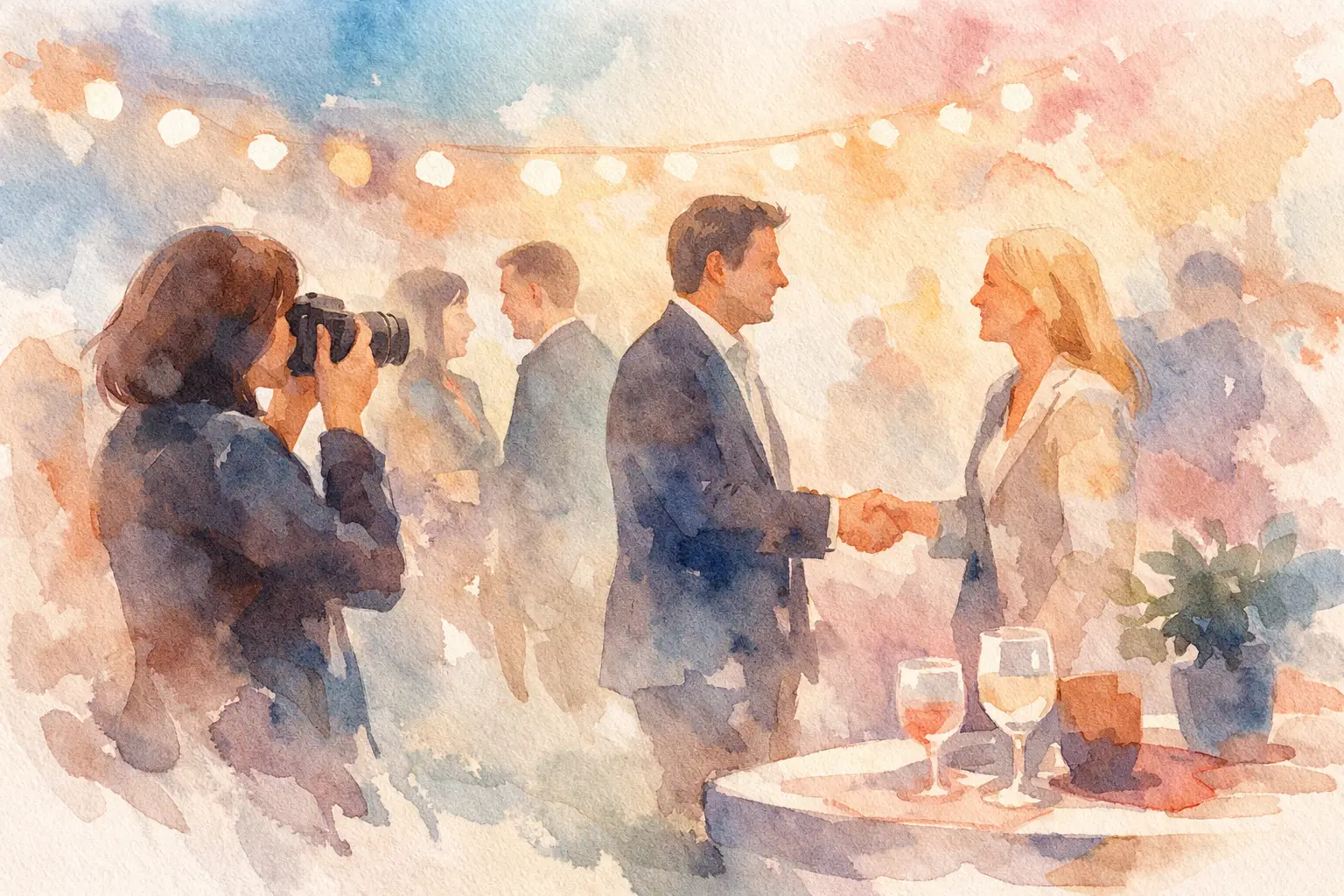
A great company event can produce the photos everyone wants: the candid laugh during a breakout, the packed dance floor, the team finally off Slack and in the same room. But if people do not know they are being photographed, where those images may appear, or how to opt out, that fun can get awkward fast.
This corporate event photo consent guide helps organizers create a photo experience that feels clear, respectful, and easy to join. The goal is not to bury guests in legal language. It is to set expectations early, give people real choices, and collect the moments worth keeping.
Why photo consent changes the event experience
At a corporate event, the room can include employees, contractors, clients, speakers, partners, journalists, and prospective hires. They do not all have the same relationship to being photographed. An employee may be happy to appear in an internal recap but not a public recruiting campaign. A client may be comfortable in a group shot but not with their name or title attached. A speaker may have contractual limits on recording their session.
That is why consent is more than a checkbox. It shapes trust.
Clear photo practices also make participation better. When guests understand that photos are for a private gallery, an internal recap, or a specific social campaign, they can decide how they want to show up. The result is usually more candid content, not less. People relax when the rules are not a mystery.
The precise legal requirements depend on where the event takes place, who attends, how images will be used, and whether your organization works in a regulated industry. Use this as an operational playbook, then have your legal or HR team review language for higher-stakes events.
Start with the real use case, not a vague release
Before you write a notice or print a sign, decide what you actually plan to do with event photos. “We may use photos for anything” is not a guest-friendly strategy, and it can create friction with your own team.
Separate your intended uses. Internal communications might include a company newsletter, all-hands slides, or a private event album. External marketing might include social posts, paid ads, a website case study, or future campaign materials. Those categories do not carry the same expectations.
A private album for attendees is often the easiest place to encourage contribution. A public-facing brand campaign deserves a more deliberate process, especially for recognizable close-ups. If you want images for both, say so plainly and give attendees a meaningful way to choose.
It also helps to identify the people who need special handling before the event. This can include VIP clients, minors, speakers, employees on leave, people with personal safety concerns, or anyone whose attendance is confidential. A single broad announcement may not be enough for them.
Build consent into the event journey
The best consent process is visible in more than one place. One sentence tucked into an RSVP confirmation is easy to miss. Repeating the message at natural moments makes it feel like a normal part of the experience rather than a gotcha.
At registration: set expectations early
Include a short photo notice in the registration flow and confirmation email. State whether photography and video will take place, the expected uses, and where guests can ask questions or request an opt-out.
Keep it human. For example: “We’ll be capturing the energy of the day for our private attendee gallery and company channels. Prefer not to appear in photos or video? Let the event team know before or at check-in.”
If your event requires a formal release, make the action explicit. Do not treat attendance as agreement when your policy or local requirements call for affirmative consent. For a public-facing campaign, a separate release may be the cleanest route.
At check-in: make choices easy
At the registration desk, give guests a simple way to flag their preference. Depending on the event, that might be a discreet notation in the attendee system, a color-coded badge marker, or a wristband that signals “please don’t photograph me.”
The system only works if the people behind the camera understand it. Brief staff, volunteers, photographers, and social teams before doors open. Show them the opt-out marker, explain what it means, and name the person who handles questions or exceptions.
Avoid asking guests to wear something that loudly announces a private preference. The point is to protect comfort, not turn an opt-out into a conversation starter.
In the room: post a notice people can actually see
Place concise signage at the entrance, check-in, and any photo-heavy zones such as a step-and-repeat, activation, or party area. Mention the presence of photography, the purpose, and the opt-out contact.
For sessions with recording, say it out loud before the program begins. This matters for panels, workshops, and Q&As, where guests may share personal stories or ask questions they did not expect to live forever on a company channel.
After the event: do not lose the request inbox
Consent is not a one-night-only task. Include a contact route in the follow-up email and gallery message so attendees can request removal or raise a concern. Make sure someone owns that inbox and knows how to locate images across the gallery, social channels, and any vendor storage.
Fast, respectful responses matter. A removal request should not require five follow-ups or a debate about why someone feels uncomfortable.
Make the photo plan work for candid moments
Corporate events need more than posed executive photos. The valuable stuff often happens from the attendee perspective: teammates cheering during awards, a spontaneous client conversation, the quiet before a keynote, the booth everyone kept returning to.
That is where a private, event-specific capture flow can help. With Revel, attendees can join a shared album through a QR code, take photos from their own phones, and contribute without creating an account. It keeps collection from collapsing into scattered text threads while giving organizers a clear home for the event gallery.
Still, participant-generated photos need the same ground rules as official photography. Tell guests whether uploads are visible immediately or released later, who can access the album, how long it will be available, and whether the organization may repost selected images. A delayed gallery reveal can make sharing feel more fun, but it should never obscure who will see the photos.
For a more privacy-sensitive event, consider limiting gallery access to verified attendees, turning off public sharing, and setting a deletion timeline. For a customer conference or brand activation, you may choose a different setup. It depends on whether the event is designed for private connection, public buzz, or both.
Give photographers and attendees a simple rulebook
You do not need to turn a celebration into a compliance seminar. You do need a few behaviors everyone can follow.
Photographers should avoid close-ups of guests with opt-out indicators, confirm permission before filming short interviews or testimonials, and be extra thoughtful around food, alcohol, medical discussions, and sensitive conversations. They should also know that a person stepping away from a camera is a no, even if they signed a general release.
Attendees need a lighter version of the same message: capture the fun, respect a no, and do not upload images that could embarrass or expose someone. For internal events, remind guests that “private” does not mean consequence-free. Screenshots travel.
If an employee is asked to appear in promotional content, make declining genuinely safe. Power dynamics matter at work. A manager’s casual “come be in this video” can feel less optional than intended.
Handle the moments that need more care
Some scenarios call for more than standard event signage. If alcohol is served, avoid treating every party photo as automatic marketing material. If guests bring family members, get parent or guardian permission before using a child’s recognizable image externally. If a speaker is presenting unpublished work, clarify recording rules in advance.
For client events, consider whether name badges, slides, laptop screens, or whiteboards reveal confidential information. A candid photo can accidentally capture far more than a smiling face. Build a quick visual sweep into your review process before publishing.
The same applies to AI tools and image editing. If photos may be used to train systems, generate promotional variations, or create synthetic content, say so clearly and obtain the level of permission your policy requires. Do not hide a major use case inside a catch-all sentence.
A consent process people will actually trust
The sweet spot is simple: tell people what is happening, give them a real choice, honor that choice, and make it easy to get help later. That is not a buzzkill. It is what lets more people participate with confidence.
When guests know the gallery is built for shared memories rather than surprise exposure, they are more likely to put their phones up, capture the good stuff, and stay present for the reveal. Collect the candids. Keep the trust.

A writer interested in connection, memory, and the everyday moments that matter more than we realize.
Tags: Corporate events , Corporate Event Photography , Corporate photo sharing