7 Best Corporate Event Photo Tools for Teams
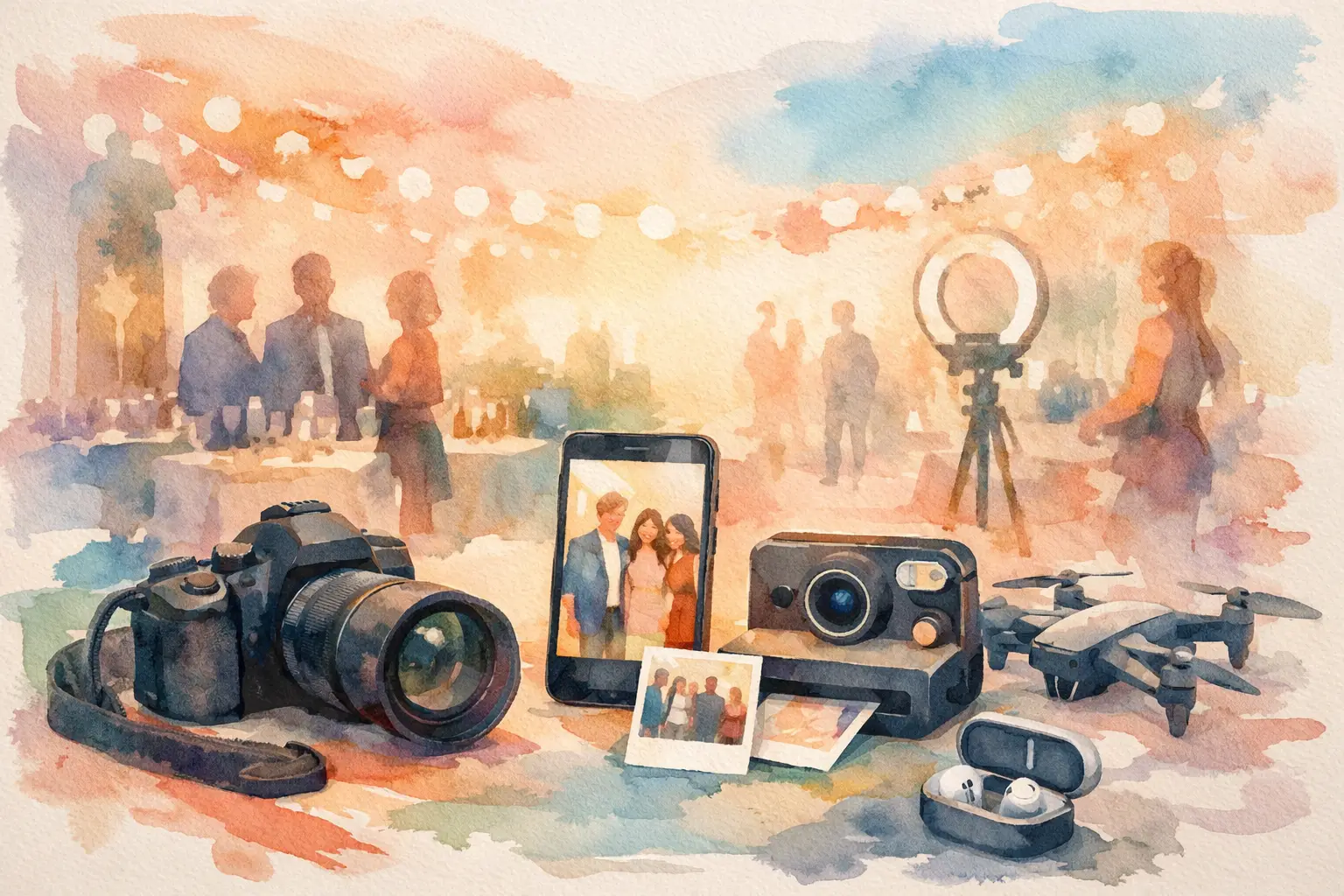
The best corporate event photo tools do more than store images. They solve the awkward post-event ritual where someone asks for photos, gets three replies, and spends two weeks hunting through Slack, text threads, and camera rolls. For company offsites, conferences, holiday parties, and brand activations, the right setup turns attendees into contributors while keeping the final gallery organized, private, and actually worth revisiting.
The trick is choosing for the experience you want to create, not just the files you need to collect. A polished executive dinner calls for different tools than a loud launch party. Here are seven options that cover the moments before, during, and after the event.
What the best corporate event photo tools actually solve
A corporate photo strategy has two jobs. First, it needs to make participation feel effortless. Second, it needs to give organizers control over where photos go, who sees them, and how they can be used later.
That means a shared drive alone is rarely enough. It may work for a small internal meeting where a few people need to upload headshots, but it does not create a reason for 150 guests to contribute candid photos. The best tools meet people where they already are: on their phones, in the moment, with no extra homework.
1. QR-code guest photo galleries
A QR-code gallery is the practical starting point for events where everyone should be able to contribute. Put the code on table cards, signage, name badges, or the opening slide. Guests scan, join, and start taking or uploading photos from their phones.
This works especially well for offsites, team celebrations, recruiting events, and conferences because it removes the biggest participation killer: another app to download. A good guest gallery should be browser-based, work across devices, and keep every contribution in one private place.
Look closely at access settings before you choose one. For an internal event, open participation may be exactly right. For a client event or brand activation, you may want password protection, guest moderation, or separate albums by session. Easy access is the point, but it should not come at the cost of control.
2. Digital disposable camera experiences
If your goal is more candid photos, give people a reason to take them. Digital disposable camera tools turn each guest's phone into a limited-shot camera, often with nostalgic filters and a gallery that opens later. The limitation is the fun part. Instead of firing off 40 nearly identical shots, people look for the one worth taking.
This format brings energy to events that can otherwise feel overly polished. Think company holiday parties, creative workshops, leadership retreats, and launch events where you want the room to feel alive rather than heavily documented. The delayed reveal also gives everyone a shared post-event moment: capture together, reveal together.
Revel is built for this exact use case, pairing QR entry with limited shots, offline capture syncing, high-resolution uploads, and a timed gallery reveal. It is a strong fit when participation matters as much as the final album.
The trade-off is intentional. A digital disposable experience is not meant to replace formal coverage of an award presentation or keynote. It is there to collect the weird, warm, behind-the-scenes perspective that a professional photographer cannot be everywhere to catch.
3. Professional photographer delivery galleries
For a keynote, executive event, client dinner, or annual conference, professional photography still earns its place. A photographer's delivery gallery gives your team a clean home for hero images, speaker portraits, venue shots, and brand-ready content.
The most useful galleries make selection easy. Organizers should be able to review, favorite, download high-resolution files, and share approved images with marketing or internal communications. If the photos will appear in press materials, social posts, or a recap deck, clear licensing and usage terms matter too.
This is the tool for quality and control, not volume from the crowd. Pair it with a guest capture option if you want both. Your photographer gets the big moments. Your attendees get the stories happening around them.
4. Branded photo booths
Photo booths are still one of the simplest ways to create a line, a laugh, and a stack of on-brand images. Modern booth setups can offer GIFs, boomerangs, overlays, digital delivery, and custom backdrops that make sense for a launch, trade show, or company party.
They work best when the interaction itself is part of the event. A themed party, sponsor activation, or conference lounge benefits from a physical moment people can see and join. A booth also gives quieter guests a low-pressure way to participate without having to roam the room taking photos.
Be realistic about the limitation: a booth captures a specific corner of the event, not the full atmosphere. It can generate highly shareable assets, but it will not replace candid coverage across the venue. Give guests a clear way to access their booth photos afterward, ideally alongside the rest of the event gallery.
5. Roaming content capture teams
For large events, a roaming content creator or social capture team can fill the gap between formal photography and guest-generated content. These teams move fast, shoot vertical video and stills, interview attendees, and catch the spontaneous interactions that make a recap feel current.
This approach is especially useful for conferences, employer-brand events, and activations with a real-time social strategy. A skilled creator knows how to frame content for mobile viewing, not just archive the room from a distance.
The trade-off is cost and coordination. Roaming capture is an investment, and it needs a clear brief. Decide ahead of time whether the priority is same-day social posts, recap video, attendee testimonials, or a bank of reusable content. Without a plan, you can end up with plenty of footage and very little that is ready to use.
6. Live displays and social walls
A live display can make photo participation visible. When guests see event images appear on a screen, they understand that their contributions are part of the experience, not disappearing into a folder nobody will open again.
For a party or activation, this can be a major engagement boost. Show booth photos, approved guest submissions, event prompts, or a rotating gallery during breaks. It gives the room a shared visual pulse and rewards people for joining in.
Use moderation here. Public screens are not the place for every unreviewed upload, particularly at a professional event with clients, executives, or external partners. Set expectations, use approval controls, and make sure any displayed images align with your event's consent policy.
7. Post-event albums with approvals and permissions
The last tool is less flashy, but it is where the event keeps paying off. A post-event album should let organizers sort the final photo collection, approve what is ready to share, and deliver the right images to the right audience.
For internal events, that may mean one full gallery for employees and a smaller approved set for LinkedIn or recruiting materials. For client-facing events, it may mean separate access for attendees, sponsors, and your marketing team. This is also the moment to remove duplicates, flag photos that should stay private, and preserve the images people will want six months from now.
Do not wait until after the event to think about permissions. If photos may be used publicly, make that clear in registration language and signage. If the event involves sensitive conversations or a private client setting, build a more restricted sharing plan from the start.
How to choose the right setup for your event
Start with one question: what do you want attendees to do? If the answer is “take more candid photos,” choose a QR-based guest gallery or disposable camera format. If it is “create branded assets,” prioritize a booth, a professional photographer, or both. If it is “show the energy of this event while it is happening,” add a roaming creator and a moderated live display.
For many teams, the strongest mix is simple: professional coverage for the must-have shots, plus a friction-free guest tool for everything else. That combination gives marketing polished assets without losing the inside jokes, dance-floor evidence, and unexpected team moments people actually talk about afterward.
The best photo tool is the one your guests will use without being asked twice. Make joining obvious, make taking photos fun, and give everyone a reason to come back when the gallery is ready. The event may last one night, but the shared memory should not get stranded in 47 camera rolls.

A writer interested in connection, memory, and the everyday moments that matter more than we realize.
Tags: Corporate events , Corporate Event Photography , Corporate photo sharing , Event gallery , Event photo collection , Event photo sharing , Event photography , Event QR , Shared event photos , Team events