7 Best Wedding Photo Collection Tools
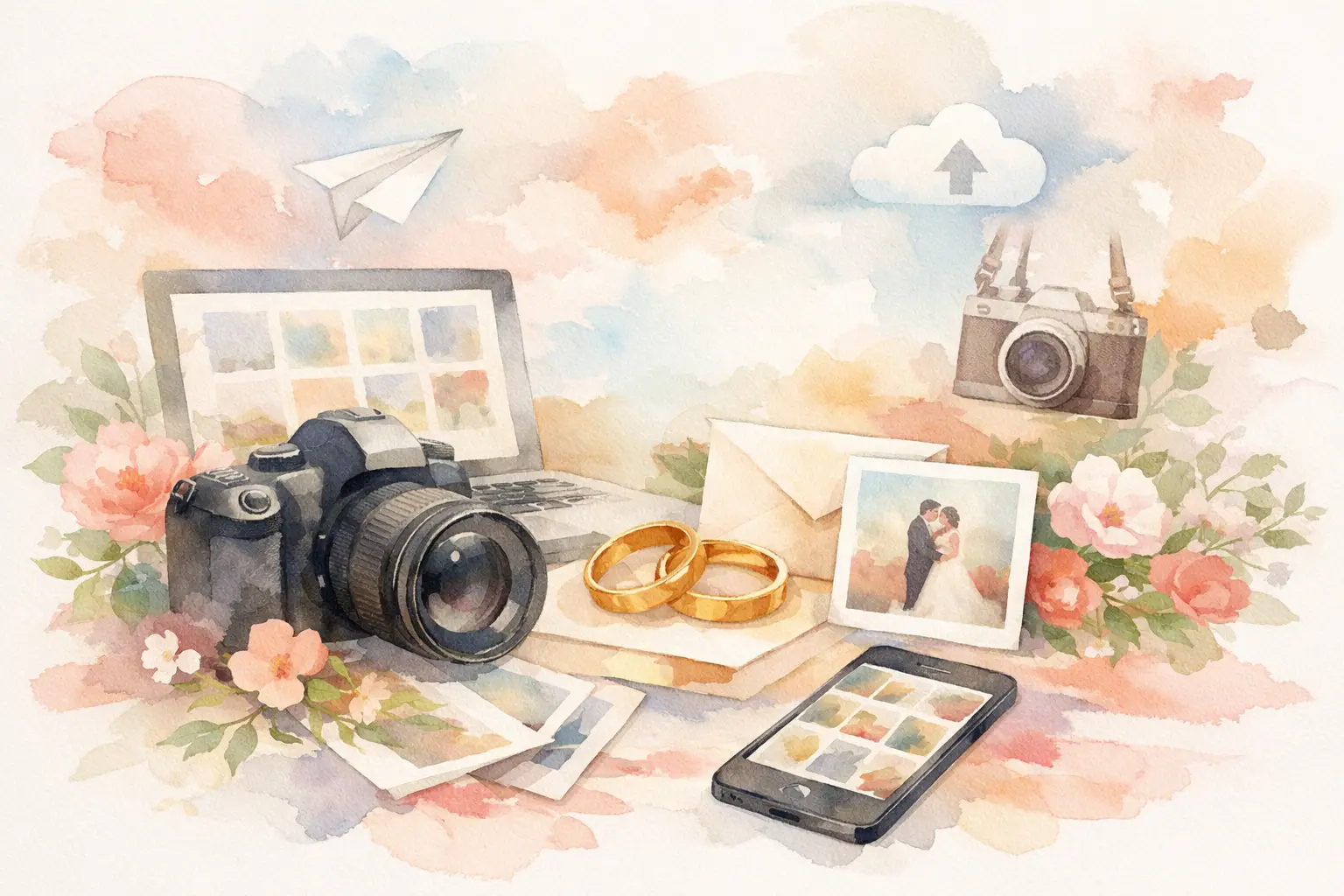
The group chat is not a wedding photo strategy. Neither is hoping your cousin AirDrops everything before the honeymoon ends. If you're looking for the best wedding photo collection tools, you're really trying to solve one annoying problem: how to get great photos from lots of people without turning your wedding into an IT support session.
That matters more than couples expect. Your photographer captures the big moments beautifully, but guests catch the sideways laughs, late-night dance floor chaos, table selfies, and tiny in-between scenes that make the day feel real. The right tool gets those photos into one place fast. The wrong one creates friction, and friction is where memories go missing.
What makes the best wedding photo collection tools actually work
Most wedding photo-sharing options sound fine until real guests have to use them. A tool can have endless storage, sleek design, and every feature under the sun, but if it asks people to download an app, make an account, remember a password, and figure out where to upload, participation drops hard.
That is the first filter: how quickly can a guest join and contribute?
The second is privacy. Weddings are personal. Some couples want a public social vibe, but most want a controlled space where guests can share freely without posting everything to the wider internet.
The third is timing. Some tools are built for instant sharing. Others work better when you want a post-event reveal, more like opening a digital disposable camera after the party. Neither is universally better. It depends on the kind of experience you want.
Finally, there is photo quality. Compression can quietly ruin guest photos, especially if you want to save, print, or revisit them years later. A good collection tool should make participation easier without turning every image into a blurry afterthought.
7 best wedding photo collection tools to consider
1. QR-based shared gallery platforms
For most modern weddings, this is the strongest format. Guests scan a QR code, join instantly, and start taking or uploading photos without extra setup. That matters because weddings move fast. No one wants to troubleshoot an app while cocktail hour is happening.
The best versions of this category keep the process nearly invisible. Guests join in seconds, contribute from any phone, and access one private shared album. Some platforms also add playful mechanics like limited shots, timed reveals, or disposable-camera-style filters, which can make participation feel less like a task and more like part of the event.
This option works especially well for couples who want high contribution rates and a more curated experience than a random cloud folder. If your priority is making it ridiculously easy for everyone to join, this is where the best tools usually stand out. Revel fits here, with a QR-first setup and a digital disposable camera feel that makes guest participation much more natural.
2. Shared cloud folders
Cloud storage tools are familiar, which helps. Many guests already know how to upload to a shared folder, and couples like having one central place for files. On paper, it feels simple.
In practice, it can be hit or miss. Guests often need the right permissions, the folder can feel a little too utilitarian for a wedding, and the upload step usually happens later, not in the moment. That means fewer spontaneous contributions and more photos stranded on people's phones.
Cloud folders are a decent choice if your crowd is tech-comfortable and you mainly care about storage over experience. They are less ideal if you want participation from everyone, including less patient relatives and guests who will absolutely forget to upload after the weekend.
3. Event-specific wedding websites with gallery features
Some wedding websites include guest photo uploads as part of their planning suite. The appeal is obvious: fewer tools to manage, one place for RSVPs and schedules, and a gallery built into the site.
This can work well if convenience for the couple matters more than convenience for the guest. The catch is that gallery features on wedding websites are often secondary, not the main event. Upload flows may feel clunky, mobile experiences can vary, and participation usually depends on guests remembering the site after the wedding.
If you're already using a wedding website platform and want a basic collection option, this can be enough. If guest photo capture is a priority, specialized tools usually do better.
4. Hashtag-based social sharing
This used to be the move. Pick a cute wedding hashtag, ask guests to post, and browse the memories later. It still works for couples who want a very public, social-first experience.
But it has obvious trade-offs. Not everyone posts. Not everyone uses the same platform. Privacy is limited. Image quality and discoverability can be inconsistent. And a surprising number of great guest photos never make it to a feed because they are funny, messy, intimate, or just not "post-worthy."
Hashtags are best treated as an extra layer, not your main system. They are good for visibility and vibe. They are not great at complete collection.
5. Group messaging threads
Text threads, WhatsApp groups, and similar chat-based options are common because they are already there. No setup. No explanation. Just drop the photos in.
That simplicity is real, but so are the limitations. Threads get noisy fast, media quality can drop, older photos become impossible to find, and not every guest is in the same chat. A few people contribute heavily, most people lurk, and the result is still scattered.
For a small wedding or post-event follow-up among close friends, messaging can be useful. For a full wedding gallery, it usually becomes digital clutter with cake-cutting photos buried under three days of reactions and heart emojis.
6. Disposable cameras and film drop-off
Classic. Charming. Genuinely fun when the crowd is into it.
Disposable cameras create a look that phone photos cannot fully fake, and people love the novelty. They also create delay, which can be part of the magic. But if you are comparing the best wedding photo collection tools in a practical sense, film has limits. Guests get a fixed number of shots, image quality is unpredictable, cameras get left on tables, and developing costs add up quickly.
This route is strongest as an aesthetic choice, not an efficiency play. If you love the nostalgia, it can be worth it. If you mainly want more usable guest photos, digital tools with disposable-camera energy tend to give you a better return.
7. Custom wedding apps
Some couples consider building their whole guest-sharing experience around a dedicated app. These can offer polished branding, structured albums, and extra event features.
The problem is adoption. Weddings are one-time events for guests, and most people do not want another app for one night. Every extra step cuts participation. Download barriers are small on paper and huge in real life.
A custom app can make sense for large, highly produced weddings or professional planners who want tight control. For most couples, it is more overhead than benefit.
How to choose the best wedding photo collection tools for your wedding
Start with your guests, not the feature list. If your wedding includes a wide age range, fast onboarding matters more than flashy customization. If your friends love documenting everything, you can lean into interactive features and social mechanics. If privacy is non-negotiable, skip anything that relies on public posting.
Then think about when you want the photos to come alive. Some couples want instant access during the reception. Others want everyone to shoot now and relive it later. That delayed payoff can actually make the gallery feel more special, especially when it turns the reveal into part of the post-wedding glow instead of another folder to manage.
Budget matters too, but not always in the obvious way. A free tool that gets low participation can cost you more in missed memories than a paid tool that guests actually use. The real value is not just storage. It is contribution rate.
The features worth caring about
If you are narrowing down options, focus on four things: guest friction, privacy, photo quality, and gallery experience.
Guest friction is the big one. Can people join with a scan and start immediately, or does the system ask them to do five small annoying things first? Those five things are where your uploads disappear.
Privacy should be clear and simple. Guests should know whether the gallery is private, who can view it, and whether the photos stay inside the event.
Photo quality is easy to overlook until you want to save favorites. Compression, limited file handling, or messy exports can turn a great wedding gallery into a temporary feed.
And then there is the gallery experience itself. A wedding album should feel like a shared memory, not a storage locker. The best tools make collecting easy and reliving even better.
A good wedding photo tool does not beg guests to participate. It makes participation feel obvious. That is the difference. Stop chasing photos after the fact and choose something that lets the whole room help tell the story while it is still happening.

A writer interested in connection, memory, and the everyday moments that matter more than we realize.
Tags: Wedding photography , Wedding app , Wedding disposable camera , Wedding Management , Wedding photo sharing , Wedding planning , Wedding planning tool , Wedding trends