Event Planning Sites: What to Use for Timelines and Guests
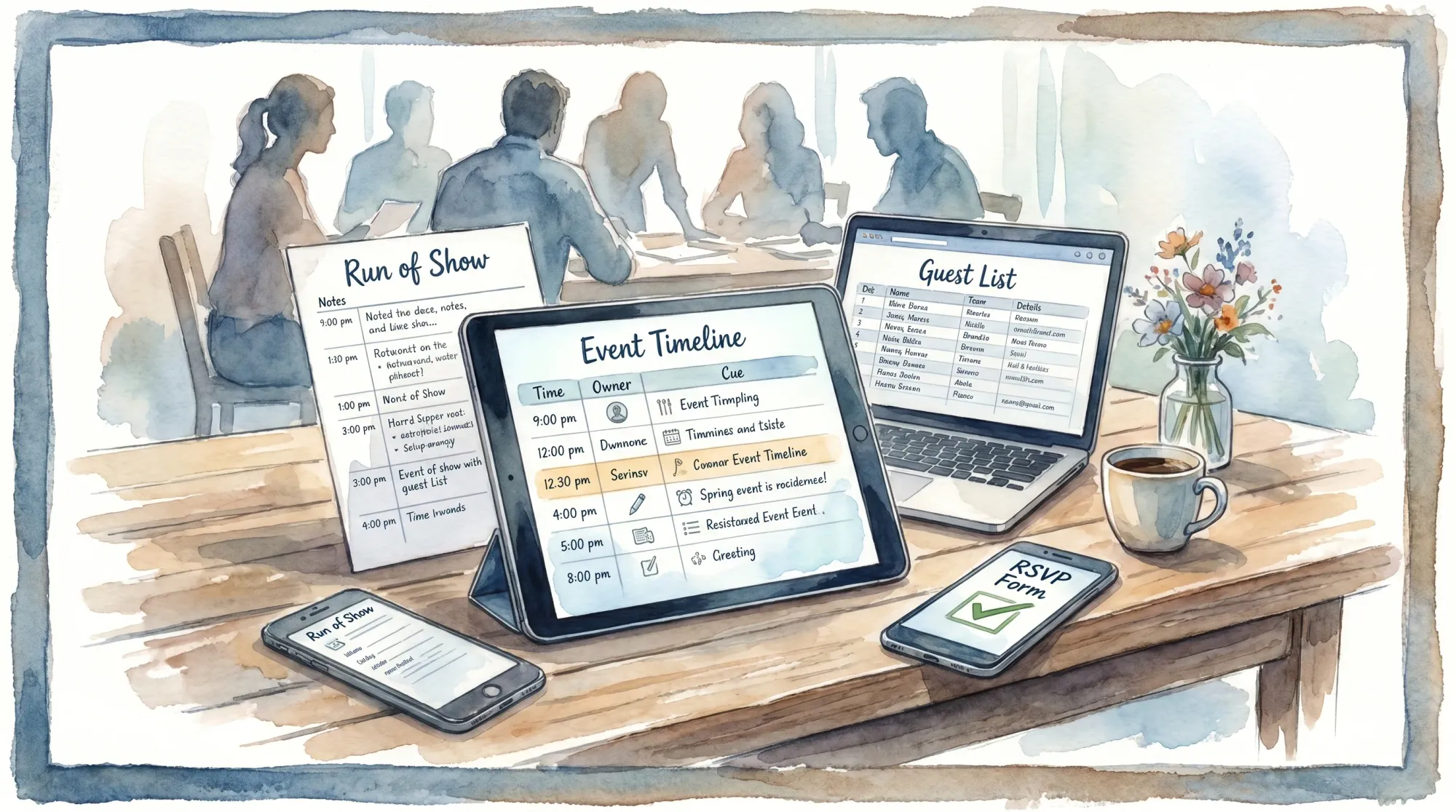
Most events don’t fall apart because you forgot something, they fall apart because your timeline lives in one place, your guest list lives in another, and nobody knows which version is “final.” The right event planning sites fix that by making two things dead simple:
- A timeline that’s usable on event day (not just pretty in a planning view)
- A guest system that reduces friction for invites, RSVPs, updates, and counts
This guide breaks down what to use for timelines and guests, how to choose quickly, and how to combine tools without creating a messy “app pile.”
What to look for in event planning sites (for timelines + guests)
Before you compare brands, compare jobs to be done. For most weddings, parties, offsites, conferences, and activations, you want four outcomes.
1) A timeline you can run from
A real event timeline is not just a list of times. It has:
- A single “Run of Show” view (minute-by-minute when needed)
- Clear owners (who cues it, who executes it)
- Notes, dependencies, and buffers
- A way to share a read-only version to vendors and teammates
2) A guest system that guests will actually use
Your guest tool should make it easy to:
- Collect RSVPs fast (ideally mobile-first)
- Handle plus-ones, meal choices, and special needs
- Send updates (schedule changes, parking, weather plan)
- Export counts (by table, by meal, by session, by VIP status)
3) Version control and exportability
Event day rewards boring operational hygiene. Prioritize tools that let you export or print cleanly (PDF, CSV), and avoid tools that trap your data.
4) A plan for “memories” (photos) that does not rely on chasing people
Most planning sites help you run the event, not collect the photos afterward. Treat photo collection as its own workstream, like signage or check-in.
Timelines: what to use (and what “good” looks like)
There are two timelines you should separate:
- Planning timeline: weeks/months out, tasks and deadlines
- Event-day timeline (Run of Show): operational, cue-based, and time-stamped
Many event planning sites do the first well, fewer do the second well without customization.
Best tool types for planning timelines
You can build a strong planning timeline in any of these categories:
- Project management tools like Asana (tasks, owners, due dates)
- Boards like Trello (simple workflow, easy for small teams)
- Docs and databases like Notion (flexible, template-friendly)
- Spreadsheets like Google Sheets (fast, portable, easy to share)
The “best” one is usually the one your team will open on their phone without training.
What to include in a Run of Show (timeline template)
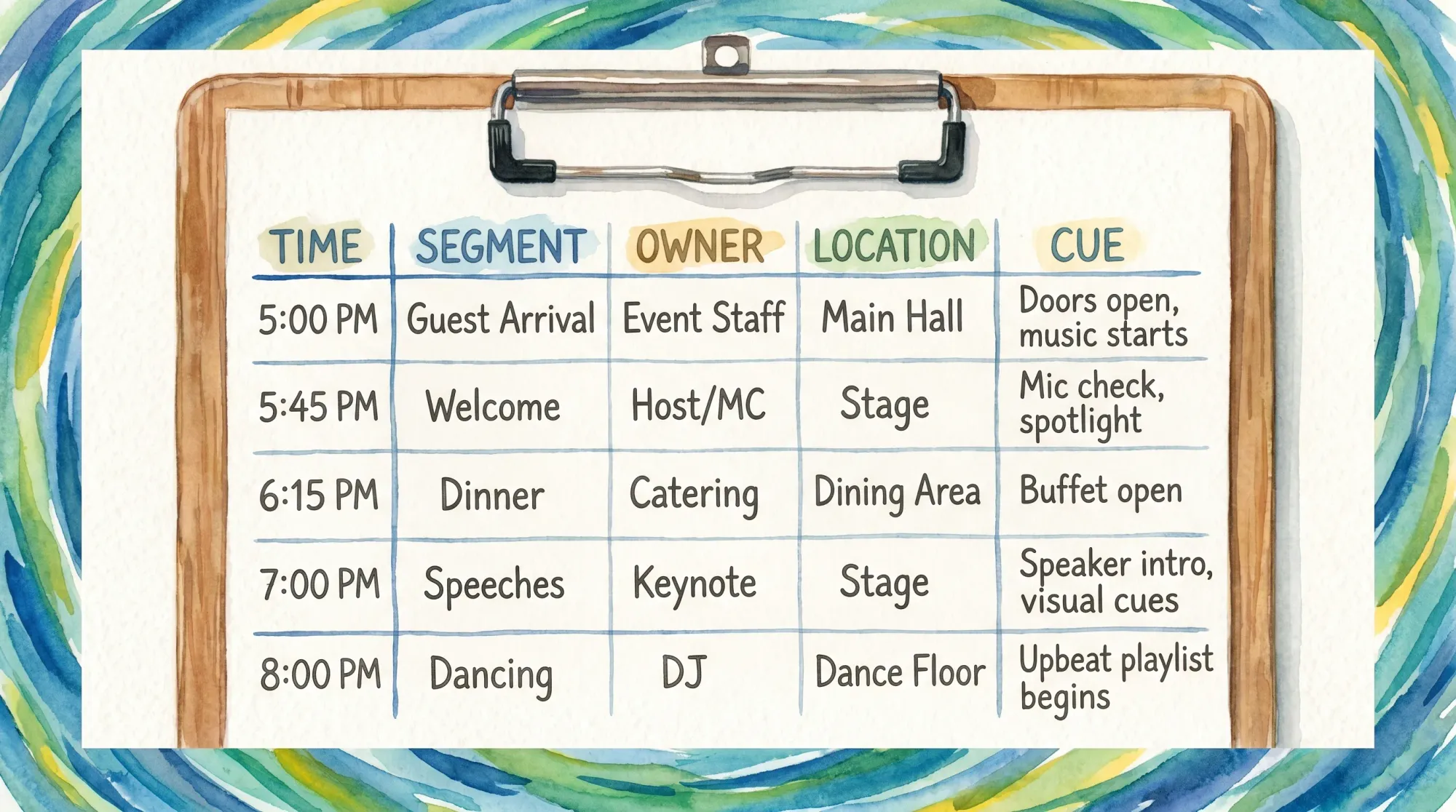
No matter which event planning site you choose, your Run of Show should include these columns.
| Field | Why it matters on event day | Example |
|---|---|---|
| Time | Anchors execution | 6:10 PM |
| Segment | Helps people orient quickly | Grand entrance |
| Owner | Prevents “I thought you had it” | DJ cues, Planner confirms |
| Location | Reduces wandering | Ballroom, stage left |
| Cue | The exact trigger | “House lights to 30%” |
| Dependencies | Reveals hidden blockers | Mic checked, doors closed |
| Buffer | Protects against drift | +5 minutes |
| Notes | Captures the only details people forget | “Hold until photographer ready” |
If you want copy-paste timeline templates and role maps, start with Revel’s operational templates here: Event coordination app templates for timelines and teams.
Quick decision rule: which timeline tool should you choose?
Choose based on your team size and how “live” the event is.
| If your event is… | Use this approach | Why |
|---|---|---|
| Small (birthday, shower, house party) | Google Sheets or Notion doc | Fast setup, easy sharing |
| Medium (wedding, fundraising dinner) | Asana for planning + one Run of Show doc | Tasks plus day-of clarity |
| Large (conference, multi-room program) | PM tool + dedicated program grid sheet | Many owners, many dependencies |
If you tend to over-tool, read this first: Event organizer app comparisons: what matters on event day.
Guests: what to use for invites, RSVPs, and attendance
Guest management is where “event planning sites” diverge the most, because weddings, ticketed events, and corporate offsites have different needs.
The 4 common guest-management categories
1) Wedding websites with RSVPs
These are best when you need a guest-friendly site plus RSVP flow (schedule, travel, registry, FAQs). Examples include platforms like Joy, plus marketplace-style wedding platforms.
If you are specifically choosing a wedding site based on guest usability, this guide goes deeper: How to choose a wedding organizer website guests will use.
2) Ticketing and registration platforms
If you need paid tickets, QR check-in, or capacity control, a ticketing tool is often the simplest path. A common option is Eventbrite.
3) Enterprise corporate registration
For corporate conferences, multi-day events, or events with compliance requirements, many teams use enterprise tools such as Cvent. These can be powerful, but they are usually heavier than what a small team needs.
4) DIY RSVP collection
For smaller gatherings, a simple form plus a spreadsheet is often enough:
- Google Forms for RSVP intake
- Google Sheets as the guest list database
This is also the most portable option when you want full control over fields and exports.
What to include in your guest list (fields that prevent chaos)
Your event planning site might label these differently, but these fields are the difference between calm counts and last-minute texting.
| Guest field | Why it matters | Notes |
|---|---|---|
| Household / Group | One invite, multiple people | Avoid duplicate messages |
| RSVP status | Drives follow-up | Yes / No / Pending |
| Plus-one rules | Prevents awkwardness | Named vs open |
| Meal choice | Catering counts | Include dietary notes |
| VIP / Roles | Helps timeline owners | Parents, speakers, wedding party |
| Arrival info | Helps check-in | Hotel, shuttle, parking |
How to connect your timeline and guest system (without turning it into a mess)
A clean setup looks like this:
- Your guest system is the source of truth for names, counts, meal choices, and contact info.
- Your timeline system is the source of truth for tasks and the Run of Show.
- You export snapshots (PDF/CSV) at key moments so the day-of team is not relying on shaky cell service or logins.
A simple “single source of truth” rule
Pick one home for each category:
- One guest list database
- One Run of Show
- One vendor contact sheet
If you duplicate any of these across tools, put an “OWNER + LAST UPDATED” line at the top of the duplicate, or delete the duplicate.
Common mistakes with event planning sites (and quick fixes)
Mistake 1: choosing a tool your guests have to learn
If guests have to download an app or create an account to RSVP, participation drops.
Fix: pick the lowest-friction RSVP flow you can, and test it on a non-planner friend.
Mistake 2: a timeline that looks good but cannot be executed
If your timeline has times but no owners and cues, it will drift.
Fix: add the Owner and Cue columns, and run a 10-minute “table read” with your team.
Mistake 3: no plan for day-of changes
Weather, late arrivals, delayed catering, a speaker running long, these happen.
Fix: publish a guest-facing schedule, but keep the vendor Run of Show as the live operational document.
Don’t forget the “memories” layer: how guests will share photos
Even with the best event planning sites, the most common post-event failure is still: “Can everyone send me their photos?”
Group chats and shared albums usually fail because they require extra steps after the moment is gone.
A better approach is a shared event camera that collects photos in real time.
How Revel.cam fits into your planning stack
Revel.cam is not a replacement for your timeline or RSVP tool. It’s the photo layer you add to any event plan:
- Guests scan a QR code or tap an NFC tag
- They take photos, and uploads happen automatically
- No signup or app install required (on iPhone it can open as an App Clip, see Apple’s App Clips overview)
- Hosts can set per-guest limits, set an end time, and review shots before sharing
If you want the full concept, see: Guest camera for events: how to collect photos without apps.
A fast setup order (so you do not re-do work later)
If you are starting from scratch, this order prevents rework:
- Pick your guest system (RSVP, registration, or ticketing)
- Build your guest list fields and plus-one rules
- Build your planning timeline (tasks and deadlines)
- Draft your Run of Show (with owners and cues)
- Add your memories layer (how photos will be captured and shared)
Frequently Asked Questions
Are free event planning sites good enough? Often, yes, if you can export your data and your guests do not have to create accounts. Many small events run perfectly on Google Forms + Google Sheets.
What’s the best tool for an event-day timeline? The best tool is the one your team will actually open on-site. A single Run of Show in a shareable doc or sheet (with owners and cues) beats a complex system nobody checks.
How do I handle plus-ones without awkwardness? Decide your rule first (named plus-ones only, or open). Then make your RSVP flow match that rule so you are not manually correcting submissions.
What should I do if the timeline changes during the event? Keep a guest-facing schedule stable when possible, but let your vendor Run of Show be the live document. Communicate changes through one person (show caller, planner, or event lead).
How can I get guest photos without chasing people after the event? Use a capture-first flow where guests scan a QR code, take photos, and uploads happen automatically to one event gallery. That is exactly what Revel.cam Moments are designed for.
Collect photos in the moment, not in a follow-up text
If you already have event planning sites for your timeline and guest list, the missing piece is usually photo collection.
Create a Revel.cam Moment for your event, share it via QR code, NFC tag, or link, and let guests snap and upload instantly with no app install or signup. Start here: Revel.cam.

A writer interested in connection, memory, and the everyday moments that matter more than we realize.
Tags: Event planning , Corporate Event Photography , Corporate events , Event photo collection , Event photography , Event photo sharing , Shared event photos