Wedding Picture Sharing App: How to Avoid Logins and Chaos
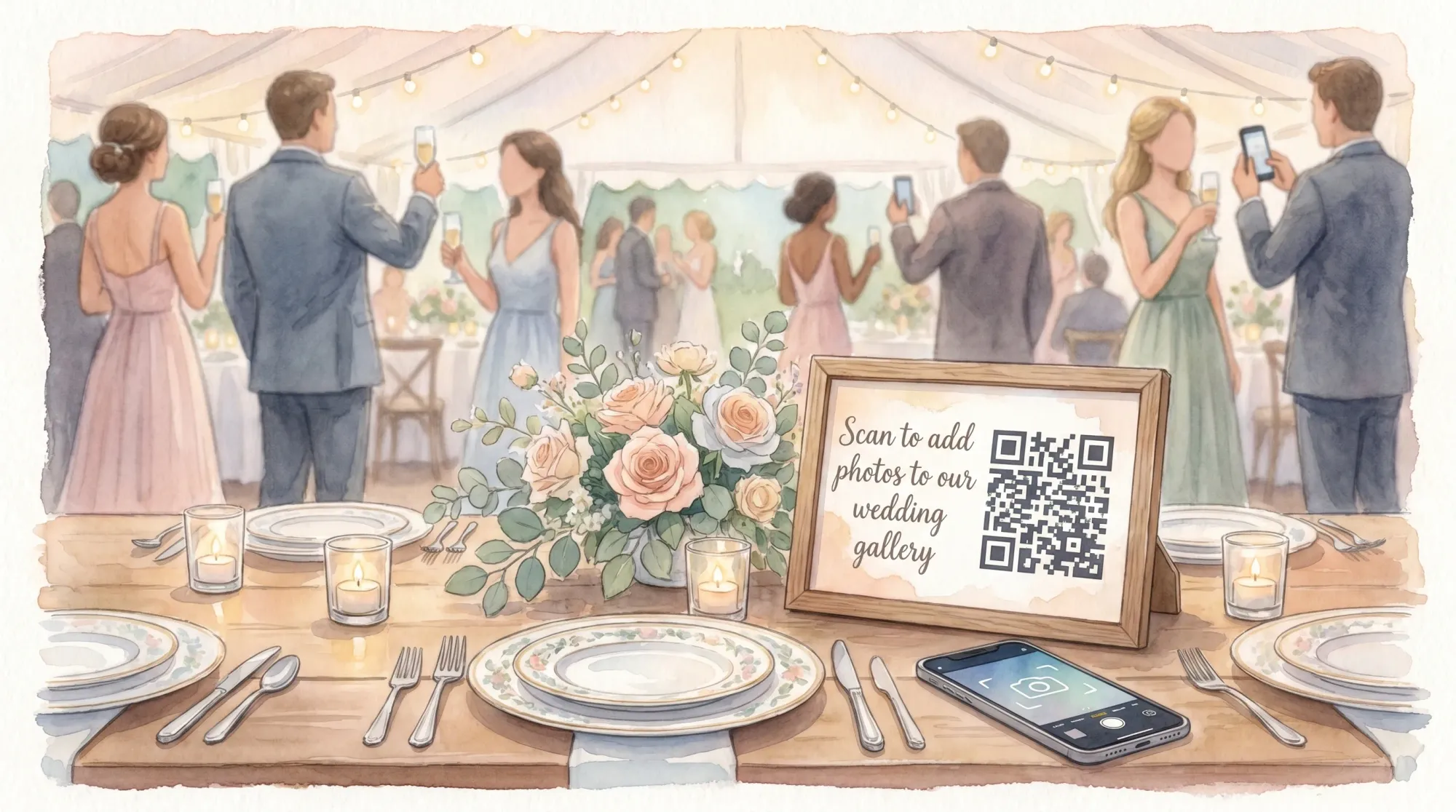
If your wedding picture sharing app requires logins, you are basically asking guests to do homework. Some will. Most will not. And the result looks the same every time: photos scattered across phones, multiple albums, group chats, and a week of “can you send me that one?”
A better goal is simple: make sharing feel like taking the photo, not like managing an account.
Why logins create wedding photo chaos
On a wedding day, guests are moving, socializing, juggling drinks, and switching between ceremony, cocktail hour, and reception. Anything that adds friction kills participation, especially:
- Creating an account (or remembering an old one)
- Verifying email or phone numbers
- Downloading an app on spotty venue Wi‑Fi
- Finding the right album or chat thread later
Even guests who intend to upload photos often delay it until the next day, then forget, then lose the thread, then never share.
The fix is not “remind people more.” The fix is designing a system that works with real wedding behavior.
The 4 failure points most wedding photo sharing systems run into
Most solutions break at one of these points.
1) Access friction (app install, signup, passwords)
If guests have to install something or log in, participation drops fast. People do not want to troubleshoot accounts in formalwear.
2) Destination confusion (where do I put photos?)
When you offer multiple destinations (Google Drive folder, iCloud album, WhatsApp chat, Instagram hashtag), guests split. You end up with fragmented coverage and duplicates.
3) Upload procrastination (post-event “I’ll do it later”)
Any workflow that depends on guests uploading after the wedding competes with real life. This is why shared folders and “send me your pics” texts underperform.
4) No guardrails (unlimited uploads, no end time, no moderation)
Unlimited uploads can create noise, while no end time invites off-topic photos. And without moderation, many couples hesitate to share the gallery widely.
Quick comparison: what actually avoids logins (and what doesn’t)
| Method | Guest steps | Where it breaks | Best use case |
|---|---|---|---|
| Group chat (iMessage/WhatsApp) | Find thread, attach, send | Buried photos, compression, not everyone included | Very small groups that already chat daily |
| Shared album (iCloud/Google Photos) | Join album, sometimes login, find photos, upload | Account friction, mixed platforms, “I’ll upload later” | Mostly one ecosystem (all iPhone or all Google) and tech-comfy guests |
| Upload link (form or folder) | Open link, choose photos, upload | Feels like admin work, slow on mobile | Vendor or staff uploads, not casual guests |
| QR-based event camera | Scan QR, camera opens, take photo, auto-upload | Needs clear signage and a tested QR placement | Weddings where you want high participation with minimal friction |
If your priority is “no logins and no chaos,” the QR-based event camera workflow is the most consistent fit.
What to look for in a wedding picture sharing app (if you want guests to actually use it)
Think less about “features” and more about whether the app can survive real wedding conditions.
1) Guests can join without accounts
This is the non-negotiable. If guests have to create an account, you will collect fewer photos.
A strong pattern in 2026 is QR-first entry that opens directly into a camera or capture experience. On iPhone, App Clips can make this feel native and instant (Apple overview: App Clips).
2) Camera-first, not upload-later
Uploading from the camera experience removes procrastination. Guests snap a photo and it is already in the event gallery.
If your app is just “a place to upload,” you are relying on guests to do an extra task later.
3) One destination (one gallery)
Pick one system. Put it everywhere. Make it obvious.
If you want a clean post-wedding experience, you want one gallery, one story.
4) Guardrails that improve quality
Good guardrails reduce chaos and improve the final gallery.
Look for:
- Photo limits per guest (encourages intentional shots, reduces duplicates)
- An end time (keeps the gallery on-topic)
- Host review/moderation (lets you remove unwanted images before sharing)
5) Privacy that matches a wedding
Weddings are personal. A wedding picture sharing app should be private by default and not behave like a social network.
6) A workflow for the “reveal”
Couples often prefer a gallery that is curated and then shared, instead of photos flying around mid-event.
If you like this idea, you will also like the concept of a timed reveal. Revel.cam has a deeper take on this in why a gallery reveal moment matters.
A practical no-login plan you can run in one wedding weekend
If you want this to work, treat it like a tiny “guest participation system,” not a tech add-on.
Before the wedding: design for adoption
Do three things.
First, choose a single method that is camera-first and account-free.
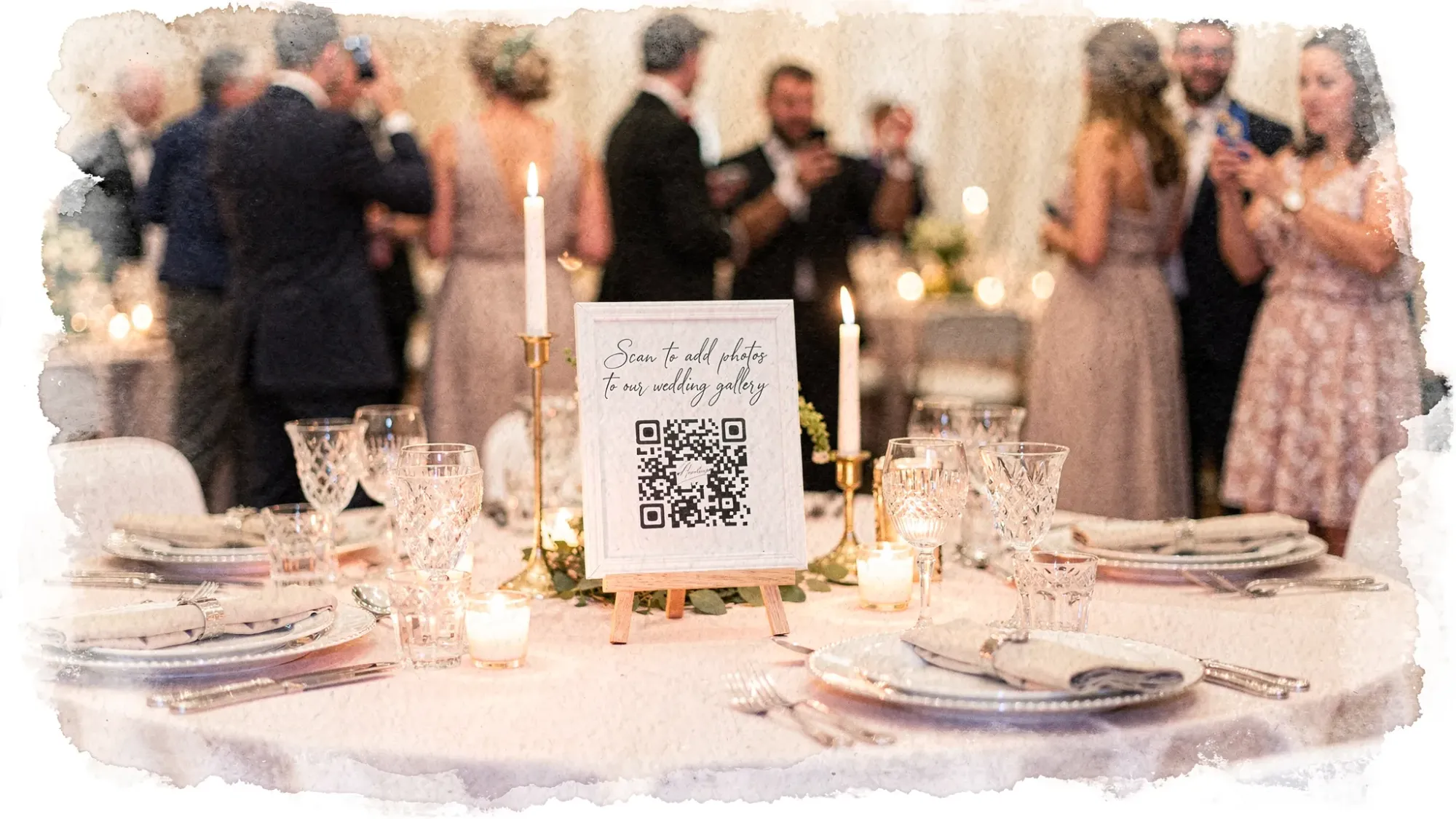
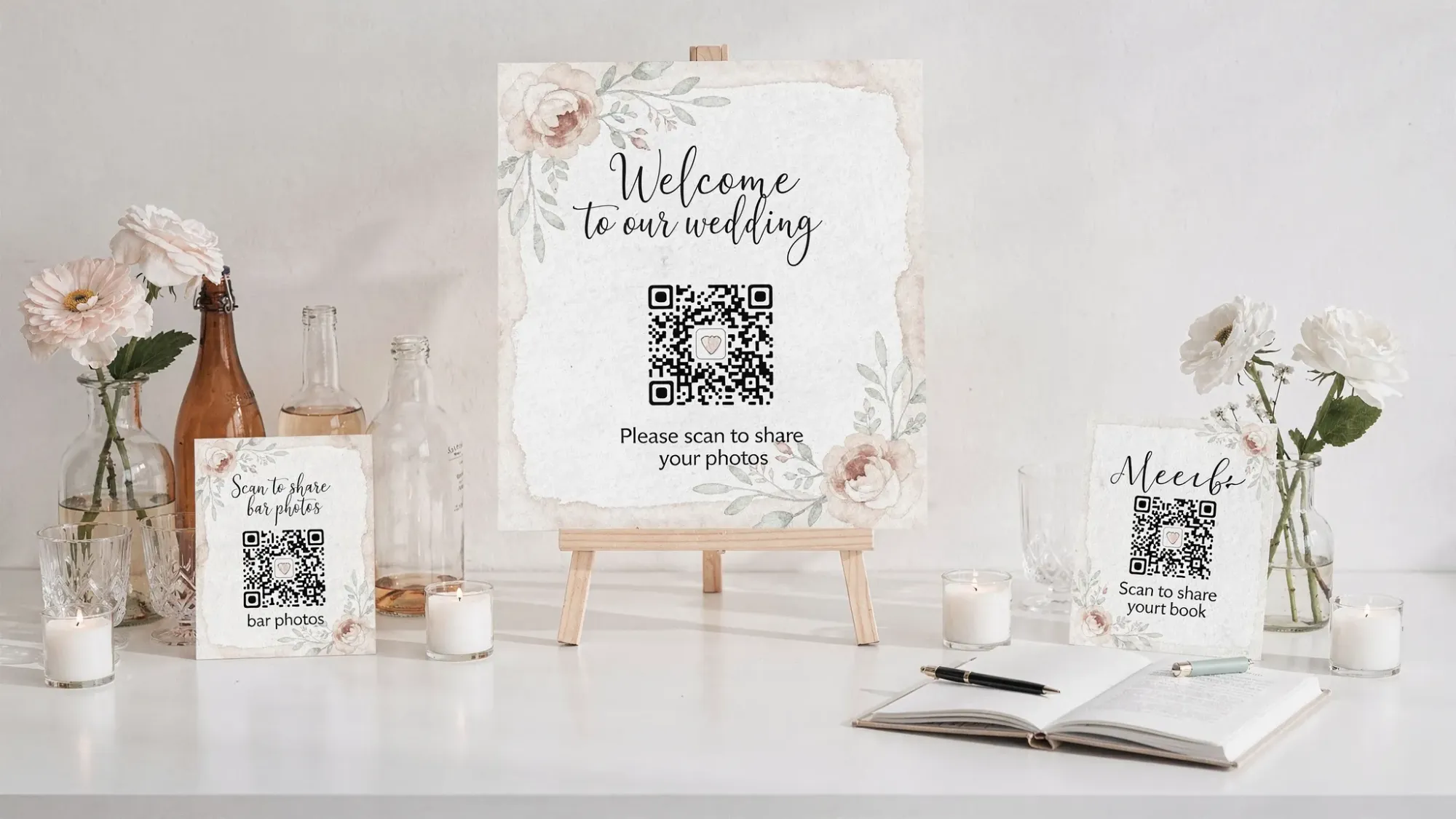
Second, place multiple entry points. One QR sign is never enough.
Third, assign one owner. This can be a planner, coordinator, MOH, or a reliable friend.
If you want a full operational checklist, Revel.cam’s Guest Photo Collection Plan is a solid template.
During the wedding: cue guests at the right moments
The highest participation comes from two short cues, not constant reminders:
- One cue at cocktail hour (people are fresh, phones are out)
- One cue when the dance floor opens (high energy, lots of moments)
Your DJ or MC can do a 15 to 30 second announcement. Keep it permission-based, not demanding.
After the wedding: curate, then share
Do not try to curate during the wedding.
Pick a time the next day to:
- Remove obvious duplicates or unwanted shots
- Pull 30 to 80 “highlights” for fast sharing
- Share the full gallery when you are ready
How Revel.cam avoids logins and keeps photos organized
Revel.cam is built around an event-first workflow designed for weddings:
- You create a private event called a Moment
- Guests join instantly via QR code, NFC tap, or link
- On iPhone, it can open as an App Clip, so guests do not need to install an app
- Guests take photos inside the Moment’s camera, and uploads happen automatically
- Hosts can set guest limits, per-guest photo limits, an end time, and use review/moderation
If you want the specifics of who needs to sign in (and when), this post lays it out clearly: Revel sign in: who needs access and when.
To see the product overview, start here: Revel.cam.
Common concerns (and how to handle them)
“What if Wi‑Fi is bad?”
Choose a system that is fast on mobile, then test on-site if you can. Also:
- Place the QR where there is light (dark corners reduce scanning speed)
- Add a short backup link on the sign for anyone who struggles with QR
- Consider an NFC tap point near the bar or guestbook for redundancy
“What about privacy and consent?”
Make participation optional, and be explicit on signage.
A simple line like “By adding photos, you are sharing them with the couple” prevents misunderstandings. For corporate-style privacy rigor, Revel.cam also shares guidance that translates well to weddings, especially around moderation: keeping QR photo galleries private and controlled.
“Will we get blurry, repetitive photos?”
Some blur is inevitable with guest photos. The way you reduce chaos is:
- Use a photo limit
- Use prompts (what to shoot)
- Put the join point in well-lit areas
If you want a deeper quality playbook, see: wedding guest pictures: avoid duplicates and blurry shots.
Frequently Asked Questions
Do guests have to download an app to use a wedding picture sharing app? No. Some tools require downloads, but the lowest-friction options let guests join via a QR code and use a camera experience without installing anything.
What’s the easiest way to collect wedding photos from guests without logins? Use a QR-based, camera-first workflow where guests scan, take photos, and the images upload automatically to one event gallery.
Will Android guests be able to participate? Yes, if the tool supports joining via a QR code or link in a browser. Always test on at least one iPhone and one Android before the wedding.
Can we review photos before guests see them? Some platforms offer host review and moderation so you can remove unwanted images and then share a curated gallery.
How many photos should each guest be allowed to take? A limit is helpful. Many couples choose a number that encourages intentional photos while still capturing variety. The right number depends on guest count and how long the event runs.
Is a shared iCloud or Google Photos album good enough? It can be, if most guests are on the same ecosystem and are comfortable joining. If you have a mixed crowd or want maximum participation, a no-login, camera-first system tends to work better.
Create a wedding gallery that doesn’t depend on passwords
If you want a wedding picture sharing app that guests will actually use, optimize for one thing: scan, snap, done.
Revel.cam is built for that exact flow, with QR codes, optional NFC taps, iPhone App Clips, automatic uploads, and host controls like limits, end times, and moderation.
Create your wedding Moment at Revel.cam and give guests a photo sharing experience that feels effortless (because it is).

A writer interested in connection, memory, and the everyday moments that matter more than we realize.
Tags: Wedding photos , Group wedding photos , Wedding app , Wedding guest photos , Wedding photography , Wedding photo ideas , Wedding planning app