7 Best Digital Guestbook Alternatives for Events
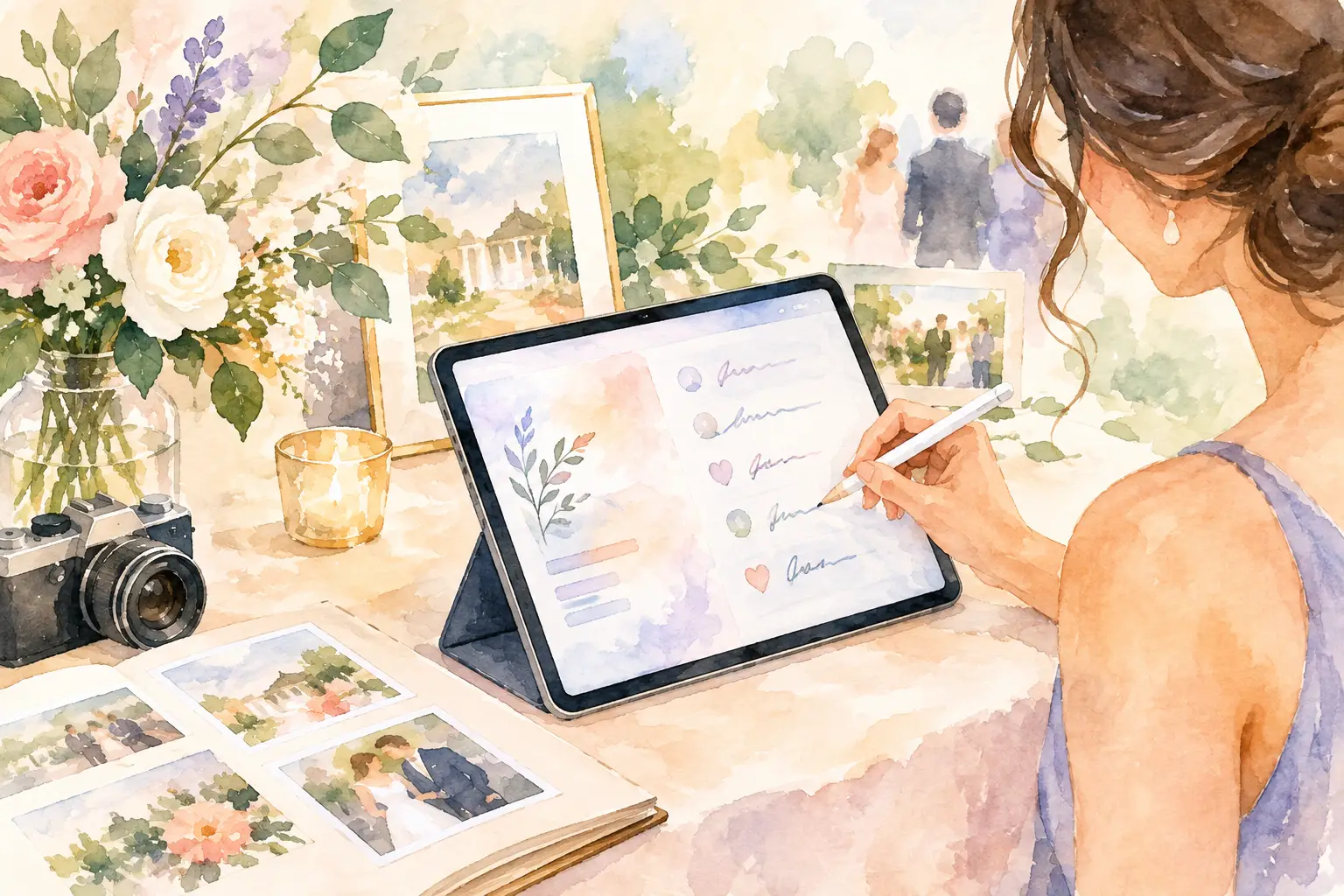
A guestbook should capture the people who made the room feel alive, not create one more task for them to skip. The best digital guestbook alternatives make participation feel effortless: scan a QR code, add a photo or message, and get back to the dance floor, dinner table, or launch party.
That distinction matters. A page of typed congratulations has its place, but it rarely catches your cousin’s blurry-but-perfect dance photo, the candid group shot from the back patio, or the note someone thinks to leave after a couple of celebratory cocktails. If you want more than a list of names, choose a format that fits the energy of your event.
Why a standard digital guestbook can fall flat
Most digital guestbooks ask guests to pause, find a link, create an account, and write something thoughtful on command. That is a lot of friction for a moment that is supposed to be social. The result is usually predictable: a handful of early entries, a few messages from the most organized people in the room, and silence from everyone else.
There is also the memory problem. Guests experience an event from angles you never see. Your best friend notices the flower girl asleep under a table. A coworker catches the team’s real reaction to the keynote. A traditional guestbook preserves sentiments, but it misses the texture of the day.
The smarter alternative depends on what you want to keep. Are you collecting heartfelt words, candid photos, short videos, or proof that everyone actually had fun? Here are seven formats worth considering.
1. QR-code photo guestbooks
A QR-code photo guestbook turns every guest into a contributor without turning them into a photographer-for-hire. Put the code on tables, signage, place cards, or the welcome screen. Guests scan it with their phone, then upload photos straight to a shared private album.
This is one of the best digital guestbook alternatives for weddings, birthdays, vacations, company offsites, and brand events because the prompt is visual and immediate. People already have their phones out. You are simply giving all those camera-roll moments somewhere better to go than a group text that disappears by Tuesday.
Look for a setup that works in a mobile browser, skips app downloads and account creation, and accepts high-resolution uploads. Bonus points for an event-specific experience, such as limited digital disposable-camera shots, nostalgic filters, or a delayed gallery reveal. Revel, for example, makes the collection part feel like an activity: guests capture together, then see the full story together later.
The trade-off is that photos do not automatically produce long written messages. If words are central to your event, pair the gallery with a simple message prompt on the same sign.
2. Video message booths
Video guestbooks give people a chance to speak in their own voice. A friend can tell the story behind their toast. A grandparent can leave advice for the couple. A team can record quick congratulations for a colleague’s retirement or a founder’s big launch.
They work especially well when the event has a quieter corner, a dedicated device, or a simple tripod setup. A prompt helps. Try: What is one thing you hope they remember about today? Or: Leave a prediction for their next chapter.
Video is emotionally rich, but it asks for more confidence than a photo. Some guests will happily perform for the camera; others will walk right past it. Keep the recording process short, private enough to feel comfortable, and optional. The best clips usually happen when people feel playful, not pressured.
3. Audio guestbooks
Audio guestbooks are intimate in a way typed messages rarely are. Hearing a laugh, a shaky voice during a toast, or a child’s enthusiastic hello can hit harder years later than a paragraph on a screen.
For weddings and milestone parties, a retro phone-style setup can double as decor and an icebreaker. For remote teams or virtual celebrations, a voice-note format lets people contribute from anywhere without worrying about lighting, outfits, or being on camera.
The limitation is discoverability. Audio takes longer to revisit than a photo gallery, and recordings can be hard to sort without names or prompts. It shines as a keepsake layer, not always as the main way to document the whole event.
4. Live message walls
A live message wall displays guest notes, photos, or reactions on a screen during the event. It can turn a room full of attendees into a room that feels connected. At a wedding, guests can send quick notes to the couple. At a conference, attendees can answer a question, share a takeaway, or post a photo from the floor.
This format is built for energy. People contribute because they can see their post appear, and everyone else gets a reason to join in. It is particularly effective for brand activations, company events, and large parties where the shared screen becomes part of the atmosphere.
Use moderation settings if the event is public-facing or professionally hosted. You also need enough screen visibility for the wall to matter. A great digital experience hidden in the corner is still hidden in the corner.
5. Digital time capsules
A time capsule gives the guestbook a future date. Guests write notes, add predictions, upload photos, or record advice, then the collection stays closed until an anniversary, birthday, reunion, or future milestone.
This is a strong fit for baby showers, graduations, engagement parties, farewell events, and team kickoffs. The delayed opening creates a reason for people to be more intentional. Instead of writing Congrats!, they might leave a note to be read on a first birthday or a message about where they think the graduate will be in five years.
The catch is delayed gratification. If you want guests to relive the party immediately, a time capsule alone can feel anticlimactic. Consider it when anticipation is part of the point, or combine it with a gallery guests can enjoy now.
6. Collaborative digital scrapbooks
A collaborative scrapbook mixes photos, captions, stickers, drawings, and notes into something closer to a shared memory board. It is less formal than a guestbook and more expressive than a standard upload folder.
This option suits smaller gatherings where people know one another well: a friend getaway, a graduation party, a family reunion, or a creative team celebration. Guests can add context to photos instead of dropping files into a blank album. That makes it easier to remember why a particular snapshot mattered.
Scrapbooks can become chaotic at scale. Too many fonts, GIFs, and overlapping contributions can make the finished piece harder to enjoy. Give guests a loose prompt or a visual theme, then let the fun happen inside those boundaries.
7. Prompt-based memory collections
Sometimes the best guestbook is not a guestbook at all. It is a set of prompts that pull out stories. Ask guests to share their favorite memory with the host, a piece of advice, a photo from their camera roll, or the song that reminds them of the day.
Prompt-based collections work beautifully for showers, memorial-adjacent celebrations, retirement parties, and milestone birthdays, where the goal is depth rather than volume. They also help guests who freeze at an empty text box. A specific question makes contributing easier.
Keep prompts warm and easy to answer. One excellent question will get better responses than six that feel like homework. If you are collecting photos too, make sure the experience lets guests switch between writing and uploading without losing momentum.
How to choose the right digital guestbook alternative
Start with the behavior you want from guests. If you want everyone to participate casually throughout the event, choose a QR-based photo experience. If you want emotional, personal messages, use video, audio, or thoughtful prompts. If you need an on-site wow factor, a live wall earns its space.
Then check the friction. Can guests join in seconds? Do they need to download anything? Can older relatives use it without a tutorial? Does it work across iPhones and Android devices? The most beautiful platform in the world will not collect memories if joining feels like signing up for a new bank account.
Finally, think about the afterlife of the content. A good collection should be easy to revisit, share privately, and organize after the confetti is swept up. Decide whether you want an instant gallery, a timed reveal, a keepsake recording, or all three.
The right format does more than replace a book on a welcome table. It gives people a reason to notice each other, capture the unexpected, and leave you with proof that the best parts of the event happened everywhere, not just where the official camera was pointed.

A writer interested in connection, memory, and the everyday moments that matter more than we realize.
Tags: Digital guestbook , Brand event , Event planning , Event QR , Event photography , Event photo sharing , Event photo collection