Private Photo Gallery vs Dropbox for Events
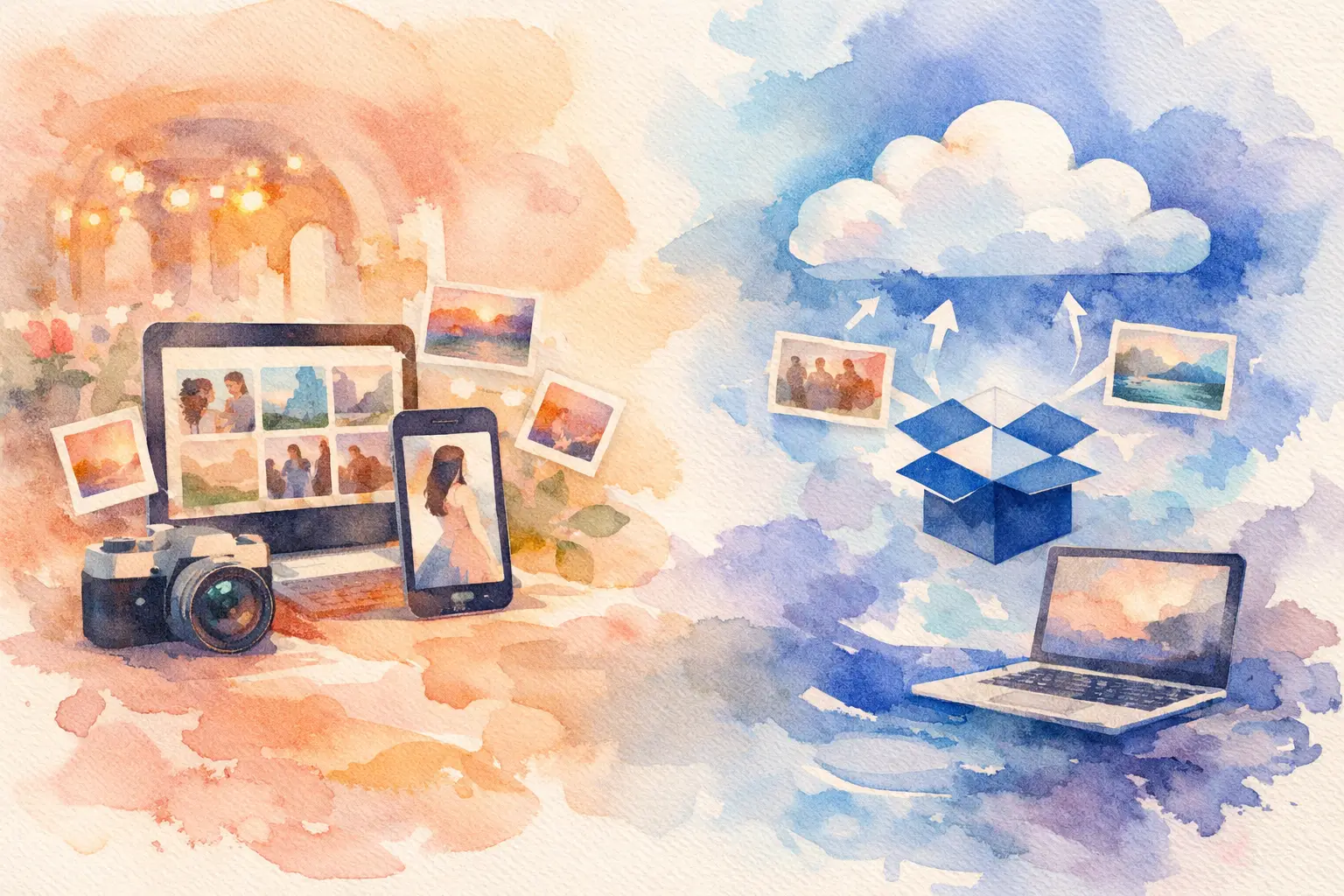
The group chat has gone quiet. The wedding was two weeks ago, the birthday was a hit, and someone swears they got the funniest photo of the night. But it is trapped on a phone somewhere between a camera roll, a text thread, and a promise to “send everything soon.” That is the real choice behind private photo gallery vs Dropbox: are you simply storing files, or are you getting people to actually share the moments?
Dropbox can absolutely hold event photos. It is familiar, dependable, and useful when a small group needs a shared folder. But events are messy in the best way. Guests arrive late, lose links, forget passwords, take photos on different devices, and rarely want to spend the party organizing uploads. A private event gallery is designed around that reality.
Private photo gallery vs Dropbox: the big difference
Dropbox is file storage first. A private photo gallery is an event experience first.
That distinction changes everything. In Dropbox, the organizer creates a folder, adjusts permissions, sends the link, and hopes guests understand whether they should upload, download, or just browse. It works well for people who already use Dropbox and know what they are doing. For a photographer handing off an organized set of images to a client, it can be perfectly practical.
A private photo gallery has a different job. It gives every guest one clear place to join, capture, upload, and revisit the event together. Instead of asking people to manage files, it turns participation into part of the fun. Think less “Please add your photos to this folder” and more “Scan this, take your shots, see the whole night later.”
For a wedding, vacation, company offsite, or brand activation, that shift matters. You are not trying to build an archive. You are trying to collect the point of view of the room.
Guest friction is where photo collection usually falls apart
The best system is not the one with the longest feature list. It is the one your guests will use between cocktails, dance-floor laps, or conversations they do not want to interrupt.
Dropbox has a few common speed bumps. Guests may need to sign in, create an account, request access, install an app, or figure out how to upload from their phone. None of those steps is huge on its own. Together, they are enough to make most people say, “I’ll do it later.” Later is where great event photos go to disappear.
Private galleries are built to remove that hesitation. A QR code can put the gallery in front of guests instantly, right when the energy is high and cameras are out. No hunting through old messages. No asking the host which folder is the right one. No post-event scavenger hunt.
This is especially useful when your crowd is mixed. Your college friends may be fluent in every app. Your aunt may not be. Your coworkers may have locked-down work phones. A browser-based gallery with a simple QR-code entry point gives everyone the same easy starting line.
Participation beats perfect organization
Dropbox rewards organized contributors. Event galleries reward spontaneous ones.
That does not mean organization is unimportant. It means it should happen quietly in the background. Guests should be able to contribute without feeling like they have been assigned homework. The easier the entry, the more angles you get: the ceremony from the back row, the birthday wish before the candles, the candid reaction during the speech, the behind-the-scenes chaos that never makes the official album.
More participation creates a fuller memory of the event. Not just the polished version. The real one.
Privacy: both can be private, but the controls feel different
Dropbox and private galleries can both protect event photos. The question is how much control you need and how clearly that control is communicated to guests.
With Dropbox, privacy usually comes down to folder permissions and share links. You can decide who can view or edit, and you can limit access to people you invite. That is a good fit for internal teams, family archives, or small groups that already understand shared-drive etiquette.
But a folder link can also be forwarded, saved, or buried in a message thread. If someone joins late, the organizer may need to resend access details. If the folder is open for uploads, you may also need to manage duplicate files, accidental uploads, and a feed that feels more like a desktop directory than a shared event memory.
A private photo gallery frames privacy around the gathering itself. Guests enter a dedicated space for that one event, rather than a general-purpose cloud folder. Depending on the platform, organizers can control access, decide when images become visible, and keep the experience centered on participants rather than file permissions.
For intimate celebrations, this matters emotionally as much as technically. People are more likely to contribute candid photos when they know the audience is the actual group, not an undefined link floating around online.
The reveal changes how people take photos
Here is where a private gallery can do something Dropbox cannot: make the collection part of the event’s story.
A shared folder is available as photos arrive. That is useful when speed matters, such as a production team collecting assets during a conference. But for many social events, instant access can flatten the fun. Everyone starts scrolling instead of staying present. The best photos get lost in an early upload rush. The night is still happening, but the recap has already started.
A timed gallery reveal creates anticipation. Guests capture their version of the moment, then come back later to see everyone else’s. It brings back a little of the disposable-camera feeling: you took the shot, you lived the night, and you did not know exactly what you got until the reveal.
Revel uses that dynamic with limited shots, nostalgic filters, and a shared reveal, so the gallery feels less like cloud storage and more like a collective time capsule. It is a strong fit when the photos themselves are part of the entertainment.
That said, delayed access is not right for every event. If your marketing team needs user-generated content while an activation is still live, or if a coordinator needs photos immediately for a same-day slideshow, choose a tool with instant viewing and downloading. The right setup depends on whether your priority is live utility or a later payoff.
When Dropbox is the better choice
Dropbox earns its place when the people involved are already comfortable with it and the task is primarily operational.
Choose Dropbox when you are sharing a large, organized set of files with a small team; delivering images to collaborators who need folders, filenames, and desktop workflows; or collecting assets that need to be reviewed, edited, and moved into other systems quickly. It also makes sense when an event photographer already has an established delivery process and clients expect a standard cloud folder.
In those cases, asking everyone to use a dedicated event experience may be unnecessary. A folder is a folder. Let it do its job.
The trade-off is that Dropbox does not naturally motivate guests to take part. It gives willing contributors a place to upload. It does not create a reason for the whole room to join in.
When a private photo gallery wins
Choose a private gallery when guest participation is the point. Weddings, birthdays, bachelorette weekends, reunions, graduation parties, group trips, team celebrations, and brand events all benefit from a low-pressure way for everyone to contribute.
It is particularly useful when you do not know every attendee well, when you expect a wide range of ages and tech comfort levels, or when you want the collection to feel intentional instead of scattered. A visible QR code at the venue gives guests a clear invitation. A playful capture experience gives them a reason to use it. A shared gallery gives them a reason to return.
The result is not just more photos. It is more of the event: more personalities, more tiny interactions, more proof that everyone was there together.
Make the choice based on the moment
If you need a practical cloud folder for a few experienced collaborators, Dropbox is a sensible, familiar choice. If you want to stop chasing photos after an event and start collecting them while the energy is still alive, a private photo gallery is built for the job.
The real test is simple: imagine asking a guest to contribute while they are holding a drink, talking to friends, and trying not to miss the next big moment. If the process feels like work, you will get fewer photos. If it feels like part of the party, the memories have a much better chance of making it home.

A writer interested in connection, memory, and the everyday moments that matter more than we realize.
Tags: Private shared album , Private gallery , Private album , Private event , Event gallery , Event photo collection , Event photo sharing , Event photography , Event planning , Event QR