Private Galleries Keep Event Photos Together
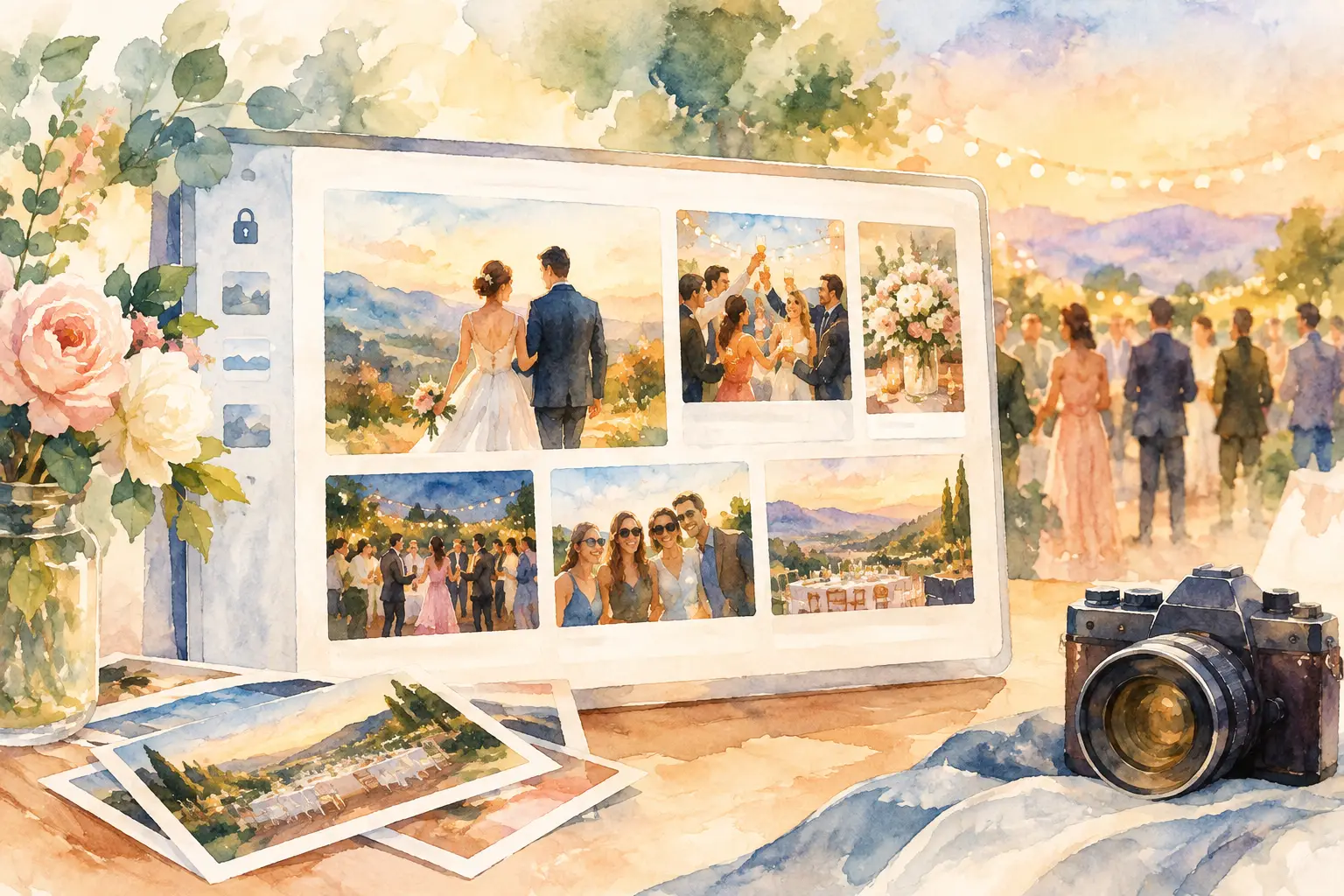
Someone always has the best photo from the night. The problem is that it is usually buried in their camera roll, a text thread, or a social post you will never find again. Private galleries give every guest one shared place for the moments that would otherwise disappear into the scroll.
For weddings, birthdays, work parties, brand events, and group trips, that changes more than where photos live. It changes who participates. When sharing takes one quick scan instead of an app download, account setup, and a vague promise to “send photos later,” more people actually add their point of view.
Why private galleries beat the group-chat scramble
A group chat feels easy at first. Then the event ends. Photos arrive in bursts, videos get compressed, someone starts a second chat, and the best candid gets lost between reaction GIFs and logistics. A shared drive can be more organized, but it also asks guests to take an extra step that many will skip.
Private galleries are built around a simpler job: collect the event while it is still happening, then give everyone a single destination to revisit it. Guests are not deciding where to send a photo or whether the host can access it. They know exactly where it goes.
Privacy is part of the appeal, too. Not every event needs to become public content. A baby shower, company offsite, graduation dinner, or wedding weekend can be social without being social media. A private space lets the people who were there enjoy the full story without turning every candid into a public post.
That is the real upgrade. You get the laughter at the cocktail table, the blurry dance-floor evidence, the behind-the-scenes setup, and the photos the official photographer could not possibly catch. One event. More angles. No photo chase.
The best private galleries make joining feel obvious
The biggest enemy of event photo collection is friction. If guests need to download something, create a password, find an invite, and learn a new interface, participation drops fast. People mean well. They just have a drink in one hand, their phone in the other, and zero interest in admin.
A QR code fixes the first hurdle. Put it where people naturally pause: at the entrance, on table cards, beside the bar, on the itinerary, or at the photo booth. Scan, join, shoot. The invitation becomes part of the event instead of another item on someone’s to-do list.
The experience should also work across the phones people already have. Your guest list is never as uniform as you think. Some people arrive with a nearly full camera roll, some lose signal at the venue, and some will be taking photos from an older phone with a slightly cracked screen. A gallery that supports easy mobile access and offline capture syncing keeps those realities from becoming participation blockers.
For hosts, simple access does not mean giving up control. Good private galleries let you decide who gets in, how long the gallery stays available, and when guests can see the full collection. That balance matters. An internal company event may need tighter access than a birthday party. A wedding couple may want to share everything with guests, while a brand team may need a review step before any content leaves the room.
A delayed reveal makes the gallery part of the event
Instant sharing has its place. But immediate access can turn a great event into a room full of people checking their screens. A timed reveal gives the photo collection its own little plot twist.
Think about a wedding reception. Guests take their shots throughout the night, but the gallery stays closed until the next morning. The first thing everyone sees after brunch is not a scattered stream of individual uploads. It is the whole night, told from dozens of phones at once.
The same mechanic works beautifully for birthdays, vacations, retreats, and launch parties. It creates a reason to come back after the event, and it gives the group a shared moment of discovery. Capture together. Reveal together.
There is a trade-off, of course. If guests need a specific photo immediately for press, social coverage, or a client recap, a full delay may not fit. In that case, use a gallery setup that allows the right people to access content sooner while preserving the broader reveal for attendees. Privacy and timing should serve the event, not become a gimmick.
Limited shots make photos feel more intentional
Unlimited camera rolls have made us very good at taking 42 versions of the same photo and never looking at any of them again. A digital disposable camera approach changes the energy. When guests have a set number of shots, they look up, choose the moment, and take the picture.
That constraint is not about making things difficult. It is about making the photos better. You get fewer duplicate selfies and more genuine snapshots: the toast nobody expected, the friend who arrived late, the quiet table conversation, the final song. Nostalgic filters can add to that feeling without asking guests to become editors.
For an organizer, limited shots also keep the gallery curated by design. For a brand activation, this can be especially useful. Attendees get a playful, on-theme capture experience, while the team gets a collection that feels deliberate rather than a flood of near-identical content.
How to set up private galleries people will actually use
Start with the moment you want guests to remember. A wedding gallery might be about candid joy and different perspectives. A company party might be about team energy. A vacation gallery could be the messy, funny version of the trip that never makes the postcard carousel. That purpose should shape the gallery instructions and setup.
Next, make joining impossible to miss. Use a clear sign with one direct message: scan to add your photos. Avoid paragraphs of instructions. If the event has a welcome screen, printed menu, invitation suite, or registration table, use those touchpoints. At larger events, put the code in more than one place. Guests should not have to hunt for it.
Then decide on visibility. Do you want photos to appear as they are taken, or do you want a reveal after the party? Is the gallery just for guests, or will an organizer, planner, or marketing team review it too? A little planning here prevents awkward surprises later.
Finally, set the tone. A playful prompt gets better participation than a generic request for uploads. Try a sign that asks guests to capture “the moment nobody else saw” or “your best evidence from the dance floor.” For corporate events, invite people to photograph the conversations, creations, and team wins worth remembering. Specific prompts give guests permission to get creative.
Private galleries work because they feel shared, not managed
Nobody wants to feel like they are completing paperwork at a party. The best event tech disappears into the experience. It gives people a small, fun thing to do in the moment and a meaningful collection to return to later.
That is why Revel centers the experience on a QR code, a camera-like capture flow, and a shared reveal. It is not about asking guests to become content coordinators. It is about making contribution feel as natural as taking the photo in the first place.
Private galleries also give hosts a cleaner finish line. Instead of sending follow-up messages for weeks - “Does anyone have photos from Saturday?” - you have one complete home for the event. The candid moments sit beside the polished ones. Everyone gets to see what they missed.
At your next gathering, do not make photo sharing an afterthought. Give people a simple place to contribute while the energy is still high, then let the collection bring the room back together when the night is over.

A writer interested in connection, memory, and the everyday moments that matter more than we realize.
Tags: Private album , Private gallery , Private event , Private shared album