How to Share Party Pictures Without Chasing Guests
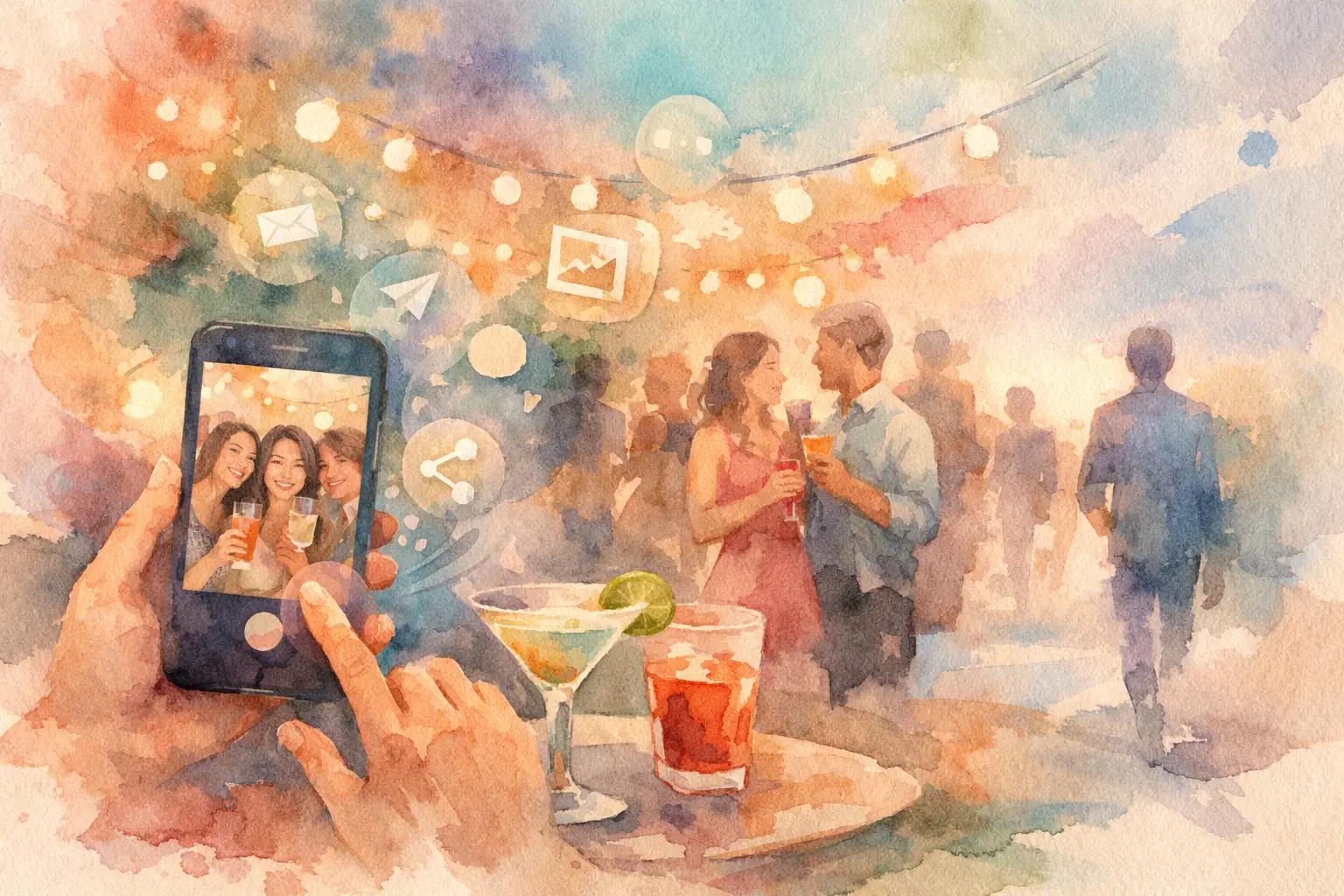
The party is over. Your camera roll has 14 photos, your best friend has 87, and someone definitely captured the cake-cutting moment that you now need to see. This is how to share party pictures without turning into the person sending “drop your pics here!” in three different group chats.
The fix is not a bigger text thread. It is a shared photo plan that starts before the first guest walks in. Make contributing feel instant, make the gallery easy to find, and give people a reason to actually add the photos they took. Stop chasing photos. Start collecting the whole night.
Why party photo sharing usually falls apart
Most parties produce plenty of photos. They just do not produce one collection.
A few images land in a group text. Others get posted to Instagram Stories and disappear by morning. The birthday person's sibling has a great video sitting in their camera roll, while a guest who barely knows anyone assumes nobody wants their blurry dance-floor shots. A week later, everyone has moved on and the photos are scattered across phones, chats, and social apps.
Traditional albums can create their own friction. Guests may need to download an app, make an account, request access, remember a password, or figure out which link is the right one. Every extra step lowers participation. At a party, people will scan a code. They will not happily complete a tiny onboarding journey between cocktails.
There is also a timing problem. When photos are visible as they arrive, some guests start posing for the gallery instead of being in the moment. That can be perfect for a brand event or a family reunion where live updates matter. For a birthday, wedding weekend, or house party, a delayed reveal often feels more fun. Everyone gets to relive the night together instead of watching it unfold through their phones.
How to share party pictures with one clear home
Pick one place where every image will live, then introduce it before the party starts. The goal is simple: no one should have to ask where to upload, and no host should have to hunt through messages afterward.
A QR-code photo experience works especially well because it meets guests where they already are: on their phones. Put the code on the invite, near the bar, on table cards, or by the guest book. Guests scan, join, and start capturing. No app download. No account creation. No awkward “Can you AirDrop those to me later?” promise that vanishes into the next busy week.
If you use a shared folder or group album instead, keep access just as simple. Test the link on a phone that is not logged into your account. If it takes more than a couple of taps to join, expect people to skip it.
Tell guests what you want from them
People contribute more when the ask is specific. “Share your photos” is fine. “Catch the candid stuff we miss” is better.
Use a short note on the invitation or at the entrance: “Scan to add your point of view.” For a birthday, ask for dance-floor chaos, outfit photos, and the little conversations the host will never see. For a baby shower, ask guests to capture the games, the décor, and reactions during gifts. For a company event, encourage team moments, speaker reactions, and behind-the-scenes energy.
This does two things. It gives guests permission to take photos that are not perfectly polished, and it makes the gallery feel like a group project rather than another task on the night’s agenda.
Put the code where the action is
One QR code by the door is easy to miss. Give it a few natural touchpoints without covering the room in signage.
Place it where guests pause: on the welcome sign, beside the drinks, at tables, or next to the photo booth. If you are hosting a dinner, add a small card to each place setting. If it is a wedding, include it in a welcome bag or display it near the guest book. At a corporate event, put it on name badges or presentation slides before the program begins.
The best placement depends on the event. A packed dance party needs a visible code before the music gets loud. A weekend trip can use one code in the group itinerary and another at the rental house. The point is repetition, not clutter.
Make taking photos part of the party
A shared gallery needs momentum. If the first uploads arrive early, other guests understand what to do and start adding their own.
Ask two or three socially plugged-in friends to contribute from the beginning. They do not need an official job title. They just need to be the people who naturally capture the toast, the snack table, and the first round of dancing. Their photos signal that candid contributions are welcome.
For extra energy, give the camera a playful constraint. Digital disposable camera-style experiences are great here: a limited number of shots makes each click feel intentional, while nostalgic filters keep the final gallery cohesive without making every image look over-edited. Guests stop taking 40 versions of the same pose and start looking for the moment worth catching.
A prompt can help, too. Try “get one photo with someone you just met,” “capture the best laugh of the night,” or “take a picture from your table’s point of view.” Keep it light. The party should not feel like a scavenger hunt unless a scavenger hunt is actually the theme.
Decide when the gallery should open
There is no universal right answer. It depends on what kind of memory you want to create.
A live gallery is useful when photos are part of the event itself. Think conferences, brand activations, campus events, or a reunion where a screen can display new submissions. Seeing fresh photos can spark conversation and encourage more people to join.
A delayed reveal is better when you want anticipation. The gallery becomes a second little event: everyone wakes up after the birthday, wedding, or vacation and sees the night through dozens of perspectives. It also takes pressure off guests who want to be present rather than review what they posted in real time.
Revel is built around that reveal feeling, with a private QR-code gallery where guests can capture together and see the full collection at the same time. It is a small format change with a big social payoff: the photos do not trickle out. They arrive as a shared memory.
Protect privacy without making access annoying
Party photos can be personal, especially at weddings, family celebrations, workplace gatherings, and events with kids. Keep the gallery private, and be clear about who can see it.
A simple note does the job: “This album is for guests only, so please keep the link in the group.” If you plan to share any photos publicly, say so ahead of time. At work events or branded experiences, organizers may need a more explicit photo notice and opt-out process. Make that visible before people participate, not after their face appears in a recap post.
You should also think about how long the gallery will be available. Leaving it open for a few days gives late contributors a fair chance to add their favorites. Leaving it open forever can invite clutter and make the collection feel unfinished. For most social events, a week is a generous window.
Give the collection a real ending
The gallery should not quietly become another forgotten link. Announce the reveal or final upload deadline in the same place you invited people to join. A cheerful message works: “Last call for your party pics. The gallery opens tomorrow at noon.”
After it opens, let people react, save favorites, and enjoy the surprise of photos they never knew existed. You will find the host greeting guests while someone else catches the late-night kitchen conversation. You will see the speech from the back of the room, the dance floor from five angles, and the quiet in-between shots that staged photography rarely gets.
That is the magic of a good party gallery. It does not just document what happened. It gives everyone a piece of the night they were too busy living to see.

A writer interested in connection, memory, and the everyday moments that matter more than we realize.
Tags: Party photos , Birthday party ideas , Bachelorette party , Grad party photos , Graduation party , Graduation party photo ideas , Graduation party photography , Bachelorette party planner , Graduation party photos , Housewarming party , House party ideas , Party camera app , Party , Interactive party ideas