How to Share High Resolution Event Photos
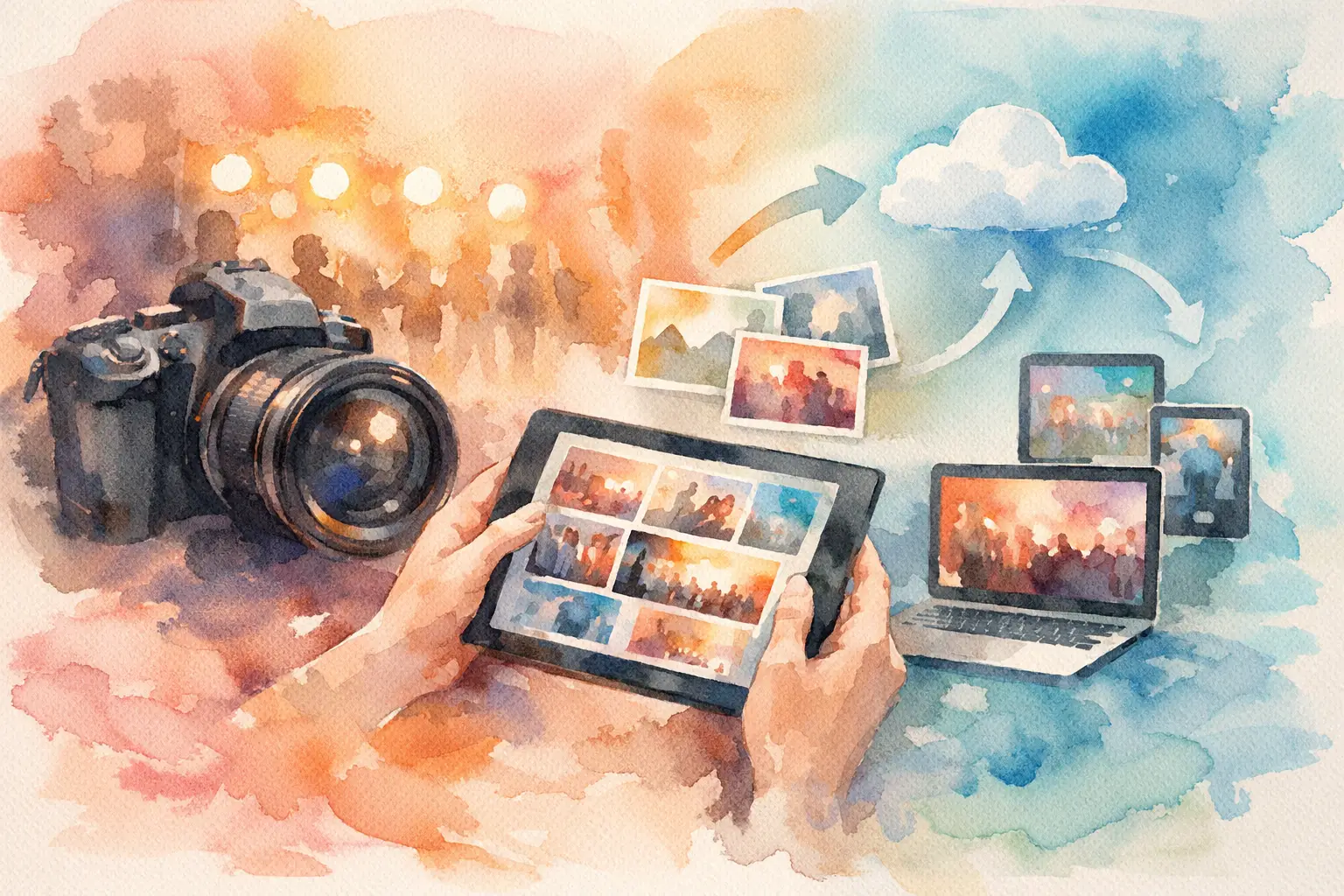
The group chat is popping off. Someone sends the cake-cutting video, another drops 40 photos, and suddenly the best candid of the night is compressed, buried, or missing entirely. Learning how to share high resolution event photos is less about finding one magic send button and more about giving every guest a dead-simple place to contribute before the moment disappears.
For weddings, birthdays, brand activations, team offsites, and vacations, the goal is the same: keep the original-quality memories, make participation feel effortless, and avoid becoming the person who spends three weeks asking, “Can you send me that photo?”
Why event photos lose quality in the first place
Most photo-sharing chaos starts with tools built for quick conversation, not preservation. Messaging apps often compress files to make them faster to send. Social platforms optimize uploads for feeds and stories. Screenshots, re-saved images, and forwarded files can stack even more quality loss on top.
That matters when you want to print a photo, crop in on a reaction, use images in a post-event recap, or simply keep a version that does not look fuzzy six months from now. A photo can look fine on a phone screen and still fall apart when enlarged.
There is another problem: quality is only useful if people actually upload. A pristine file-sharing folder with three contributors is not a better event album than a simple experience that gets 60 guests taking and sharing photos. The best setup protects resolution without asking everyone to download an app, create an account, remember a password, or hunt for a link later.
How to share high resolution event photos without chasing people
Set up one private, mobile-friendly gallery before the event begins. Then make joining it part of the event experience, not a task assigned after the fact. A QR code placed where people naturally look - at tables, on welcome signage, near the bar, or in the invitation details - removes the “Where do I upload these?” moment.
Guests scan, join, and start capturing. That is the whole flow you want. No spreadsheet of email addresses. No mixed iPhone and Android instructions. No photo request that arrives after everyone has moved on with their week.
For an event where candid energy is the point, a platform like Revel can make this feel more like a shared disposable camera than a file-management project. Guests can contribute from their phones, while the host keeps the gallery organized in one private place and retains high-resolution uploads. The photo collection becomes part of the party, not post-party admin.
Decide what “high resolution” needs to mean for your event
Not every event needs identical settings. A casual birthday album may prioritize lots of spontaneous photos and easy viewing. A wedding, conference, or brand event may need source-quality images that can later support prints, marketing selects, or internal recaps.
Before choosing your sharing method, answer three practical questions: Will anyone need to print these images? Do you need to download individual original files later? And do guests need to see photos immediately, or would a delayed reveal make the experience more fun?
A timed gallery reveal can be a great fit for a surprise party, wedding weekend, or company retreat. It preserves the anticipation of waiting for disposable-camera photos while still giving you a clean digital collection afterward. For a live social activation, instant viewing may be the better call because fresh content can keep people participating throughout the event.
Build the sharing flow around guest behavior
People do not read instructions at parties. They follow what is obvious.
Put the QR code somewhere physical and repeat it in the places guests already check. Think welcome signs, menus, place cards, tabletop tent cards, presentation slides, or a final text message to attendees. Use a short line that tells them why they should scan: “Add your perspective.” “Your camera roll is invited.” “Capture together. Reveal together.”
Keep the instructions to one sentence. If your sign needs a paragraph, the flow has too much friction. The ideal invitation makes the exchange clear: take the photo, add it to the shared album, see everyone’s memories later.
This is especially useful for mixed crowds. Your aunt may take a great dance-floor photo. Your coworker may catch the candid toast reaction. Your friend may document the tiny details you forgot to photograph. One photographer sees the event beautifully. A crowd sees it completely.
Protect image quality at every handoff
A high-resolution upload can still become low-resolution if the download and sharing process is sloppy. Tell hosts, planners, and anyone managing the gallery to avoid screenshots and social-media re-downloads when they need a final file. Download the original or highest available version directly from the gallery instead.
If you are using a general cloud folder, make sure contributors upload the actual photo files rather than pasted previews. Turn on settings that preserve original quality where available, and test the process with both an iPhone and an Android device before guests arrive. A two-minute test can catch confusing permissions, weak Wi-Fi, or an upload flow that quietly downsizes files.
Connection also matters. Large photo files take longer to move, particularly at packed venues with overloaded cellular service. Choose a tool that can handle uploads reliably and, ideally, lets guests capture while offline and sync when service returns. You do not want the best photos held hostage by bad ballroom Wi-Fi.
Give guests permission to take the good stuff
A shared gallery works best when guests know that candids are welcome. Some people hold back because they assume the official photographer has it covered. Others only upload the perfectly posed shot because they think everything else is not worth sharing.
Set the tone early. Ask for laughter, blurry dance moves, table selfies, outfit details, behind-the-scenes chaos, and the little in-between moments. Those are usually the images people revisit first. If the event has a photographer, the guest gallery should complement that work, not compete with it.
You can also create a light creative prompt. At a wedding: “Get one photo of a happy tear.” At a work event: “Capture the smartest thing happening offstage.” At a vacation: “One photo no one else saw.” Prompts turn passive attendees into contributors without making the event feel like homework.
Choose privacy settings that match the room
The right way to share event photos depends on who is in the album. A private wedding gallery should not be discoverable by strangers. A company event may need a controlled participant list and clear rules about what can be reused externally. A public brand activation may invite broad participation but still need moderation before images appear on a screen or social channel.
Be clear with guests about the audience. Are photos visible only to attendees? Can anyone download? Will the host select images for a recap? People are more comfortable contributing when the boundaries are obvious.
For intimate events, use a private gallery and share access through the event QR code or invite. For professional events, ask the organizer to define usage expectations before the event, especially if employees, clients, or minors are involved. Privacy is not the boring part of the setup. It is what lets guests relax enough to take real photos.
Do not make the gallery a one-night-only thing
The event may end at midnight, but photo collecting should have a short, intentional afterglow. Keep the gallery open long enough for guests to upload camera-roll photos they took but forgot to add on-site. A few days is often enough for a birthday or dinner. A wedding weekend, conference, or multi-day trip may benefit from a longer window.
Send one friendly reminder, not five. Make it specific: “Found a great photo from Saturday? Add it by Thursday so it makes the full album.” Deadlines create action. Vague requests create another ignored notification.
Once uploads are in, give people a reason to return. Reveal the gallery, share a favorite unexpected moment, or pull together a quick highlight set. The emotional payoff is seeing the event from angles you never experienced in real time.
High-resolution event sharing is not about turning guests into unpaid photographers. It is about making it easy for everyone to leave a piece of the night behind. Set the gallery up before the first toast, make joining ridiculously simple, and let the memories arrive from every corner of the room.

A writer interested in connection, memory, and the everyday moments that matter more than we realize.
Tags: Shared album , Shared event photos , Private shared album , Shared folder , Shared photo album , Shared photo gallery , Event gallery , Event photo sharing , Event photo collection , Event photography , Event QR