7 Best Birthday Party Photo Apps for Every Vibe
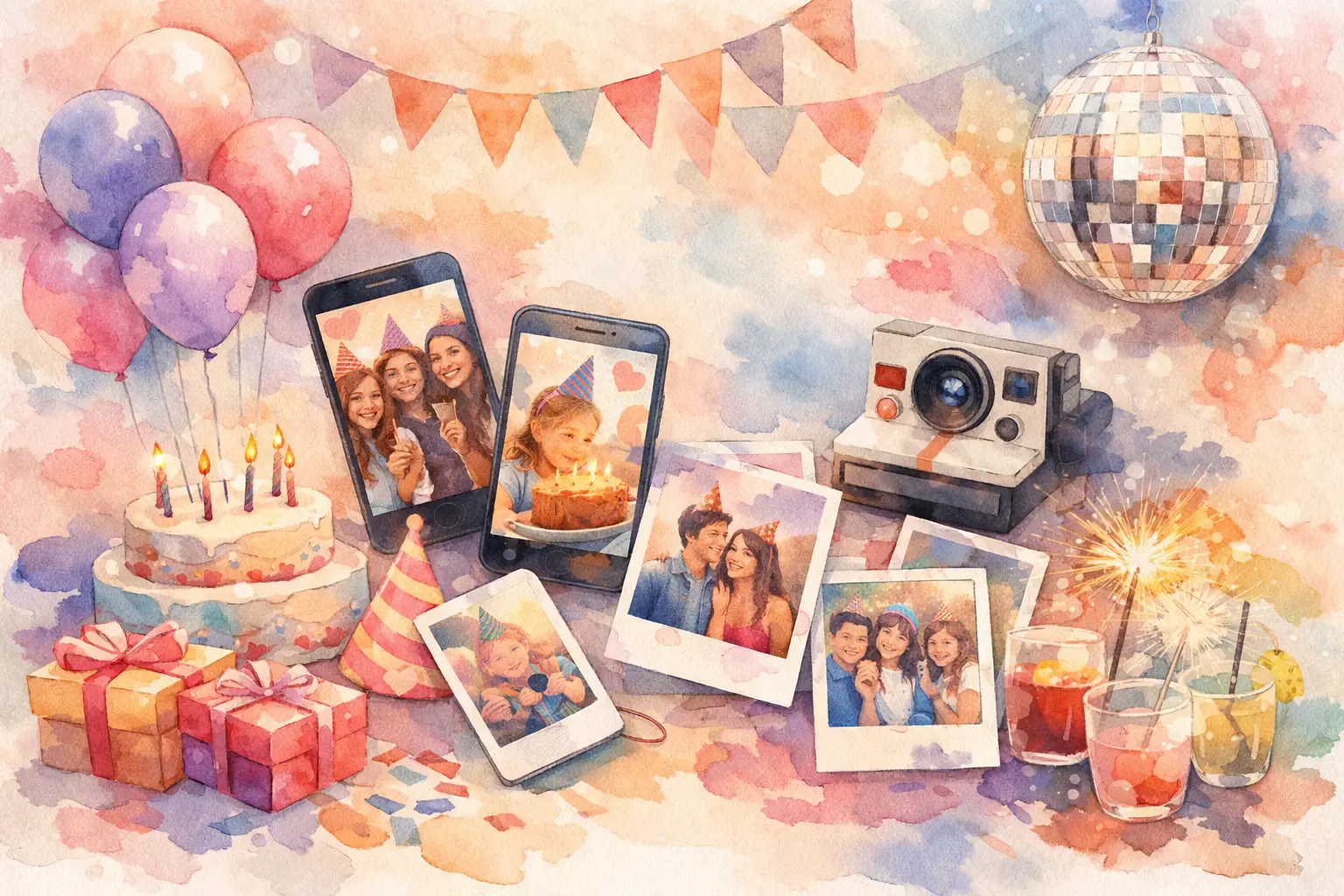
The best birthday party photo apps do more than give the birthday person another folder to scroll through. They get people actually taking photos, make sharing feel effortless, and save you from sending the dreaded “can everyone drop pics here?” text three days later.
A great party photo setup should match the vibe. A backyard 30th with friends needs something different from a kid’s bowling party, a surprise dinner, or a big milestone bash with 80 guests. Here are seven strong options, plus the trade-offs worth knowing before you put a QR code next to the cake.
1. Revel for a disposable-camera-style party
If the goal is candid, slightly chaotic, everybody-was-there energy, Revel is built for it. Guests scan a QR code, join from their phone browser, and start capturing without downloading an app or making an account. That matters when people are arriving with drinks in hand and exactly zero patience for another signup screen.
Its digital disposable camera format gives guests a limited number of shots, filters, and a delayed gallery reveal. Instead of everyone reviewing, retaking, and posting the same photo in real time, people stay in the moment. Then the group gets the payoff together later: photos from every angle, including the ones the host never saw.
This is especially good for adult birthdays, surprise parties, themed events, and any celebration where you want participation to feel like part of the entertainment. It is less suited to a party where guests need immediate access to every photo for live social posting.
2. Google Photos for familiar shared albums
Google Photos is the practical pick when your group already uses it. Create a shared album, invite guests, and let people add their photos throughout the party or afterward. It is straightforward, well known, and useful for keeping a large number of photos in one place.
The catch is participation. Guests may need to sign in, accept an invitation, find the album again, and remember to upload photos after the event. That sequence is short on paper but long enough for many great candids to remain trapped in camera rolls.
Choose Google Photos for family birthdays, recurring friend groups, or events where organization matters more than creating a photo moment. It works best when the host is willing to send a reminder the next day.
3. Apple Shared Albums for iPhone-heavy groups
For a birthday crowd that is mostly on iPhones, Apple Shared Albums can be an easy, no-frills choice. The album lives inside the Photos app people already use, and guests can add pictures and video clips without learning a new system.
It is a natural fit for a small family dinner, a kids’ birthday with parent friends, or a close-knit group that already shares photos through Apple. The experience becomes less clean when Android users are in the mix. Cross-device accessibility can quickly turn a supposedly simple album into an extra task for part of the room.
There is also the question of photo quality and control. Shared Albums are convenient, but they are not designed to make the act of capturing feel special. Think of them as a storage solution, not a party activity.
4. Snapchat for in-the-moment silliness
Snapchat wins when the birthday party is powered by costumes, inside jokes, dance-floor nonsense, and people who love a filter. Its camera-first design makes it easy to capture quick, unpolished moments that feel more alive than posed group shots.
The downside is that Snapchat is built around individual sharing and short-lived content. Snaps can disappear, stories are fragmented, and collecting everyone’s photos into one album takes intentional effort. You may get the best reaction shots of the night, but not necessarily a complete record of it.
Use Snapchat as the fun layer, not the only photo plan. A custom party filter or a group story can get everyone shooting, while a central gallery handles the memories you want to keep.
5. Instagram for a party with a public-facing vibe
Instagram makes sense for a birthday party where guests are likely to post anyway. It is ideal for a restaurant birthday, a themed party with a strong visual look, or a celebration where the birthday person wants a tagged feed full of friends’ posts.
A party hashtag can help, but it is not a collection system. People forget it, spell it differently, keep their accounts private, or post only their most polished photo the next afternoon. That means the weird, sweet, unplanned moments often never make it into the mix.
Instagram is best for sharing the highlight reel, not preserving the full story. If you use it, pick a short, distinctive hashtag and put it somewhere guests will actually see it, like a menu card or bar sign.
6. WhatsApp for low-key, fast sharing
WhatsApp is the answer when your guests already have an active group chat. It is familiar, immediate, and wonderfully low effort. Someone takes a photo, sends it to the group, and everyone gets the laugh in real time.
For a small birthday weekend, house party, or dinner with close friends, that may be all you need. The issue is what happens after the party: photos get buried under memes, ride-home updates, and ten different versions of “made it home.” It is also harder to browse the event like a proper album.
Use WhatsApp when speed beats structure. It is a solid companion to a dedicated gallery, especially for coordinating the party while the photos collect somewhere less chaotic.
7. Dropbox for hosts who want file control
Dropbox is less glamorous, but it is useful for a birthday party with a photographer, a photo booth vendor, or guests sending original files. A shared folder gives the host more control over file organization and makes it easier to separate professional images from guest uploads.
The trade-off is obvious: Dropbox does not create excitement. It feels like work because, in this context, it is work. Guests may need an account, they may not know where to upload, and the experience does nothing to prompt spontaneous participation.
Consider it for a milestone birthday where high-resolution files, long videos, and archival organization matter. For an average social party, it is usually better as the behind-the-scenes backup than the guest-facing photo app.
What makes a birthday photo app actually work?
The app with the longest feature list is not automatically the winner. The best choice removes friction at the exact moment someone wants to take a photo. If joining requires a download, a password, a login, and an explanation, participation drops fast.
Look for three things: easy guest access, one clear place for every photo, and a reason for people to contribute. That reason can be a funny filter, a group reveal, a visible QR code, or simply the promise that everyone will get the full album later.
The size of your party matters, too. For ten close friends, a group chat or Apple Shared Album can be plenty. For 40 guests who do not all know one another, a QR-based experience is easier to explain and far more likely to produce photos from across the room.
Set up the photo moment before guests arrive
Even the best app cannot rescue a photo plan nobody notices. Put your QR code or sharing instructions somewhere physical: beside the drinks, near the photo backdrop, on the cake table, or by the door. One sign is good. Two is better.
Give people a simple prompt rather than a technical instruction. Try “Take the birthday person’s best candid,” “Add your most unhinged dance-floor shot,” or “Capture a moment they missed.” Specific prompts make people look up from their conversations and start contributing.
Then let the host stop being the group’s unpaid photo archivist. The best birthday photos are rarely the perfectly posed ones. They are the half-blurry laugh, the pre-cake nerves, the friend who showed up late, and the moment everyone thought nobody was watching. Make collecting those moments easy, and the party keeps giving after the candles are out.

A writer interested in connection, memory, and the everyday moments that matter more than we realize.
Tags: Birthday photos , Birthday party ideas , Birthday celebrations , Birthday