How to Run QR Code Photo Sharing at Events
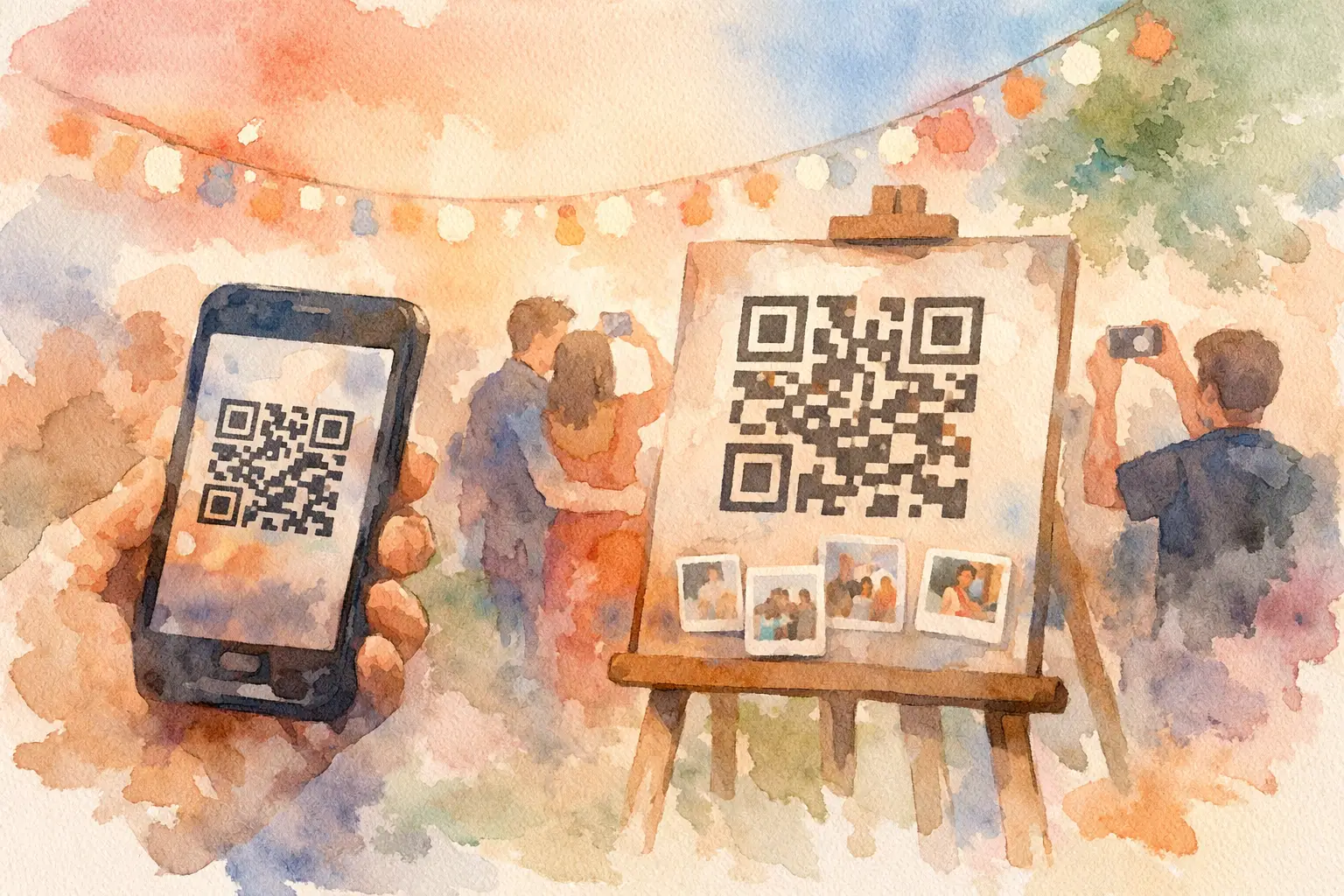
The best answer to how to run QR code photo sharing is not to put a code on a sign and hope for the best. It is to make joining feel like part of the event. One scan, one tap, camera out. When guests can contribute in seconds, you get the candid dance-floor shots, table selfies, getting-ready chaos, and tiny moments the official photographer never sees.
QR photo sharing works because it meets people where they already are: on their phones, in the moment, and not especially interested in downloading another app. The setup can be simple. The experience should feel intentional.
Start with the guest experience, not the gallery
Before you make a QR code, decide what you want guests to do when they scan it. Are they uploading photos from their camera roll? Taking new photos throughout the night? Adding a note to the guest of honor? Seeing everyone else's pictures right away, or waiting for a reveal?
Those choices shape the energy of the event. An instant gallery is great for a company offsite, conference, or brand activation where live participation creates momentum. A delayed reveal is better for weddings, birthday weekends, and vacations, where a little anticipation makes the photo collection feel like a shared gift later.
A disposable-camera-style setup can be especially fun for social events. Give each guest a limited number of shots, add a nostalgic filter, and let the whole gallery open at once after the celebration. Suddenly, guests are not just documenting the event. They are playing along.
How to run QR code photo sharing in five steps
1. Create one private event gallery
Set up a single gallery for the gathering, then decide who should be able to view it. For a wedding or baby shower, private access is usually the right move. For a public-facing brand event, you may want an open gallery with moderation controls so the best content can be displayed or used after the event.
Keep the gallery name obvious. “Maya + Chris Wedding” beats an inside joke that guests cannot search for later. Add the event date if you expect people to revisit it months from now.
2. Make joining take less than 10 seconds
This is where most photo-sharing plans lose people. If guests need to create an account, remember a password, find an invite buried in their inbox, or download an app, many will tell themselves they will do it later. Later rarely happens.
Your QR code should open directly to the event experience in a mobile browser. Guests scan, join, and start taking or uploading photos. No account wall. No complicated instructions. No chasing people through a group text the next morning.
Platforms like Revel are built around this low-friction flow, including browser-based capture and high-resolution uploads. That matters when your guests use a mix of iPhones, Androids, older phones, and whatever battery percentage they arrived with.
3. Put the QR code where the moment happens
One tiny QR code by the entrance is not enough. People arrive while greeting friends, finding their seat, locating the bar, or fixing a name tag. Give them another chance when they are settled and ready to participate.
Use the code in a few high-visibility spots: at the welcome table, on bar signage, at each dinner table, near the photo booth, and on a screen or projected slide. For an event with multiple spaces, place it wherever guests naturally pause.
The copy beside the code matters almost as much as the code itself. “Scan to upload photos” is clear, but it is not very tempting. Give people a reason to join: “Take 10 shots. Gallery drops tomorrow.” Or: “Your camera roll has a seat at this wedding.” Short, specific prompts outperform a paragraph of instructions.
4. Give people a reason to contribute now
Guests take more photos when the ask feels playful and concrete. At a birthday party, invite them to capture the birthday person laughing, dancing, or getting surprised. At a corporate event, ask for their best team photo, most chaotic behind-the-scenes moment, or favorite speaker takeaway.
A little structure prevents the gallery from becoming 80 nearly identical shots of the same centerpiece. You do not need a long scavenger hunt. A few prompts are enough: capture a toast, a reunion, something nobody else noticed, and a photo with someone you just met.
For larger events, have the host, emcee, DJ, or event lead mention the gallery twice. Once near the beginning and once when the energy is high. A 15-second announcement can make the difference between 20 uploads and 200.
5. Choose the reveal moment on purpose
The reveal is your payoff. If the gallery opens instantly, guests can react in real time and keep the event buzzing. If it stays locked until the next day or the end of the weekend, everyone gets to relive the celebration together instead of watching the best photos trickle into separate text threads.
There is no universal right choice. A launch party may benefit from a live feed. A wedding might feel more special with a next-morning gallery drop, especially if guests are encouraged to stay present rather than scroll through photos during dinner. Match the timing to the kind of memory you want to create.
Design the setup for real-world event chaos
A QR photo-sharing plan needs to survive dim lighting, crowded tables, spotty service, and guests who are having too much fun to read fine print. Test the code from a few feet away and from different phone cameras before printing anything. Make sure the landing page loads quickly on both Wi-Fi and cellular data.
If your venue has unreliable service, tell guests to take photos anyway and upload once they reconnect. A capture experience with offline syncing is useful here: the moment is saved first, and the upload catches up later. That is a much better backup plan than asking everyone to AirDrop files after the party.
Think about physical placement, too. Glossy signs can glare under uplighting. Tiny codes disappear on busy templates. Put the QR code on a clean background, give it breathing room, and include a short human-readable backup instruction beneath it. If the code will be displayed on a large screen, keep it visible long enough for people to open their cameras and scan.
Set privacy expectations before anyone scans
People are more willing to share when they know where their photos are going. A simple line on the sign can handle most of this: “Private gallery for event guests only” or “Photos may appear on the event screen.” If the organizer or brand plans to repost content, say so clearly and get the appropriate permission.
For weddings and personal celebrations, consider whether guests can delete their own uploads and whether the host can remove photos from the gallery. For professional events, moderation may be worth the extra step. A live social wall can be electric, but it is not the place to discover that someone uploaded an accidental screenshot.
Avoid the photo-sharing mistakes guests notice
The biggest mistake is treating QR sharing as an afterthought. If nobody explains the point, the code feels like another wedding task or another corporate request. Frame it as part of the fun, then make the action ridiculously easy.
Avoid sending multiple galleries for the same event. One link for ceremony photos, another for reception, another for the photo booth sounds organized, but it fractures the memory. Keep one home for the whole story unless you have a clear operational reason to separate content.
Also, do not wait until the event is over to invite people. By then, guests are in transit, tired, and less likely to sort through their camera roll. Get them participating while the room is still alive.
The goal is more than collecting files
A good QR code photo-sharing setup turns guests into contributors without turning them into unpaid event staff. It gives the friend who always catches the funniest angle, the aunt who documents every hug, and the coworker who finds the best candid a place in the same story.
So make the scan visible. Make the prompt fun. Make the gallery worth coming back to. The photos people almost forgot to send are usually the ones everyone wants to keep.

A writer interested in connection, memory, and the everyday moments that matter more than we realize.
Tags: QR code for photos , Cam QR , QR photo sharing , QR code camera