How to Limit Guest Photos Without Killing the Fun
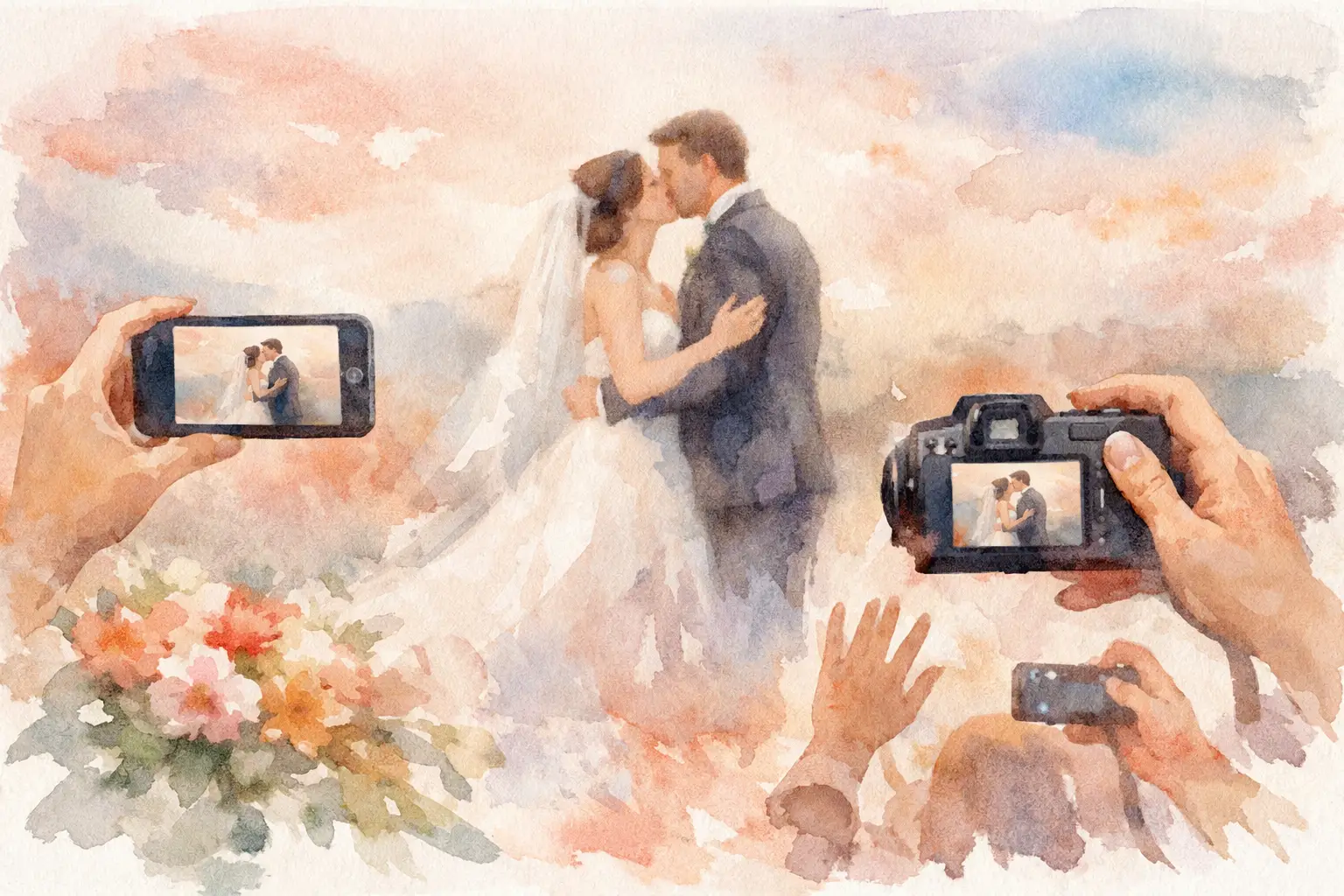
A packed camera roll is not always a better event album. Give guests unlimited access and you may end up with 47 near-identical dance-floor selfies, a blurry photo of someone’s shoe, and hundreds of images nobody revisits. Learn how to limit guest photos without making the experience feel controlled, awkward, or less fun.
The goal is not to police people’s memories. It is to create a shared photo experience with a little more intention. A thoughtful photo limit turns every snap into a choice, keeps guests present, and makes the final gallery feel like an event story instead of a storage dump.
Why limiting guest photos can make events better
Unlimited photos sound generous. In practice, they can make participation strangely passive. When people know they can take 500 pictures, they often take lots of low-effort ones, postpone looking at them, and never share the good stuff. The result is familiar: everyone has photos, but nobody has the album.
A shot cap brings back the best part of a disposable camera. There is a tiny bit of pressure, in a good way. Guests look for the kiss, the cocktail cheers, the friend who never takes a serious photo, the late-night dance move that should absolutely be documented. They become more observant because each photo feels like it counts.
It also creates a more balanced gallery. Instead of one enthusiastic guest contributing half the album, you get little windows into the event from everyone. That matters at weddings, birthdays, company off-sites, brand activations, and group trips, where the best photos are often the ones the host never saw happen.
There is a trade-off. If the limit is too low, guests may feel cut off just as they are getting into it. If it is too high, the feature loses its point. The right number depends on the length, size, and energy of your event.
How to limit guest photos with a shot cap
The simplest approach is to set a fixed number of photos each guest can take. Think of it as handing everyone a digital disposable camera with a set roll of film.
For a short dinner, shower, or birthday brunch, 10 to 15 shots per person is usually plenty. Guests have enough room for candid moments, group pictures, and a few playful attempts without creating a flood of duplicates. For a wedding reception or all-day company event, 20 to 30 shots gives people more breathing room. A weekend trip can justify a larger cap, especially if you want the gallery to cover multiple locations and moods.
Do not overthink precision. You are setting a creative constraint, not a tax code. If your guests are camera-happy and the event is visually packed, start a little higher. If the point is a true disposable-camera feel, stay lower and let the scarcity be part of the charm.
With Revel, hosts can give guests a limited number of digital camera shots while keeping entry simple: scan a QR code, join, and start capturing. No app download. No account setup. That low-friction start matters because a photo limit only works when people actually participate.
Make the limit part of the invitation
A limit works best when it feels like the game, not a rule guests discover after getting blocked. Use friendly, direct language on your QR sign or event instructions: “You’ve got 20 shots. Make them count.” Or: “Shoot the moments we miss. Your gallery reveals later.”
That framing changes the mood immediately. Guests understand that this is not another shared folder where they are expected to upload their entire camera roll. It is a collective capture challenge.
Avoid vague wording like “Please limit photos.” It can sound like a venue restriction or a request to put phones away. Be specific about what is limited and why. You are inviting people to contribute their perspective, not asking them to document less.
Add timing to prevent a photo free-for-all
A shot cap controls volume. Timing controls focus. If you want the photos to tell a story, decide when guests should be encouraged to capture.
For a wedding, you might open the camera experience at cocktail hour and keep it active through the dance floor. For a baby shower, center the prompt around arrivals, games, and gift-opening. At a company event, use it during networking, a keynote, and the after-party rather than asking attendees to photograph every minute of a long agenda.
You can also create a few intentional photo windows. Announce one during golden hour, one when the energy peaks, and one near the end. This is especially useful for larger events where guests need a nudge. A simple sign or host announcement can turn a room full of people into a much more active group of contributors.
Timed gallery reveals add another useful layer. When guests cannot immediately scroll through everything, they spend less time comparing photos in real time and more time being where they are. Later, the reveal becomes its own shared moment. The quiet guest gets to see the party from the dance floor. The person on the dance floor sees the toasts they missed. That post-event payoff is the whole point.
Give guests something better to photograph
People take repetitive photos when they have no prompt beyond “Take pictures.” A few well-placed prompts make a limited shot count feel easier and more fun.
Ask for the best-dressed guest, the most dramatic dessert reaction, a candid that feels like the host, or a photo of a conversation worth remembering. At a brand event, ask guests to capture the detail they would text to a friend. At a team retreat, invite them to document a moment that proves the team is more than Slack messages.
Keep prompts short and occasional. You do not need a scavenger hunt with 30 tasks unless the event is built around one. Two or three prompts can redirect attention without turning every guest into unpaid event staff.
The strongest prompts are emotionally specific. “Take a photo of someone laughing” is fine. “Capture the laugh you want to remember next year” has a little more pull. It tells guests what kind of memory you are collecting.
Plan for the guests who need more shots
Not every event needs an identical limit for everyone. A wedding party, event photographer, social lead, or designated memory-maker may need more room than the average attendee. That is normal.
The cleanest option is to give those people a separate role rather than quietly lifting the limit for random guests. You might ask two friends to focus on candid portraits, one person to capture family members, and another to catch dance-floor chaos. Their extra photos have a purpose, while everyone else still gets the fun of a finite roll.
Be careful not to make the system feel exclusive. The guest experience should remain simple: scan, shoot, enjoy. Behind the scenes, you can build coverage where it matters without asking everyone to think like a content creator.
Protect the energy, not just the gallery
The real question behind how to limit guest photos is not “How do I get fewer images?” It is “What kind of event do I want people to have?” If guests spend every great moment filming it, the room starts to feel like content production. If they never capture anything, the host loses the candid perspective that makes a shared album special.
A smart limit lands in the middle. It gives people permission to pull out their phones, a reason to notice the good stuff, and a natural moment to put them away again. The final gallery becomes fuller of personality, not just fuller of files.
Set the cap, make the prompt clear, and let your guests surprise you. The photos worth keeping are rarely the ones you could have planned.

A writer interested in connection, memory, and the everyday moments that matter more than we realize.
Tags: Guest photo album , Guest photo capture , Guest photo sharing , Guest photo uploads , Wedding guest album , Wedding guest camera , Wedding guest photos