How a QR Code Gallery Gets Guests Taking Photos
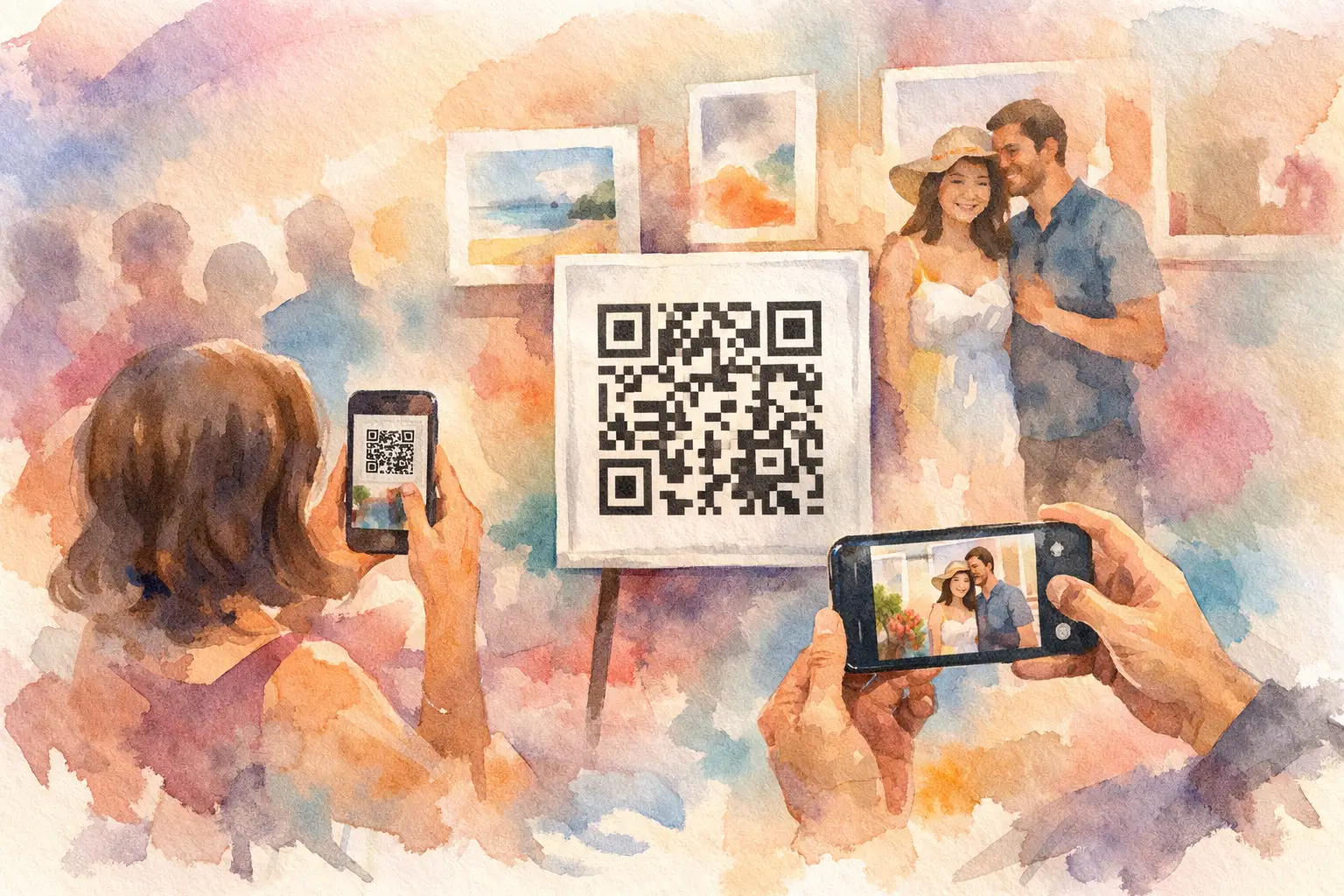
The best photos from your event are probably sitting in other people’s camera rolls. The dance-floor chaos. Your aunt’s proud smile during the toast. The candid group photo that happened while you were greeting someone else. A QR code gallery gives those moments one obvious place to go, while people are still in the mood to share them.
That matters because post-event photo collection usually follows a very familiar pattern: someone starts a text thread, a few people send blurry screenshots, everyone promises to upload later, and the best photos quietly disappear into 40 different phones. A gallery guests can join with a quick scan changes the behavior at the moment it counts. Less asking. More capturing.
What is a QR code gallery?
A QR code gallery is a shared digital photo space that guests access by scanning a code with their phone camera. Instead of downloading an app, creating a login, or searching for a link later, they scan, join, and start taking or adding photos.
For an event host, it is a simple participation system disguised as a sign. Put the code at the bar, on table cards, near the guest book, or in a welcome sign. A guest points their camera at it, and the experience is already in their hand.
The gallery can be live, meaning guests see photos as they arrive. Or it can be set for a delayed reveal, where everyone captures throughout the event and gets the full collection afterward. The right choice depends on the vibe. A live feed is great for a company offsite or brand activation where energy builds in public. A reveal feels especially good for weddings, birthdays, and trips - it brings back the surprise of getting a disposable camera developed.
Why guests actually use it
People do not avoid sharing photos because they do not care. They avoid it because most photo-sharing requests arrive at the wrong time or require one too many steps.
After an event, guests are commuting home, recovering from a late night, getting back to work, or sorting through hundreds of photos. “Please upload yours to this folder” becomes another tiny task with no urgency. Even the most organized group will lose momentum.
A QR code gallery catches participation before that drop-off. The code is visible. The action is immediate. Guests do not need to remember where the link went or wonder whether they should be the person taking photos. They are invited into the moment, not assigned homework after it.
That lower friction also changes who contributes. You get photos from friends who never post, relatives who do not use the same social apps, coworkers who were not in the group chat, and attendees who took a great photo but would never have thought to send it directly to you. More viewpoints make the final gallery feel like the event actually felt.
A gallery is more than a shared folder
A standard shared folder is useful for storage. It is not always great for an experience. It asks guests to leave the party flow, locate an app or link, choose files, wait for uploads, and hope they have permissions set correctly.
A QR-first gallery is designed around the social part. The scan is the invitation. The camera is the contribution tool. The gallery becomes the shared payoff.
With Revel, for example, guests can join instantly without an app or account, then capture photos through a digital disposable camera experience. Limited shots and nostalgic filters give people a playful reason to participate instead of treating the gallery like another admin task. The timed reveal adds a small dose of anticipation: capture together, reveal together.
That difference is especially noticeable at events where the host wants candid content, not just polished portraits. A photographer may capture the big milestones beautifully. Guests capture the side quests: the pre-ceremony nerves, the friend who found the dessert table first, the spontaneous dance circle, the quiet conversation in the corner. You want both.
How to set up a QR code gallery people notice
The code itself is easy. Getting real participation takes a little event design.
Put the code where the action is
One small sign by the entrance is rarely enough. Guests are arriving, hugging people, finding seats, and trying not to block the door. Give them more than one chance to scan.
Place the QR code at high-traffic, high-energy spots: the welcome table, bar, dining tables, photo booth, gift table, lounge area, and exit. For a wedding, add it near the guest book. For a conference, put it on session slides and table tents. For a vacation, make it the first thing the group scans before the first dinner.
Keep the visual direction short. “Scan to add your photos” works. “Take pics for the gallery” works. “Your camera roll has the evidence” is even better if it matches the crowd. Avoid a paragraph of instructions. If guests need to read closely, the setup is doing too much.
Give people a reason to capture now
A clear prompt can turn a passive gallery into a very active one. Ask guests to catch the best-dressed look, a table selfie, a photo with the guest of honor, or the most chaotic dance move. At corporate events, invite teams to document their favorite session, best booth moment, or post-lunch energy.
You do not need to over-script the night. One or two prompts are enough. The goal is to make the first photo feel easy. Once someone contributes, they are far more likely to add another.
If your platform offers a shot limit, use it thoughtfully. A limited number of photos can make each capture feel intentional and keep guests present instead of filming the whole event through a screen. But if the event is long, content-heavy, or built around user-generated media, a more generous limit may fit better. It depends on whether you are creating a keepsake, collecting campaign content, or both.
Make the gallery feel safe to join
For personal events, privacy is part of the appeal. Guests should know whether the gallery is private, who can view it, and when photos will be visible. That clarity helps people participate comfortably, especially at weddings, family celebrations, and events with kids.
For professional events, think about brand guidelines and consent. A QR gallery can be a smart way to gather attendee perspectives, but the organizer should set expectations around what may be photographed and how content might be used. If the gallery is meant only for attendees, say so. If selected photos could appear in a recap, be direct about it.
The best setup feels casual to guests because the host handled the details before anyone arrived.
Live gallery or delayed reveal?
This is one decision worth making on purpose.
A live gallery creates instant feedback. Guests see that other people are joining in, which can spark more uploads and more fun. It works well for birthdays, college reunions, team celebrations, and brand activations where the gallery is part of the entertainment.
A delayed reveal protects the surprise. Nobody is scrolling through photos instead of talking. The full collection lands after the event, when people are ready to relive it. It is a natural fit for weddings, engagement parties, baby showers, and trips where the final gallery becomes part of the afterglow.
There is no universal winner. If your event needs visible momentum, go live. If you want people to stay present and enjoy a collective flashback later, schedule the reveal.
The details that make or break the experience
A QR code gallery should work for real guests, not ideal guests. That means it needs to be easy across phones, clear on mobile screens, and dependable when the venue connection gets spotty. Offline capture and later syncing can be a huge help at outdoor weddings, remote retreats, packed venues, and convention halls with overloaded Wi-Fi.
Photo quality matters too. Guests may be happy with casual phone shots, but the host should not have to choose between an easy upload flow and files worth keeping. High-resolution uploads give the gallery a longer life - for prints, recaps, social posts, and the day you want to zoom in on a face from ten years ago.
Finally, do not hide the gallery once the event ends. Send the reveal while the memories are fresh. Give people time to browse, laugh, save their favorites, and remember the parts they missed. The gallery is not just evidence that everyone showed up. It is the version of the event everyone made together.
A good event ends with people saying, “Send me that photo.” A great one makes sure nobody has to chase it.

A writer interested in connection, memory, and the everyday moments that matter more than we realize.
Tags: QR code for photos , Cam QR , QR photo sharing , QR Tags , QR code camera , Event QR , QR photo booth , Wedding QR , Wedding QR code