Group Chat Versus Gallery: Where Photos Belong
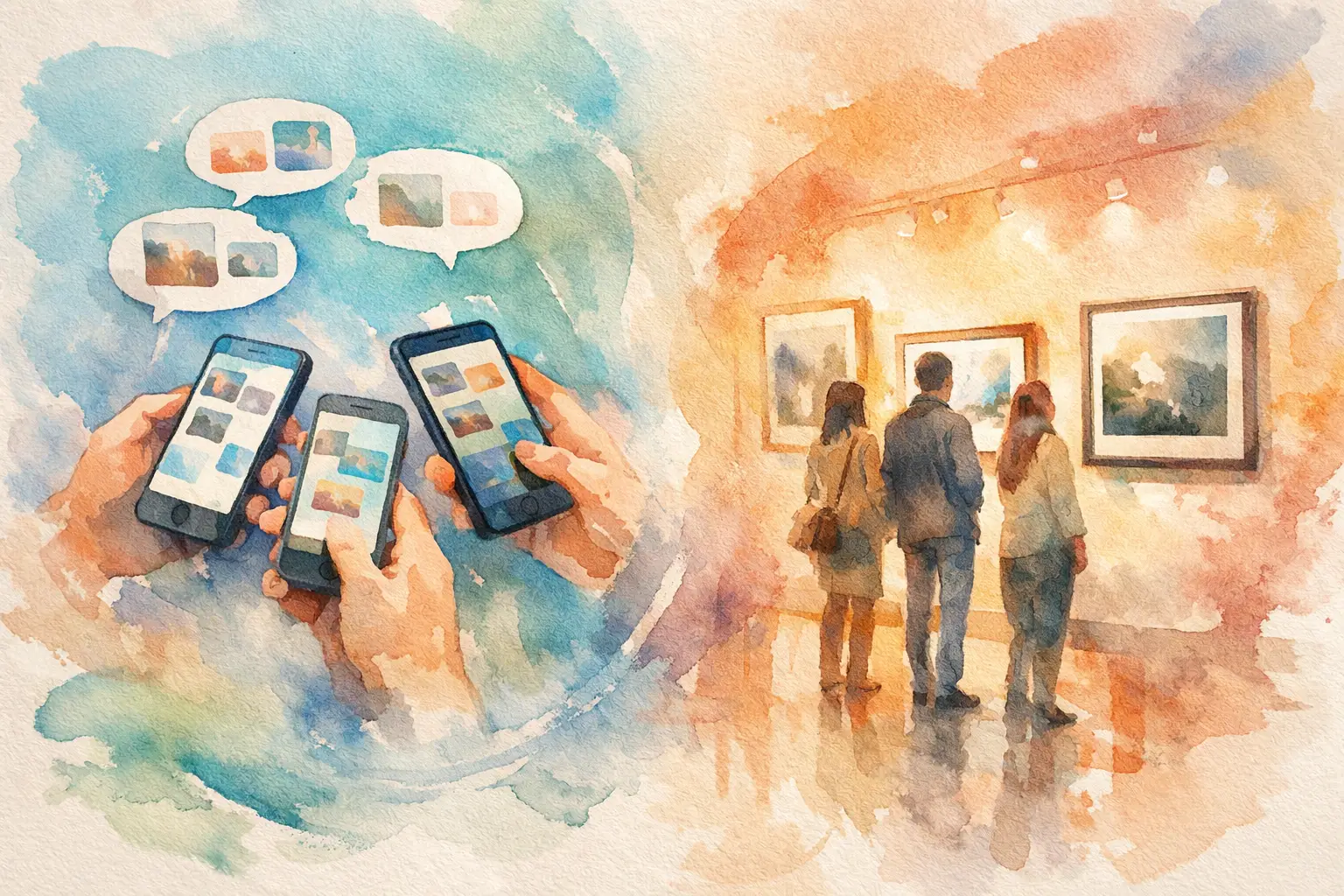
The group chat versus gallery question usually arrives at 11:47 p.m., when someone posts, “Drop all your pics here!” Then the confetti photos, blurry dance-floor videos, perfect friend-group selfies, and one truly iconic candid begin disappearing into a fast-moving thread. By the next morning, the chat has moved on. The memories are still there somewhere. Good luck finding them.
A group chat is great for making plans, sharing the address, and deciding who is bringing ice. It is a terrible long-term home for the photos that prove the night actually happened. A shared event gallery does a different job: it gives every guest one place to contribute, browse, and relive the moment together.
For weddings, birthdays, trips, showers, work parties, and brand events, that difference changes what guests capture and what organizers get to keep.
Group Chat Versus Gallery: The Real Difference
The issue is not that group chats cannot hold photos. They can. The issue is that they were built for conversation, not collection.
In a group chat, photos arrive mixed in with reactions, dinner reservations, GIFs, and “whose jacket is this?” messages. Image quality may be reduced. New guests may not be in the thread. Some people never send their camera roll because scrolling back through 400 messages feels like homework. And after a few days, the person who wants every photo is left chasing individual texts.
A gallery makes the event itself the center of the experience. Guests add their photos to a dedicated place. The album stays organized around one occasion instead of one noisy conversation. Everyone can see the collective story, from getting ready through the last round of karaoke.
That is the practical distinction. The emotional one is better: a gallery turns separate camera rolls into a shared memory.
Why Group Chats Lose Photos
Group chats create a few predictable friction points, even when everyone has good intentions.
First, participation is uneven. The friend who took 60 photos may share three. The person who captured the best toast might assume someone else got it. Guests who joined late, do not use the same messaging app, or do not know the host well enough may never contribute at all.
Second, chats are built to keep moving. That is their charm, until you are hunting for a photo from Saturday night beneath three days of unrelated messages. Search can help if you remember who posted it. It does not help much when you are looking for “that amazing photo of Grandma laughing by the cake.”
Third, the post-event ask comes too late. Once everyone is back to work, traveling home, or recovering from the dance floor, “Can you send me your photos?” becomes another small task that slips down the list. The longer you wait, the fewer photos return.
For organizers, this creates a familiar kind of stress. You paid for a meaningful event, watched everyone have fun, and now the visual record is scattered across dozens of phones. The professional photos might be beautiful, but they cannot show every inside joke, table-side conversation, or spontaneous moment your guests saw.
What a Shared Gallery Gets Right
A gallery works best when joining it feels nearly effortless. Put up a QR code at the venue, on the invite, or at each table. Guests scan, shoot, and add their perspective while the energy is still high. No app download. No account creation. No awkward follow-up message a week later.
That low-friction moment matters more than another reminder. If contributing takes seconds, more people do it. More participation means more angles, more candids, and more proof that the people you invited felt part of the celebration.
A dedicated gallery also gives the photos a clear destination. Instead of asking guests to decide whether a shot is worth interrupting the chat for, you are inviting them to help build the event album. It is a small shift in behavior, but a powerful one. People become contributors, not just attendees.
For a wedding, that might mean guests capturing the flower girl’s pre-ceremony sprint, the groom’s friends fixing a tie, and the late-night dance circle the photographer missed. For a company offsite, it can mean the team’s candid laughs between sessions, not just the polished keynote recap. For a brand activation, it creates a fuller picture of how people actually experienced the space.
When a Group Chat Still Makes Sense
Group chat versus gallery is not really an either-or fight. A group chat still earns its place before and during an event.
Use it for coordination: arrival times, parking details, weather updates, the restaurant pin, and a quick “we are at the back patio.” It is immediate, familiar, and perfect for loose conversation. If five friends are planning a casual dinner and only want to trade a few snapshots, a chat may be all you need.
But when the occasion has a guest list, a timeline, or memories you will want to revisit, give photos their own home. The group chat can handle the logistics. The gallery can hold the story.
This is especially useful when not everyone is in the same social circle. At weddings and big birthdays, guests may know the host but not one another. At conferences, attendees may not want to hand over a phone number just to share event photos. A QR-based gallery lets people take part without forcing a new messaging relationship.
The Timed Reveal Makes Photos Feel Like an Event
The best galleries do more than store files. They create anticipation.
A digital disposable camera format, with a limited number of shots and a delayed reveal, gives guests a reason to be present instead of endlessly reviewing every take. You snap the moment, trust it, and get back to the party. Later, everyone sees what the whole room captured.
That reveal has a social payoff a group chat cannot match. Instead of one person posting photos in real time while everyone reacts separately, the event gets a second little burst of energy afterward. Friends spot angles they never saw. The host finds moments that would have otherwise stayed hidden on someone else’s phone. People laugh at the same photo at the same time.
Revel is designed around that feeling: scan a code, capture together, and reveal together. It keeps the disposable-camera fun while making sure the final images are high resolution and collected in one private place.
Choosing the Right Setup for Your Event
Start with the outcome you want. If your goal is quick coordination among a small group, open a chat. If your goal is to collect photos from a room full of people, create a gallery before the first guest arrives.
For the strongest participation, make the invitation visible and specific. Do not just put a QR code in a corner and hope for the best. Place it where guests naturally pause: at check-in, on tables, near the bar, beside the guest book, or on a welcome sign. Add a simple prompt that gives people permission to be playful: “Capture the chaos,” “Show us your point of view,” or “Take your best shot.”
Timing matters, too. Introduce the gallery early, when guests are arriving and phones are still in hand. Mention it once more before the biggest moment of the night, whether that is the first dance, cake cutting, awards, or a group toast. You are not asking people to become photographers. You are making it easy for them to share what they are already seeing.
Privacy deserves a quick check as well. For personal celebrations, a private gallery gives hosts more control than a public social post. For workplace or branded events, be clear about who can access the photos and whether participants should avoid capturing restricted areas or people who opt out.
The point is not to ban the group chat. Keep it for the chatter. Just do not ask it to preserve an entire celebration. Give your photos a place built for finding, sharing, and feeling the moment again. Then, when someone asks for the pictures next week, you will have a better answer than “Scroll up.”

A writer interested in connection, memory, and the everyday moments that matter more than we realize.
Tags: Group album , Group wedding photos , Vaction group photos