Company Retreat Photo Sharing That Works
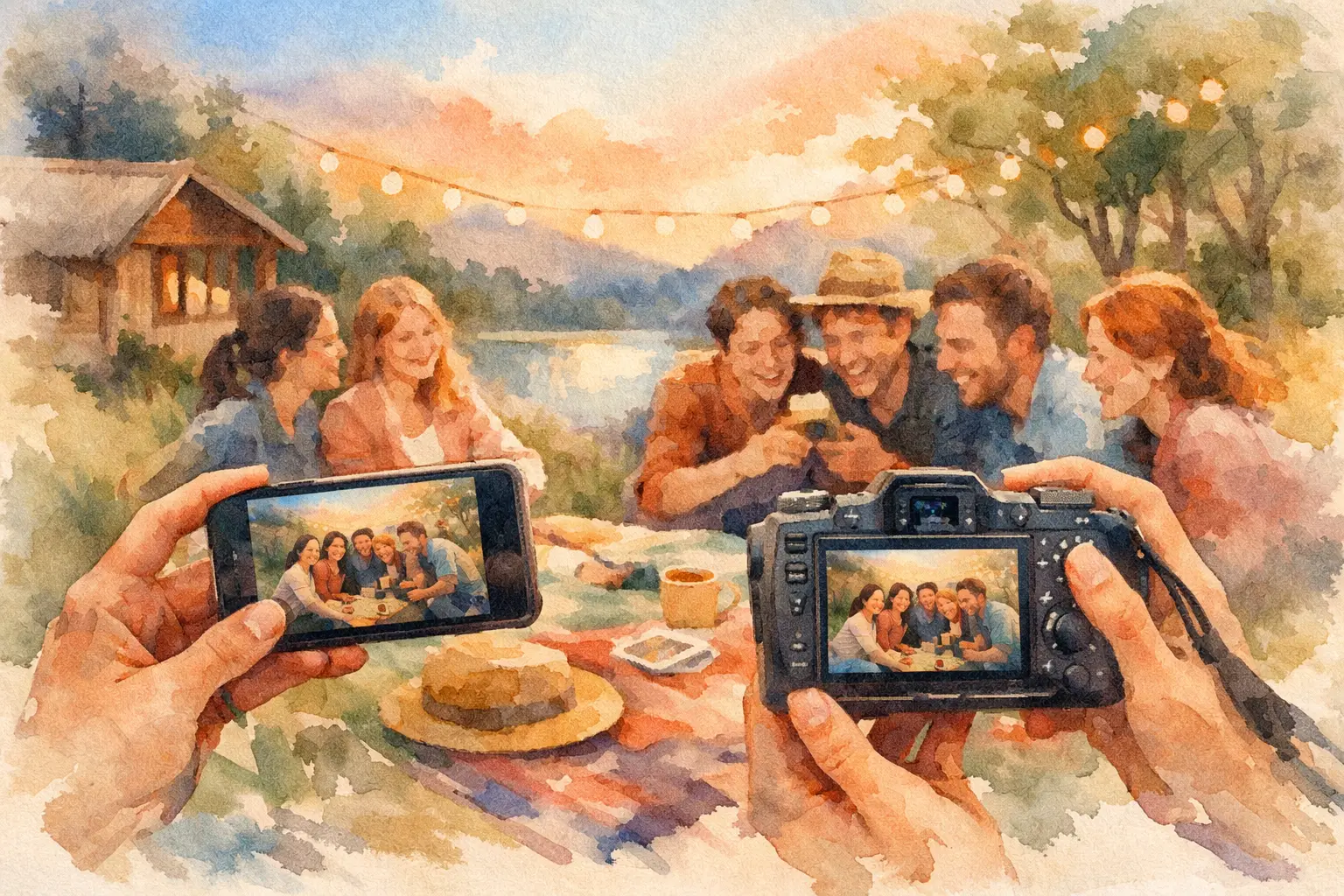
The usual company retreat photo sharing plan goes something like this: someone says, “Drop your pics in the folder,” five people do it, 200 great photos stay trapped in camera rolls, and by Monday the moment is already gone. You had a full team in one place, inside jokes flying, maybe a sunset dinner or a chaotic kayak race, and somehow the record of it ends up scattered across texts, AirDrops, and forgotten albums.
That’s the real problem. It’s not that teams don’t take enough photos. They take a ton. The problem is collection. If sharing feels like admin, participation drops fast.
Why company retreat photo sharing usually falls apart
Most retreat organizers assume the hard part is getting people to take photos. It usually isn’t. People already have their phones out. They’re capturing the welcome dinner, the offsite workshop whiteboard, the coworker who fully committed to the theme night, and the one candid everyone actually wants later.
What breaks is the handoff.
Shared drives feel formal. Group chats compress quality and bury images under unrelated messages. Social posting is public when the retreat may not be. Asking everyone to upload later sounds simple, but later is where good intentions go to die.
There’s also a participation problem hiding underneath. The more steps you add, the fewer people contribute. Download this app. Make an account. Request access. Find the link again. Upload manually. For a company retreat, that’s enough friction to lose half the room.
And then there’s the vibe issue. Retreat photos are part documentation, part memory. A sterile upload process makes the whole thing feel like homework. That matters more than people think.
What good company retreat photo sharing should actually do
A solid setup should make contribution feel instant. Join fast, snap fast, move on. No one wants to spend the retreat troubleshooting access.
It should also create one private place for the whole event. Not a dozen mini galleries. Not one thread per activity. One shared destination where team members know their photos will actually end up.
Timing matters too. Some teams want live access during the retreat. Others want a delayed reveal after the final dinner or on the ride home. It depends on the goal. If the retreat is partly about being present, a timed gallery can make the experience feel more collective. People contribute in the moment, then relive it together later.
Quality matters, but convenience matters more. High-res uploads are great. They just can’t come with a process that scares off contributors. The best systems protect image quality without making people feel like they’re filing expense reports.
The best setup is the one people will actually use
That sounds obvious, but it’s where most teams overcomplicate things.
If you’re planning a retreat for 20 people, you might get away with a casual text thread and one organized coworker. If you’re dealing with 75 employees across departments, multiple activity blocks, and a mix of iPhones and Androids, casual falls apart fast.
This is where QR-based collection works especially well. People scan, join, and start taking or uploading photos without a download wall slowing everything down. That one move cuts out the part that usually kills momentum.
For retreats, it’s also useful to think beyond pure storage. The point isn’t just to warehouse photos. The point is to get more people participating so the final gallery reflects the full event, not just the perspective of whoever remembered to upload.
A digital disposable camera format works well here because it changes behavior. Limited shots make people more intentional. Nostalgic filters make standard phone photos feel a little more fun, a little less corporate. And a shared reveal gives the whole gallery a payoff instead of making it feel like a folder someone may or may not open.
That’s why platforms like Revel fit the retreat use case so cleanly. The mechanics are simple enough for a team event, but the result feels more social than administrative.
How to plan company retreat photo sharing before the trip
Start before the first van leaves the office. If photo sharing only gets mentioned at the retreat itself, you’re already late.
Pick one system and commit to it. This is not the moment for “we can also use Slack, text, and maybe a Drive link too.” Multiple paths create confusion, and confusion crushes contribution. People need one answer to the question, “Where do my photos go?”
Then decide what kind of gallery experience you want. If leadership wants real-time event content for internal social posts, live access may make sense. If the goal is team bonding and shared anticipation, a delayed reveal is often better. Neither is universally right. It depends on whether immediacy or surprise matters more for your group.
Once that’s set, make participation visible. Put the QR code on welcome signage, agenda cards, table tents, and the opening slide. Mention it in the kickoff. Mention it again before the first big activity. You’re not annoying people. You’re reminding them while the energy is high.
A little framing helps too. Don’t pitch it like compliance. Pitch it like contribution. “Capture together. Reveal together.” lands better than “Please upload assets by EOD.”
Getting more participation during the retreat
The best retreat galleries don’t come from one designated photo person. They come from lots of small moments captured by everyone.
That means you want the system to disappear into the event. If people can join in seconds and shoot without interruption, you’ll naturally get more candids, more side conversations, more weirdly perfect in-between moments. Those are usually the photos teams care about most later.
Prompts help. Not cheesy scavenger-hunt energy unless that’s your culture, but simple direction. Encourage table selfies at dinner. Ask each team to document one behind-the-scenes moment from an activity. Suggest people grab one photo that captures the mood of the day, not just the schedule.
This is also where limited-shot formats can outperform unlimited uploads. Unlimited sounds generous, but it often creates clutter - repeated group shots, accidental snaps, and dozens of near-identical images. A little constraint can make the gallery better, not smaller.
Offline capture matters too, especially if your retreat is at a camp, resort, or remote venue with spotty service. If people can keep taking photos and sync later, you avoid the dead zone where participation drops simply because Wi-Fi gave up.
Privacy, professionalism, and the company retreat gray area
Company retreats sit in a weird middle space. They’re more personal than a conference and more professional than a friend trip. That means photo sharing needs a little judgment.
A private gallery is usually the safest default. Not every team moment belongs on social media, and not every employee wants retreat photos floating around publicly. A closed, event-specific gallery solves a lot of that tension.
It’s also smart to set expectations upfront. Let people know whether the gallery is for internal memories, employer branding content, or both. If marketing may reuse images, say so clearly. People are more comfortable participating when the rules are obvious.
And yes, there’s a trade-off. A highly controlled process can protect privacy but reduce spontaneity. A completely open approach may get more content but create uncertainty. Most teams do best with a simple middle ground: easy private sharing, clear consent expectations, and one organizer keeping an eye on the final collection.
What to avoid if you want a gallery people care about
The first mistake is making the system harder than the activity. If joining the gallery takes longer than ordering a coffee, people will skip it.
The second is waiting until after the retreat to collect everything. Post-event collection always sounds efficient, but contribution rates drop off a cliff once people are back in email mode.
The third is treating the gallery like a storage bin instead of part of the experience. When people know there’s a shared reveal, a live feed, or some moment of payoff, they’re more likely to contribute because it feels social, not transactional.
And finally, don’t hand the entire memory of the retreat to one hired photographer unless that’s the specific goal. Professional coverage has value, especially for polished brand moments. But if you only collect posed shots and keynote candids, you miss the actual texture of the trip. Peer photos are where the inside jokes live.
The real win of company retreat photo sharing
Done right, this is bigger than getting everyone’s photos in one place.
It gives the retreat a second life. People relive moments they missed. Teams see the event from each other’s perspective. The gallery becomes a natural follow-up touchpoint instead of another asset dump no one revisits.
That matters for culture more than most organizers expect. A retreat is expensive, time-intensive, and hard to coordinate. The photos are part of how the experience sticks. If they stay scattered, the memory fades faster. If they come together in a way that’s easy, private, and actually fun, the retreat keeps paying off after everyone goes home.
So if you’re planning the next offsite, don’t leave the photo plan until the end. The right company retreat photo sharing setup doesn’t just save pictures. It saves the version of the event your team will want to remember.

A writer interested in connection, memory, and the everyday moments that matter more than we realize.
Tags: Company retreat , Company photo sharing , Corporate photo sharing , Event photo sharing , Guest photo sharing , Photo sharing , QR photo sharing , Corporate Event Photography , Corporate events , Event photography , Event QR