Can Guests Upload Photos at Your Event Easily?
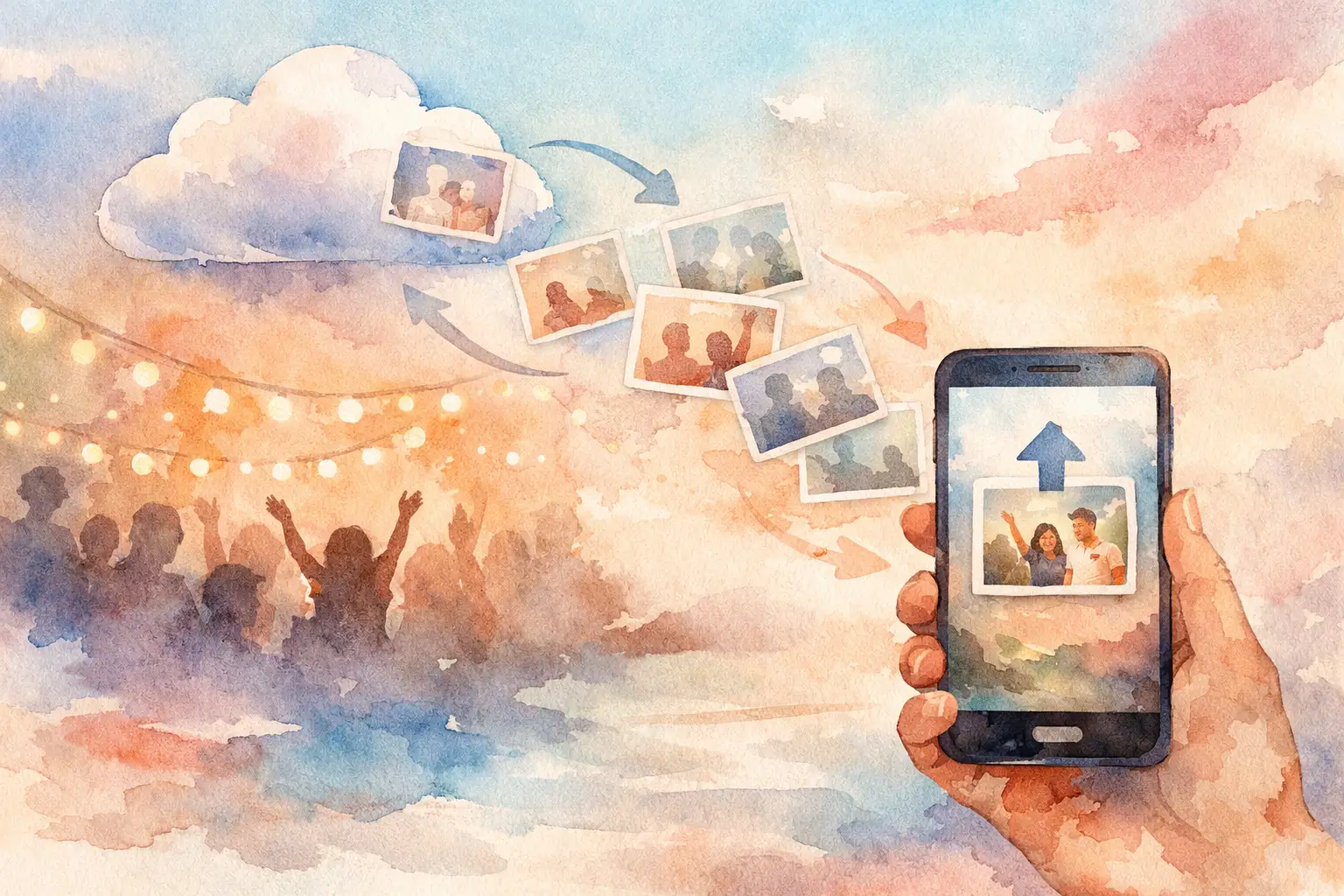
The dance floor is packed. Your best friend is making a toast. Someone’s grandma is showing off moves nobody saw coming. Can guests upload the photos they’re taking right then, without turning the moment into a tech-support session? They should be able to.
The best event photo setup makes contributing feel as natural as opening a camera. Scan a QR code, take a photo, keep celebrating. No app download. No account creation. No awkward “send me everything later” text that gets buried under 47 other messages.
That small difference changes the whole album. Instead of ending up with a few posed photos and a scattered pile of blurry screenshots, you get the event from every angle - the table jokes, the outfit checks, the hugs, the chaos, and the moments you missed because you were busy hosting them.
Can Guests Upload Without Downloading an App?
Yes, and for most social events, they should not have to download one.
Apps create a tiny wall at exactly the wrong time. A guest may be low on storage, rushing in from work, protecting their phone from another notification, or simply unwilling to sign up for a one-night tool. None of that means they do not want to participate. It means the process asked for too much before giving them a reason to care.
A browser-based upload experience removes that wall. Guests scan a QR code from a sign, place card, welcome slide, or table tent. The code opens a private event camera or gallery in their phone’s browser. From there, they can capture photos and contribute directly to the shared collection.
That is the sweet spot: quick enough for the cocktail hour, simple enough for your least techy relative, and polished enough for the friend who notices every detail.
There is one practical catch. Guests still need a compatible phone browser and, at some point, an internet connection for uploads to reach the gallery. A good event photo platform can let people capture while service is spotty and sync when they reconnect. That matters at outdoor weddings, crowded venues, basement bars, and conferences with Wi-Fi that mysteriously disappears the second the keynote starts.
Why Guest Uploads Get More Photos Than a Shared Folder
A shared folder sounds easy until you ask people to use it. First, they need the link. Then they need permission. Then they need to remember where their photos are saved. Then they need to decide whether their photos are actually worth adding. By Monday, everyone has moved on.
Guest upload works best when the action happens during the event, not days afterward. The camera is already in their hand. The energy is already high. Someone just did something funny. That is when you want the contribution flow to be one tap away.
It also helps to make participation feel like part of the event, rather than admin work for the host. A digital disposable camera format does this especially well. Give guests a limited number of shots, add a little nostalgic texture, and suddenly every photo feels intentional. People start looking for their moment instead of scrolling through their camera roll later.
The payoff is not just a higher photo count. It is a better mix of photos. Your photographer may capture the big, beautiful frame. Your guests capture your college roommate laughing too hard at dinner, the flower girl under the dessert table, and the group selfie that proves everybody actually made it.
Set Up Guest Uploads So People Actually Use Them
The technology can be simple. The invitation to use it should be, too.
Start with placement. Put the QR code where people naturally pause: at check-in, on reception tables, by the bar, near the photo booth, or on a screen before the program begins. One code at the entrance is helpful, but repeating it around the room catches the guests who arrived late or ignored it the first time.
Your sign needs a clear instruction, not a paragraph. Think: “Scan. Snap. Add to the album.” If the event has a reveal later, say that. “Your photos open with everyone else’s tomorrow” gives people a reason to join beyond doing the host a favor.
Next, choose the right participation style. For a wedding or birthday, limited-shot disposable camera mode can make the experience playful and focused. For a company event or brand activation, open capture may be the better call when the goal is a steady stream of attendee content. Neither is automatically better. It depends on whether you want curated anticipation or maximum volume.
Finally, tell people once out loud. A 10-second announcement can do more than the prettiest tabletop sign: “Scan the code, take your candid photos, and we’ll all see the gallery tomorrow.” It gives guests permission to be part of the record, not just spectators in it.
What Guests Can Upload - and What You Should Decide First
Before the event, decide what kind of gallery you want to create. Photos are the core for most celebrations because they are fast to take, easy to revisit, and less likely to interrupt the room. If video is available in your chosen setup, consider whether it adds to the experience or simply adds noise and larger files.
Privacy deserves the same early decision. A private gallery is usually the right fit for weddings, showers, birthdays, and team gatherings. Guests are more comfortable being candid when they know their photos are not being posted publicly or passed around outside the group.
For brand events, the answer can be more layered. You may want a private contribution space during the activation, followed by a reviewed selection for public sharing. Make that expectation clear before people participate. A QR code should feel inviting, never sneaky.
You should also decide when the gallery becomes visible. Instant viewing is great when the gallery is part of the entertainment, such as a live event wall or a casual trip. A timed reveal is better when you want anticipation and fewer people distracted by checking uploads all night. For milestone events, waiting until the next morning has a particular kind of magic. Everyone wakes up to the same new set of memories.
The Guest Experience Is the Whole Point
The question is not only whether guests can upload. It is whether they will want to.
That comes down to friction, but it also comes down to feeling. The experience should say, “Your point of view belongs here.” Guests do not need to be photographers. They just need an easy way to capture what caught their eye.
Revel is built around that idea: scan in, shoot from the browser, and contribute to a shared private gallery without making everyone join another app. The digital disposable camera approach gives the process a little character, while the final reveal gives every guest a reason to come back.
For organizers, that means less chasing. No post-event spreadsheet of names. No “please AirDrop me your pictures” group text. No wondering whether the only photos from your own party are the ones you managed to take yourself.
For guests, it means their photos do not disappear into a camera roll, lost between grocery lists, work screenshots, and a thousand other moments. They become part of the story people actually revisit.
A Few Moments Worth Designing For
At a wedding, guest uploads shine during the parts the couple cannot see: getting-ready rooms, cocktail hour reunions, dance-floor detours, and late-night snack runs. The photographer has a job to do. Your guests have a completely different view.
At a birthday, the best photos are often not the candle shot. They are the pre-party mirror selfies, the friend arriving with an absurd gift, and the kitchen crowd at the end of the night. An easy upload flow catches the full arc, not just the official moment.
At a company offsite or conference, a shared gallery can turn attendance into participation. People document the booth traffic, team wins, behind-the-scenes setup, and the human side of the agenda. Just make sure the instructions match the setting: professional enough for the room, easy enough that nobody needs a tutorial.
The same rule applies everywhere: make the camera invitation visible, make the first action effortless, and give people a reason to see what everyone else captured.
Your event only happens once. Put the QR code where the fun is, let guests add their angle while it is still happening, and give the whole room something worth reliving together.

A writer interested in connection, memory, and the everyday moments that matter more than we realize.
Tags: Guest photo album , Guest photo capture , Guest photo sharing , Guest photo uploads , Wedding guest photos