Can Guests Scan QR From Screenshot? Yes, Usually
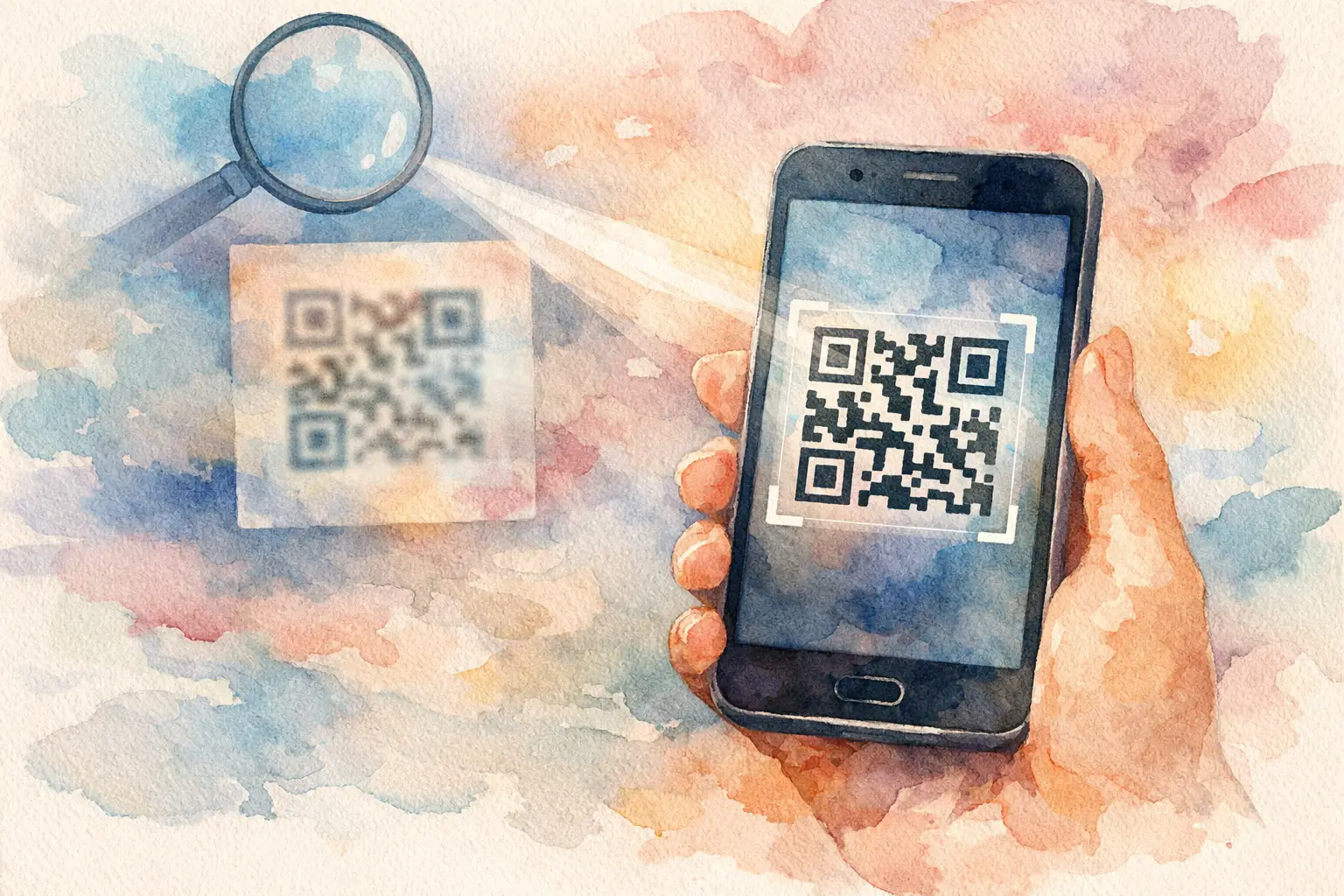
A guest is standing at the bar, your welcome sign is across the room, and they want into the photo album now. So they text themselves the code, grab a screenshot, and ask the question organizers hear all the time: can guests scan QR from screenshot? Usually, yes. But the answer depends on where that screenshot lives, how clear the code is, and whether guests know the one tiny move that makes scanning possible.
A QR code is supposed to make joining an event feel instant. One scan, one tap, and everyone is in. Screenshots can keep that momentum going when the original sign is out of reach, but only if you set guests up for success.
Can guests scan a QR code from a screenshot?
Yes, guests can scan a QR code from a screenshot in a few common ways. If the screenshot is displayed on someone else's phone, tablet, laptop, or TV, they can point their phone camera at it just like they would scan a printed sign.
The slightly trickier scenario is when the screenshot is saved on the same phone the guest wants to use. A phone camera cannot point at its own screen. Instead, the guest needs to open the screenshot in their Photos app and use the built-in QR detection tool. On many newer iPhones, press and hold the QR code in the image, then tap the link that appears. On Android, Google Photos or Google Lens can usually identify the code from the saved image.
That means screenshots are a solid backup, not a bad workaround. They are especially useful for guests who arrive late, miss the sign during cocktail hour, or want to send the event album to a partner who was not there when the code was first displayed.
What makes a screenshot QR code work?
QR codes are visual. The clearer the visual, the easier the scan. A crisp screenshot usually works perfectly because it preserves the code's contrast and shape. Trouble starts when the code is tiny, cropped, filtered, compressed, or buried in a busy design.
Think of the code as the functional part of your invite, not just a decorative square. It needs room to breathe. If a guest has to zoom in, squint, or take three tries at an awkward angle, participation starts to drop. And when participation drops, so do the candid photos you actually wanted.
A screenshot is most likely to work when the full code is visible, the image is in focus, and the black-and-white pattern has strong contrast. It also helps to leave a little white space around it. That quiet border gives phone cameras a cleaner target.
The common reasons a QR code will not scan
The first issue is size. A QR code that looked fine in a large event graphic may become too small after it is screenshot, forwarded in a text, and viewed on a compact phone screen. Guests can try pinching to zoom in, but organizers should not make that the plan.
The second issue is compression. Some messaging apps reduce image quality, particularly when a photo is sent repeatedly or shared through social platforms. If you are sending the code digitally, share the original image or a high-quality version rather than a screenshot of a screenshot.
The third issue is glare and brightness. When one guest scans a code on another phone, screen reflections can interfere. Turn the display brightness up, hold the devices still, and avoid extreme angles. It sounds obvious, but a two-second adjustment beats a small crowd passing one phone around and wondering why nothing happens.
Finally, the code may lead to an expired page, a typo, or a connection issue. If the destination requires an internet connection, a dead zone can look like a broken QR code. For events in venues with spotty service, make the joining moment happen where Wi-Fi or cell coverage is strongest.
The best way to share an event QR code
Do not rely on one QR sign by the entrance. People arrive in waves. They put down their drink. They start talking. The moment passes.
The smartest event setup gives guests more than one chance to join. Put the code where it naturally fits into the experience: on a welcome sign, near the bar, at tables, beside a photo moment, or on a screen during announcements. The point is not to wallpaper the room with codes. It is to catch guests at the moments when they have a free hand and their phone is already out.
Digital sharing matters too. Send the code in a pre-event text or group message, and share it again after the event begins. A simple note such as, “Take the candid ones. Add them here,” gives people a reason to act. It is more inviting than a generic request to upload photos later, when everyone's camera roll has already swallowed the weekend.
For a wedding or birthday, a screenshot-friendly code is particularly useful in the group chat. Guests can save it before they leave home, then join whenever they are ready. For a company event or brand activation, showing the code on a large display makes scanning fast for a steady flow of attendees.
Make the instruction impossible to miss
The QR code itself is only half the invitation. The line next to it does the social work.
“Scan to join the gallery” is clear, but it does not tell guests why they should bother. Give them a reason that matches the moment: “Add the pics we will all want tomorrow,” “Your POV belongs in this album,” or “Take a few. The full gallery opens later.” These prompts feel more like an invitation to play than an administrative task.
If guests are using a digital disposable camera experience, explain the fun part in one sentence. Limited shots and a delayed reveal create a different kind of participation than an ordinary upload link. People become more intentional, more curious, and more likely to capture the little scenes the official photographer cannot be everywhere to see.
Revel is built around that low-friction moment: guests scan, join from their browser, and start capturing without downloading an app or creating an account. That matters because every extra step gives people a reason to say, “I'll do it later.” Later is where event photos go missing.
Give guests a backup that is not another headache
Even a great QR code should have a Plan B. Add a short, easy-to-type event URL beneath the code if your setup supports one. If someone has an older phone, a cracked camera lens, or trouble with image recognition, they can still join without hunting down the host.
Keep the backup short and visible. A long string of letters and numbers is not a backup - it is a new obstacle. The same goes for overly detailed instructions. Your guests should not need a mini tutorial between the dance floor and dessert.
For hosts, it helps to designate one person who knows how joining works. This could be a friend, a coordinator, or someone at the welcome table. Their job is not tech support all night. It is simply to help during the first 15 minutes, when a little encouragement can turn a quiet album into a living record of the event.
Test the screenshot before guests arrive
Here is the move most organizers skip: test the exact version of the QR code you plan to share. Screenshot it. Text it to a friend. Open it on another phone. Try scanning it from a camera and from the image saved in Photos.
This takes less time than arranging the place cards, and it catches the details that can derail the experience. Is the code too small after it is sent? Does the page load on both iPhone and Android? Does the prompt make sense without you standing there to explain it? If the answer is yes, you have removed the friction before the room fills up.
Also test your signage from normal guest distance. A code that scans when your face is six inches from the sign may fail when a line is forming behind someone. Make it big enough to scan comfortably, and place it at a natural viewing height.
Screenshot-friendly means memory-friendly
The goal is not to get guests to perform a technical task. The goal is to make contributing feel effortless enough that they do it while the good stuff is still happening.
A screenshot can absolutely carry your QR code from the invite to the dance floor, from one guest to another, and from the moment to the shared album. Just give it clarity, a useful prompt, and an easy backup. Then let your guests do what they came to do: catch the blurry laughs, the table-side chaos, the unexpected hugs, and the photos nobody thought to ask for.

A writer interested in connection, memory, and the everyday moments that matter more than we realize.
Tags: Cam QR , Event QR , QR code camera , QR code for photos , QR photo booth , QR photo sharing , QR Tags , Wedding QR , Wedding QR code