Best iCloud Shared Album Alternative
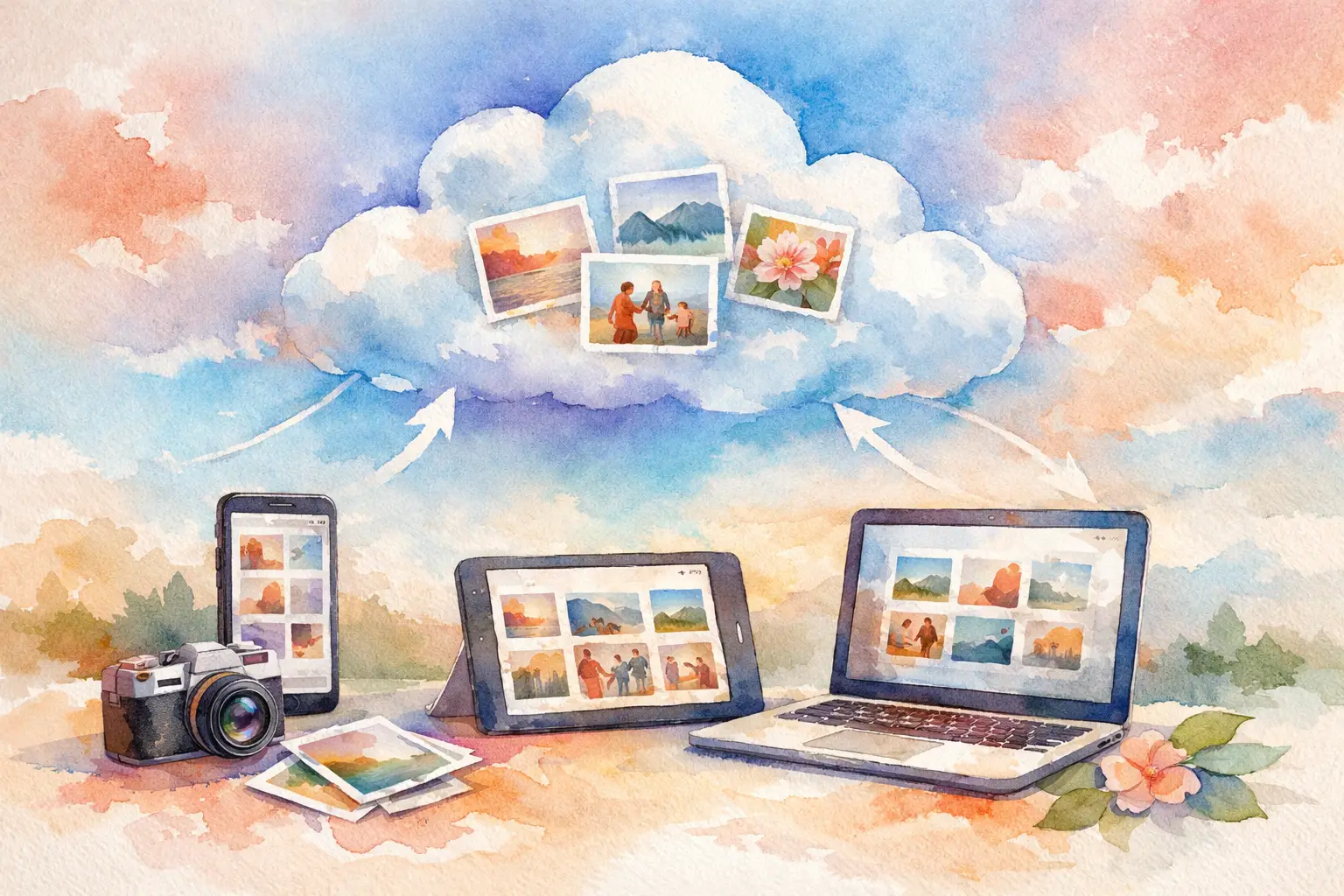
You know the pattern. Someone says, “Just drop the pics in the album,” and then half the group never joins, a few people can’t upload, Android friends get sidelined, and the best photos stay trapped in camera rolls forever. That’s exactly why people start looking for an iCloud shared album alternative - not because shared albums are useless, but because group memories fall apart fast when the tool adds friction.
For casual Apple-only circles, iCloud Shared Albums can be fine. For real-world events, they often feel a little too tied to the Apple ecosystem and a little too dependent on everyone already knowing what to do. The moment you have a mixed-device group, a wedding guest list, a company offsite, or a birthday where nobody wants another setup step, the cracks show.
When an iCloud shared album alternative makes sense
The biggest issue is participation. Photo sharing only works when people actually use it. That sounds obvious, but it’s where most event albums fail.
If guests need the right device, the right settings, the right account, and the patience to upload later, contribution rates drop hard. People mean to share. Then they get home, forget, and move on. Your event album ends up looking like it was attended by three people standing in the same corner.
An iCloud shared album alternative makes more sense when your goal is not just storage, but collection. Those are two different jobs. Storage says, “Here’s where photos can go.” Collection says, “Here’s how we actually get everyone to contribute.”
That difference matters at weddings, bachelorette weekends, birthdays, graduations, baby showers, family reunions, company parties, and brand events. In all of those settings, the real challenge is not creating an album. It’s getting people into it while the moment is still alive.
What iCloud Shared Albums do well and where they fall short
To be fair, Apple’s setup has a few strengths. If everyone uses iPhones, already has iCloud enabled, and is comfortable inside Apple Photos, Shared Albums are familiar. There’s no learning curve for loyal Apple users, and it fits neatly into their existing photo library.
But that same familiarity becomes a limit when your event includes anyone outside that world. Android guests are immediately dealing with a different experience. Even among Apple users, uploads are often less immediate than people expect. Shared Albums can also feel passive. They wait for people to remember to contribute later, which is exactly when most event photos disappear into the void.
There’s also a difference between a general photo feature and a tool built for events. Shared Albums were not really designed around participation mechanics, guest excitement, or the psychology of getting people to capture more in the moment. They’re functional. They’re not especially social.
And for events, social matters.
What to look for in an iCloud shared album alternative
The best alternative depends on the kind of event you’re planning. A family trip has different needs than a 150-person wedding or a branded pop-up. Still, a few things matter almost every time.
First, low friction beats almost every other feature. If guests can join instantly, without downloading an app or creating an account, you’ll usually get more photos. That one detail can change the whole album. The easier it is to enter, the less likely people are to bail.
Second, cross-device access matters more than people think. Not every group is Apple-only, and even when it is, not everyone wants to troubleshoot settings at the venue. A good event album should work on basically any modern phone.
Third, timing changes behavior. Most photo tools are built around instant posting or delayed manual sharing. But event memory works differently. People want to take photos now and enjoy the full gallery together later. That shared reveal can make the album feel like part of the event, not just admin after the fact.
Fourth, the upload flow should match real life. That means people can capture quickly, contribute high-quality images, and not lose progress if service gets spotty. At weddings, festivals, and conferences, weak signal is common. Your photo tool should act like that is normal, not exceptional.
Finally, think about the vibe you want. Some tools feel like cloud storage. Others feel like a disposable camera for the whole group. Those create very different kinds of participation.
The main types of alternatives
If you’re comparing options, most iCloud Shared Album alternatives fall into a few camps.
Traditional cloud drives are the practical but not very fun option. They can store a lot, and they work across devices, but they rarely inspire people to contribute in the moment. They’re better at filing than capturing.
Messaging threads are the chaotic option. They get fast participation at first because everyone already uses them, but photos get compressed, buried, and impossible to revisit cleanly. Great for instant reactions. Terrible for building a real event gallery.
Social platforms can work when the event is public-facing, but they’re not ideal for private gatherings or anyone who wants full participation without asking guests to post to their own profiles. They also split content across stories, feeds, tags, and direct messages.
Then there are event-specific photo-sharing platforms. This is usually where the best answer lives if your goal is simple group participation. These tools are built around one job: getting photos from a lot of people into one place, fast, privately, and with less drop-off.
Why event-specific tools usually win
A wedding album is not the same as a family backup folder. A birthday party is not the same as a shared cloud directory. When the product understands the event itself, the experience gets better.
That’s where event-first tools stand out. Instead of asking guests to figure out an album system, they let hosts create a simple entry point, often with a QR code. Guests scan, join, shoot, and upload. No app store detour. No account wall. No reminder text three days later asking people to please send their pictures.
This is also where the emotional side starts to matter. People contribute more when it feels participatory, not administrative. A gallery that unlocks later, a disposable-camera style limit, or a shared reveal moment can make guests actually want to take part. It turns photo collection into part of the fun.
That’s a big shift from iCloud Shared Albums. Apple’s feature says, “Here is an album.” An event-first platform says, “Here is an experience everyone can join.”
A better fit for weddings, parties, and group trips
If you’re planning a social event, the strongest iCloud shared album alternative is usually one that removes every excuse not to upload.
At weddings, guests are not looking for instructions. They’re scanning table cards, ordering drinks, finding their seats, and trying not to miss the ceremony. If collecting photos requires too much effort, they won’t do it. A QR-based gallery works because it respects the room. Quick in. Quick capture. Done.
For birthdays and vacations, the same rule applies. The group is moving. People are bouncing between locations. Some take twenty photos, some take two, and some forget until later. A good system catches all of that without feeling like homework.
For work events and brand activations, ease matters even more. You may be dealing with guests, employees, or attendees who have zero reason to adopt your preferred ecosystem. If they can contribute instantly from any phone, you’ll collect more usable content and get a fuller picture of the event.
Platforms like Revel are built around that exact problem. The point is not just to hold photos. The point is to get more people to share them while the energy is still there.
The trade-off: simplicity versus ecosystem loyalty
There is one real trade-off worth naming. If your group is small, fully Apple-based, and already comfortable with Apple Photos, switching away from iCloud Shared Albums may not feel necessary. Familiar tools have value. Not every dinner party needs a specialized platform.
But once the event gets bigger, more mixed, or more important, familiarity stops being enough. That’s when flexibility, participation, and guest access start to matter more than ecosystem loyalty.
The best tool is the one people will actually use. Not the one with the prettiest settings menu. Not the one that technically can work. The one that gets the most real photos from the most real people with the least amount of chasing.
That’s the standard.
If you’re weighing your options, ask one simple question: are you trying to store photos, or are you trying to collect a memory from everyone who was there? Once you answer that, the right choice usually gets very obvious.

A writer interested in connection, memory, and the everyday moments that matter more than we realize.
Tags: iCloud Shared Album , Shared album , Shared event photos , Shared photo gallery