Are Uploaded Photos High Resolution? What to Know
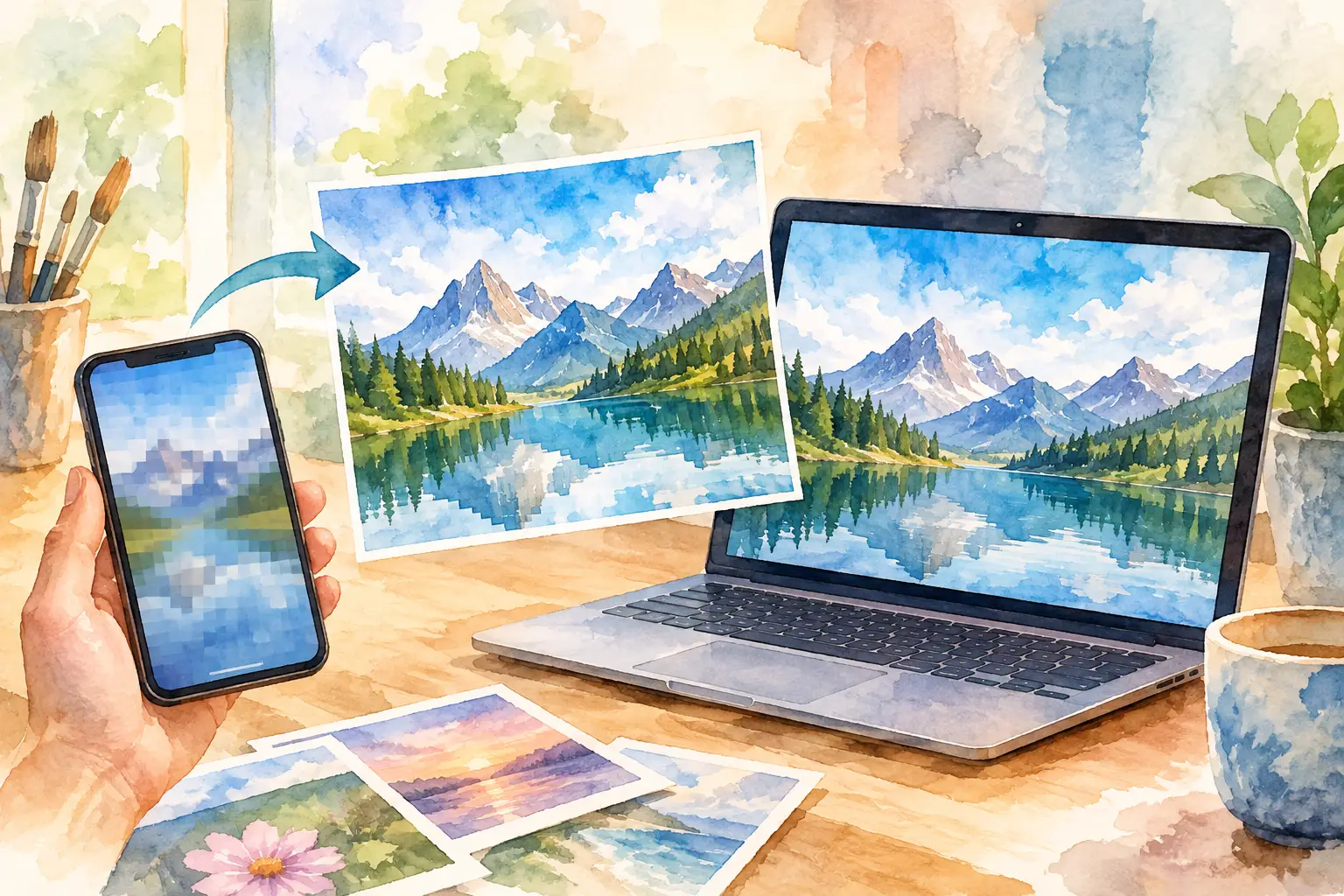
The confetti is swept up. The group chat has gone quiet. Then someone asks for the photos - and half the shots are trapped in screenshots, social posts, or a blurry text thread. Are uploaded photos high resolution? Sometimes. But the real answer depends on what happens between your camera roll and the shared gallery.
A great event album should hold up beyond the phone screen. You should be able to zoom in on the cake-cutting laugh, save a candid from the dance floor, or print the one photo nobody knew they needed. That takes more than a good camera. It takes an upload experience that does not quietly shrink the memories.
Are uploaded photos high resolution by default?
Not necessarily. A photo can start out sharp on an iPhone or Android and arrive somewhere else smaller, compressed, or stripped of useful detail. “Uploaded” only means the file made it from one place to another. It does not automatically mean it arrived in its original quality.
Most modern smartphones capture far more detail than you need for a quick social post. That is great news for events: guests are walking around with capable cameras in their pockets. The catch is that many sharing methods are designed for speed, scrolling, and saving storage - not for preserving full-quality files.
Text messaging is the classic culprit. Depending on the phone, carrier, and messaging setup, images may be compressed before they ever reach the recipient. Social platforms often resize photos, too, because they need pages and feeds to load fast. Even a shared album can have settings that limit upload size or change how originals are stored.
So, are uploaded photos high resolution when guests add them to an event gallery? They can be, if the platform accepts high-resolution files and the guest selects the original image rather than a screenshot or a repost. The upload system matters as much as the camera.
Resolution is only one part of photo quality
Resolution describes how much pixel detail an image contains. More pixels generally give you more flexibility to crop, enlarge, and print. But a high-resolution photo is not automatically a good photo.
A dark reception shot can have plenty of pixels and still look grainy. A portrait can be technically large but slightly out of focus because someone moved at the wrong second. A beautiful, well-lit candid from an older phone may feel more valuable than a giant file of somebody’s thumb over the lens.
For most event albums, the sweet spot is simple: files should be detailed enough to look crisp on modern screens and work for standard prints, while remaining easy for guests to upload and view. You do not need every guest photo delivered as a massive professional camera file. You do want enough quality that the best moments are not reduced to fuzzy little rectangles.
That distinction matters when planning a wedding, birthday, company retreat, or brand activation. Your goal is not a folder full of the biggest possible files. Your goal is a collection people actually contribute to, then want to revisit.
What can reduce quality before an upload?
The loss often starts before anyone taps Upload. Screenshots are smaller than the original photo. Images saved from social media may already have been compressed once. Editing apps can export a lower-resolution version if a user chooses a smaller size. And repeatedly sending, saving, and re-uploading the same picture can add more compression along the way.
A few real-life event moments make this obvious. Your friend takes a gorgeous group photo, posts it to their story, and someone screenshots it. That screenshot goes into the album instead of the original. Or a coworker sends their best conference candid through an old text thread, where it gets compressed, then adds that version to the shared gallery. The photo is still there, but the details have already taken a hit.
The easiest fix is also the least glamorous: ask guests to upload from their camera roll whenever possible. It keeps the original file closest to the source and gives the gallery its best chance of preserving detail.
High-res uploads should not create guest friction
There is a trade-off. Huge files can take longer to upload, especially at a packed venue with shaky Wi-Fi. If the process asks guests to download an app, make an account, hunt for an invite, and wait through a progress bar, participation drops fast. The photos may be high quality, but the album will be half empty.
That is why the best event photo tools balance quality with a low-effort path to contribute. Guests should be able to join quickly, choose photos straight from their device, and get back to the party. For live events, it also helps when capture can keep working through spotty service and sync when a connection returns.
Revel is built around that balance: scan a QR code, capture together, and contribute without turning every guest into an unpaid IT department. Its digital disposable camera format adds a little anticipation, while high-resolution uploads help the eventual reveal feel worth the wait.
How to get better-quality photos from your guests
You do not need to send a technical memo before the doors open. A few clear expectations can dramatically improve what lands in the album.
First, give guests one obvious place to share. When people have to choose between texting you, posting on Instagram, dropping files in a drive, or emailing themselves a photo for later, they usually choose none of the above. One destination turns “I’ll send it later” into an actual upload.
Second, make the instruction visual and short. A QR code near the bar, welcome sign, table cards, or registration desk catches people while they are already holding their phones. Pair it with a line people can understand at a glance: “Add your camera roll favorites here” or “Your POV belongs in the album.”
Third, remind guests that candid photos count. The professional photographer may capture the ceremony perfectly. Your guests capture the nervous pre-ceremony selfie, the aunt who owns the dance floor, the late-night snack run, and the tiny moments happening outside the main scene. Those photos make the gallery feel like the event, not just a record of it.
Finally, avoid asking everyone to upload everything. More is not always better. A handful of intentional shots from each person is easier to browse and more likely to include the good stuff. If you are using a disposable-camera-style experience with limited shots, the limit can make people look twice before tapping the shutter. Less spray-and-pray. More memories with a point of view.
When do you actually need high resolution?
For a casual recap shared on phones, moderate resolution may be plenty. If your group mainly wants to laugh at the photo booth poses and relive the weekend, an easy, fast gallery is the priority.
High resolution matters more when photos may be printed, used in a wedding book, repurposed for a company recap, featured in event marketing, or saved as a long-term family archive. It also matters when you expect to crop a photo. A wide group shot can become a surprisingly good portrait if the original contains enough detail.
Professional events have another layer: permission. A crisp, usable photo can be valuable content, but organizers should still set expectations about where images may appear. A private gallery for attendees is different from a public campaign asset. Quality and consent belong in the same conversation.
A better question than “Is it high-res?”
Ask whether the photo will still feel good when the moment is no longer happening. Can the couple save it? Can the team share it internally? Can a guest see themselves in the story of the night? Can you print it without wishing someone had sent the original?
The right event album makes that easy. It gives people a simple reason to participate, a simple way to upload, and a shared place for the photos that would otherwise disappear into dozens of separate camera rolls. Capture the polished shots, the chaotic shots, and the ones nobody planned. Years from now, those are usually the files everyone goes looking for.

A writer interested in connection, memory, and the everyday moments that matter more than we realize.
Tags: Event photo sharing , Guest photo uploads , Event photo collection , Shared photo gallery , Photo sharing , Photography tips