Wedding Photo Sharing Tool Review: What Works
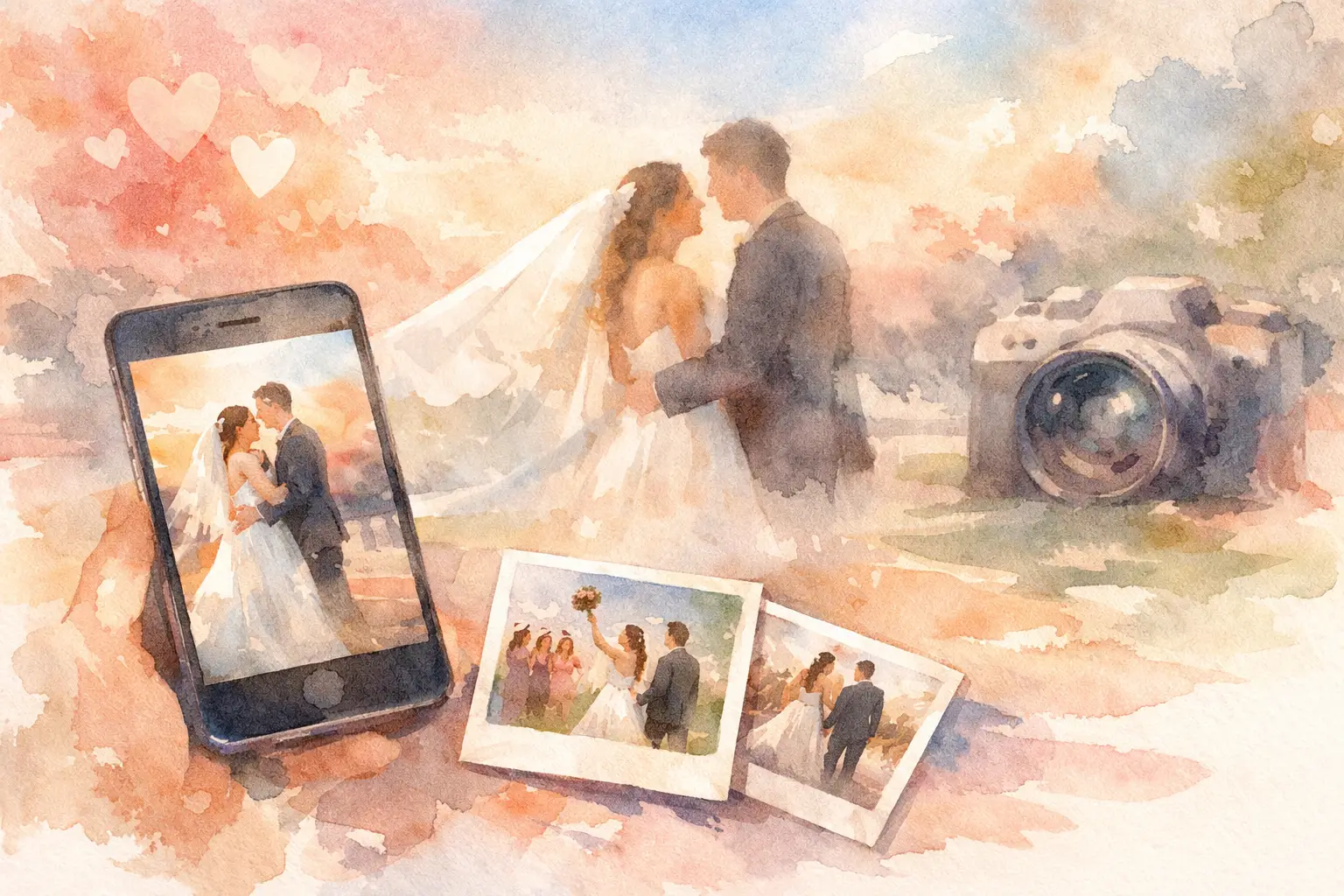
The best wedding photos rarely come from just one person. They come from your college roommate on the dance floor, your aunt during cocktail hour, and the friend who caught your grandparents laughing when nobody was posing. This wedding photo sharing tool review looks past the feature list and at the thing that matters most: will guests actually use it?
Because after the last song, nobody wants to spend three weeks sending "please text me your photos" messages into a group chat. You want every candid in one private place, without making your guests download an app, remember a password, or stop having fun to figure it out.
What a Wedding Photo Sharing Tool Needs to Do
A wedding photo-sharing tool has one job: turn a room full of phones into one complete wedding album. But the tools that pull this off have a few things in common.
First, joining has to be instant. A QR code on a cocktail napkin, welcome sign, or table card beats a long URL every time. Guests should scan, open, and start capturing in seconds. If joining involves an app store visit, account creation, or a verification email, participation drops fast. That is not a guest problem. It is a setup problem.
Second, the gallery needs to feel private. Weddings are personal, and couples should know exactly who can view, upload, and download images. A public social feed may be easy, but it is not always where you want photos of your family, friends, and late-night dance moves to live.
Finally, uploading must work when the venue Wi-Fi does not. Barns, rooftops, ballrooms, and beach houses are not exactly famous for strong reception. A useful tool should let guests capture images first and sync them later, rather than losing a great photo because the signal disappeared near the bar.
Wedding Photo Sharing Tool Review: The Main Options
There is no single right format for every wedding. The right choice depends on how many guests you have, how much you want to curate, and whether your priority is instant access or a little suspense.
Shared cloud albums
Shared cloud albums are familiar and usually free or already installed on guests' phones. They are a decent option for a small wedding where most attendees know each other and are comfortable with the same ecosystem.
The catch is participation. Some guests use different devices. Others do not know where to add photos, forget to turn on sharing, or never receive the invite. Files can also arrive in uneven quality, and the album can feel more like a storage folder than part of the celebration.
Choose this route if your guest list is small and tech-confident, and you simply need a practical place to pool photos. It is less ideal when you want every generation to join without instructions.
Group texts and social DMs
Group chats are where wedding photos go to get buried. A few favorites show up right away, then the thread moves on, someone starts a new chat, and the full-resolution versions are nowhere to be found.
Social DMs have the same problem, plus privacy gets fuzzy quickly. They are fine for sending a funny photo to the couple the next morning. They are not a collection system.
Wedding website upload pages
Some wedding websites include photo upload features. The upside is obvious: guests may already be visiting the site for directions, dress code details, and registry information. Keeping everything under one wedding URL can feel organized.
The trade-off is that upload pages can be easy to overlook once the event begins. They also tend to focus on post-event submission, when guests have already moved on and their camera rolls are filling up with everyday life. If you use one, make the upload callout visible at the venue, not just on the website.
QR-code photo experiences
QR-code-based tools are built for the moment. Put the code where people naturally pause - the bar, dinner tables, guest book, or photo booth - and the invitation to participate is right there.
The better versions remove the usual friction: no download, no account, and compatibility across phones. They also give the experience a point of view. A digital disposable camera format, for example, encourages more candid shots than an open-ended upload request. Limited photos make people choose the moment. Filters make the gallery feel cohesive. A timed reveal gives everyone a reason to come back together after the wedding.
Revel fits this category particularly well, pairing QR-code entry with disposable-camera energy, high-resolution uploads, offline capture syncing, and a gallery that can unlock later. It is less about creating another folder and more about making photo-taking part of the party.
The Features That Actually Change Participation
A huge feature checklist is not the goal. A few thoughtful mechanics can make the difference between 40 photos from three people and hundreds of perspectives from the whole room.
No app, no account
This is the big one. Your guests are dressed up, checking the seating chart, finding a drink, and catching up with people they have not seen in years. They are not looking to create a profile for a one-night tool.
The simplest flow wins: scan the code, take a photo, and keep moving. It also helps older relatives and less techy guests feel included instead of sidelined.
A reason to take more than one photo
A generic request to "share your photos" is easy to ignore. Give people a little prompt instead. Capture the best toast reaction. Get a photo of someone who traveled the farthest. Take a picture of your table before dessert disappears.
Disposable-style shot limits can help here, strangely enough. When every guest has a set number of shots, the camera feels playful rather than transactional. People become more intentional, then more curious about what everyone else captured.
Delayed gallery reveal
Instant galleries work when you want guests to see photos as they happen. A delayed reveal works when you want to preserve the surprise.
For weddings, a reveal the next morning or after the honeymoon can be a great move. It extends the emotional afterglow and gives guests a shared reason to revisit the night. The trade-off is simple: do not choose a delayed gallery if your main goal is live slideshows or same-night social posting.
High-quality originals and easy downloading
Cute candid photos are not just for stories. They may become a thank-you card, a framed print, or the image that somehow becomes everyone's favorite from the weekend. Make sure the tool retains high-resolution files and gives the couple a straightforward way to save the full collection.
Questions to Ask Before You Commit
Before printing QR cards or adding anything to your welcome sign, test the experience from a guest's point of view. Can someone join without downloading anything? Can both iPhone and Android users participate? What happens when service is weak? Who can see the gallery, and when? Can you download original-quality images afterward?
Also consider the shape of your wedding. A 25-person backyard ceremony may only need a shared album. A 200-person reception with multiple friend groups needs clearer participation cues and lower friction. If you are hosting a destination wedding, offline capture matters more than almost any decorative feature.
Do one quick trial before the big day. Scan the QR code from a few different phones, take a test photo, and check how the gallery looks. This tiny rehearsal saves you from discovering that the sign was printed too small or the instructions were too vague while your guests are arriving.
Make the Ask Feel Like Part of the Wedding
The tool matters, but placement and wording matter too. A QR code hidden on a corner of the welcome sign will not do much. Put it where guests have time to notice it, and give them a reason to scan.
Try a line like: "Take the candid. We will reveal the whole roll tomorrow." It is more inviting than "Upload photos here." A small card at each table, a mention from the DJ, and one QR code near the bar can be enough. You do not need to turn your wedding into a tech demo. You just need to make participation feel easy and fun.
The photos you will treasure most may be the ones you never saw happening. Give guests a camera-sized invitation to capture them, then let the memories find their way back to you.

A writer interested in connection, memory, and the everyday moments that matter more than we realize.
Tags: Wedding photo sharing , Wedding app , Wedding camera , Wedding disposable camera , Wedding guest album , Wedding guest camera , Wedding guest photos , Wedding inspiration , Wedding photo app , Wedding photography