Shared Photo Album Not Working? Fix It Fast
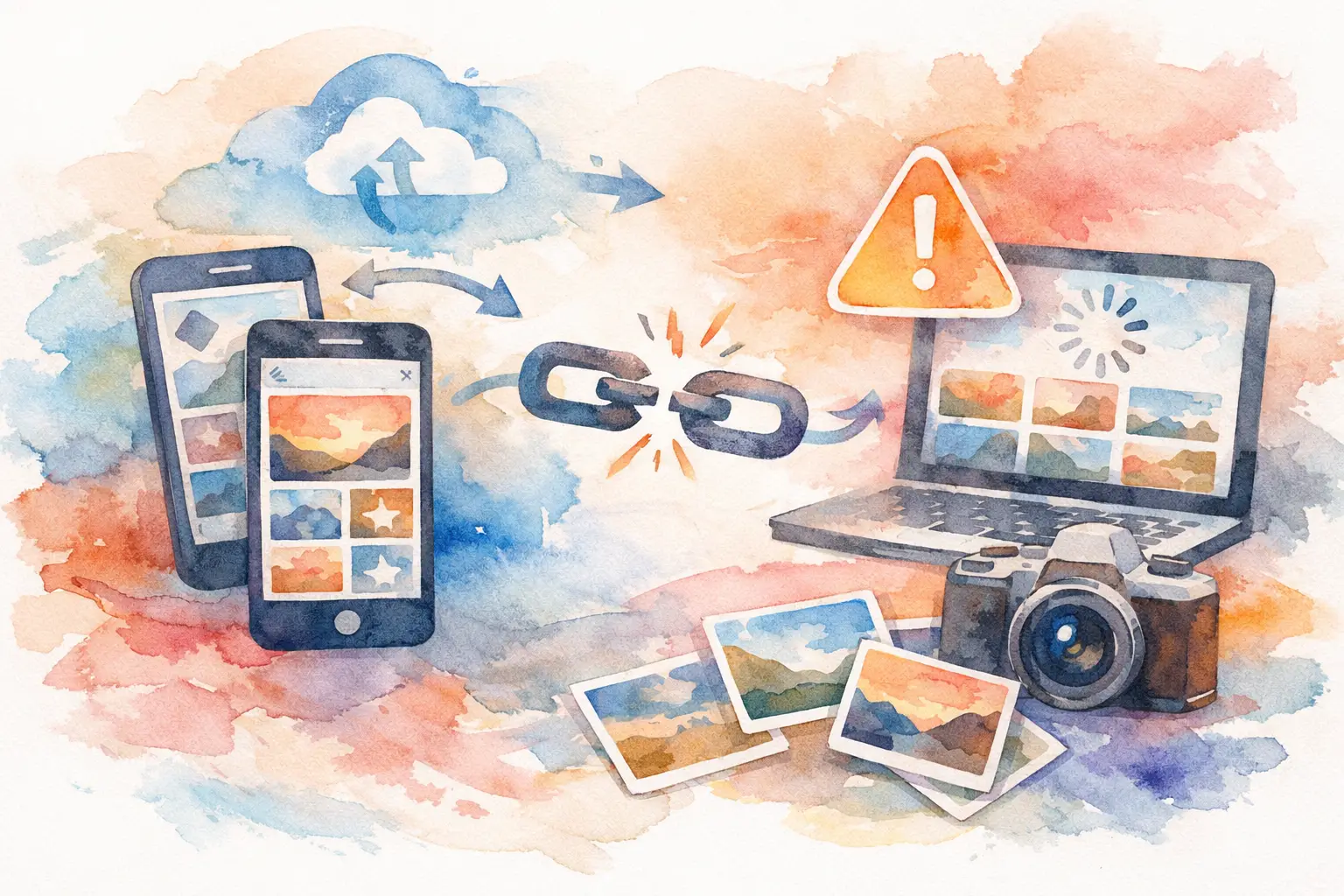
You scanned the code, opened the album, maybe even saw a few uploads trickle in - and then nothing. If your shared photo album not working is the problem standing between you and everyone’s event photos, the issue usually isn’t the photos. It’s the friction hiding underneath: permissions, storage limits, bad connectivity, invite weirdness, or a setup that asks too much from guests in the middle of an actual party.
That’s the part people forget. Shared albums fail in very ordinary ways, but they also fail because real guests are busy. They’re dancing, traveling, juggling drinks, chasing kids, or trying not to lose the group chat. If the system gets even slightly annoying, participation drops fast. So if your album is glitching, the goal isn’t just to fix the bug. It’s to fix the experience.
Why a shared photo album stops working
Most shared album problems fall into two buckets. The first is technical failure: photos won’t upload, invites don’t arrive, the album won’t load, or people can view but not contribute. The second is participation failure: technically the album exists, but almost nobody actually uses it.
The first bucket feels obvious. The second one is sneakier, and honestly, it causes just as many missing memories.
If guests need to create an account, remember a password, switch apps, manage cloud permissions, or figure out which album they’re supposed to use, you’ve already lost a chunk of your uploads. What looks like a broken album is sometimes just a high-friction album.
Shared photo album not working? Start with the obvious checks
Before assuming the platform itself is down, check the basics. A lot of album issues come from one mismatched setting.
Make sure the album is still shared and not accidentally private. This happens more than people think, especially when organizers change device settings, switch accounts, or edit album permissions after the event starts.
Then check whether guests are signed into the right account. On Apple and Google-based album systems, being logged into the wrong profile can make an album appear missing, read-only, or completely inaccessible. Someone may say, “It doesn’t work,” when really they opened the invite on a different email than the one that received access.
Storage is another common blocker. If the album owner’s cloud storage is full, uploads may fail or stall. Guests may keep trying, but nothing actually lands. On the guest side, low device storage can also stop images from processing correctly before upload.
And yes, there’s always internet. Weak Wi-Fi at venues is legendary for a reason. Hotels, wedding barns, conference halls, rooftops, and beach houses all love to claim they have internet right up until 150 people try to use it at once.
When invites fail and nobody can join
This is where shared albums get messy fast. One person gets in. Two people can’t. Another says the invite link expired. Someone else never got the email. Suddenly the album is less “shared” and more “private club with a broken guest list.”
If your invites aren’t working, first resend access using the exact contact method guests actually check. Email sounds organized, but for many events, text wins. People miss email invites all the time, especially during travel weekends or busy event schedules.
You’ll also want to check whether the platform requires recipients to accept the invite from a specific device or account. Some systems are less flexible than they seem. That’s fine for tight personal use, but it’s clunky for large groups where not everyone is equally tech-patient.
This is one reason QR-based access has become popular for social events and activations. Instead of chasing people one by one, you let them join in the moment. Fewer invites. Fewer missed emails. Less admin energy spent playing IT support at your own event.
Why uploads stall halfway through the event
There’s a brutal pattern with traditional shared albums: the first few uploads work, everyone assumes it’s handled, and then contributions quietly stop.
Sometimes that’s a network issue. Photos taken in poor service areas may sit locally and never finish syncing. Sometimes it’s a permissions issue, where the camera roll can be viewed but not fully accessed. And sometimes the album allows uploads, but the process is slow enough that people decide they’ll do it later. They won’t.
That last part matters. “Later” is where event photos go to disappear.
A good shared album system needs to match real-life behavior. Fast join, fast capture, minimal taps. If guests have to leave the moment to organize it, they usually won’t. The trade-off is simple: the more control and setup a system demands, the lower the contribution rate tends to be.
Device compatibility can quietly wreck the whole thing
Mixed-device groups are where things get interesting. iPhone users assume everyone can access an Apple-style shared album. Android users assume a browser link will solve everything. Then half the group discovers some feature works differently depending on the device, OS version, or app setting.
This is especially common at weddings, group trips, and company events where guests don’t all use the same ecosystem. A solution that feels effortless for one person can be a dead end for someone else.
If you’re troubleshooting, test the album on both iPhone and Android, on Wi-Fi and cellular, and as both organizer and guest. If the setup only works smoothly in one environment, that’s not really a group solution. It’s a best-case scenario pretending to be one.
The real problem might be the format, not the glitch
Here’s the uncomfortable truth: sometimes a shared photo album not working is really a sign that the format itself isn’t built for live events.
Traditional albums are great at storing photos after the fact. They’re less great at getting a room full of people to contribute in real time. That’s because they were designed more like folders than experiences.
Events need something else. They need momentum. A reason to participate. A path with almost no friction. When guests can join instantly, take photos on the spot, and know their pictures are becoming part of something collective, contribution changes. It stops feeling like admin and starts feeling like part of the event.
That’s why systems built around QR access, disposable-camera-style limits, and delayed reveals tend to get more traction. They don’t just store photos. They create behavior.
How to troubleshoot without becoming the event help desk
If your current album setup is salvageable, simplify first. Use one access method, not three. Pick one album, not separate folders by person or moment. Give guests one clear instruction they can understand in two seconds.
Something like: scan this, take pics, done.
That beats sending a paragraph about permissions, app downloads, account creation, and where to find the upload button. Every extra step is another guest opting out.
You should also test the full flow before the event begins. Not just whether you can create the album, but whether a first-time guest can join and contribute with zero explanation. If they need coaching, the setup is too fragile.
For larger events, assign one person to monitor whether uploads are actually coming through. Not obsessively, just enough to catch failure early. There’s a big difference between fixing a join issue at 6:15 PM and discovering at midnight that only six photos uploaded.
What to use if this keeps happening
If shared albums keep breaking down for your events, it may be time to stop forcing personal cloud tools into group-memory jobs they weren’t built to handle.
A better option is something designed around participation first. That means no app download, no account wall, no messy invite chain, and no guessing whether guests figured it out. Revel is one example of that shift: scan a QR code, capture together, and let the gallery build itself without turning the host into tech support.
That kind of setup is especially useful when the goal isn’t just backup storage. It’s getting the candid stuff. The table selfies, blurry dance-floor masterpieces, behind-the-scenes moments, and angles the official photographer never sees.
And to be fair, not every event needs that. A tiny family album with five people who all use the same devices may work perfectly well on a standard shared platform. But once the group gets bigger, more mixed, or more chaotic, the cracks show.
The best photo-sharing setup is the one people will actually use when the moment is happening - not the one that sounds organized in advance. If your album keeps failing, take the hint. Your memories deserve a system that shows up as reliably as your guests do.

A writer interested in connection, memory, and the everyday moments that matter more than we realize.
Tags: Shared photo gallery , Shared event photos , Digital disposable camera , Disposable camera app