Film Roll App: Capture the “One Roll” Vibe at Your Event
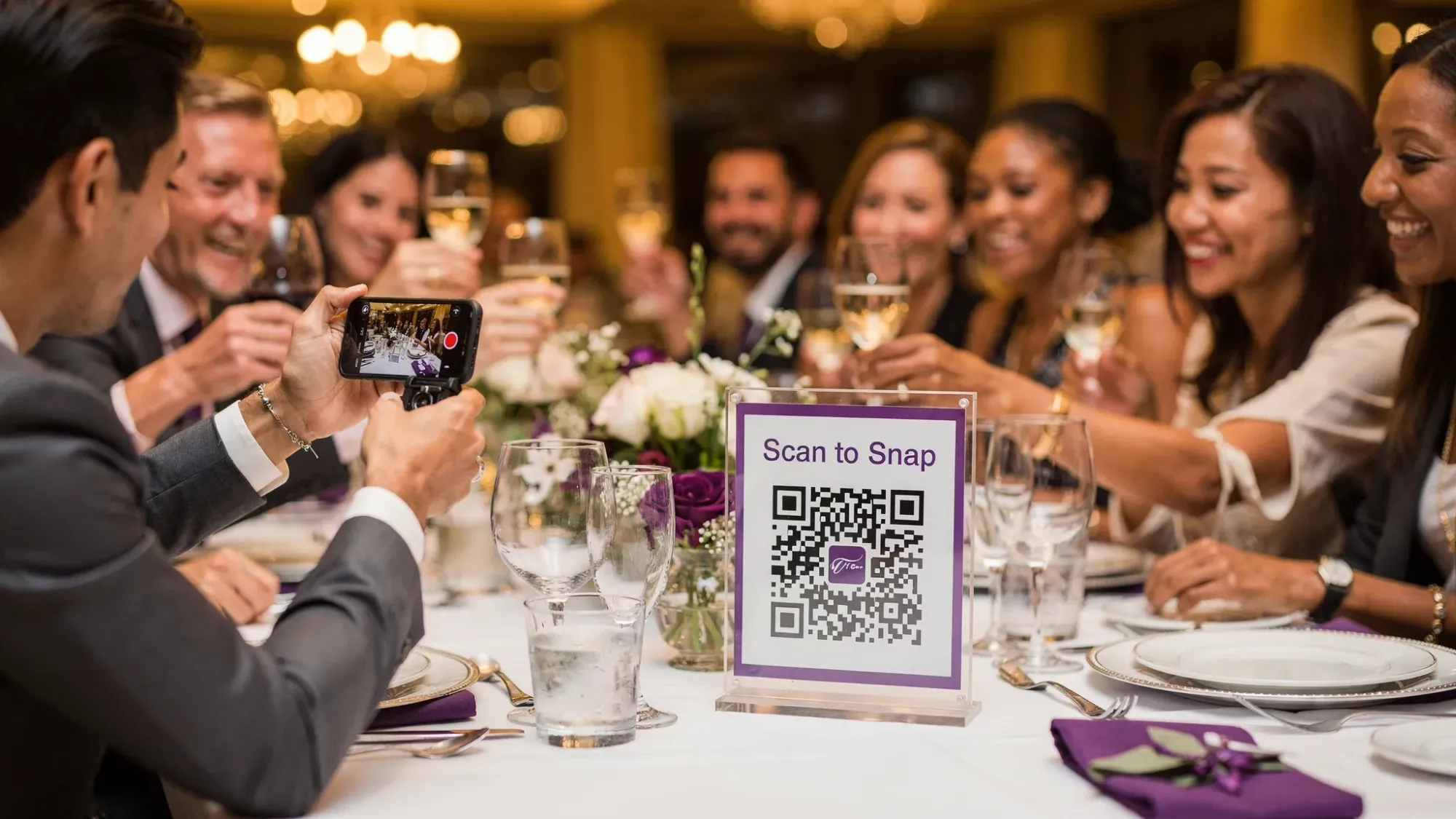
The “one roll” vibe is having just enough photos to tell the story, without the endless scroll, duplicates, and post-event chasing. It feels like the best parts of disposable cameras: intentional shots, candid surprises, and a reveal moment everyone looks forward to.
A film roll app recreates that energy, but without paying for physical cameras, collecting them, or waiting for developing. Done right, it turns your guests into contributors and gives you one clean gallery at the end.
What people really mean by a “film roll app”
Most hosts searching for a film roll app want three things:
- A constraint (limited shots) so people don’t spam 80 near-identical photos.
- A shared collection so images don’t live in 12 different group chats.
- A reveal so the photos feel like a moment, not a chore.
It’s less about filters and more about structure. When guests know each photo “costs” one of their limited shots, they slow down and capture what matters.
Why the “one roll” constraint makes events feel more present
Smartphone cameras create abundance, and abundance creates noise. People overshoot, don’t curate, and assume “someone else will send it later.” The result is predictable: you get a few highlights, miss a ton of candid moments, and spend weeks texting people for photos.
A one-roll approach changes behavior in the room:
- Photos become intentional because each shot is scarce.
- Guests participate more when sharing is effortless (scan, snap, done).
- The story becomes collective because it’s not trapped on individual phones.
That’s the magic you’re trying to capture when you choose a film roll style setup.
The 5 ingredients of a great “one roll” event setup
You can use these principles with any tool, but they’re easiest when your setup supports them by design.
1) Instant access (no app install, no accounts)
If guests need to download an app, create a login, or find a shared album link, participation drops fast. The best film roll experiences feel like “tap and shoot.”
Revel.cam is built for this: guests scan a QR code or tap an NFC tag, then open the camera immediately. On iPhone, it can launch as an App Clip (a lightweight Apple experience designed for quick, in-the-moment actions). You can read Apple’s overview of App Clips here.
2) A clear shot limit
The limit is what creates the disposable-camera energy. Too high and you’re back to noise. Too low and people feel anxious about “wasting” a shot.
A helpful mental model is: enough to tell a mini story.
3) A defined end time
A film roll is finite. Your event gallery should be, too.
With Revel.cam, hosts set when the Moment ends. Uploads stop automatically, which prevents late, off-topic photos and keeps the collection clean.
4) No post-event chasing
The best one roll setups make uploading automatic. If guests have to remember to upload later, many won’t.
Revel.cam uploads every photo directly into the Moment as it’s taken, so your gallery builds itself during the event.
5) A reveal that feels like a payoff
A reveal is what transforms “photo collection” into an experience. It creates anticipation, and it gives the event a second little peak after it ends.
If you want to go deeper on the psychology and planning value of a reveal, Revel.cam has a related piece on why planning tools need a “Gallery Reveal” moment: Beyond the To-Do List: Why Every Wedding Planning App Needs a "Gallery Reveal" Moment.
Recommended “one roll” settings (by event type)
There is no perfect number, but there are reliable starting points. Use this table as a baseline, then adjust for your crowd (high-energy friend group vs. corporate audience) and your goals (more candids vs. cleaner curation).
| Event type | Typical goal | Suggested photos per guest | Suggested Moment end time | Suggested reveal timing |
|---|---|---|---|---|
| Wedding reception | Candids from every table | 10 to 15 | Late night (end of reception) | Next morning or after the weekend |
| Birthday party | Fun, casual coverage | 8 to 12 | When the party winds down | Next day |
| Brand activation | On-brand moments, not spam | 3 to 6 | End of activation hours | Same day, after moderation |
| Conference / offsite | Highlights across sessions | 2 to 5 | After the closing session | End-of-day recap |
| Festival / community event | Broad coverage, multiple contributors | 4 to 8 | End of event day | Daily or final-day reveal |
If you’re specifically planning a wedding and want the disposable-camera feel framed as a “favor,” you may also like: Why a “Film Roll App” is the Best Wedding Favor for 2026.
How to run a film roll app experience with Revel.cam
Revel.cam is designed to deliver the one-roll vibe without adding friction for guests.
Step 1: Create a Moment and set your constraints
When you create a Moment in Revel.cam, you choose:
- How many guests can join
- How many photos each guest can take
- When the Moment ends
This is where you decide what “one roll” means for your event.
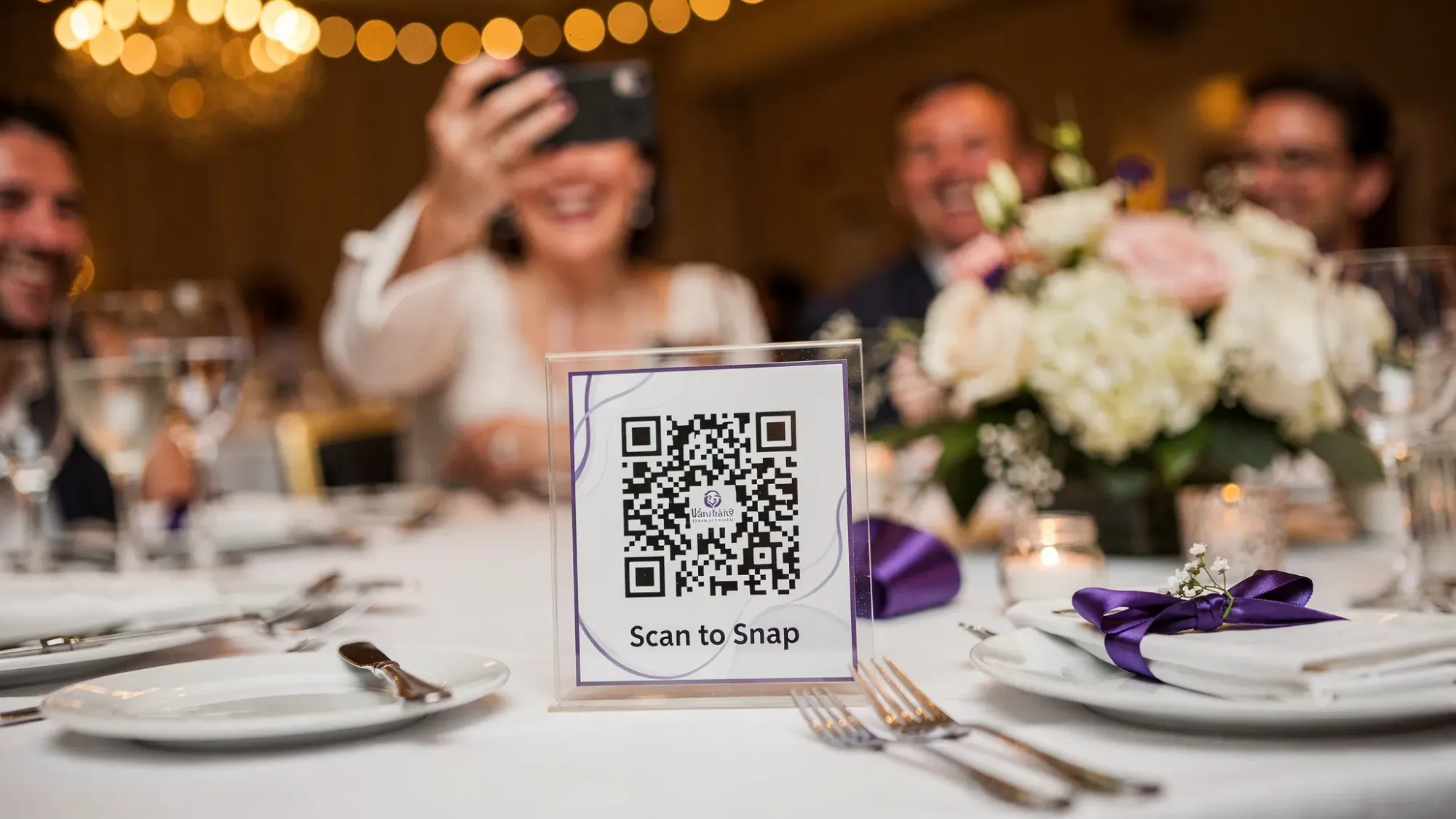
Step 2: Put the QR code (and optionally NFC) where the action is
You already know the guest behavior you want: scan, snap, continue enjoying the event. Placement matters more than most people expect.
Good placements are areas where guests naturally pause for 5 to 15 seconds: entry signage, bar lines, escort card tables, table tents, badge lanyards, or photo booth areas.
If you want tactical placement ideas for parties, this guide has a lot of creative options: Party QR Code Ideas to Collect Photos From Every Guest.
Step 3: Use copy that tells guests what to do (and why)
People are more likely to participate when they understand the “game.” Keep the prompt short and upbeat.
Here are a few lines that consistently work:
- “Scan to snap. You get 10 shots.”
- “Add to the shared camera (no app needed).”
- “Take a photo, it uploads automatically.”
- “Gallery reveals tomorrow.”
Step 4: Decide whether to moderate before sharing
Every event has a different comfort level:
- Weddings often prefer a curated reveal.
- Corporate events may require brand-safe review.
- Friend groups might be fine with a more open gallery.
Revel.cam supports host review and moderation, so you can remove unwanted images before you share the final gallery.
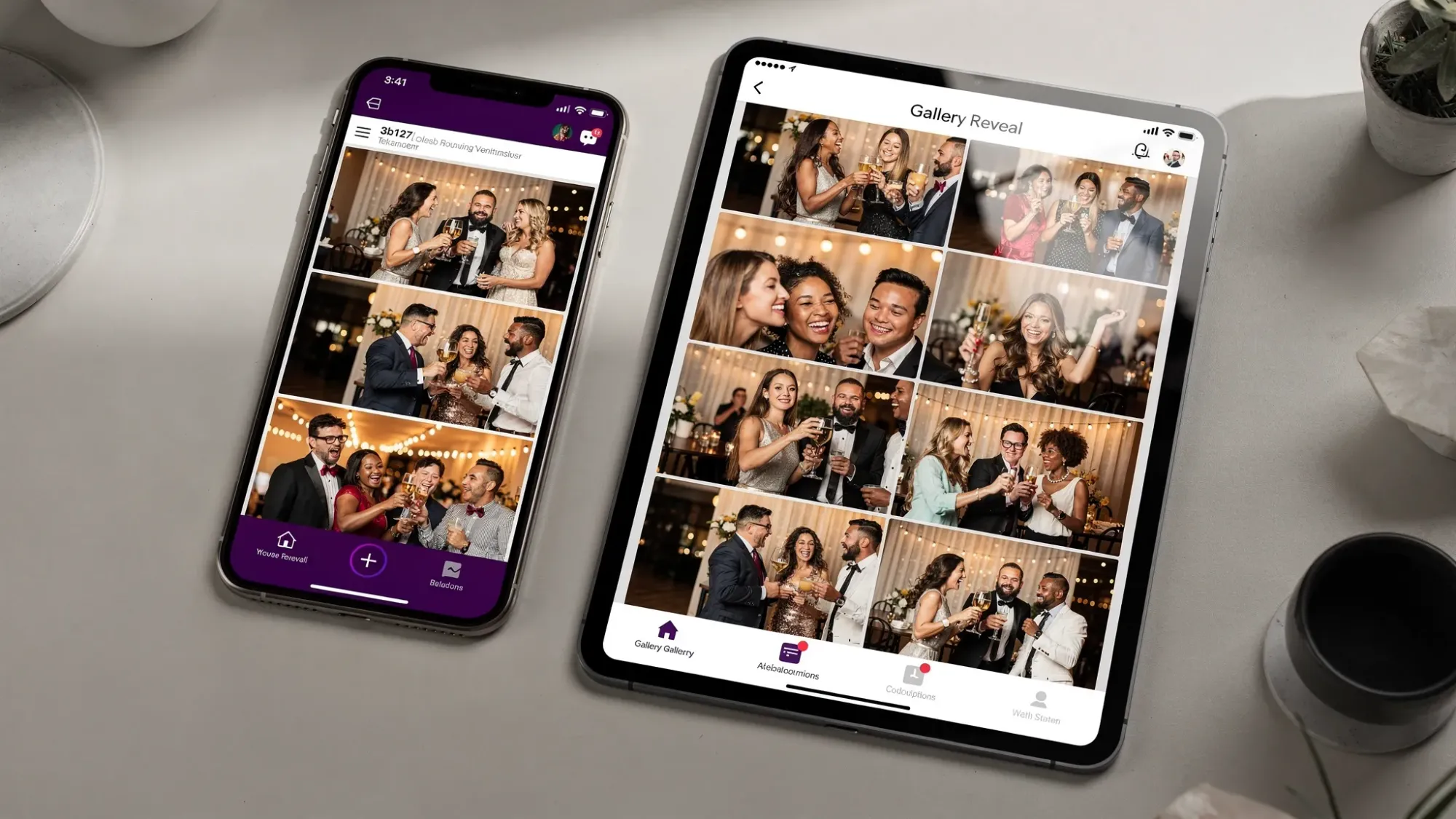
Step 5: Reveal the gallery in a way that matches your event
The reveal is part of the product. Treat it like a mini moment.
A few reveal styles that fit the “film roll” vibe:
- Next-morning link drop: “Gallery is live. Coffee and candids.”
- Brunch reveal: Perfect for wedding weekends and reunions.
- Closing recap: For conferences, share a highlights gallery after the final session.
“Film roll app” vs. the usual alternatives (and why they miss the vibe)
A lot of tools technically collect photos, but they don’t recreate the one-roll feeling.
| Method | What it gets right | Where it breaks down |
|---|---|---|
| Group chat (iMessage, WhatsApp) | Familiar, fast | Photos get buried, compressed, and scattered across threads |
| Shared cloud folder | Central location | Upload friction, unclear participation, messy organization |
| Social hashtag | Easy discovery for public events | Privacy issues, not everyone posts, content spreads beyond your control |
| Physical disposable cameras | True nostalgia | Cost, waste, lost cameras, developing delays, unpredictable quality |
| Film roll app style experience (Revel.cam) | Constraint + instant upload + reveal | Requires simple signage and a tiny bit of host setup |
If you’re currently relying on a group chat, this comparison may help you make the switch: QR Code Photo Uploads: A Better Alternative to Group Chats.
Common mistakes that ruin the “one roll” vibe (and how to avoid them)
Making the limit too high
If guests can take 50 photos, they will. And you will end up with a bloated gallery that feels like everyone’s camera roll dumped into a folder.
Fix: pick a limit that forces a choice. For many social events, 8 to 15 per guest is the sweet spot.
Hiding the QR code
If scanning feels like a scavenger hunt, only your most motivated guests will participate.
Fix: use multiple placements, and repeat the prompt in high-traffic areas.
Not setting expectations about the reveal
If guests think photos are instantly public, some will hold back. If they don’t know there’s a reveal, it won’t feel special.
Fix: put “Reveals tomorrow” or “Reveals after the event” directly on the sign.
Leaving privacy and consent vague
Guests should understand what they’re contributing to and who will see it.
Fix: include a short line like “Private event gallery” and let hosts moderate before sharing when needed.
When a film roll app is especially worth it
You’ll get the biggest impact when:
- Your event has multiple groups who won’t naturally share photos with each other (two families at a wedding, multiple departments at an offsite).
- You care more about candid storytelling than perfect posed shots.
- You want to eliminate post-event follow-ups and still collect a complete gallery.
Revel.cam is particularly strong here because it’s event-first: guests contribute to the Moment, photos upload automatically, and the gallery is private by default.
Frequently Asked Questions
What is a film roll app? A film roll app is a modern, digital way to recreate disposable-camera vibes at an event, usually by limiting shots per guest and collecting photos into a shared gallery.
How many photos should you allow per guest for the “one roll” vibe? For most weddings and parties, 8 to 15 photos per guest creates a great balance of intention and coverage. For corporate events or activations, 2 to 6 is often enough.
Do guests need to download an app to use Revel.cam? No. Guests can join by scanning a QR code, tapping an NFC tag, or using a link. On iPhone, Revel.cam can open as an App Clip, so there’s no traditional app install.
Can I review photos before sharing the gallery? Yes. Revel.cam supports host review and moderation so you can remove unwanted images before sharing the final gallery.
Is a film roll app good for corporate events too? Yes, especially when you want participation without friction and need a private, brand-safe gallery. Set a lower per-guest limit, use clear signage, and reveal after moderation.
Create your “one roll” Moment with Revel.cam
If you want the film roll app vibe without the chaos of group chats, shared folders, or chasing people after the event, Revel.cam is built for exactly that. Create a private Moment, set per-guest photo limits, share access via QR code or NFC, and end with a gallery reveal that feels like a payoff.
Start your Moment at Revel.cam. If you’re exploring the QR flow specifically, this guide explains the scan-to-camera experience in detail: QR Code Camera: Let Guests Snap and Upload in Seconds.

A writer interested in connection, memory, and the everyday moments that matter more than we realize.
Tags: Film roll , Film roll app , Shared event photos , Shared photo gallery , Event photo sharing