Shared Event Album Software Review for Real Parties
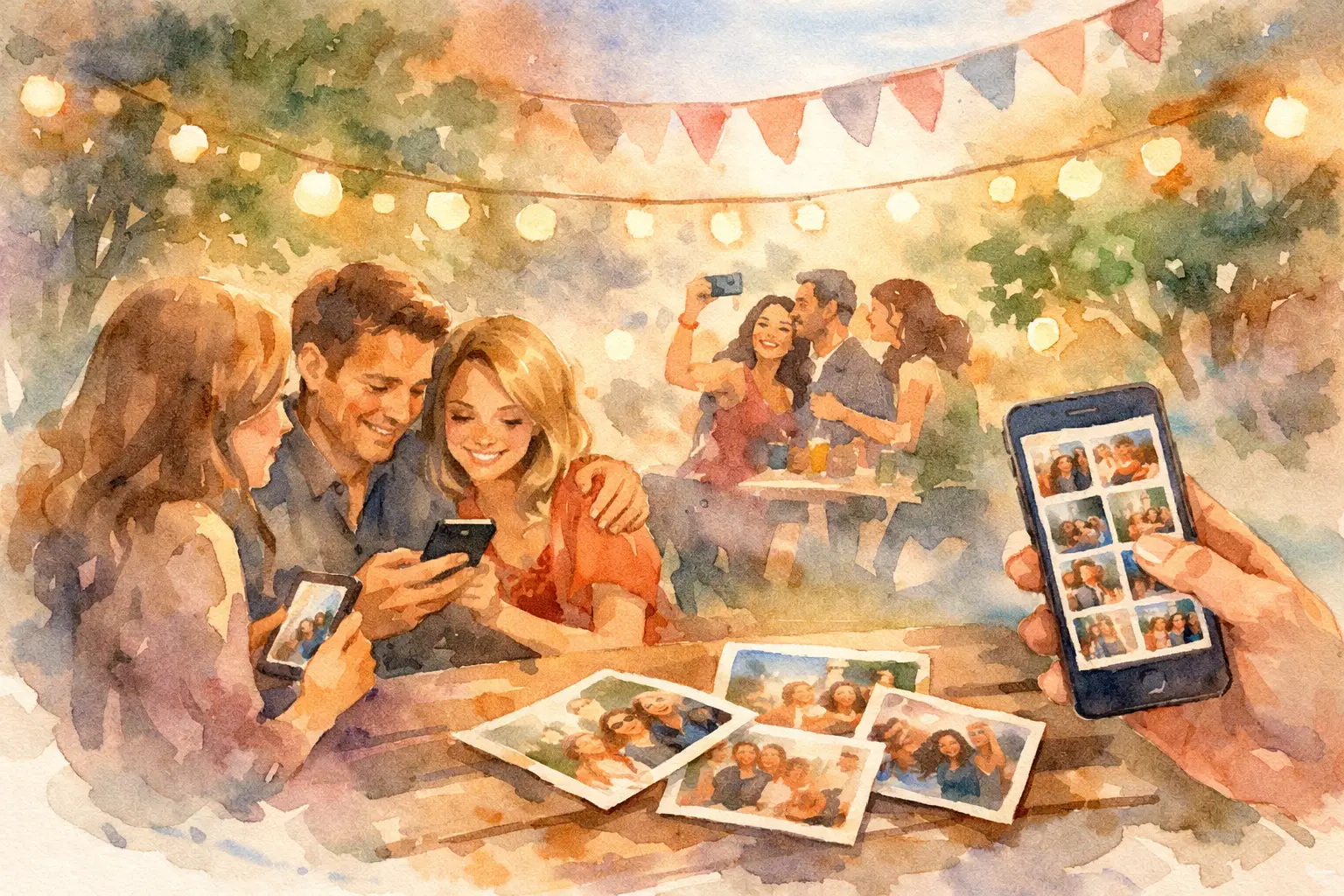
The best photos from your event are probably not on the photographer’s camera roll. They’re in your friends’ phones: the blurry dance-floor proof, the candid hug, the table-side toast, the chaotic group selfie that somehow captures the whole night. This shared event album software review looks at what actually gets those photos into one place before they disappear into text threads, camera rolls, and “I’ll send them later” territory.
A shared album is not automatically a shared experience. The difference comes down to one question: how much work are you asking guests to do while they’re trying to have fun?
What shared event album software needs to get right
Most event photo tools promise the same outcome: one gallery, photos from everyone, fewer follow-up messages. Good promise. But the details decide whether you end up with 12 uploads from your most organized friend or a gallery full of the moments you missed.
The first test is access. If guests need to download an app, create an account, remember a password, or search an app store while they’re balancing a drink and finding their seat, participation drops fast. QR code access wins because it meets people where they already are: on their phones, in the moment.
The second test is contribution. A plain upload link can feel like homework. Guests may mean to add photos, then forget. Products built around a camera-like experience make participation feel more natural. Give people a simple prompt, a few shots, and a reason to capture what’s happening now, and the gallery starts to fill itself.
Finally, look at the payoff. A gallery should feel worth opening after the event. High-resolution photos, clear organization, and a reveal moment turn photo collection from admin into part of the memory. Everyone gets to see the night from angles they never had.
Shared event album software review: the features that matter
Friction-free guest entry
This is the non-negotiable. Your guest should be able to scan a code and start taking or adding photos in seconds. No app install. No account setup. No awkward “wait, what’s the password?” pause at the welcome table.
For weddings and big parties, put the QR code where people naturally stop: on signage near the entrance, at the bar, on table cards, or beside the guest book. For a company event or brand activation, include it on screens and printed collateral. The software can be beautiful, but it has to be visible to work.
A reason to take photos, not just upload them
Traditional shared folders are useful for collecting existing photos. They are less effective at changing behavior during the event. Guests tend to snap their pictures, send a few to friends, and move on.
Digital disposable camera features create a different energy. Limited shots make people choose their moments. Filters add a little character. A dedicated event camera makes even the least photo-obsessed guest feel invited to contribute. It is less “please complete this task” and more “take a photo for the group.”
That trade-off matters. If your only goal is collecting every professional-quality image from a conference, an unlimited upload folder may be enough. If you want candid, guest-powered coverage that feels alive, a capture-first format tends to earn more participation.
Delayed reveal and privacy controls
Instant galleries are great when the event itself is collaborative, like a family vacation or a team offsite. But a delayed reveal can be the better move for weddings, birthdays, and celebrations where you want guests present instead of constantly refreshing the feed.
A timed unlock gives the album a second life. The next morning, everyone gets the same little hit of anticipation: What did we miss? Who got that photo? Why is there a picture of the cake in someone’s purse?
Privacy needs to be clear, too. Event photos can be personal, especially at weddings, baby showers, and internal company gatherings. Look for private galleries, organizer control over access, and sharing settings that make sense for your crowd. A public social feed is not always the vibe.
Photo quality, device support, and offline capture
Convenience should not mean a gallery full of compressed images that look rough on anything larger than a phone screen. If people may print photos, build a recap deck, or revisit the gallery years later, high-resolution uploads matter.
Broad device compatibility matters just as much. Your guests will show up with different phones, browsers, battery levels, and comfort levels with technology. The best software does not make one group feel like they brought the wrong device.
Offline capture is a quiet but valuable feature for outdoor weddings, remote retreats, crowded venues, and conventions with overloaded Wi-Fi. People should be able to keep taking photos, then have their images sync when they reconnect. A bad signal should not erase the best candid of the night.
Where common tools fall short
Text threads are easy because everyone already has them. They are also a black hole. Images get buried beneath reactions, directions, and next-day brunch plans. Quality drops, people are excluded from smaller group chats, and nobody wants to scroll 800 messages to find one photo.
Social platforms solve visibility but create a different problem: not everyone wants their face or personal event on a public profile. Plus, posts are scattered across accounts, stories expire, and the host still has to chase what was never posted.
Cloud folders are more organized, but they can feel cold. Guests often need an invitation, permission, and enough motivation to upload later. They work best for smaller groups that are already highly organized, or for collecting a known set of files after the fact. They rarely turn attendees into active photographers during the event.
A QR-based event camera like Revel sits in a more social middle ground. Guests scan, capture, and contribute without making an account or downloading anything. The limited-shot, disposable-camera feel gives the gallery a personality, while the shared reveal gives everyone a reason to come back. It is built for the gap between “we should collect photos” and “everyone actually did.”
Choose based on the event, not the feature list
For a wedding, prioritize guest access, privacy, high-resolution images, and a reveal that extends the celebration. A digital disposable camera format is especially strong here because it catches candid guest perspectives without asking anyone to become the unofficial photo coordinator.
For birthdays, graduations, and house parties, lean into fun. Filters, limited captures, and a gallery that opens afterward can create more excitement than a generic link ever will. The best setup is the one guests understand after a five-second glance at a sign.
For company events, decide what you need the gallery to do. If it is an internal memory-maker, private access and easy participation are key. If it supports marketing or a brand activation, you may also need clean exports, organizer oversight, and a clear plan for consent. Do not assume “more photos” is the whole goal. The right photos, from the right people, with the right permissions, matter more.
For a group trip, instant sharing may beat a delayed reveal. People often want to swap photos while they are still together, planning the next stop or laughing about what happened at lunch. The ideal software should let the event format shape the experience.
A quick pre-event check before you commit
Before sending a QR code to 150 guests, run a tiny real-world test. Scan it from an iPhone and an Android device. Take a photo in weak reception. Check what a guest sees after joining. Confirm whether uploads retain their quality and whether the gallery is private by default.
Then think about the physical moment. Can a guest understand the invitation without you explaining it? A short prompt works better than a paragraph: “Scan. Take your shots. See them all tomorrow.” If people need instructions longer than the cocktail line, simplify the setup.
The best event album does more than clean up the aftermath. It gives people a small reason to notice each other, take the photo, and add their point of view. Put the camera in everyone’s hands, then let the memories show up from every corner of the room.

A writer interested in connection, memory, and the everyday moments that matter more than we realize.
Tags: Shared photo album , Shared photo gallery , Shared event photos , Private shared album , Shared album