QR Photo Upload vs Hashtag: What Guests Use
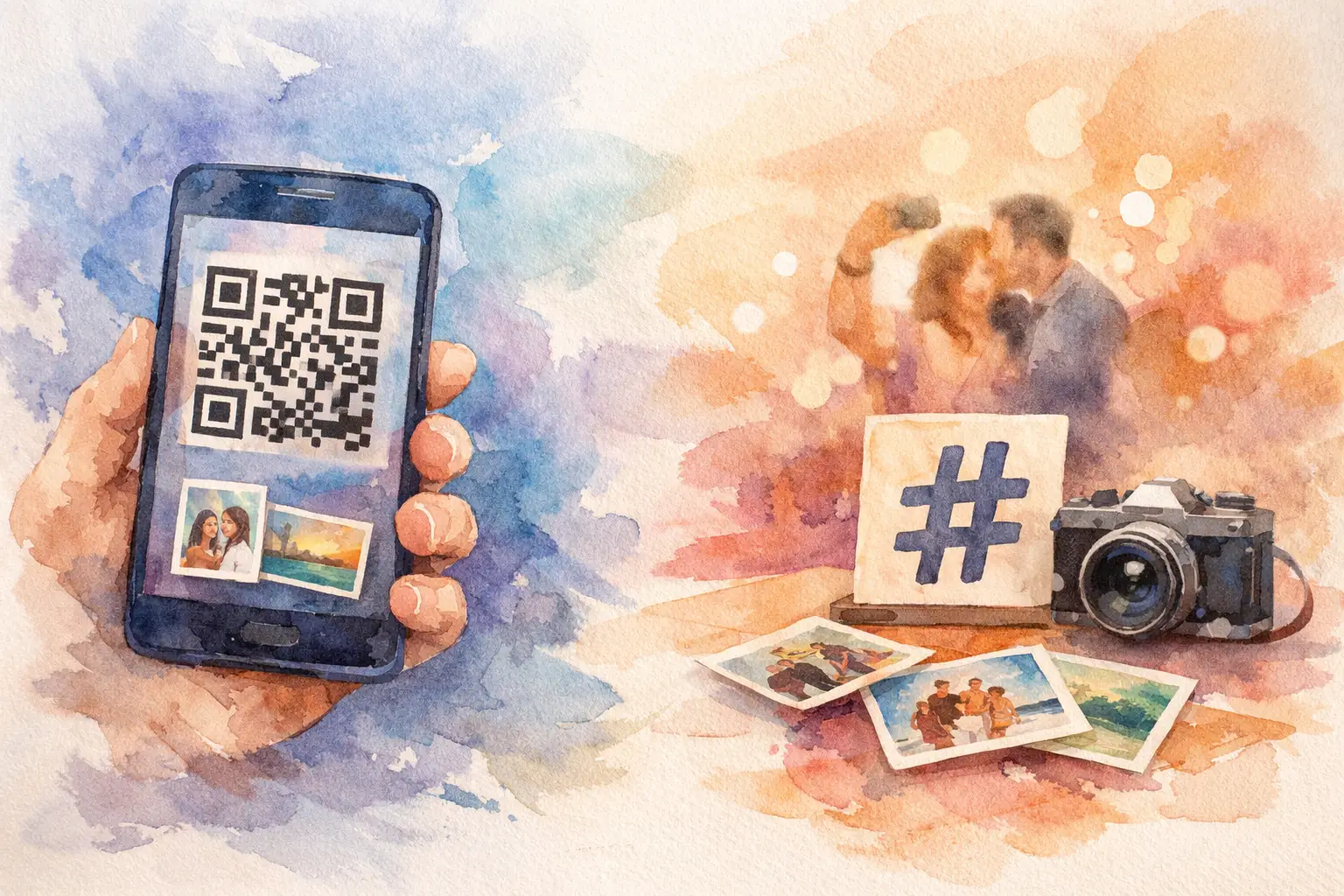
Your wedding ends, the dance floor photos were apparently iconic, and now comes the least fun part: asking 80 people to send what they took. That is the real difference in the QR photo upload vs hashtag debate. One option gives guests a simple place to contribute. The other hopes they remember to post.
Hashtags can create buzz. But if your goal is to actually collect the candid, slightly chaotic, best-angle-only-your-friends-captured photos from an event, a QR-based album usually wins by a lot.
QR Photo Upload vs Hashtag: The Big Difference
A hashtag is public-facing social media shorthand. You choose something memorable, put it on signs, and ask guests to tag their posts. It works when people are already planning to post publicly and when visibility matters as much as the photos themselves.
A QR photo upload is a collection tool. Guests scan a code, join a shared event gallery, and upload directly from their phones. The photos are organized in one place instead of split between Instagram, TikTok, camera rolls, text threads, and the one friend who promises to AirDrop everything later.
That distinction changes guest behavior. A hashtag asks people to make a social post. A QR code asks them to share a memory. Those are not the same ask.
For a birthday, wedding, reunion, or company party, plenty of people will happily snap photos but never publish them. Maybe their account is private. Maybe they do not post much. Maybe they want to stay in the moment instead of choosing a caption, crop, song, and carousel order. A shared gallery meets them where they already are: camera open, phone in hand, zero desire to become a content creator.
Why Hashtags Lose Photos
Event hashtags have a familiar appeal. They are easy to print on a menu, look great on a welcome sign, and can make an event feel official. For a public brand activation or a conference, they can also help people discover event-related posts.
But hashtags are built for distribution, not collection. That is their weak spot.
First, they rely on guests remembering the exact tag. A missing letter, an extra underscore, or a similar existing hashtag can send a photo somewhere else entirely. Then there is the private-account problem. You may not be able to see or reshare content from private profiles, even if the guest used your hashtag perfectly.
There is also a timing problem. People rarely post every good photo while the event is happening. They save it for later, forget, post only one polished shot, or decide the blurry dance-floor photo is better left in the camera roll. The candid photos you actually want most often never make it to the feed.
And feeds are not albums. Social posts can be deleted, buried, limited to a story, or separated across multiple platforms. A hashtag might capture a highlight reel. It will not reliably preserve the full story.
The hidden pressure of posting
A hashtag makes photo sharing feel public by default. That can be fun for a concert or influencer-heavy event. It can also make guests pause.
Not everyone wants their face, kids, coworkers, or late-night dance moves attached to a searchable label. At weddings and personal celebrations, that hesitation is completely reasonable. Asking people to upload privately usually feels lower stakes, which means more people participate.
Why QR Photo Uploads Get More Participation
A well-placed QR code removes the step that usually kills sharing: follow-up.
Guests can scan the code from a table tent, welcome sign, invitation insert, or screen at the venue. They join from their browser, without downloading an app or making an account, then upload photos while the energy is still high. The work is done before the group chat starts its long, chaotic afterlife.
That matters because photo collection is a momentum game. The closer you make sharing to the moment of capture, the more photos you get. Not just posed group photos, either. You get the table-side laughs, the getting-ready chaos, the tiny details, and the dance-floor evidence everyone will be grateful for later.
Platforms like Revel take that idea further with a digital disposable camera experience. Guests get limited shots, nostalgic filters, and a gallery that can reveal later. It turns taking photos into part of the event, not a chore tacked on at the end.
The delayed reveal is especially smart for celebrations. When everyone can see every photo instantly, the urge to check the gallery can pull people out of the room. A timed reveal lets guests capture freely, stay present, and relive the whole thing together afterward. Capture together. Reveal together.
Privacy is not a side feature
For most personal events, private collection is the default people actually want. A QR gallery can be limited to invited guests, with the photos accessible through one shared event space rather than a public social feed.
That is useful for weddings, baby showers, family vacations, school celebrations, and internal company events. It gives organizers a cleaner collection and gives guests more confidence that their photos are going to the right people.
For event planners, it also avoids the awkward scavenger hunt. There is no need to search multiple platforms, request access to private accounts, or send three reminder texts after the event. One gallery is simpler for everyone.
When a Hashtag Still Makes Sense
A hashtag is not dead. It just has a different job.
Use one when your event benefits from public visibility. Brand activations, product launches, festivals, conferences, and community events can use a memorable hashtag to encourage social conversation and make attendee posts easier to find. If your goal is awareness, social reach, or user-generated content that lives on public channels, a hashtag has real value.
Just do not confuse reach with collection. A hashtag may help you see what people choose to share publicly. It will not guarantee you receive the full-resolution original or every photo they took.
The strongest setup for public-facing events is often both: a QR photo upload for the private, complete event gallery and a hashtag for guests who want to post socially. The QR code protects the collection. The hashtag extends the moment beyond the room.
Choose Based on the Outcome You Want
If you want guests to post about your event, use a hashtag. If you want guests to give you their photos, use a QR upload.
For weddings and milestone parties, the answer is usually clear. You are not trying to build a public campaign. You are trying to collect the memories that would otherwise disappear into 60 different camera rolls. Prioritize a private gallery, simple scanning, and an experience guests actually want to use.
For company events, start with the same question: are you collecting internal memories, or are you trying to generate public conversation? An all-hands retreat may need a private gallery. A launch party may need both. The right tool follows the goal, not the trend.
Make the QR Code Impossible to Miss
The best photo-sharing setup is the one guests notice before the good moments start happening. Put the QR code where people naturally look: at check-in, on tables, near the bar, inside the photo booth area, and on the last slide before speeches. A single sign by the entrance can work for a small dinner. A larger event needs a few reminders placed around the space.
Keep the instruction short. “Scan to add your photos” beats a paragraph of explanation. If your event has a delayed gallery reveal or a disposable-camera-style shot limit, say so. A little intrigue gets people scanning.
Then let guests do their thing. The best event photos are never the ones you had to chase down. They are the ones people were excited to take, share, and rediscover together.

A writer interested in connection, memory, and the everyday moments that matter more than we realize.
Tags: Cam QR , QR code for photos , QR photo booth , QR photo sharing , Wedding QR , Wedding QR code