QR Code Guest Photo Station Guide for Events
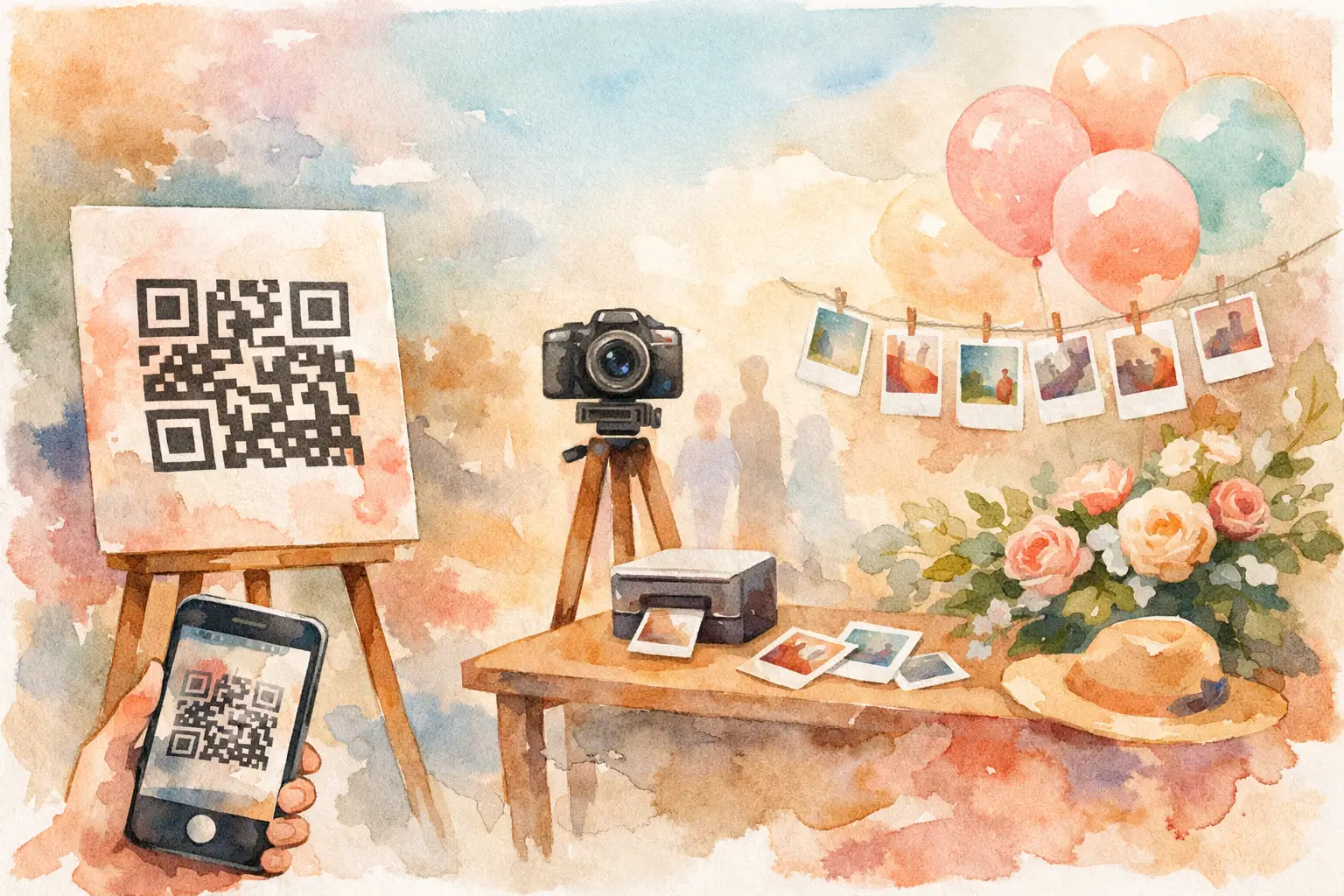
The best event photos are usually not the ones people pose for. They are the blurry laugh during cocktail hour, the group selfie your cousin takes at midnight, and the tiny details you were too busy hosting to see. This QR code guest photo station guide is for turning those scattered moments into one shared gallery - without asking guests to download an app, make an account, or remember to text you photos next week.
A QR code photo station gives guests one obvious place to join, shoot, and contribute. Done well, it feels less like homework and more like part of the party.
What a QR Code Guest Photo Station Does
A guest photo station is a physical sign, display, or designated spot that invites people to scan a QR code and add photos to a private event gallery. The code can open a browser-based camera, a shared album, or a digital disposable camera experience.
The difference is participation. A shared album link buried in an invitation may collect a few uploads. A visible QR code, placed where the energy is happening, gives guests a prompt at exactly the right moment: Take a photo. Add it here. Keep the memory moving.
For weddings, this means seeing the ceremony through every row of seats. At a birthday, it means getting the dance-floor evidence before it disappears into private camera rolls. For a company event or brand activation, it means gathering audience-created content while people are still engaged, not chasing it after the fact.
Choose the Experience Before You Print Anything
Not every photo-sharing setup creates the same vibe. Before you design a sign, decide what you want guests to do and when you want them to see the results.
A live gallery works well when photos are part of the entertainment. Think a graduation open house, a casual team offsite, or a brand event where a growing stream of guest content adds to the room's energy. Guests can contribute and see what everyone else is capturing as the event unfolds.
A delayed reveal is better when you want anticipation, surprise, or a little more privacy during the event. This is especially fun for weddings, weekend trips, and milestone parties. Guests take their photos throughout the day, then everyone gets access to the full gallery at a chosen time. The reveal turns photo sharing into one last shared moment.
A digital disposable camera format adds a useful constraint: limited shots. It sounds counterintuitive, but a shot limit often gets better photos. Guests slow down, choose their moments, and capture something real instead of firing off 40 versions of the same group selfie. Nostalgic filters can help the photos feel cohesive too, without turning the event into a staged photo booth.
Revel is built around this kind of low-friction capture: scan, shoot, contribute, then reveal the collection together.
Build a Photo Station Guests Will Actually Use
The QR code is only half the station. The other half is making the invitation impossible to miss and easy to understand in two seconds.
Start with a clear message. “Scan to add your photos” is stronger than “Event gallery.” Better yet, tell guests what is in it for them: “Catch every angle. Scan to shoot.” If there is a delayed reveal, say so. “Take 10 photos. Gallery drops tomorrow.” That small bit of context makes the experience feel intentional rather than random.
Your sign should include the QR code, a short instruction, and a visual cue that matches the event. At a wedding, it might sit beside a few disposable-camera-style props. At a company party, it can live beside the bar menu or on the welcome screen. At a vacation dinner, a small tabletop card is enough.
Keep the code large and high contrast. A code that scans beautifully from a few feet away will get used more than one that requires guests to lean in, squint, and try three times. Test it with multiple phones before the event, including an older device if you have one nearby.
Place It Where People Pause
One sign by the entrance is not a photo strategy. People arrive while greeting friends, checking their outfit, finding the bar, and trying not to block the door. They may scan it, but they may also forget it existed five minutes later.
Use the station in high-traffic pause points: the welcome table, bar, dinner tables, photo booth area, gift table, lounge, or exit. For larger events, repeat the code across the venue. The goal is not to wallpaper the room with QR codes. It is to make joining feel available whenever inspiration strikes.
For an activation or conference, put the code near the thing people are already photographing: a product display, installation, speaker backdrop, or interactive moment. A QR code works best when it appears immediately after the reason to take a photo.
Make the First Scan Worth It
Guests have learned to ignore QR codes that lead to menus, mailing lists, or slow forms. The landing experience needs to reward the scan instantly.
Avoid any setup that asks for account creation, a lengthy profile, or app installation before someone can take a picture. Every extra step loses contributors, especially among guests who are having fun, in a rush, or running low on phone storage.
The ideal flow is simple: scan the code, open the camera, take a photo, and keep going. If the platform supports offline capture and later syncing, that is a meaningful bonus for venues with spotty service. It can save the rooftop party, barn wedding, or packed ballroom from becoming a Wi-Fi complaint circle.
Give Guests a Reason to Capture More Than Selfies
People usually need a little creative permission. A short prompt can shift the gallery from 80 near-identical selfies to a real record of the day.
Place prompts on table cards, signage, or a small display near the photo station. Keep them specific and playful. Ask guests to capture the best-dressed person, a photo with the host, the snack they went back for, a candid laugh, the view from their seat, or their favorite moment before the night ends.
For weddings, prompts can focus on the in-between moments: “Get the happy tears,” “Show us your dance-floor crew,” or “Take the photo the couple missed.” For a work event, ask for “your team in its natural habitat” or “the moment worth recapping Monday.” The wording should match the room. If it sounds like a corporate assignment, people will treat it like one.
There is a trade-off here. Too many prompts can make guests feel managed. Two or three good ones create momentum without taking over the event.
Set the Rules Without Killing the Fun
A private gallery needs a few guardrails, particularly for larger groups, professional events, or gatherings with kids. Tell guests whether photos will be visible live or revealed later, whether they can download images, and who can access the final gallery.
For a wedding or personal party, simple language is enough: “Photos stay in this private event gallery.” For workplace and brand events, clarify any content expectations ahead of time. If guests may be photographed or their submissions may be reused, that should be communicated plainly, not hidden in tiny text beside the QR code.
Consider moderation when the guest list is large or the setting is public-facing. It adds a layer of control, though it can make a live gallery less immediate. For a close friends-and-family party, you may not need it. For a public activation, it is often worth the extra oversight.
Plan the Reveal Like It Is Part of the Event
The gallery should not become another link that dies in a group chat. Give the collection a moment.
For a same-night reveal, announce it near the end of the party: “The cameras are closed. Your photos are ready.” Put the gallery on a screen if the setting allows, or send the access message while everyone is still talking about the night.
For a delayed reveal, choose a time that keeps the feeling alive. The next afternoon works well after a wedding. Monday morning can be perfect after a company retreat, when the gallery becomes a much better conversation starter than a status meeting. For a vacation, schedule the reveal after everyone is home and ready to relive it.
The reveal is also your best chance to collect stragglers. Send a final note before it closes: “Last call for your camera roll.” Some guests will still add the photos they took outside the station, giving you a fuller picture without turning you into the event's designated photo chaser.
A Better Ending Than “Send Me Your Pics”
The magic of a QR code guest photo station is not the code. It is the shift from everyone taking separate photos to everyone building one memory together. Make scanning easy, put the invitation where the fun is, and give the gallery a reveal worth waiting for. Your guests will do the rest - one candid, chaotic, perfectly timed photo at a time.

A writer interested in connection, memory, and the everyday moments that matter more than we realize.
Tags: Cam QR , Event QR , QR code camera , QR code for photos , QR photo booth , QR photo sharing , QR Tags , Wedding QR , Wedding QR code