Private Shared Album for Parties That Works
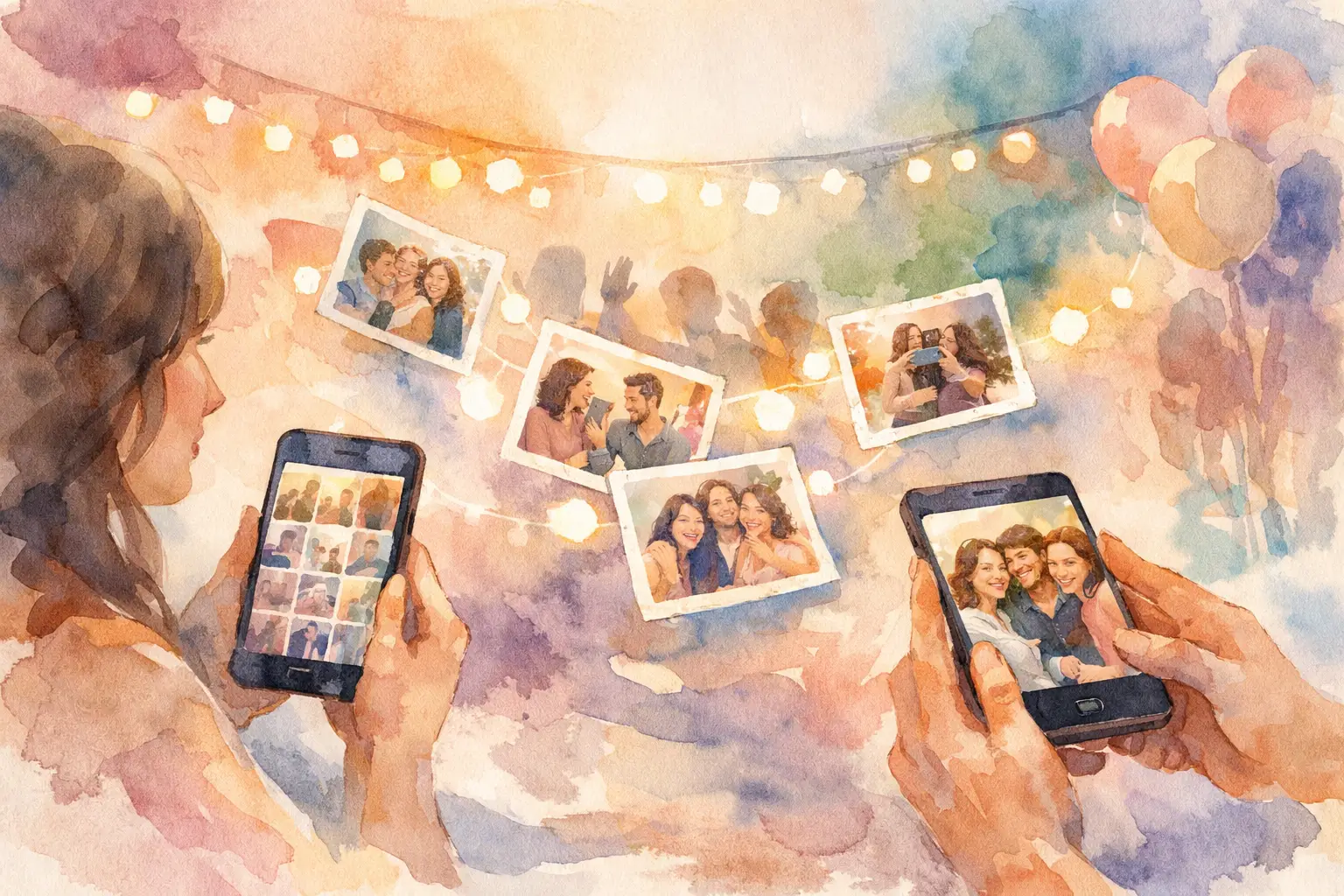
You know the pattern. The party is great, everybody takes photos, and then the memories disappear into six group chats, three Instagram stories, a few AirDrops, and one person who swears they’ll send the album later. A private shared album for parties fixes that mess before it starts.
The goal is not just storing photos. It’s getting people to actually contribute them. That sounds obvious, but most event photo tools fail at the same moment: the handoff. If guests need to download an app, make an account, remember a password, or upload photos after the fact, participation drops fast. The more steps you add, the fewer memories you get.
That’s why the best party album setups feel almost invisible. Guests join in seconds, snap photos as they go, and know everything will end up in one place. No chasing. No begging for pics the next morning. No awkward spreadsheet-energy folder sharing.
What a private shared album for parties should actually do
A private shared album for parties should solve two problems at once: access and motivation. Access means guests can join without friction. Motivation means they have a reason to participate while the event is still happening.
Privacy matters first. Most parties are not public content opportunities. Birthdays, engagement dinners, baby showers, grad parties, house parties, and reunion weekends usually call for a space that feels closed, intentional, and guest-only. People are more likely to contribute when they know the album is for the group, not the whole internet.
But privacy alone doesn’t make an album useful. If uploading feels like homework, the album will stay half-empty. The best systems make contribution feel like part of the experience. Scan a QR code. Take a shot. Keep moving. That flow matters more than most hosts expect.
There’s also a difference between a storage tool and a party tool. A storage tool gives you a place to dump files. A party tool changes behavior at the event itself. It nudges people to capture more, share more, and stay in the moment instead of turning photo collection into a cleanup task for later.
Why traditional photo sharing falls apart at parties
The old methods are familiar, but they’re not built for live social events.
Text threads are chaotic. Photos get compressed, buried, and split across different conversations. Social posts only capture what people choose to publish, which is usually a tiny, curated slice of the night. Shared folders sound organized until guests forget the link, ignore the upload request, or never get around to sorting their camera roll.
Even group albums from major platforms can feel like too much work in the moment. If someone has to stop mingling to create an account or grant permissions, you’ve already lost them. Party participation runs on momentum. Break that momentum, and contribution drops.
This gets even worse at bigger events. More guests means more phones, more angles, and more missed opportunities if there isn’t one simple system in place. Ironically, the events with the most photo potential often end up with the most scattered memories.
The features that make people actually use it
If you’re choosing a private shared album for parties, start with the guest experience, not the backend. Hosts tend to compare feature lists. Guests decide based on effort.
The first thing to look for is instant entry. QR-code access works well because it matches how people already behave at events. They scan, they join, they start. No app store detour. No account setup. No one asking, “Wait, what am I supposed to download?”
The second is mobile-first capture. Most guests are using the phone already in their hand. If the album experience feels native to that moment, contribution climbs. If it feels like switching tasks, it won’t.
Third is image quality. A shared party album should not turn everyone’s photos into blurry little receipts from a good time. High-resolution uploads matter, especially for weddings, milestone birthdays, brand events, and trips where people want to keep the photos beyond one weekend.
Then there’s timing. This is where a lot of tools miss the fun. A delayed reveal can make the album feel less like a utility and more like part of the event. Guests contribute throughout the night, then everyone unlocks the full gallery together later. That creates anticipation, keeps people engaged, and stops the party from turning into a live content review session.
A limited-shot format can help too. It sounds counterintuitive, but constraints often make photos better. When guests know they have a certain number of shots, they take more intentional pictures. The vibe becomes less “spray and pray” and more “catch the moment.” That disposable-camera energy still works because it makes participation playful, not performative.
Private shared album for parties vs. a generic shared folder
On paper, both options collect photos from a group. In real life, they behave very differently.
A generic shared folder is functional, but passive. It assumes people will remember to upload later, organize their files, and care enough to follow through. Sometimes they do. Usually they don’t. That’s fine for project documents. It’s weak for parties.
A private party album should feel active. It should meet guests in the moment, while they’re dancing, laughing, toasting, and bouncing between conversations. The easier it is to contribute right then, the more complete the final gallery becomes.
There’s also the emotional layer. A party album isn’t just about collecting assets. It’s about seeing the event through everybody’s eyes. The blurry dance floor shot, the perfect table photo, the candid nobody else caught, the mini side stories happening across the room - those are usually the images hosts never get from staged photography alone.
That doesn’t mean every event needs the same setup. For a small dinner, a simple private gallery may be enough. For a wedding weekend or brand activation, you may want stronger guest prompts, broader device compatibility, offline capture support, and a more polished reveal experience. It depends on guest count, energy, and how central photos are to the event itself.
Best use cases for a private shared album for parties
Some events benefit more than others, mostly because of scale and spontaneity.
Birthday parties are a perfect fit because the best moments happen fast and from every corner of the room. One host can’t catch everything. A shared private album turns the whole guest list into contributors.
Weddings and wedding-adjacent events work especially well because there are so many mini-events packed into one timeline - rehearsal dinner, welcome drinks, ceremony, after-party, brunch. Professional photography covers part of the story. Guests capture the rest.
Vacation groups are another sweet spot. Photos usually end up scattered across everyone’s camera roll, which means the trip feels oddly incomplete once it’s over. A shared album gives the group one living record instead of ten disconnected versions.
Company parties, conferences, and brand events have a different angle. The value isn’t only sentimental. It’s practical too. Organizers need more event content, but employees or attendees won’t jump through hoops to submit it. Lower the friction, and participation rises. Keep it private, and people feel more comfortable contributing candidly.
How to set it up without making it a whole project
Keep the invite dead simple. A QR code at the entrance, on tables, or near the bar works because it catches guests when they have a free second and their phone is already out. The call to action matters too. “Add your photos” is fine. “Capture together. Reveal together.” is better because it frames the album as part of the experience.
You also want to set expectations early. Tell guests the album is private. Tell them it’s easy. Tell them when they’ll see the full gallery if you’re using a reveal format. People are more likely to join when they understand the payoff.
During the event, the system should stay out of the way. Nobody wants a photo-sharing workflow to become the main character. Good party tech supports the mood. It doesn’t interrupt it.
If your event includes spotty service, offline capture support matters more than you think. Guests should be able to keep snapping and sync later without losing momentum. That one detail can make a big difference at outdoor venues, travel events, and crowded spaces where cell service gets weird.
One platform that gets this right is Revel, which turns guest photo collection into a QR-based event experience instead of a post-party chore. That distinction matters. People participate more when sharing feels built into the event, not assigned afterward.
The real win is what happens after
A strong private album does more than collect pictures. It extends the event. The next day becomes part of the memory too - everybody revisiting the night, spotting moments they missed, and seeing the party from angles they were never in.
That’s why the best setup is not necessarily the one with the longest feature list. It’s the one your guests will actually use. Private enough to feel comfortable. Easy enough to join instantly. Fun enough to keep contributing.
Because the worst time to start asking for party photos is after the party. The right album gets there first.

A writer interested in connection, memory, and the everyday moments that matter more than we realize.
Tags: Shared album , Shared photo gallery , Private shared album , Shared folder