How to Organize Conference Photos Without the Chase
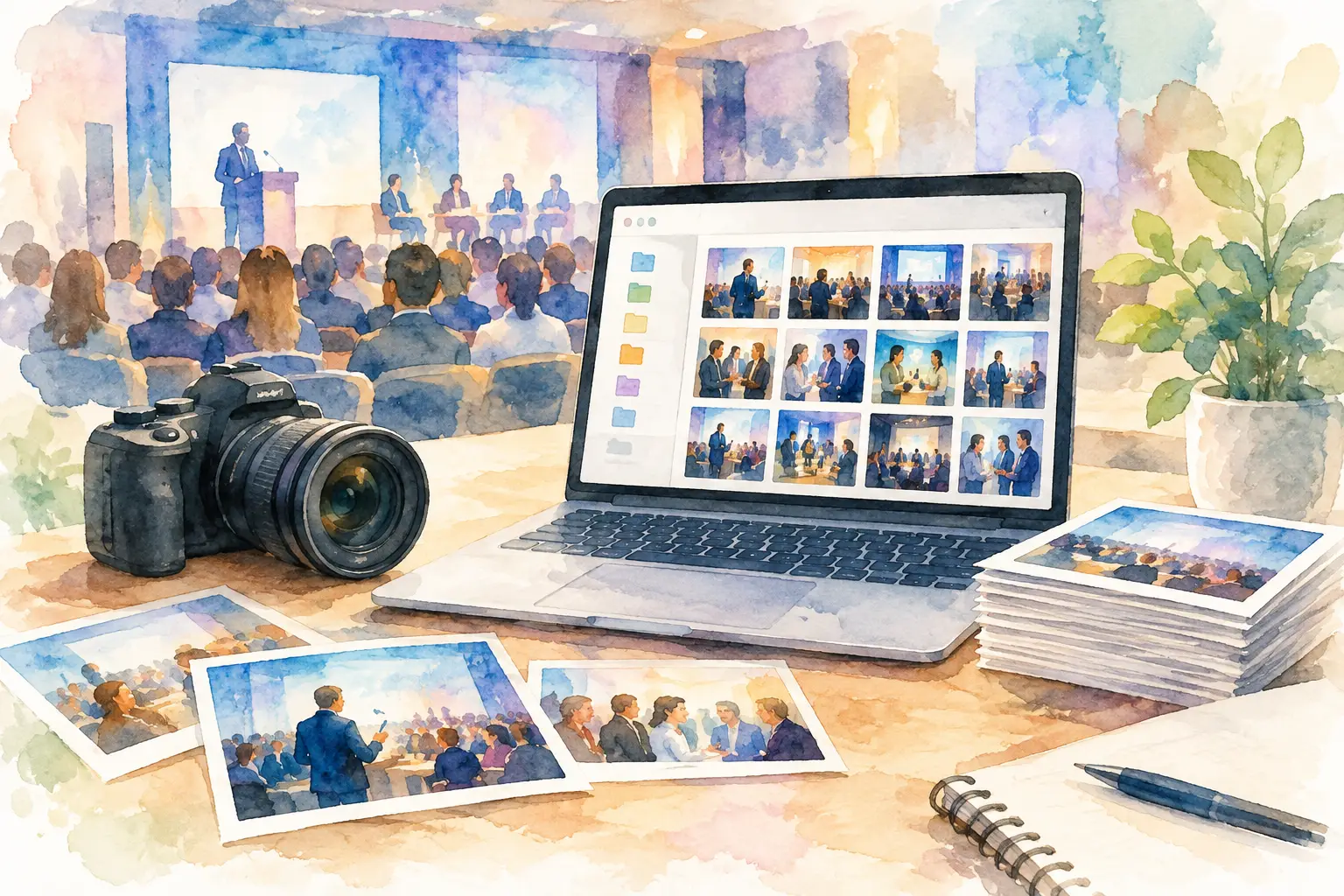
A conference can generate hundreds of great photos before lunch: a packed keynote room, a speaker laughing backstage, a hallway conversation that turns into a partnership, the team finally exhaling at happy hour. Then the event ends, and those photos vanish into personal camera rolls, Slack threads, text chains, and LinkedIn posts.
If you want to organize conference photos, the answer is not sending a bigger follow-up email asking people to upload everything. The answer is creating one simple photo system people will actually use while the energy is still high.
Start With One Home for Every Conference Photo
The biggest photo problem at conferences is not a lack of content. It is fragmentation. Your event photographer has a polished set of images. Sponsors have their own recap shots. Staff members have candid photos. Attendees have the moments nobody on the official shot list could catch.
Treat all of that as one event story, not four separate folders.
Choose a single gallery as the destination for every approved conference photo. It should be easy to join from a phone, easy to understand in seconds, and clear about what happens to uploaded images. If the process requires downloading an app, creating an account, locating an invite link, and remembering a password, participation will fall off fast.
A QR code placed where people already pause works better. Put it on check-in signage, table tents, session slides, badge inserts, and the closing screen. The message should be even simpler: scan, shoot, share.
This is especially useful for events with a social or community-first feel. A tool like Revel gives guests a QR-code entry point to a shared private album, so contributors can add their perspective without turning photo collection into homework.
Decide What the Gallery Is Actually For
Before the first badge is printed, get specific about the gallery's job. A conference photo archive can support multiple goals, but trying to do everything in one unstructured feed creates clutter.
For an internal company summit, the priority may be employee connection, candid culture moments, and a record of the week. For a customer conference, you may want attendee-generated excitement, speaker moments, sponsor visibility, and post-event social content. A brand activation may need photos that prove participation and capture the atmosphere around the experience.
That purpose determines your capture plan and your permissions. It also helps you answer a key question: should every attendee see every photo?
A private, attendee-only gallery is often right for internal events, leadership retreats, and workshops where people will be more candid. A public-facing highlights gallery can work well for large industry conferences, as long as attendees understand that their images may be used in event marketing. Sometimes the right move is both: one shared gallery for the room and a tightly edited set of approved images for public channels.
Build a Capture Plan, Not Just a Photo Folder
Great conference galleries feel alive because they show more than the stage. A photographer can cover keynote moments beautifully, but attendees bring the side angles: the nervous speaker before their session, the applause from the back row, the impromptu whiteboard session, the late-night diner table.
Give your team a light capture brief before the doors open. Keep it focused on moments, not stiff instructions. You want people looking for energy, connection, and context.
Your brief might cover four types of photos:
- Big moments, including keynotes, panels, awards, and major announcements.
- Human moments, such as greetings, reunions, laughter, and team celebrations.
- Useful context, including signage, venue details, breakout rooms, and sponsor activations.
- Proof of participation, from workshop tables and demos to audience questions and hands-on sessions.
Assign staff or volunteers to areas rather than giving everyone the same vague instruction to "take photos." One person can cover the keynote room, another the sponsor floor, another the evening event. This reduces duplicate shots and helps ensure the gallery reflects the full conference, not only the people closest to the organizing team.
There is a trade-off here. Too much direction can make photos feel overly managed. Too little produces 40 near-identical shots of the opening speaker and almost nothing else. A short prompt card gives people a useful nudge without killing spontaneity.
Make Participation Feel Like Part of the Event
People contribute photos when the payoff is obvious. "Upload your images for our records" is technically clear and emotionally flat. Frame it as a shared experience instead.
Tell attendees they are helping create the conference recap from every angle. Let them know where their photos will appear and when they can see everyone else's. A timed gallery reveal can be particularly effective for a retreat, kickoff, or community conference because it gives people a reason to contribute before they browse.
Limited-shot, disposable-camera-style capture can also shift behavior. Instead of photographing every slide, guests become more intentional about the moments they choose. The result often feels more candid and less like an accidental archive of presentation decks.
Your event host can reinforce the ask in a 15-second announcement: scan the code, add the moments we might miss, and check back for the full gallery. Repeat it at natural transition points, such as after the opening session and before the closing reception. One reminder at check-in is easy to forget. Three quick reminders throughout the day keep the gallery top of mind without becoming noise.
Organize Conference Photos While the Event Is Happening
Do not wait until the final session to discover that your gallery is full of duplicates, blurry screenshots, or photos from an unrelated event. Someone should own light photo moderation during the conference.
That does not mean scrutinizing every image in real time. It means checking the gallery a few times a day, removing obvious mistakes when necessary, and watching for gaps. If there are no photos from the afternoon workshop track, send a friendly note to the staff member nearby. If your sponsor lounge is packed but absent from the gallery, put a QR code somewhere more visible.
Create a simple organizational structure before uploads begin. Depending on the platform, that could mean albums for each day, major session, or event area. For smaller conferences, one chronological gallery may be enough. For a three-day event with multiple tracks, sections make it much easier to find images later.
Avoid over-categorizing. Attendees do not want to decide whether a photo belongs in "Community," "Networking," "Expo Hall," or "Day Two." Let contribution be fast. Use your internal team to handle detailed sorting after the event if you need it.
Set Permissions Before the Cameras Come Out
Conference photography gets complicated when expectations are vague. You need a clear policy for what can be captured, shared, and reused, especially if attendees include customers, media, minors, or people discussing sensitive work.
Include photography language in registration and on-site signage. State whether the event is being photographed, whether attendees can opt out, and how to identify people who should not appear in promotional content. For an internal event, clarify whether the shared gallery is private to employees or whether selected photos may be used externally.
A colored badge marker or lanyard indicator can help staff and photographers respect opt-out preferences in busy spaces. It is not perfect, particularly in large crowds, but it creates a visible system instead of leaving people to speak up after the fact.
Also think about speakers and sponsors. A shared attendee gallery may be great for candid moments, but official campaign use of a sponsor logo, product demo, or presentation slide may require separate approval. Keep your event gallery rules simple, then have a tighter review process for photos headed to marketing.
Preserve the Best Photos After the Closing Session
The conference may be over, but the photo experience is not. This is where most teams lose momentum. They collect images, plan to sort them "next week," and end up with a drive folder that nobody opens again.
Set a post-event rhythm before the event begins. Within a day or two, share the full attendee gallery or its planned reveal. While the memories are fresh, people are far more likely to save favorites, tag colleagues, and relive the moments that made the event feel worth attending.
Then create a smaller edited collection for your team. Pull images for next year's promotion, speaker thank-yous, sponsor recaps, internal culture posts, and event reports. Add clear file names and basic metadata while you still remember who is in the photos and what was happening. Six months later, "IMG_4829" will tell you nothing.
Keep the original high-resolution files wherever possible. Social-ready crops are useful, but your future self may need a landscape keynote image for a website banner, a vertical networking shot for a story, or a wide crowd image for a sales deck. Save the source, then make derivatives as needed.
Stop Asking People to Hunt Through Their Phones
A conference is full of moments people want to remember, but no one wants to spend the week after it chasing photos one by one. Build the photo flow into the event itself, make joining effortless, and give everyone a reason to add their point of view. The gallery will feel less like admin and more like the event continuing after everyone heads home.

A writer interested in connection, memory, and the everyday moments that matter more than we realize.