How to Gather Party Pictures That People Send
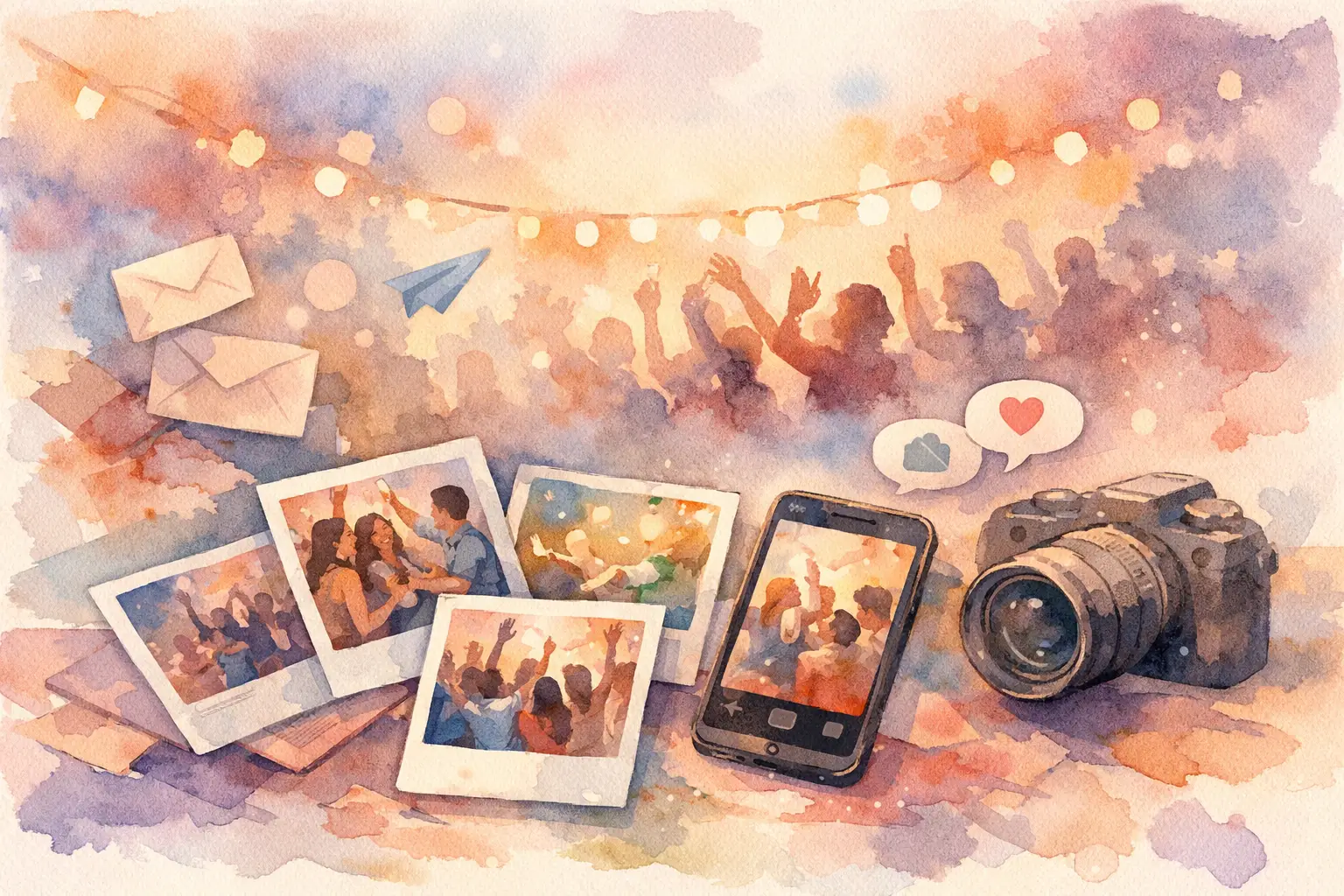
By the time the party ends, the photos are already splitting up. A few land in the group chat. Some get posted to Instagram Stories and disappear. Someone promises to AirDrop theirs later and never does. If you’re wondering how to gather party pictures without becoming the annoying follow-up person, the answer is simple: make sharing easier than ignoring it.
That’s the whole game. People are happy to take photos at a birthday, wedding, baby shower, vacation, or team event. They’re much less excited about sorting them, uploading them, labeling them, and figuring out where they’re supposed to send them after the fact. If the system has friction, participation drops. Fast.
How to gather party pictures without chasing everyone
Most photo collection fails for the same reason. The organizer waits until after the event to ask for pictures. By then, the moment is gone, guests are busy, and the camera roll has already buried the good stuff under screenshots, receipts, and random Tuesday selfies.
If you want more photos from more people, collection has to start during the event, not after it. Guests need one obvious place to join, one simple action to take, and zero extra homework. No app download. No account creation. No complicated folder permissions. The less you ask, the more you get.
This is where most traditional options fall apart. Shared albums can work, but they depend on people remembering to contribute later. Text threads get messy immediately. Email is dead on arrival for social events. Even cloud folders feel weirdly formal for a birthday dinner or a bachelorette weekend.
The better approach feels almost invisible. Guests scan, snap, and move on with their lives.
Start with the real obstacle: guest behavior
People don’t skip sharing because they’re rude. They skip it because the process is forgettable, clunky, or both. At any event, there are usually four kinds of guests: the people who take tons of candid shots, the people who only shoot when prompted, the people who assume someone else is handling it, and the people who fully mean to upload later but absolutely will not.
A good photo collection setup has to work for all of them.
That means your system should be instant to join and obvious enough that even the least organized guest can use it without asking for help. It also needs to feel worth doing. If contributing photos feels fun, people participate. If it feels like admin, they won’t.
That’s why format matters. A private, shared event gallery usually beats piecemeal collection because it gives everyone a clear destination. Better yet, it turns photo-taking into part of the event itself instead of a cleanup task afterward.
The best way to gather party pictures is to set it up before the party starts
If you wait until the next morning to say, “Hey, send me your pics,” you’ve already lost a chunk of them.
Set expectations early. Put the photo-sharing method somewhere guests will actually see it: on invitations, signage, tables, welcome boards, or screens. A QR code works especially well because it removes the awkward step of searching for a link or typing anything out. Guests point their camera, join instantly, and start contributing.
This matters more than people realize. At live events, every extra step lowers participation. Download this. Sign up here. Confirm your email. Request access. That’s enough friction to kill momentum.
A better setup feels lightweight. Guests can join in seconds, upload from any phone, and get back to the party.
There’s also a timing advantage. When people contribute in real time, you get the energy of the event inside the gallery itself. More angles. More candids. More weird dance floor moments. More table shots from people you didn’t even realize were documenting the night. That’s how you end up with an album that actually feels like the event, not just a highlight reel from one or two people.
Make participation feel fun, not like a chore
The easiest way to gather more party pictures is to make the act of sharing part of the experience.
This is why disposable-camera energy still works. People love the permission to shoot casually. They love the surprise. They love the sense that not every photo has to be polished, posed, or posted immediately. That lowers the pressure and raises the volume.
A digital disposable camera format can be especially effective because it gives guests a clear prompt and a little structure. Limited shots make people intentional. Filters make the photos feel cohesive. A delayed reveal gives everyone something to look forward to after the event instead of scattering the photos across five apps before dessert.
That last part is underrated. Immediate access sounds convenient, but it can split attention. When guests are busy reviewing and reposting photos in real time, they stop being present. A timed gallery reveal keeps the focus on the party first and the memories second.
It also creates a stronger emotional payoff. Capture together. Reveal together. That rhythm is a lot more memorable than “dump your photos in this folder whenever.”
Choose privacy based on the event, not by default
Not every party needs the same setup. A birthday at a bar, a wedding weekend, a company offsite, and a brand activation all have different stakes.
For personal events, privacy usually matters more than people expect. Guests are more likely to share candid photos when they know the album is private and intended for the group, not the whole internet. That’s especially true for weddings, family celebrations, and parties where not everyone wants to be posted publicly.
For professional events, the balance shifts a bit. You may want broad participation and easy content collection, but you also need structure. Teams need a clean gallery. Organizers need reliable uploads. Brands may want attendee-generated content without forcing people into a clunky workflow.
The point is to match the sharing system to the room. If the event is intimate, prioritize comfort and simplicity. If the event is large or branded, prioritize scale and consistency. Either way, friction is still the enemy.
What actually gets more guests to contribute
People contribute more when the ask is visible, fast, and repeated a few times without feeling pushy.
Put the photo prompt in more than one place. Mention it at the start of the event. Add table cards or signage in high-traffic spots. If there’s a host, DJ, planner, or MC, have them mention it once. For smaller gatherings, a simple “Scan here to add your pics” is usually enough.
The wording matters too. “Upload your photos later” is passive and easy to forget. “Add your party pics here” is clearer. “Everyone’s photos will be revealed together tomorrow” is even better because it gives guests a reason to care.
People respond to momentum. Once a few guests start participating, others follow. That’s why the collection tool has to work instantly on the first try. If someone scans and hits a wall, the social chain reaction dies right there.
Avoid the usual mistakes
The most common mistake is overestimating how motivated guests are. They liked the party. They are not joining a five-step workflow in your honor.
The second mistake is relying on one person to document everything. Even a great photographer can’t capture every table conversation, every side quest, every spontaneous moment in the kitchen or on the dance floor. Group memories are better when they come from the group.
The third mistake is using a tool that looks efficient for the organizer but feels annoying for everyone else. This happens a lot with shared drives and album invites. They seem practical on paper. In reality, they ask too much from casual guests.
And then there’s the classic post-event scramble: texting people individually, chasing down cousins, asking coworkers to resend things from three different apps. It’s tedious, and it rarely leads to a complete gallery.
Stop chasing photos. Start collecting them while the event is still alive.
A smarter system changes the whole event
When photo sharing is built into the event, something shifts. Guests stop acting like separate photographers and start acting like contributors to a shared memory. That changes both quantity and quality.
You get the obvious shots, sure. But you also get the in-between ones. The laugh before the posed photo. The blurry dance move that somehow says more than the perfect portrait. The table full of empty glasses. The little moments the host missed because they were busy hosting.
That’s the real answer to how to gather party pictures. You don’t collect them afterward like lost items. You design the event so photos naturally flow into one place from the start.
That’s exactly why platforms like Revel work so well for parties, weddings, vacations, and team events. The QR-based setup removes the usual friction, and the shared reveal gives the whole thing a social payoff. More guests join. More photos show up. The gallery actually feels complete.
If you want better party photos, don’t just ask people to send them. Give them a system that makes saying yes feel effortless and fun. The best memories usually aren’t hiding in your camera roll. They’re still sitting on everyone else’s phones, waiting for an easier way in.

A writer interested in connection, memory, and the everyday moments that matter more than we realize.
Tags: Photography tips , Photo collection , Digital disposable camera