How to Display Photo QR Codes at Your Event
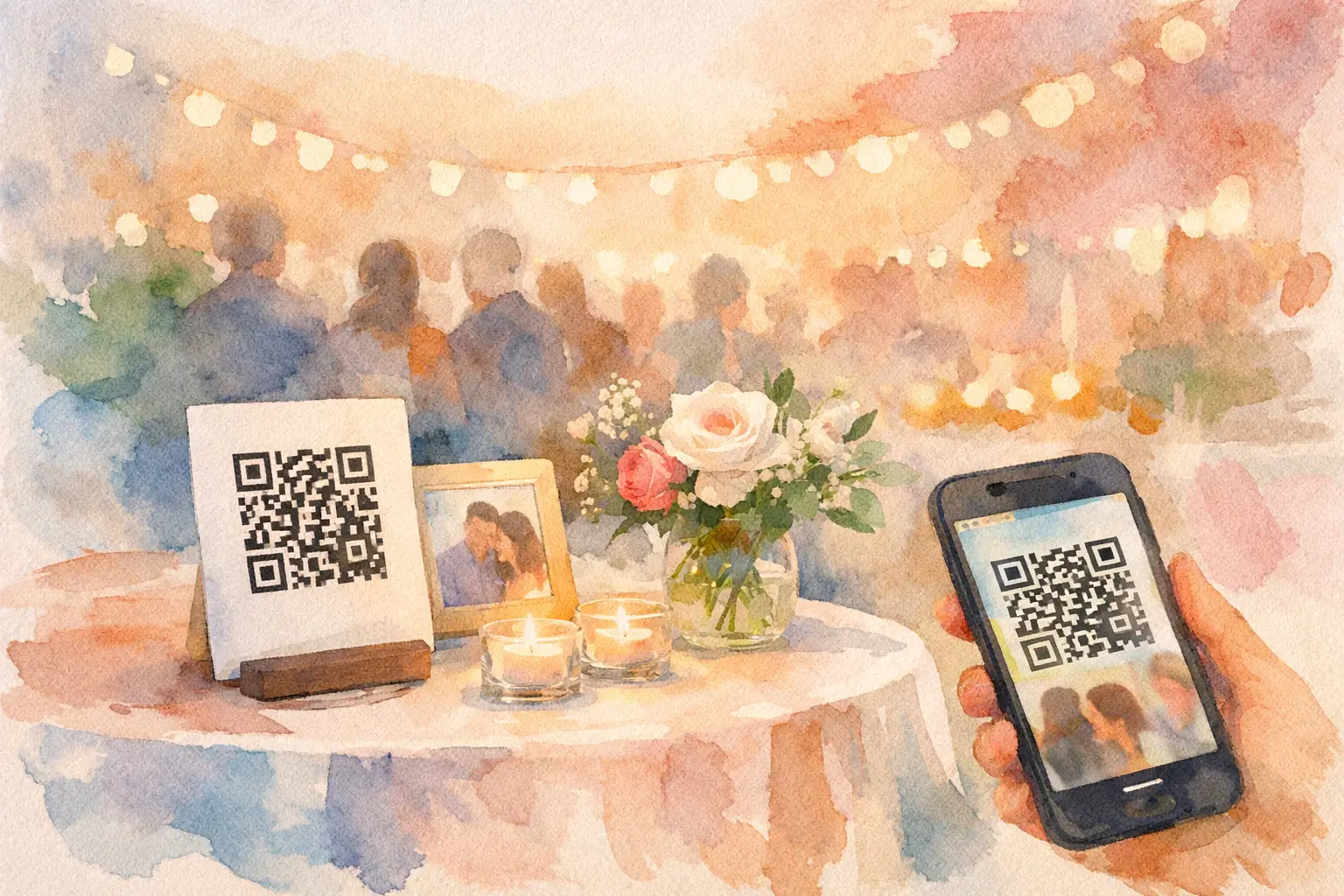
A QR code tucked beside the guest book is not a photo-sharing strategy. It is decor with potential. If you’re figuring out how to display photo QR codes at an event, the goal is simple: put the code where people are already having a moment, make the next step obvious, and give them a reason to scan now.
The best event photos rarely come from one person with a phone and a very long camera roll. They come from the friend who catches the dance-floor chaos, the coworker who spots the behind-the-scenes joke, and the cousin who gets the candid you did not know happened. A visible, well-placed photo QR code turns all of those people into contributors before the moment disappears.
Start with the guest journey, not the QR code
A photo QR code works when scanning it feels like the easiest thing in the room. Guests should be able to point their camera, join the shared photo experience, and start capturing or uploading without hunting for an app, a password, or a link buried in a group text.
Think about the natural rhythm of your event. At a wedding, guests may have a few quiet seconds while finding their table, waiting for cocktails, or visiting the photo booth. At a birthday, the best window might be when everyone arrives and is looking for the guest of honor. At a company event, registration, breakout rooms, and the bar are prime real estate.
Your display should answer three questions in one glance: What is this? What do I do? Why should I care?
“Scan to add your photos” is clear. “Help us capture the night” gives it some heart. “Take 10 shots. Gallery drops tomorrow.” creates instant curiosity. Keep the instruction short enough to read while someone is holding a drink, checking a seating chart, or trying not to miss their friend’s entrance.
How to display photo QR codes where guests will scan
One large sign at the entrance is a good start, but it should not be your entire plan. People arrive in waves. They are greeted, distracted, handed a drink, pulled into conversations, and often walk right past the first sign they see.
Repeat the code in a few high-traffic places. The right number depends on venue size, but three to five placements usually cover a social event without making the room feel branded like a trade show. Put one where guests enter, one where they sit or gather, and one where the action happens later.
For a wedding or dinner party, that might mean a welcome sign, table cards, and a small display near the dance floor. For a brand activation, try check-in, the product experience, and the exit point. For a company offsite, use registration, session tables, and the happy-hour area.
The display itself does not need to be fussy. A framed 5-by-7 sign works beautifully on cocktail tables. An 8-by-10 or larger sign has more stopping power at an entrance. If guests will scan from a few feet away, go bigger. Tiny QR codes may look clean in a mockup, but they become frustrating fast in a dim venue.
Keep contrast high: a dark code on a light, uncluttered background is the safest choice. Avoid placing the code over photos, patterned stationery, glittery stock, or colored lighting. It needs a quiet little stage.
Give people a reason to join right away
“Scan here” tells guests what to do. It does not always tell them why they should bother. The strongest displays pair the QR code with a benefit that fits the event.
For a wedding, try: “Your camera roll has the candid shots we’ll want forever.” For a birthday: “Add your point of view to the night.” For a vacation: “Drop your best chaos here.” For a work event: “Capture the moments between the agenda.”
If you are using a digital disposable camera format, say so. Limited shots and a delayed reveal change the energy. Instead of guests mindlessly uploading 46 near-identical photos, they make their shots count. Then everyone gets the payoff together when the gallery opens.
That shared reveal is especially useful when you want participation without asking people to spend the whole event documenting it. The message becomes: take a few good ones, stay present, and come back for the full story later.
Make the sign feel like part of the event
A photo-sharing sign should match the occasion, not look like a last-minute office printout. That does not mean you need custom calligraphy or a graphic designer. It means the wording, size, and setting should feel intentional.
At a polished wedding, use your event colors and place the QR code in a simple frame. At a backyard birthday, clip it to a colorful board with a direct line like, “Candid evidence goes here.” At a conference, keep it clean and functional with a short instruction and a clear visual cue.
Just do not sacrifice scanability for aesthetics. A tiny code inside an elaborate floral border may photograph well, but it will not collect many photos. The code should be the hero. Everything else supports it.
If you want a physical prompt beyond signage, add a small table tent near cameras, disposable-camera props, or the bar. These are places where people naturally pause. A verbal reminder from the DJ, host, emcee, or event lead can also move participation quickly. One quick announcement is enough: “Scan the code on your table to add your photos. We want the night from your angle.”
Plan for lighting, Wi-Fi, and real human behavior
A photo QR setup can be beautifully designed and still underperform if it is hidden in low light or relies on a spotty connection. Test it at the venue before guests arrive. Scan the printed code from different distances and angles. Make sure it works under the actual room lighting, not just at your kitchen table.
If the venue Wi-Fi is unreliable, tell guests they can use cellular data, or choose a photo experience that lets them capture first and sync when they reconnect. The less you ask guests to troubleshoot, the more likely they are to contribute.
Also, place signs where people can physically stop. A code near a doorway bottleneck, behind a crowded bar, or at knee height on a table is easy to ignore. Eye level wins. So does putting the code on both sides of a sign when guests approach from different directions.
For large events, assign one person to keep an eye on participation early on. If few people have joined after the first 30 minutes, move a sign closer to the action or make a quick announcement. This is not overthinking it. Photo collection is easiest while the event is happening, not three days later when everyone has moved on.
Choose a setup that does not create friction
The QR code is only the front door. What happens after the scan matters just as much. If guests are asked to download an app, create an account, remember a password, or search for the right album, a meaningful chunk of them will bail.
A tool like Revel is built for the opposite experience: guests scan, join from their phone, capture or upload, and keep enjoying the event. No app download, no account detour, no post-event chase through text threads. For hosts, that means more perspectives in one private place instead of a gallery made mostly of their own photos.
Before the event, run through the exact flow on both an iPhone and an Android phone. Check what the guest sees, how many taps it takes, and whether the call to action on your sign matches the experience. If the sign says “Take 10 shots,” the screen after scanning should make that feel immediate.
A quick display checklist before guests arrive
Use this as your final five-minute check:
- The QR code is large, high-contrast, and tested from a normal scanning distance.
- Signs appear at arrival, gathering, and high-energy moments.
- Every sign has a plain-English instruction and a reason to participate.
- The photo flow works without an app download or complicated login.
- One host, DJ, or event lead knows to mention it once early in the event.
The best display is not necessarily the fanciest one. It is the one that gets a friend to scan between hellos, another to snap the dance floor at its peak, and everyone to see the night as it actually felt. Put the invitation where the memories are happening, then let the room tell the story.

A writer interested in connection, memory, and the everyday moments that matter more than we realize.
Tags: Event QR , QR code for photos , QR photo booth , QR photo sharing , Wedding QR code , Wedding QR