How to Create Event QR Access That Gets Used
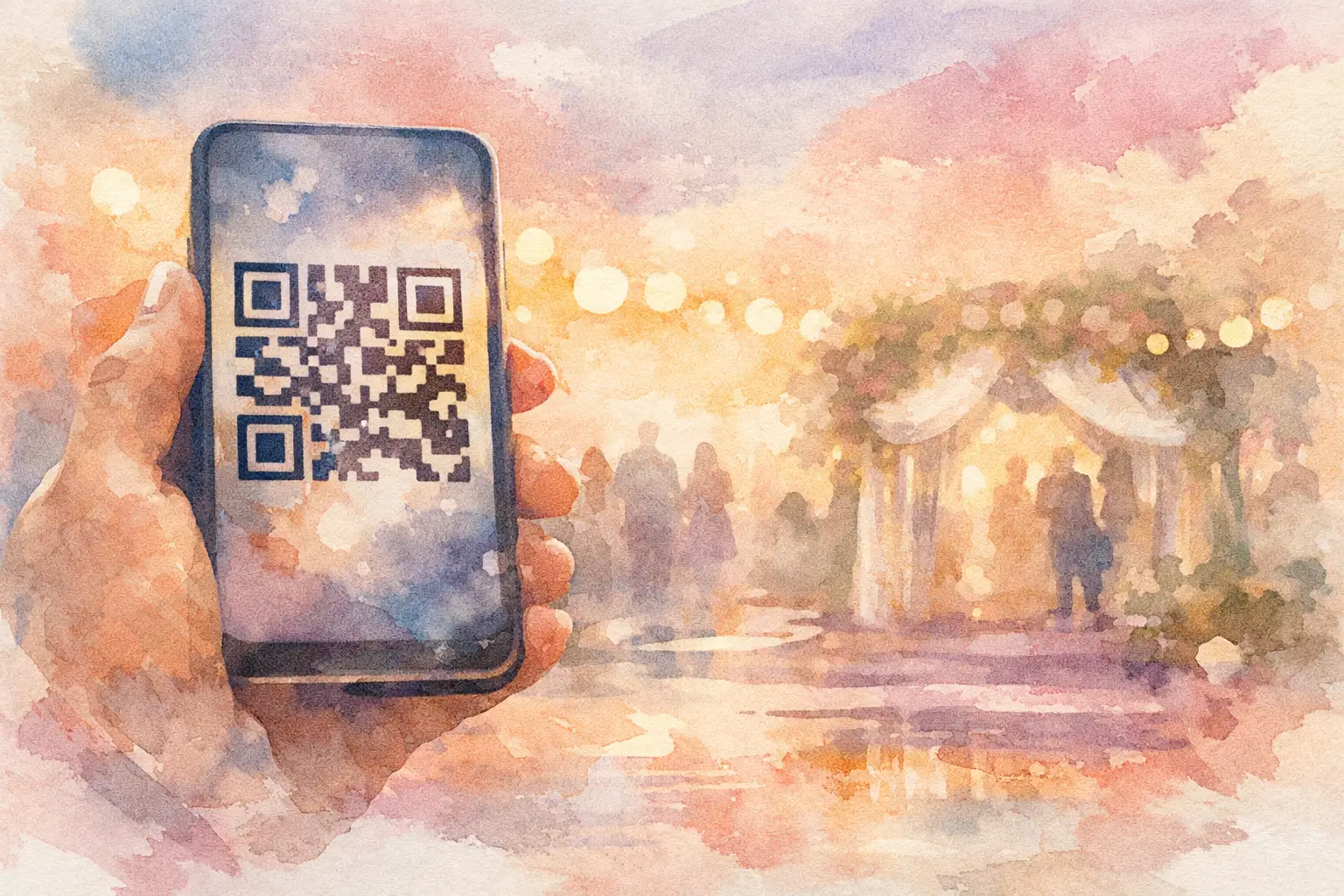
The fastest way to lose event momentum is making people work too hard at the door. If guests have to download an app, search their inbox, remember a password, or ask staff what to click, participation drops fast. That is exactly why so many organizers ask how to create event QR access that people will actually use.
A good QR access flow feels almost invisible. Guests scan once, land in the right place, and start participating right away. Whether you are running a wedding, birthday, brand activation, or company offsite, the goal is the same - remove friction before it shows up in your photo gallery, check-in line, or engagement numbers.
What event QR access actually needs to do
Not every QR code at an event is solving the same problem. Some are built for check-in. Some open a private gallery. Some let guests upload photos, view event details, or join a shared experience on the spot. Before you create anything, decide what action the code should trigger.
If your goal is entry control, your QR setup should prioritize speed and accuracy. If your goal is content collection, the code needs to get people from scan to participation in seconds. Those are related jobs, but they are not identical.
This is where many event plans go sideways. Organizers create one QR code and expect it to handle everything, then wonder why guests hesitate. The better move is matching the access experience to the moment. At the entrance, people want fast direction. At the table or bar, they are more open to joining a shared album or snapping photos.
How to create event QR access without adding friction
The best setup starts with one question: what should happen immediately after the scan? If the answer is fuzzy, guests will feel it.
Start by choosing a mobile destination that works instantly in a browser. This matters more than people think. A landing page that asks for account creation, loads slowly, or looks confusing will kill momentum. For social events especially, browser-first access usually wins because nobody wants a setup project in the middle of cocktail hour.
Next, make the path obvious. Your QR code should lead to one clean action, not a menu of seven options. “Join the wedding gallery” is clear. “Open experience portal” is not. The copy around the code matters almost as much as the code itself.
Then test the full experience on different phones. iPhones and Android devices can handle scans a little differently, and weak venue service can expose any clunky step you thought was fine in your office. If your event includes older guests, this matters even more. If your crowd is mostly Gen Z, speed matters even more.
Finally, think about placement. A perfect QR flow still underperforms if guests only see it once on a tiny sign near the entrance. People need repeated, natural prompts. Put access where they pause - welcome signage, tables, bars, restrooms, lounge areas, presentation screens. Not everywhere for the sake of it, but in the places where scanning feels easy, not forced.
The simplest event QR access flow usually wins
There is a reason lightweight access beats overbuilt systems at social events. People are there to be present, not to complete admin. The more your setup feels like software, the less they want to use it.
For weddings, birthdays, showers, and vacations, the sweet spot is often scan, join, shoot, done. No app. No login wall. No long instructions. If your event depends on guests contributing photos, every extra step costs you content.
That is why products built around QR-first participation tend to get better results. A tool like Revel works because it turns the phone already in everyone’s hand into the entry point. Guests scan, join the private album, and start capturing right away without creating an account. That difference sounds small until you compare it with the usual text-thread scavenger hunt after the event.
For professional events, the equation changes a little. You may need attendee tracking, gated access, or role-based entry. In that case, some added structure is worth it. But even then, the cleanest possible flow still wins. If staff need to explain the scan process more than once every few guests, the system probably needs simplification.
What to include on the QR sign itself
A QR code without context is just a square. Guests need a reason to scan it.
The sign should answer three questions fast: what this is, what happens after the scan, and why it is worth doing. You do not need a paragraph. You need sharp, human copy.
“Scan to join the photo album” works. “Take photos now, see the full gallery later” works even better because it gives people a payoff. For branded events, “Scan to check in and capture the night” can work if the page supports both actions clearly. The language should sound like a real invitation, not a kiosk instruction.
Design matters here too. High contrast helps. So does enough white space around the code. Tiny codes, glossy finishes, and overdesigned layouts cause real scanning problems. If your signage looks chic but scans badly under dim lighting, it is failing at its main job.
Common mistakes when creating event QR access
The most common mistake is asking for too much too early. If the first screen asks for full registration before showing any value, expect drop-off. Guests will always choose the path of least resistance, especially at a social event.
Another mistake is relying on one placement or one announcement. People miss things. They arrive late. They head straight to the bar. They ignore slides. Good QR access is reinforced throughout the event, not introduced once and forgotten.
There is also the issue of timing. If you ask guests to scan before they understand why, fewer will do it. If you wait too long, you miss the high-energy arrival window. It depends on the event, but generally the best results come from an early prompt followed by casual reminders.
And then there is the classic overengineering problem. One QR code for entry, another for photos, another for schedule, another for feedback. Sometimes that structure makes sense at a conference. At a birthday dinner, it is chaos. The right number of codes depends on the event complexity, but simpler almost always performs better.
How to create event QR access for different event types
A wedding needs a different experience than a trade show. At weddings and private parties, emotional participation matters most. Guests are not trying to complete a workflow. They want to join the moment. QR access should feel fun, immediate, and low-pressure.
At corporate events, conferences, and brand activations, you may need clearer segmentation. Media, staff, guests, and VIPs may need different destinations. In that case, separate codes can help if the signage is crystal clear. The trade-off is that every added option increases decision friction.
For group trips and reunions, the best QR setup is usually the one people can rejoin easily throughout the weekend. One scan at check-in is helpful, but reminders in shared spaces tend to drive more contributions. People take more photos once the trip settles in.
For pop-ups and activations, visibility is everything. QR access needs to be bold enough to catch attention and simple enough to convert quickly. If the experience ties to a giveaway, photo moment, or gallery reveal, say that upfront. Curiosity helps, but clarity converts.
Measure success by participation, not just scans
A lot of organizers stop at “the code worked.” That is not the real test. The better question is what happened after the scan.
Did guests actually complete check-in? Did they upload photos? Did they come back later? Did the access flow create energy or slow it down? Scan count alone does not tell you much if the next step is weak.
This matters because a technically working QR code can still underperform as an event tool. A high-performing setup creates action. More joined guests. More shared photos. Less confusion. Fewer staff interruptions. Better post-event memories.
That is the real standard. Not whether the code exists, but whether people use it without thinking twice.
If you are figuring out how to create event QR access, think less like a systems admin and more like a host. Make it easy. Make it obvious. Give people a reason to scan right now. When access feels effortless, participation follows - and that is when the event starts collecting itself.

A writer interested in connection, memory, and the everyday moments that matter more than we realize.
Tags: Event planning , Event QR , Cam QR , QR code camera , QR code for photos , QR photo sharing , QR Tags , Wedding QR , Wedding QR code