How to Collect Conference Attendee Photos
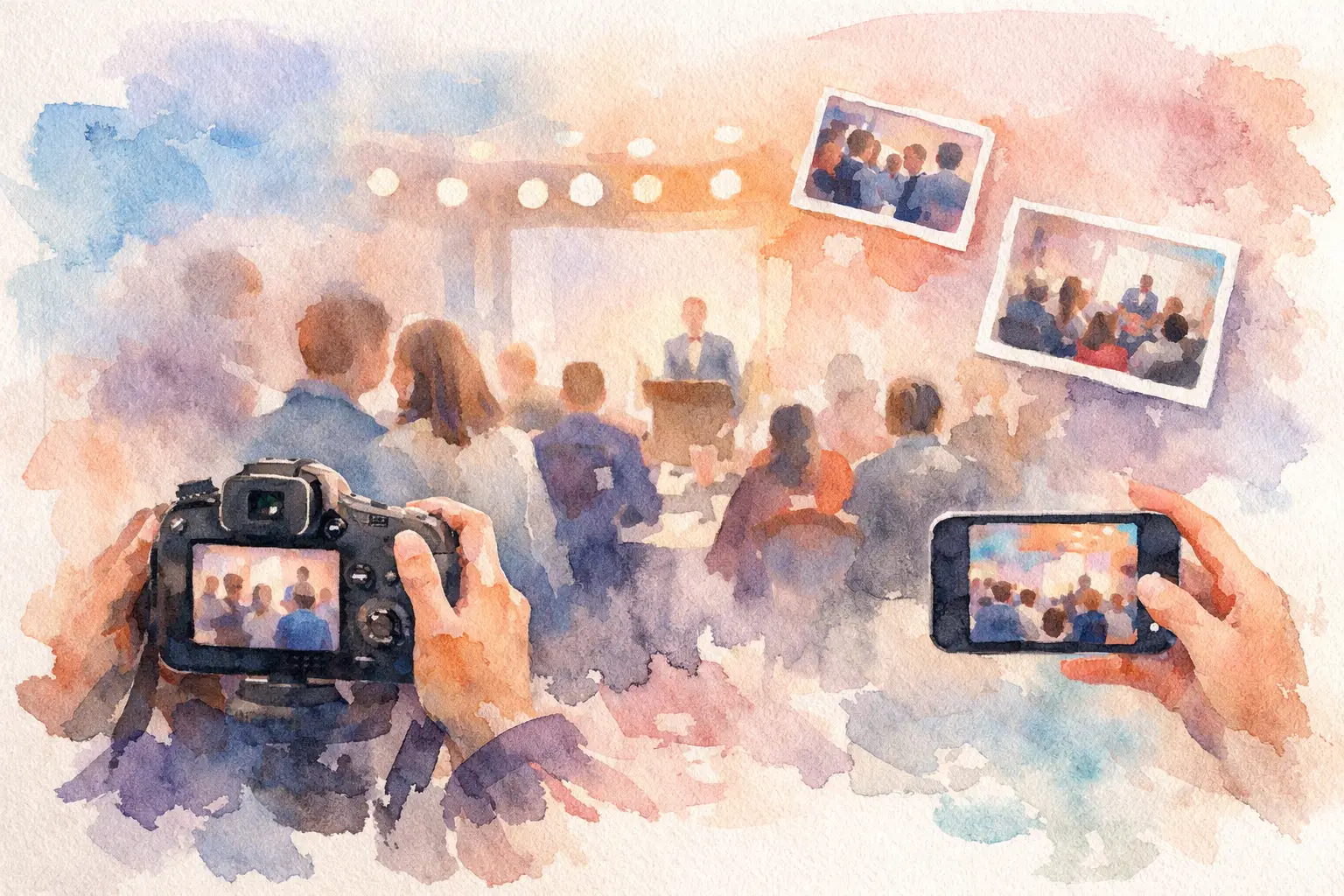
The usual conference photo recap goes like this: one polished folder from the hired photographer, a few decent phone shots from the marketing team, and hundreds of attendee photos that never make it out of camera roll purgatory. If you want to collect conference attendee photos well, the real challenge is not storage. It’s participation.
People take plenty of pictures at conferences. They photograph keynotes, booths, team dinners, hallway run-ins, name badges, coffee setups, and the weirdly beautiful lighting in hotel ballrooms. The problem is that most events still rely on methods that ask too much after the moment has passed. Upload here. Email these. Join this folder. Make an account. Find the link. Remember later. That’s where the drop-off happens.
Why conference photo collection usually fails
Most conference organizers assume that if attendees have photos, they’ll share them. That sounds reasonable until you remember what conferences actually feel like. People are moving between sessions, checking messages, meeting new contacts, posting a couple stories, and trying to keep their phones alive until dinner. Asking them to do one more thing after the event is a fast way to lose the content.
Traditional shared albums have another issue: they feel private in the wrong way. If guests think only the organizer cares about the gallery, they’re less likely to contribute. But if the experience feels communal - if everyone is part of building the event memory - participation changes. Suddenly it’s not an admin task. It’s part of the event itself.
There’s also a quality problem. When you collect photos through scattered text threads, social DMs, random AirDrops, and last-minute email attachments, you don’t just get fewer images. You get a mess. Duplicates. Missing context. Cropped screenshots. Lost files. No single place where the event actually comes together.
How to collect conference attendee photos without killing momentum
The best system is the one attendees barely have to think about. If you want more photos, better coverage, and less chasing, the rule is simple: make contribution happen during the conference, not days later.
That means choosing a photo collection flow that starts instantly. No app download. No account setup. No complicated folder permissions. Just scan, shoot, upload. The lower the friction, the more likely people are to contribute in the moment, when the keynote stage looks good, when the booth is busy, when the team dinner gets fun, and when the candid stuff actually happens.
QR codes work especially well here because they fit conference behavior. People are already scanning badges, schedules, menus, and booth activations. Adding one more scan to join a private photo album feels natural. It doesn’t feel like homework.
If you want to make the experience even more engaging, a digital disposable camera format can help. Limited shots make people more intentional. Nostalgic filters make attendee photos feel more cohesive. And a delayed reveal gives people a reason to come back after the event instead of forgetting the gallery exists. That shift matters. It turns photo sharing from a passive upload request into a shared experience.
Collect conference attendee photos at every touchpoint
A single link buried in a follow-up email is not a strategy. If you want strong participation, your photo collection prompt needs to show up where people already are.
Start at check-in. Put the QR code on welcome signage, badges, or registration desks. This catches people early, before the schedule takes over. It also sets the expectation that taking and sharing photos is part of the event.
Then carry it through the venue. Session rooms, lounges, booths, tables, and after-hours spaces all create different kinds of content. The keynote room gives you scale. The networking lounge gives you candids. The sponsor area gives you branded moments. The happy hour gives you personality. If the upload prompt only exists in one place, you’ll only capture one slice of the event.
Stage mentions help too, but they work best when they’re short and specific. Not “please upload your photos later.” More like: scan the code, snap your best moments, and we’ll reveal the full gallery after the event. That tells people what to do, how easy it is, and why they should care.
The trade-off between control and participation
Some organizers want a tightly managed image library. Others want volume from every angle. Usually, you can’t maximize both equally.
If you use a very controlled process, you may get cleaner assets but fewer attendee contributions. If you open things up too much, you’ll get more personality and perspective, but you may need moderation. The right balance depends on the kind of conference you’re running.
A corporate leadership summit may want a private, structured gallery with clear boundaries and selective sharing afterward. A creator event or brand activation may benefit from a more playful setup that encourages lots of guest content. Neither approach is wrong. The mistake is choosing a system built for documentation when what you actually want is participation.
For most conferences, the sweet spot is a private album with easy access and clear expectations. Attendees should know the photos are for the group, not the whole internet, and that the process will take seconds, not minutes.
What attendees actually need to participate
People do not need a long explanation. They need confidence that the process is fast, familiar, and worth doing.
Fast means they can join and start taking photos immediately. Familiar means the interface works on their phone without extra setup. Worth doing means there’s some payoff - maybe a shared gallery, maybe a timed reveal, maybe the fun of seeing the event through everyone else’s camera.
This is where many conference photo tools miss the mark. They treat attendee contribution like a file transfer problem. But for guests, it’s a social behavior problem. If sharing feels awkward, tedious, or easy to forget, they won’t do it. If it feels built into the event, they will.
That’s why product design matters more than most organizers think. A good collection experience removes all the tiny reasons people drop off. No login wall. No “download our app.” No unclear next step. No wondering who can see what. Just a quick path from moment to memory.
Better photo collection leads to better post-event marketing
Yes, attendee galleries are great for memories. They’re also one of the easiest ways to expand your usable event content.
Professional photographers capture the hero shots. Attendees capture everything else. The table conversations. The speaker selfie after the session. The packed breakout room. The weird branded snack wall everyone loved. Those images often tell the truest story of what the conference felt like.
That matters for recap content, internal reporting, future promotions, sponsor value, and community building. A polished recap is useful. A recap that also feels alive is better.
There’s another benefit here: diversity of perspective. One official camera can’t be everywhere. Your attendees can. When you collect conference attendee photos successfully, you end up with a broader, more human record of the event. Not just what it looked like, but what it felt like to be there.
The easiest way to get more photos is to ask earlier
If you wait until the closing email to ask for attendee images, you’re already late. People have moved on, traveled home, returned to work, and forgotten which photos they meant to send.
The ask should start before the first session. Mention it in pre-event communication. Put it in welcome materials. Make it visible when people arrive. Repeat it naturally throughout the day. Not in an annoying way - just enough that sharing feels expected and easy.
The strongest conference photo systems don’t rely on memory. They rely on timing. They catch people while the conference is still happening.
For organizers who want a cleaner way to do this, Revel is built for exactly that kind of in-the-moment participation. Guests scan a QR code, take photos without an app, and contribute to a shared private gallery that feels more like part of the event than an afterthought.
Make the gallery feel like part of the experience
The best conference albums are not just storage bins for images. They extend the event.
A timed reveal can build anticipation after the final session. A shared gallery can help attendees relive the conference together instead of seeing isolated posts scattered across platforms. Even the act of contributing can create more engagement during the event, because people start noticing moments worth capturing.
That’s the real shift. When photo collection is designed well, it does more than gather files. It gives your conference a second life.
And if you’re still chasing photos in group chats three days later, that’s your sign. Stop asking attendees to do extra work after the moment is gone. Give them an easy way to contribute while the room is still buzzing, and the gallery will build itself.

A writer interested in connection, memory, and the everyday moments that matter more than we realize.
Tags: Conference , Attendee photos , Corporate Event Photography , Event photo collection , Event photo sharing , Event photo wall , Event photography , Offline event photo uploads , Shared event photos