How to Build QR Photo Booth That Guests Use
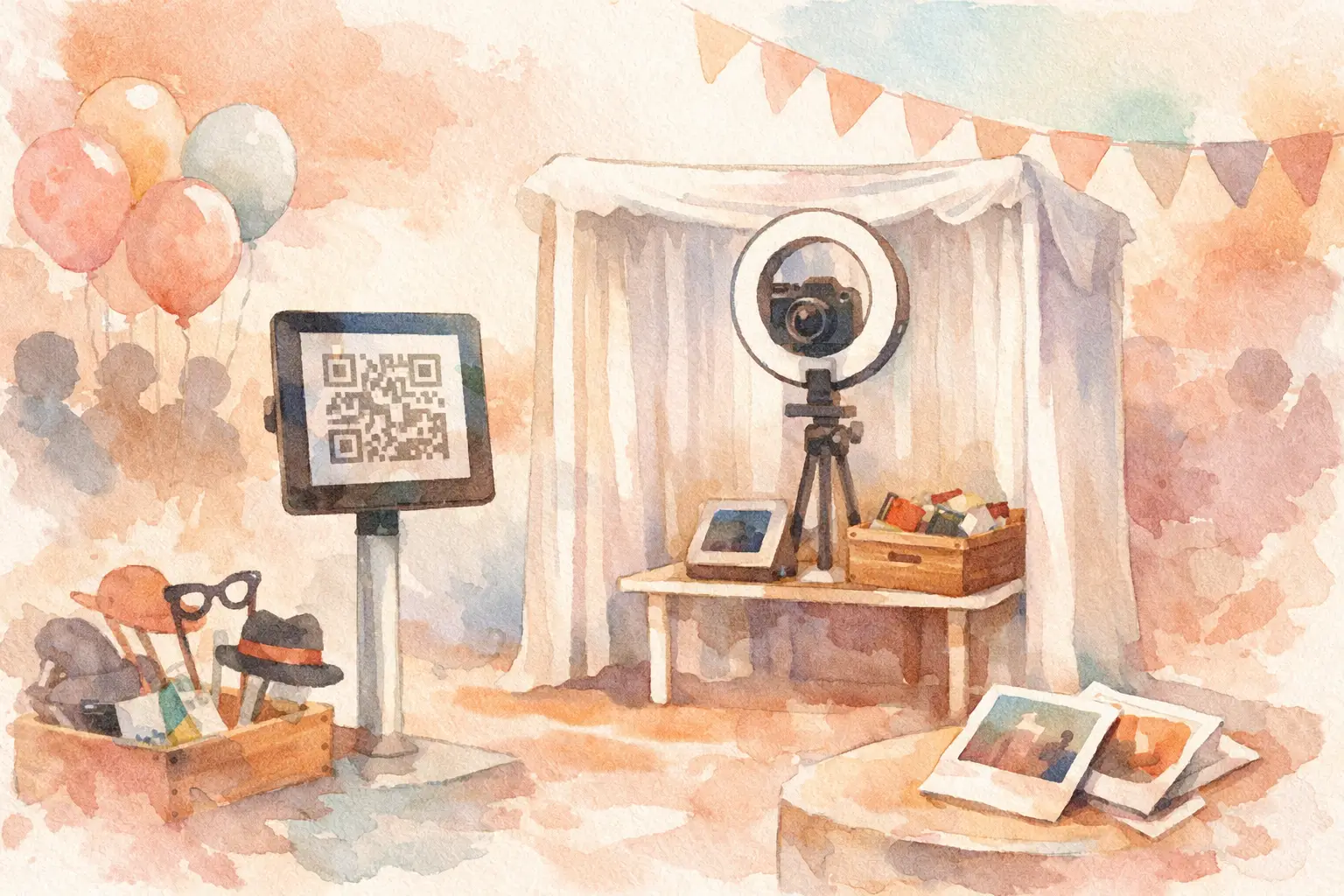
The problem with most event photo booths is not the camera. It’s the handoff. People take the photo, laugh, walk away, and then the image disappears into one phone, one vendor gallery, or one forgotten Dropbox folder. If you want to build qr photo booth setup that people actually use, the real job is making participation feel instant, obvious, and fun.
That changes the whole approach. A good QR photo booth is not just a camera on a stand with a code taped nearby. It’s a low-friction photo station that gets guests in fast, keeps the vibe moving, and sends every shot into one shared place without killing the mood. When it works, more people join in, more angles get captured, and the gallery feels like the event instead of a highlight reel from three extroverts.
What makes a QR photo booth work
A QR photo booth lives or dies on one thing - how quickly someone understands what to do. If guests have to download an app, create a password, verify an email, or ask for help, you’ve already lost half the room. The best setups remove every extra step between seeing the code and taking the photo.
That’s why the strongest QR booths feel less like tech and more like an invitation. Scan. Join. Shoot. Done. People don’t want instructions that read like software onboarding at a birthday party or wedding reception. They want a tiny nudge and a clear reward.
There’s also a difference between a booth that looks cool and one that gets used all night. The flashy version might have props, custom lighting, and a cute backdrop, but still fail because the process is clunky. The useful version can be much simpler, as long as the experience is fast and the payoff is clear.
How to build qr photo booth flow for real events
Start with the guest journey, not the hardware. Where do people first notice the booth? What do they see? What happens after they scan? Can they take a photo in under 15 seconds? If not, tighten it.
For most events, the smartest setup has four pieces: a visible sign with a large QR code, a short line of instruction text, a branded or themed backdrop, and a place to stand that feels naturally social. That last part matters more than people think. If the booth is hidden in a dark corner, participation drops. If it sits near the bar, dance floor edge, welcome area, or lounge zone, guests notice it without being forced.
The sign should do almost all the talking. Keep the copy short and direct. Think: Scan to join the party album. Take your photos. See everyone’s shots later. That works better than a paragraph explaining file storage.
Then there’s the camera question. Some organizers picture a traditional booth with a fixed device mounted in place. That can work, especially for brand activations or events where you want a more staged moment. But for weddings, birthdays, vacations, and company parties, phone-first capture usually wins because people already trust their own camera. It feels easier, faster, and less precious. They scan, snap, and move on.
This is also where QR shines. Instead of creating one line around one machine, you can turn the entire event into the booth. Guests scan once and contribute from anywhere - table selfies, dance floor chaos, getting-ready candids, behind-the-scenes moments, the weirdly perfect late-night fries shot. That’s often a better outcome than funneling everyone toward one corner setup.
The trade-off between booth style and participation
If your goal is aesthetics, a physical booth setup can be a big part of the decor. It gives guests a destination, creates a repeatable backdrop, and can feel more premium. But it also introduces bottlenecks. One spot. One line. One kind of photo.
If your goal is volume and variety, a QR-led setup usually performs better because it spreads participation across the event. More people contribute because they don’t need to wait. The gallery gets wider coverage because guests capture what the official booth never sees.
For some events, the best answer is both. Create one styled photo moment with signage and props, then let the QR code pull people into the shared album so they can keep shooting throughout the night. That gives you the booth energy without limiting the whole experience to one station.
It depends on the event type, too. A wedding might want one beautiful booth area plus guest-wide capture. A conference might need a branded QR station near registration and another near the stage. A birthday party may need almost nothing beyond one bold sign, good lighting, and a reason to participate.
The biggest mistakes people make when they build a QR photo booth
The first mistake is overexplaining. Guests are not reading a setup manual during cocktail hour. If your signage needs six steps, it needs a rewrite.
The second is making the QR code too small or placing it where people can’t comfortably scan it. Print it bigger than you think you need. Test it in low light. Put it at eye level or slightly below, not on a table where drinks and jackets cover it.
The third is forgetting what happens after the scan. A QR code is only a door. If the experience behind it feels clunky, trust drops fast. Slow load times, account creation, or confusing permissions can kill momentum in seconds.
Another common miss is treating the booth like a one-time activation instead of an event-long behavior. A good QR setup should be reinforced throughout the event. Add the code to table cards, welcome signage, or screens if you have them. Give people a second and third chance to join when they’re more relaxed.
And yes, lighting still matters. QR can fix participation friction. It cannot fix photos taken in a cave. If you want people to love what they capture, make sure the booth area has flattering, simple light.
Design it for the kind of photos you actually want
Before you build anything, decide what kind of gallery you want at the end. Clean portraits? Messy party candids? A mix of both? That answer should shape the booth.
If you want polished group shots, create a stable backdrop, leave enough standing room for four to six people, and keep the props minimal. If you want energy, go less formal. Place the QR near where people are already moving and talking. A booth doesn’t have to feel like a booth to generate great content.
This is why digital disposable camera mechanics work so well for events. A little structure makes people participate more intentionally. Limited shots, nostalgic filters, and a delayed reveal turn random guest photos into a shared game. Instead of posting and forgetting, people contribute to a collective album and want to see what everyone else captured.
That emotional payoff matters. You’re not just collecting files. You’re building anticipation.
Build qr photo booth signage people can understand in one glance
Good signage has one job: reduce hesitation. The fastest way to do that is to answer three silent questions right away. What is this? What do I do? What do I get?
For example, “Scan to join tonight’s photo album” is better than “Interactive digital photo-sharing experience.” One sounds like a party. The other sounds like software.
Use large type, high contrast, and one clear CTA. If you have room, add one line about the payoff: everyone’s photos in one shared gallery, revealed after the event. That single detail can push people from curious to committed because it promises a payoff bigger than their own camera roll.
If your event has a theme, match it. The booth should feel like part of the event, not a random tech insert. Clean and minimal works for corporate events. Playful and bold works for birthdays and bachelorettes. Romantic and polished works for weddings. Same mechanics, different styling.
Why simple usually beats custom
There’s always a temptation to overbuild. Custom enclosure. Fancy kiosk. Deeply branded interface. Extra accessories. Sometimes that makes sense, especially for large activations. But for most social events, simple wins because simple gets used.
The more moving parts you add, the more chances you create for confusion, setup issues, or guest drop-off. A QR-based booth is strongest when it feels effortless. That’s the whole point.
This is where a platform like Revel fits naturally. Instead of asking guests to do tech work at your event, it turns the scan into the start of the fun - easy entry, instant capture, shared album, no app drama. That means less chasing, more contributing, and a gallery that feels alive when it finally opens.
The smartest way to build a QR photo booth is to stop thinking like a vendor and start thinking like a guest. They want quick access, zero friction, and a reason to care. Give them that, and they’ll do the rest. The best booth isn’t the one with the most equipment. It’s the one people keep using long after the first pose.

A writer interested in connection, memory, and the everyday moments that matter more than we realize.
Tags: Photo booths , QR photo booth , QR code camera , QR code for photos , QR photo sharing , QR Tags , Event QR , Cam QR