Event App Versus QR: What Guests Actually Use
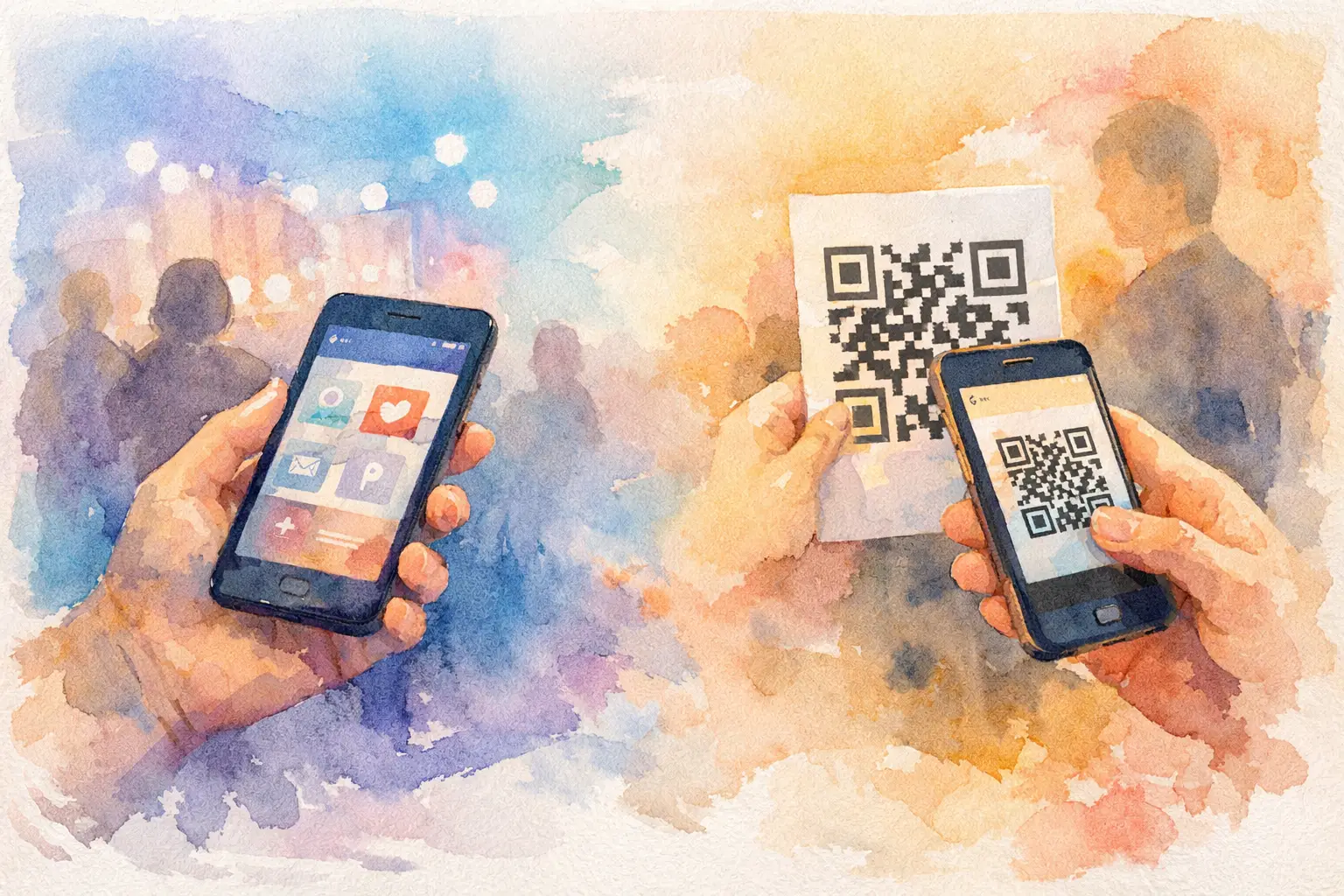
The event app versus QR question usually shows up after one familiar moment: you realize the best photos from your party, wedding, trip, or activation are sitting on 80 different phones. A few make it to Instagram. A few land in a group chat. The rest disappear into camera rolls forever.
The right answer is not always the same. An event app can make sense when your gathering needs schedules, maps, messaging, and attendee management. But if your real goal is getting people to take and share photos, the lowest-friction option often wins. Guests will scan a code. They may not download an app.
That difference can decide whether you collect a gallery full of candid, from-the-room memories or spend three weeks texting, “Can everyone send me their photos?”
Event app versus QR: the participation test
Every extra step is a tiny exit ramp. Downloading an app means finding it in an app store, waiting for it to install, accepting permissions, creating or recovering a login, and figuring out what to do next. For a conference attendee who needs an agenda all day, that trade-off can be worth it. For your cousin at a wedding reception, probably not.
A QR code takes a different route. Someone sees the code on a table card, screen, sign, or place setting. They scan it with the camera already in their hand. The experience opens in their browser, where they can start capturing right away.
That is not about making guests work harder to be engaged. It is about meeting them at the exact moment they are already holding up their phones: during the first toast, the packed dance floor, the birthday candle blowout, or the team happy hour that unexpectedly gets fun.
For photo collection, participation is the product. A beautiful app interface cannot help if only the organizer and two very patient friends get through the setup.
When an event app earns the download
Event apps are not the villain. They are built for events with a lot of moving parts, especially multi-day conferences, large corporate meetings, festivals, and complex brand programs.
If guests need a personal schedule, speaker details, venue maps, ticketing information, push notifications, networking tools, session check-in, or live polls, a dedicated app can create one central home. The organizer gets more control, and attendees who are invested in the event may be happy to install it before they arrive.
An app can also be the better choice when participation needs to continue over several days. Think a company offsite with changing sessions, a trade show with exhibitor information, or a university program where participants return to the platform repeatedly.
The trade-off is adoption. You need to promote the app early, explain why attendees need it, offer support for people who hit setup issues, and accept that a portion of your guest list will skip it. That may be fine if the app handles mission-critical event logistics. It is less fine if your only ask is, “Please add your photos.”
Why QR works so well for social events
Social events run on momentum. Nobody wants to pause a reunion or leave the dance floor to install something. They want to snap the blurry, perfect photo of the bride laughing with her college roommates, then get back to the moment.
QR-based photo sharing removes the awkward follow-up, too. Instead of asking everyone to join another group chat or upload to a shared drive they will forget exists, you give them one obvious action in the room.
It is especially useful for events with mixed comfort levels around technology. Your most online friend and your uncle who refuses to update his phone can both understand “scan this code.” There is no new social network to learn and no account to maintain after dessert.
The format also fits the physical world. Put a QR code where the action happens: at the bar, beside the guest book, on the welcome sign, near a photo moment, or at the entrance to a brand activation. The invitation to participate becomes part of the event design, not a message buried under 47 unread texts.
The photo quality question is bigger than access
Getting people in is only half the job. You also need a gallery that feels worth opening later.
Traditional shared albums can turn into a flood of near-duplicates, screenshots, and random images added days after the fact. Meanwhile, a basic QR upload form may collect photos but give guests little reason to keep contributing once they have scanned.
This is where the experience matters. A digital disposable camera approach gives people a playful prompt: take a limited number of shots, lean into a nostalgic filter, and capture what feels real instead of trying to manufacture content. The constraint is part of the fun. It makes each photo feel chosen rather than endlessly disposable.
A timed reveal can add another layer. When everyone knows the gallery opens together later, the payoff becomes collective. Guests do not just submit photos into a void. They look forward to seeing the event through everyone else’s eyes - the angle they missed, the candid they did not know existed, the quiet moment happening across the room.
Revel uses this model to turn photo sharing from a post-event chore into part of the party itself: capture together, then reveal together.
Branding, control, and the organizer’s point of view
For a brand activation or company event, the event app versus QR decision also comes down to visibility and control. An app can carry a large amount of branded content, from speaker pages to sponsor placements. That makes sense when the app is a core event channel.
A QR photo experience can be more focused. Your signage draws people in, the capture flow does one job clearly, and the shared gallery creates a useful post-event asset. It is a strong fit when the goal is user-generated content, in-the-moment participation, or a branded photo memory people actually want to revisit.
QR does not mean you give up polish. The best QR experiences still support event-specific visuals, clear instructions, private access, and a gallery that feels intentionally made for the occasion. The difference is that the guest does not have to navigate a mini operating system to take one photo.
Privacy deserves real attention here. Whether you use an app or a QR flow, make it clear who can access the gallery, whether the event is private, and when photos become visible. Weddings, birthdays, and internal company events often need a more contained space than a public hashtag ever provides.
Choose based on the action you want most
Start with one question: what do you need attendees to do?
If they need to manage a packed schedule, find sessions, receive updates, network professionally, and return to the platform throughout the day, an event app has a real job to do. The download friction may be justified because the value continues beyond one interaction.
If you need them to take photos, contribute quickly, and enjoy a shared gallery without making an account, QR is usually the clearer route. It is especially effective for weddings, birthdays, baby showers, graduation parties, friend trips, team celebrations, and activations where guests are moving around and attention is limited.
For some large events, the answer can be both. Use the event app for logistics and place QR codes at photo-worthy moments for capture. Just do not bury the photo experience inside an app menu and expect people to find it between a keynote reminder and a lunch survey.
Make QR participation impossible to miss
A QR code only works when people notice it and understand why they should scan. The code should be large enough to scan from a comfortable distance, placed in more than one location, and paired with copy that sounds like a real invitation.
“Upload photos here” is functional. “Take a shot for the gallery” is better. “Your camera roll called. It wants in.” is better still, if it matches the room.
Mention it early. Ask the host, DJ, emcee, or event lead to give a quick prompt when energy is high. Put it on the welcome sign, but also bring it back near the bar or dance floor later. Guests arrive at different times, and not everyone is ready to participate in the first ten minutes.
Most of all, give them a reason beyond helping the organizer. A fun camera treatment, a limited-shot challenge, or a future gallery reveal makes participation feel like a contribution to the experience, not admin work.
Your guests already have the cameras. Make it easy for them to use them, and the photos you thought you would have to chase may start showing up on their own.

A writer interested in connection, memory, and the everyday moments that matter more than we realize.
Tags: QR code camera , QR photo sharing , Wedding QR code , Wedding QR , Cam QR , Event QR , QR code for photos , QR photo booth , QR Tags