Do QR Code Photo Albums Work Offline at Events?
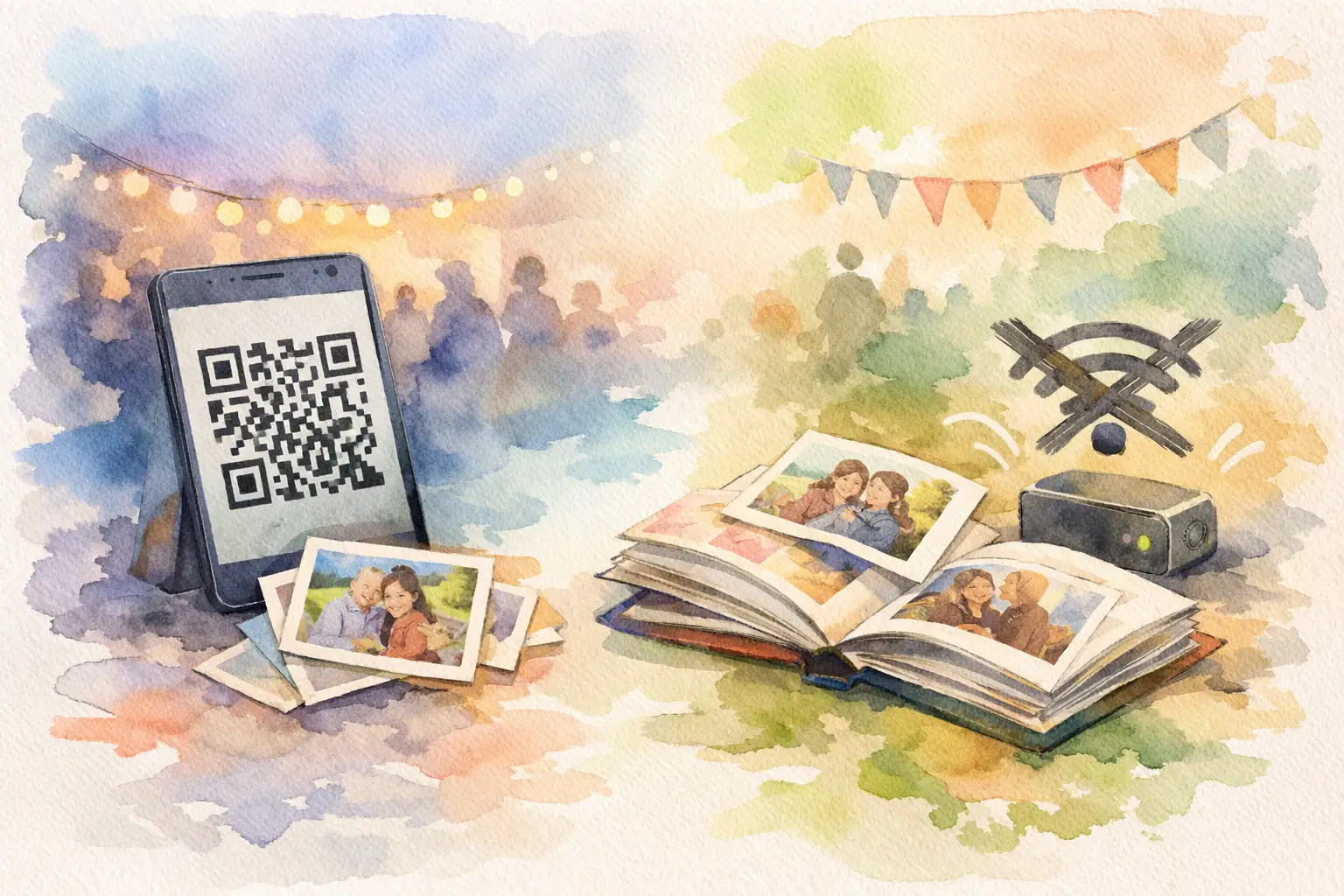
A wedding venue with spotty cell service. A cabin weekend where Wi-Fi is more rumor than reality. A packed conference hall where everyone’s phone suddenly crawls. These are exactly the moments when hosts ask: do QR code photo albums work offline?
The honest answer: partly. The QR code itself can still be scanned, but most QR photo albums need an internet connection for guests to open the album, upload photos, and see the shared gallery. The good news is that the right setup can protect the photos guests take when service disappears, then send them once they are back online.
That distinction matters. You do not want to discover after the cake is cut that everyone captured great photos, but none of them made it into the album.
Do QR code photo albums work offline? It depends on the moment
A QR code is simply a scannable shortcut. It might contain a web address, event details, or a small bit of text. Scanning that code does not inherently require Wi-Fi or cell service. Your phone’s camera can recognize it just fine offline.
What happens next is the part that usually needs a connection. If the code sends guests to an online photo album, their browser has to load that page from the internet. If they want to upload a photo, that file has to travel from their phone to the album’s server. And if they want to view everyone else’s photos, those images need to be downloaded too.
So, in practical terms, a standard web-based QR photo album is not fully offline. No signal means a guest may be able to scan the code but not join the gallery or upload right then.
There is one important exception: an offline-capable capture experience. Some event photo tools let guests take photos while they are temporarily disconnected, store those images on the device, and sync them to the shared album once internet returns. That is a very different experience from asking guests to save pictures to their camera roll and remember to share them later. We all know how that story ends: 400 great photos, scattered across 40 phones and six group chats.
What still works without Wi-Fi or cell service
Offline functionality comes in layers. Knowing which layer your photo setup supports makes planning much less stressful.
Scanning the QR code
Usually, yes. Modern phone cameras can scan a printed QR code without an active connection. But if the QR code points to a website that has not been loaded before, the guest will hit a wall as soon as they tap the prompt.
For that reason, do not wait until the venue’s dead zone to introduce the code. Put it where guests first arrive, when they are most likely to have service or access to venue Wi-Fi. A welcome sign, place card, bar menu, or opening slide all work well.
Taking photos
A phone camera works offline, obviously. The question is whether the event photo experience can hold onto those pictures before upload.
With a basic QR album, guests can take photos in their native camera app and upload them later. That works, but it adds a second step, and every extra step gives people a reason to forget. They leave the party, get distracted, and your post-event photo chase begins.
With an offline-capable event camera, guests can keep shooting inside the capture experience. The photos are saved locally until the device reconnects, then they upload automatically or with a simple prompt. That keeps the momentum alive, especially during the actual fun part of the event.
Viewing the shared gallery
This is where offline use is most limited. New photos cannot appear in a live shared album until they have been uploaded. Guests may be able to see images that were already loaded on their device, but they will not see fresh contributions from everyone else.
If your big moment is a delayed photo reveal, that limitation is often no big deal. In fact, it can add to the anticipation. Capture together. Reveal together - once the connection is back.
The difference between offline capture and offline albums
These terms sound almost identical, but they solve different problems.
An offline album suggests that guests can open, browse, and contribute to the complete shared gallery without internet. That is uncommon for QR-based web albums because the gallery and its media normally live online.
Offline capture, on the other hand, means a guest can take pictures without a connection and the platform will queue them for upload later. For real-world events, that is usually the feature that matters most. Guests are not trying to browse an album while dancing under string lights or hiking to a lookout. They are trying to catch the candid before it is gone.
Revel is built around that reality: guests can join with a QR code, capture in the moment, and have photos sync when connectivity returns. It is a better safety net for venues where service is inconsistent, not a promise that the internet no longer exists.
How to plan a QR photo album for a low-signal event
You do not need perfect venue Wi-Fi to collect great event photos. You need a plan that gives guests an easy path in before the connection gets weird.
First, test the actual space, not just the venue’s website claim that it has Wi-Fi. Walk through the ceremony area, reception room, patio, rooftop, or conference floor with your phone. Check whether a page loads, whether a photo uploads, and whether guests will have enough signal where the action happens.
Next, have guests scan and join early. The best time is before the event gets moving: at check-in, during cocktail hour, while people find their seats, or during a welcome announcement. Once they have opened the camera or album while connected, they are far more likely to keep participating later.
Then, make the instruction ridiculously simple. “Scan. Shoot. We’ll reveal the photos tomorrow.” That is enough. A giant block of instructions turns a fun photo moment into homework.
Finally, choose a platform that clearly explains what happens when a guest loses connection. Look for local photo storage, upload queues, and a visible sync status. If the tool offers none of those, assume guests will need to manually upload later.
A few offline pitfalls worth avoiding
Do not treat a printed QR code as a backup for internet access. It is a doorway, not the destination. If the destination is online and nobody can load it, the code cannot fix the problem.
Also, be cautious about asking guests to keep a browser tab open for hours. Mobile browsers can pause or reload tabs, especially when a phone is low on storage, battery, or patience. An experience designed for event capture should make it clear when photos are safely stored and when they have successfully synced.
And do not build your entire plan around one hotspot. A personal hotspot can help a small group, but it may struggle when 100 guests try to upload high-resolution photos at once. It is better as a host backup than as the main event infrastructure.
When an offline-friendly setup matters most
For a city restaurant with reliable Wi-Fi, offline capture may be a nice extra. For a barn wedding, beach weekend, mountain retreat, festival, brand activation, or large corporate venue, it can be the difference between a full gallery and a half-empty one.
It also matters when guests are moving around. A wedding may have great signal near the entrance and terrible signal on the dance floor. A company offsite may have Wi-Fi in the meeting room but none during the team activity outside. Photos do not wait for a stronger connection.
The goal is not to make every phone permanently online. The goal is to let people participate while the moment is happening, then make sure those candid, chaotic, genuinely good photos find their way home.
Give guests one simple invitation to join, a camera experience that does not punish them for losing signal, and a reveal worth waiting for. The best event gallery is not the one with the most complicated tech. It is the one that still catches the memories when nobody is thinking about tech at all.

A writer interested in connection, memory, and the everyday moments that matter more than we realize.
Tags: QR photo sharing , Cam QR , Event QR , QR code camera , QR code for photos , QR photo booth , QR Tags , Wedding QR , Wedding QR code