Can Hosts Download Event Photos? Here’s How
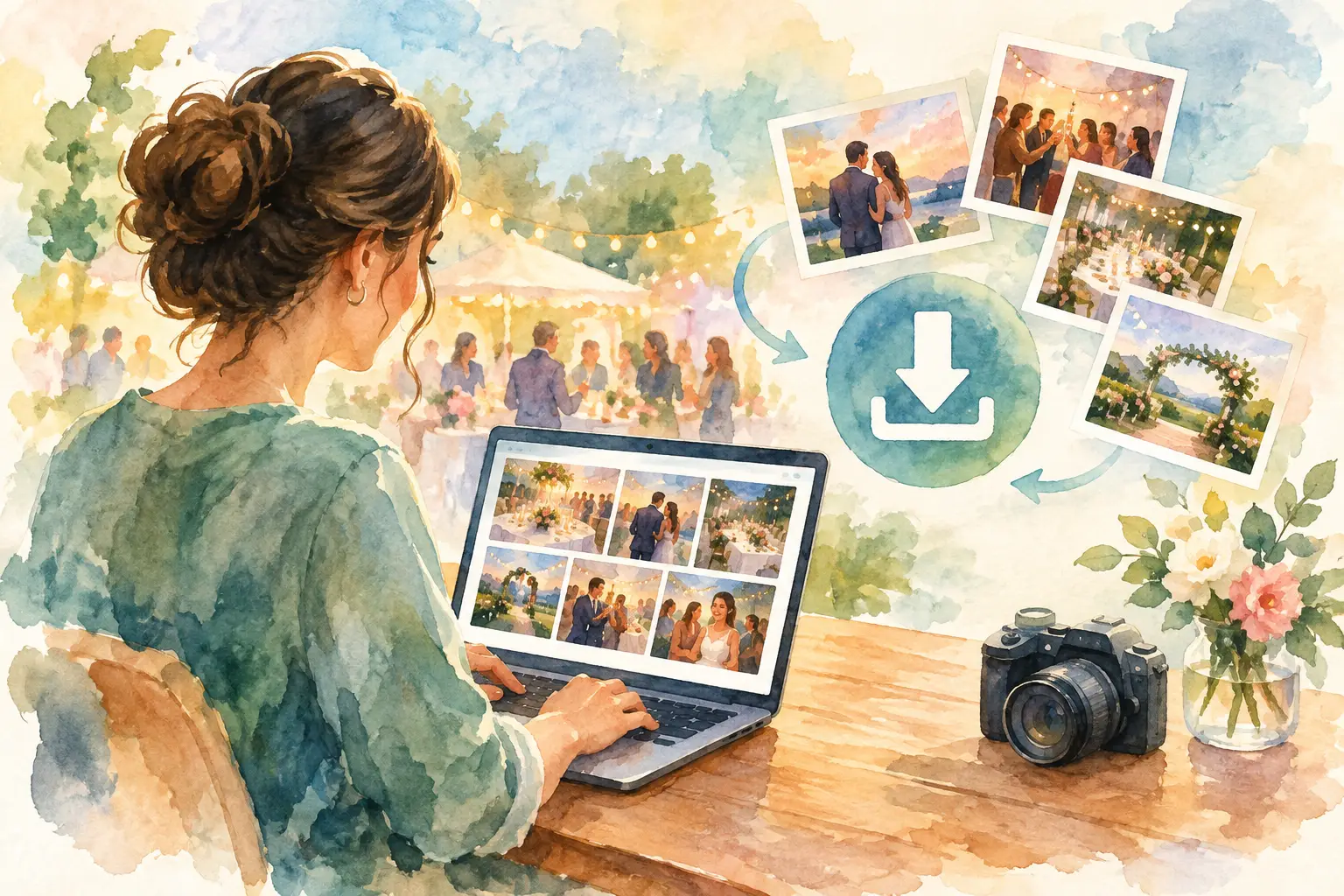
The party is over. The group chat is already losing photos to memes, someone has posted a blurry carousel, and your cousin is promising to send the good ones “soon.” This is exactly why hosts ask: can hosts download the photos from an event gallery?
Usually, yes. A host should be able to save the full collection of event photos in one place, rather than screenshotting, requesting, and chasing files one by one. The details depend on the platform, the event’s settings, and the plan you choose, but the goal is simple: one organized download for every perspective from the night.
That matters whether you are planning a wedding, a 30th birthday, a company offsite, or a brand activation. You did not create a shared photo experience just to let the memories disappear into everyone else’s camera roll.
Can Hosts Download a Full Event Gallery?
In a well-designed event photo-sharing platform, the host can download the gallery after guests have contributed their photos and the gallery is available to view. Rather than collecting a few favorites, hosts can save the complete set: candid dance-floor shots, table selfies, behind-the-scenes moments, and all the little details a professional photographer may not catch.
The timing can vary. Some events use an instant gallery, where uploads are visible as they arrive. Others use a delayed reveal, which keeps the anticipation high until a chosen time. With a reveal-style event, the host may download photos after the gallery unlocks. That creates a better guest experience too. Everyone gets the same first look instead of a few people quietly scrolling through the album all night.
Before your event, check three things: whether downloads are included in your event setup, when the gallery becomes available, and whether the download includes original-quality files. Those small details make a big difference when you want to print photos, build a recap deck, share images with vendors, or post your favorites later.
Why One Download Beats Chasing Photos
Photo collection gets messy fast because the default tools were not made for events. Text threads compress images. Shared folders ask guests to sign in, find the right link, and remember to upload. Social posts are selective by design. By the time you ask for photos a week later, half the room has forgotten what they captured.
A host download changes the job from “please send me your photos” to “the photos are already here.” That is the whole point.
For social events, the payoff is emotional. You get your best friend’s view of the toast, your aunt’s photo from the front row, and the chaotic photo booth energy from the people who stayed until close. The gallery tells a fuller story because it was made by the people inside the moment.
For professional events, it is practical. A company team can collect candid culture content from an offsite. An event coordinator can gather attendee photos for a recap. A brand team can review real guest reactions from an activation without sorting through hundreds of individual DMs. One gallery is easier to archive, review, and repurpose.
How Host Downloads Typically Work
The exact buttons will look different across platforms, but the flow should feel refreshingly boring. Open your event, head to the gallery or host controls, select the download option, and save the file once it is ready.
For smaller events, this may happen almost instantly. Larger galleries can take longer because the system has to package hundreds or thousands of full-resolution images into a downloadable file. That is normal. A platform that preserves high-quality uploads needs a little time to prepare them properly.
Once your download is ready, save it somewhere you will actually find later. Your laptop’s desktop is not a long-term archive strategy. Create a clearly named folder with the event name and date, then make a backup in your preferred cloud storage or external drive.
If you are working with a photographer, planner, social media manager, or marketing team, decide early who needs access. Downloading everything is useful, but it is even more useful when everyone is working from the same organized source rather than passing around random attachments.
Original quality matters more than you think
A photo that looks great in a chat can look rough on a printed card, presentation screen, or website. Compression happens quietly and often. That is why hosts should prioritize downloads that preserve the quality of the original upload whenever possible.
High-resolution files give you options. You can crop a group shot for a holiday card, turn a favorite candid into a framed print, or use event images in a polished recap without discovering too late that they are too small or fuzzy. Disposable-camera-inspired filters can still feel nostalgic without sacrificing the file quality you need afterward.
Not every event needs guest downloads
Host downloads and guest downloads are not the same thing. The host may want the full archive, while guests only need access to view, save, or share their own favorites. For a private wedding or birthday, limiting who can download can help keep photos within the group.
For a conference or public-facing activation, broader download access may be the better call. Guests may want a quick way to save their pictures, share them on social, or bring the memory home with them. It depends on the event, the audience, and how private the gallery needs to be.
The useful question is not just “can people download?” It is “who should be able to download, and when?”
Set Up Downloads Before Guests Arrive
The best time to think about photo downloads is not at 1:00 a.m. after the event. Build the plan into your setup.
First, decide on the gallery experience. If you want guests to stay present and avoid checking photos throughout the night, use a timed reveal. If the event is built around live content, use an instant gallery. Either way, make sure the host knows when the album and download controls will be available.
Next, consider privacy. A QR-based event gallery makes joining easy because guests can scan, shoot, and contribute without installing an app or creating an account. That lower friction is great for participation. It also means the host should be intentional about where the QR code is displayed and who is invited into the album.
Finally, communicate the fun part. Tell guests that their photos will become part of a shared gallery. A small sign near the bar, photo station, or entrance can do more than a long speech ever will. People contribute when they understand that their candid photos are not going into a void - they are helping create the memory everyone will reveal together.
Revel is built around that kind of participation: quick QR entry, camera-style photo capture, and a shared gallery that turns individual camera rolls into one collective story.
What to Do After You Download the Photos
Do not let the download become another digital attic. Give the gallery a second life while the event still feels fresh.
For personal celebrations, pull together a short favorites album for the people closest to you. Save a few images for thank-you notes, make a print order, or create a low-pressure social post that captures the actual vibe instead of only the posed highlights.
For work events, sort images into practical groups: attendee moments, team culture, venue details, speakers, and branded experiences. That makes it easier to find what you need later without reopening every file. If your event involved partners or vendors, share only the approved images and keep the full archive private.
Most importantly, keep the original set. The photo you ignore today may become the one everyone loves two years from now. The blurry laugh, the unplanned hug, the friend caught mid-dance - those are often the images that age best.
A good event gallery does not end when the lights come on. Downloading it gives the host one simple job: keep the whole story together.

A writer interested in connection, memory, and the everyday moments that matter more than we realize.
Tags: Event gallery , Event photo collection , Event photo sharing , Corporate events , Corporate Event Photography , Event photography , Event planning , Event QR