A Company Retreat Photo Sharing Example That Works
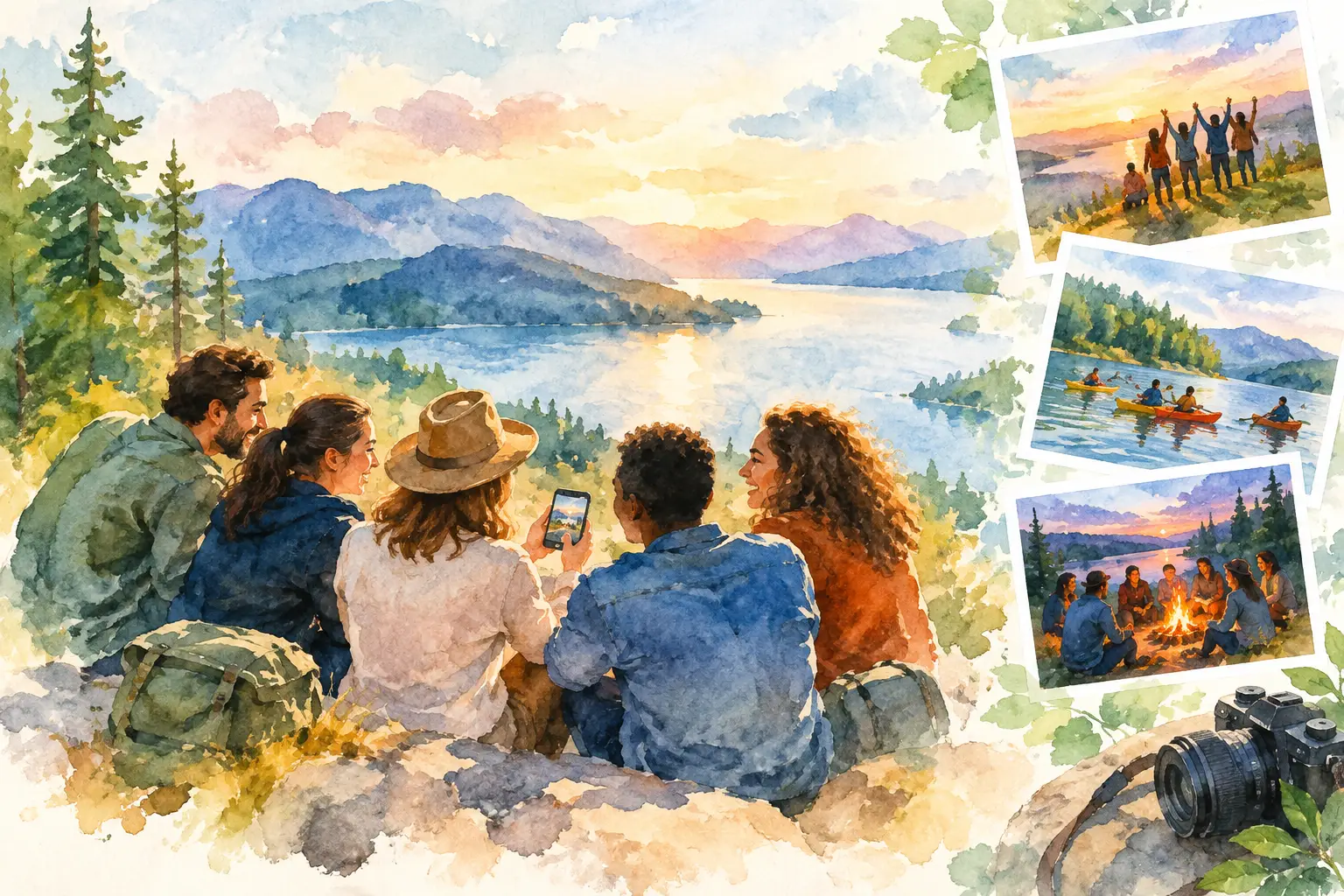
The best company retreat photo sharing example is not a folder someone creates after the fact and posts in Slack with a hopeful “add yours here.” By then, people are on flights home, photos are buried in camera rolls, and the good candid shots live in five different group chats. The fix is to make photo sharing part of the retreat itself.
Picture this: your team is 55 people, meeting for a two-day offsite in Palm Springs. There are strategy sessions, a poolside dinner, a volunteer activity, and a mildly competitive pickleball tournament. You want content for the internal recap, yes. But you also want the weird, warm, unpolished moments that prove people actually had a good time together.
Here is how to build a photo-sharing experience people will use, not ignore.
The Company Retreat Photo Sharing Example
Before the retreat, the organizer creates one private event gallery and turns it into a digital disposable camera experience. A QR code goes on welcome cards, table tents, the opening slide, and a sign by the coffee station. Guests scan it and can start taking photos immediately - no app download, account creation, or “wait, which link?” moment.
Each person gets 12 shots for the first day. That small limit changes the energy. Instead of documenting every breakfast pastry, people look for the moment: a teammate getting unexpectedly intense during trivia, the CEO trying a line dance, a sunset from the shuttle window, the group that showed up to the themed dinner fully committed.
The gallery stays hidden while everyone is capturing. Photos upload in the background when a connection is available, so weak hotel Wi-Fi does not derail the fun. At 10 a.m. on the final day, the organizer projects a countdown during breakfast and reveals the gallery to the whole team.
Suddenly, the retreat has a shared ending. People are not scrolling alone through a camera roll. They are laughing together at a photo nobody knew existed 30 seconds ago.
That is the difference between collecting files and creating a memory.
Why this setup gets more photos
Traditional photo collection asks people to do extra work after the event. They have to find the right folder, select photos, upload them, and remember to do it before the request disappears under a week of messages. Most will mean to do it. Most will not.
A QR-first setup catches people while they are already present, phone in hand, and surrounded by things worth photographing. Participation happens at the moment of interest, not days later when the moment has cooled off.
The limited-shot format also helps. Unlimited upload galleries can feel like work, especially at a company event where people may worry their photos need to look polished. A disposable-camera prompt makes the assignment feel lighter: take a few good ones, have fun with it, move on. It gives people permission to be candid.
The delayed reveal adds a little social suspense. When participants know the gallery will open later, they are contributing to a group payoff. That is far more motivating than dropping content into a shared drive that no one will revisit.
The organizer still gets the practical benefits
A photo-sharing experience should not require choosing between fun and usable content. You can still capture the essentials: team photos, venue details, speakers, awards, breakout sessions, and branded moments. The difference is that those images sit beside real attendee perspectives.
That mix is especially useful for internal teams. The polished photos help with recaps and future retreat decks. The candid photos help employees remember the event as more than a sequence of meetings in a nicer location.
For a client-facing event or brand activation, the same approach can generate a much fuller view of how guests experienced the day. Just make sure expectations around content use are clear before anyone scans the code.
Set the rules before people start shooting
Company retreats sit in a different category than weddings or birthday parties. People want to relax, but they also need to feel respected. A great gallery starts with a short, clear intro at kickoff.
Tell attendees what the photos are for, who can see them, and when the gallery will open. If images might be used externally, say so plainly and offer an easy opt-out path. If the gallery is private to attendees, say that too. Privacy is not a footnote. It is what gives people the confidence to be themselves.
Keep the guidance simple: photograph the energy, include people who want to be included, and skip anything that could make a coworker feel exposed. No one needs a 14-slide policy presentation before happy hour. They just need to know the room is thoughtful.
It also helps to name one or two gallery hosts. These can be retreat organizers, culture leads, or enthusiastic teammates who are comfortable nudging participation. Their job is not to police photos. It is to keep the experience visible, answer quick questions, and remind people that the reveal is coming.
Place prompts where the moments happen
A QR code at check-in is necessary. It is not enough.
People need small reminders at the parts of the schedule where the retreat gets interesting. Put a prompt near the activity sign-in table. Add one to dinner menus. Include a slide before the evening event. If there is a bus ride, leave a card on each seat with a playful line like, “Take the photo your group chat would never get.”
Prompts should invite a point of view, not demand corporate content. “Show us the best team energy,” “capture your plot twist,” or “one photo from your table” will outperform “please upload event images.” The latter sounds like an administrative task. The former sounds like an excuse to join in.
For larger retreats, use themed moments across the day. The morning can be “first coffee, best outfit, biggest view.” The afternoon can be “proof you left the conference room.” The night can be “one shot before the lights come on.” A little structure makes participation easier without making it stiff.
Choose the right reveal timing
The reveal is where this company retreat photo sharing example earns its keep. Timing matters.
A reveal on the final morning works well when everyone is still together. It creates a natural close, fills the pre-departure lull, and gives everyone a shared story to carry home. If your retreat ends right after a late-night party, schedule the reveal for the following afternoon instead. Let people travel first, then bring the group back together digitally when they are ready to relive it.
There is a trade-off. An immediate reveal creates the biggest live reaction, but it may miss photos from the very end of the event. A next-day reveal gives people more time to upload, especially if connectivity was spotty, but the shared-room energy is harder to recreate. Pick based on the schedule, not a blanket rule.
For multi-day retreats, you can also reveal day one at breakfast on day two while keeping the final night private until after checkout. That gives attendees an early hit of excitement without spoiling the whole collection.
Make it feel like a retreat, not another work channel
The fastest way to drain the fun from event photos is to make every image feel like a compliance asset. Avoid asking people to post only polished group shots or tying the gallery too tightly to executive visibility. The candid moments are the point.
That does not mean abandoning the brand. Add a custom event name, choose a visual style that fits the destination, and give the gallery a personality. “Desert Offsite 2026” is fine. “Palm Springs: We Survived the Trust Fall” is more likely to get a laugh and a scan.
Revel is built for this exact balance: a private, QR-code-based gallery that feels as easy as using a disposable camera, with shared photos ready for a timed reveal. The technology should stay in the background. Your team should feel like the main event.
After the reveal, leave the gallery available long enough for people to revisit, save favorites, and send the one photo that will absolutely become a reaction image in Slack. Then use the strongest shots in your recap, recruiting culture posts where appropriate, or next year’s retreat invitation.
The real win is not simply ending up with more photos. It is giving everyone a way to notice the retreat from more than their own seat. When the gallery opens, the quiet teammate, the newest hire, the person who skipped the selfie, and the unofficial photographer all get to show what the weekend looked like to them. That is the kind of shared memory people bring up long after the agenda is forgotten.

A writer interested in connection, memory, and the everyday moments that matter more than we realize.