7 Wedding Hashtag Alternatives Guests Use
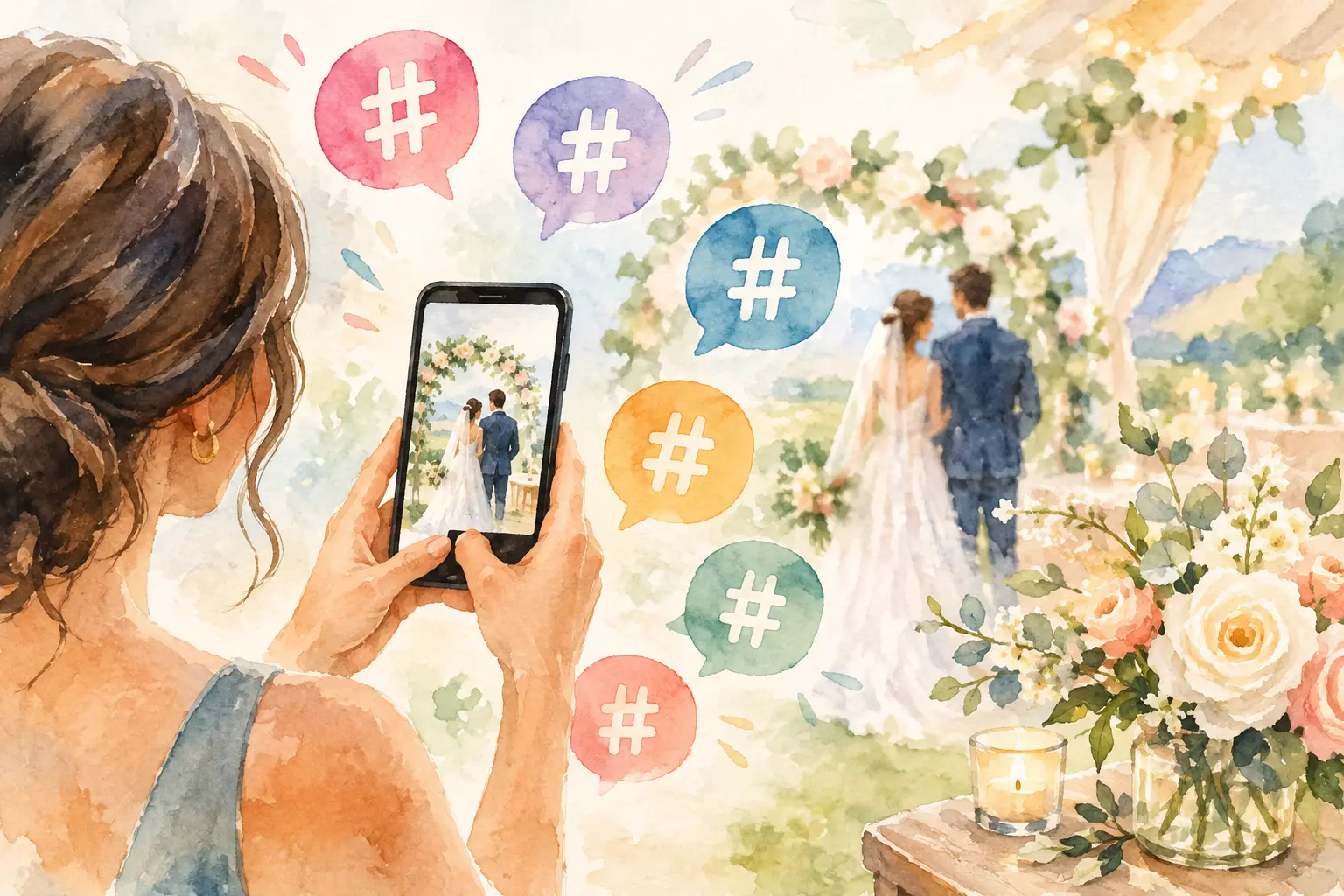
Your wedding hashtag looked great on the bar sign. Then the weekend ended, your feed had six photos, and the rest disappeared into 80 camera rolls, three group texts, and your cousin’s Instagram drafts. That is why wedding hashtag alternatives are having a moment. Couples do not just want a cute phrase. They want the photos people actually took.
A hashtag was built for public posting, not for collecting memories. It asks guests to remember the exact spelling, post to a social platform, choose public visibility, and hope you find the image later. That is a lot of friction for someone who is busy finding their table, catching up with family, and dancing to “Mr. Brightside.”
The better options make contribution feel almost automatic. Guests scan, snap, and move on. You get the candid ceremony reactions, the blurry dance-floor joy, the table selfies, and the tiny moments your photographer could not be everywhere to catch.
Why wedding hashtags stopped doing the job
Wedding hashtags still have a place if you want a public, social-facing thread of posts. They can be fun for a destination wedding, a creator-heavy guest list, or a couple that genuinely wants photos on Instagram and TikTok. But they are unreliable as your main photo plan.
First, not everyone posts. Some guests avoid social media entirely. Others take great photos but never make it past their camera roll. And even guests who do post may set their account to private, forget the tag, mistype it, or share days later when the momentum has vanished.
There is also the privacy question. A public hashtag can turn intimate moments into searchable content. That may be fine for some couples. For others, especially with kids, family dynamics, or a more private celebration, it is not the vibe.
The best wedding hashtag alternatives prioritize one thing a hashtag cannot guarantee: a complete, private collection of guest photos in one place.
1. A QR-code wedding photo gallery
A QR-code gallery is the cleanest swap for a hashtag because it removes the memory test. Put a code on your welcome sign, cocktail napkins, table cards, or photo booth backdrop. Guests scan it with their phone camera and join the shared album right away.
No searching. No downloading a specific social app. No wondering whether they spelled your last name correctly.
This works especially well when the gallery is designed for guest participation rather than file storage. A simple upload page gets the job done, but the experience matters. If it feels like paperwork, people will promise to add photos later and never do. If it feels quick and social, they will contribute between songs.
QR galleries also make it easier to gather photos from every generation. Your college friends might post a story, but your aunt is more likely to scan a code and upload the portraits she took during dinner. One shared destination means fewer missing perspectives.
2. A digital disposable camera experience
If you love the energy of disposable cameras but not the cost, film delays, or inevitable shots of someone’s thumb, go digital. A digital disposable camera gives guests a limited number of photos to take, often with nostalgic filters and a gallery that opens later.
The limit is the magic. Unlimited phone storage makes people overthink, retake, and eventually forget to share. A set number of shots creates a tiny creative challenge. Guests become more intentional, more playful, and much more likely to capture the unexpected stuff.
A timed reveal adds another layer. Instead of everyone scrolling through photos while the reception is still happening, the whole room gets to experience the gallery together after the event. Capture together. Reveal together.
Revel turns this idea into a wedding-friendly photo experience: guests can join by QR code, take limited shots without creating an account, and come back for the full private gallery at reveal time. It keeps the low-stakes charm of a disposable camera while making every image easy to collect and share.
This option is ideal for couples who want less posed content and more proof that the party was actually a party.
3. A private shared album
A shared album is a practical choice for smaller weddings, courthouse ceremonies, rehearsal dinners, or events where you mainly want clean access to full-resolution photos. Create the album before the weekend, give guests a simple way to join, and ask them to add their favorites.
The trade-off is participation. A standard shared album can feel like a task, especially if guests need to log in, download an app, request access, or sort through permissions. It is functional, but it does not necessarily create a reason to contribute in the moment.
If you choose this route, make the ask specific. “Add the photos you took tonight” is better than “Share your photos.” Mention it in a short welcome note, then repeat it once during the reception. Do not make your DJ announce it six times. Guests came to celebrate you, not complete a workflow.
Private albums are best when simplicity matters more than a themed experience. They are also a smart backup for professional images after your photographer delivers the final gallery.
4. A wedding photo booth with instant sharing
A photo booth handles a different kind of memory: the deliberate, dressed-up, everyone-squeeze-in-the-frame moment. Modern booths can send digital copies to guests and, depending on the setup, contribute them to a shared event gallery.
This is not a replacement for a guest-photo collection on its own. A booth mostly captures the people who walk up to it. It will not catch your best friend tearing up during vows or your grandparents owning the dance floor after dessert.
Still, it is a strong add-on if your wedding has room in the budget and you want a high-energy activity. Pair it with a QR photo gallery, and you get both kinds of coverage: polished booth shots and real-time candids from across the room.
Think of the booth as entertainment. Think of the guest gallery as your memory system.
5. A wedding website upload page
If you already have a wedding website, adding a photo-upload page can keep your planning details and post-wedding sharing in one familiar place. It is especially useful for multi-day celebrations, destination weekends, and weddings with lots of travel logistics.
The catch is timing. A website is great for information guests need before the wedding. It is less naturally part of the party itself. Unless the upload page is extremely easy to access, people may not remember it once the weekend is over.
Use it as a home base, not your only reminder. Add a QR code that leads directly to the upload page, and put it where people will see it during the event. A small sign near the bar or guest book is more effective than a link buried in a confirmation email from six months ago.
6. A group text or private chat
For a tiny wedding, elopement, or bachelorette weekend, a group text can be enough. It is familiar, immediate, and requires zero explanation. People will happily drop photos into a chat while they are still on the dance floor.
But group chats get messy fast. Images are compressed, messages bury the good shots, and anyone who joins late may have trouble finding what they missed. After a larger wedding, the thread becomes a chaotic mix of heart emojis, Uber updates, and 147 nearly identical sparkler-exit photos.
Use a group chat for quick reactions and day-of coordination. Use a dedicated gallery for the photos you want to keep organized.
7. A post-wedding photo request that people will answer
Sometimes the simplest alternative is asking after the fact, but it needs to be done well. Send one warm, direct message within a few days, while the event still feels fresh. Tell guests exactly where to add photos and give them a deadline that feels easy, not urgent.
Try language like: “Still thinking about that dance floor. Add your favorite photos from the weekend by Sunday so we can see it from your point of view.” It is personal, clear, and tells people what to do next.
Do not wait a month. By then, phones are full, life has resumed, and the photos are sitting next to grocery lists and screenshots nobody can identify.
How to choose the right alternative
Choose based on the kind of wedding you are creating. For a high-energy reception, a digital disposable camera or QR gallery encourages the most in-the-moment participation. For an intimate dinner, a shared album may be all you need. For a public, content-friendly celebration, keep the hashtag too, but do not rely on it as your archive.
The best setup is usually not the most complicated one. It is the one guests understand in two seconds. One clear QR code. One simple instruction. One private place where the pictures land.
Your photographer will preserve how the day looked. Give your guests an easy way to preserve how it felt.

A writer interested in connection, memory, and the everyday moments that matter more than we realize.
Tags: Wedding photo sharing , Wedding guest photos , Digital disposable camera , Wedding disposable camera , QR photo sharing , Private shared album