7 Best Ways to Crowdsource Photos at Events
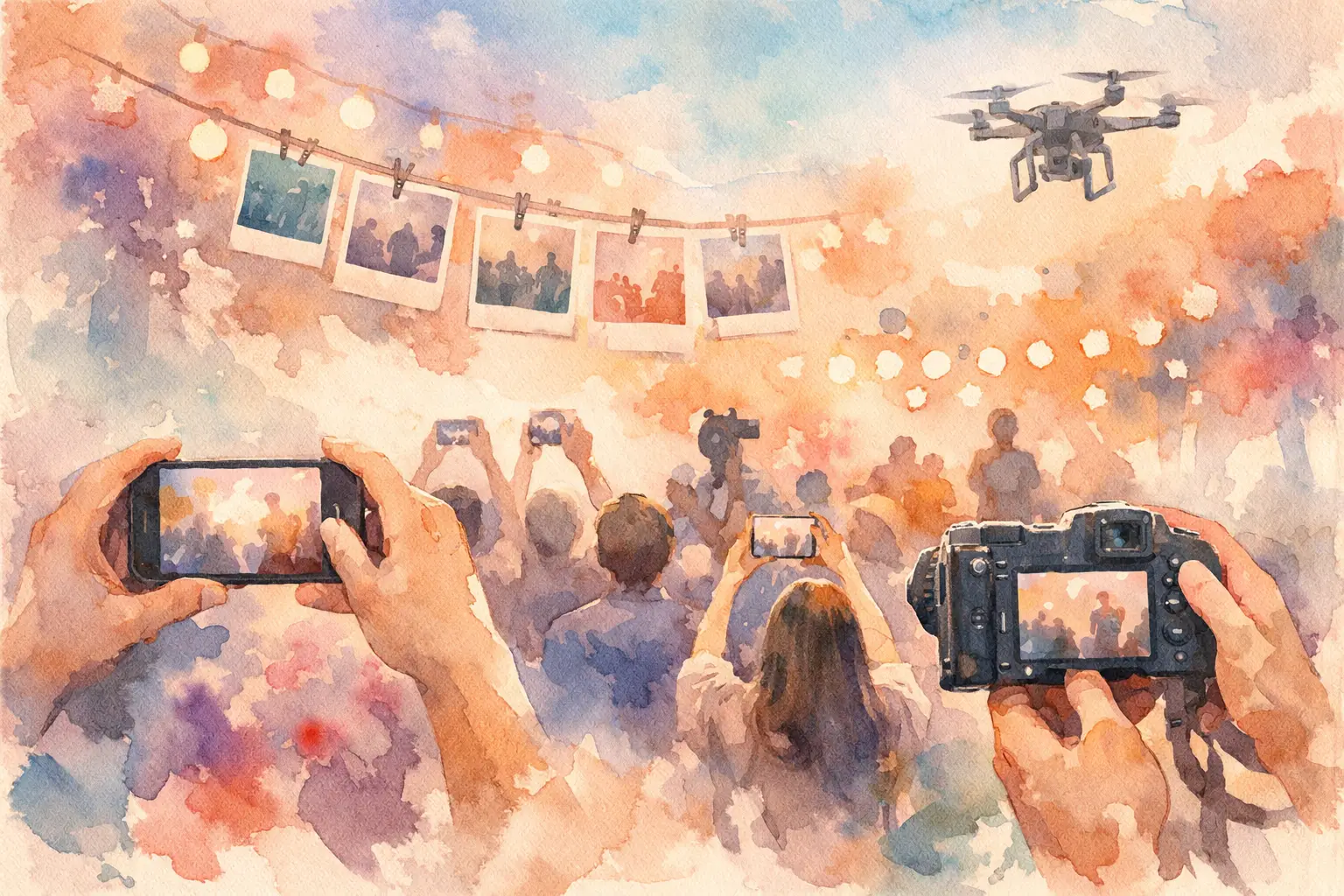
Your guests took the photo of your best friend crying during the toast. The unplanned dance-floor chaos. The table selfie that somehow includes everyone. Then those photos vanish into camera rolls, group texts, and “I’ll send them later” limbo.
The best ways to crowdsource photos solve that problem before the event starts. The goal is not just collecting more content. It is making it ridiculously easy for people to contribute while the moment is still happening - then giving everyone a reason to come back and relive it together.
1. Give guests one obvious place to upload
A shared photo collection only works when nobody has to ask, “Where do I send these?” Set up one destination for every photo and video, then make that destination impossible to miss. QR codes are especially effective because they turn participation into a two-second move: scan, snap, done.
Place the code where the action is. At a wedding, that could mean welcome signage, bar menus, table cards, and the dance floor. For a birthday dinner, put it beside the cake or on a small sign near the entrance. For a company event, add it to name badges, slide decks, and event signage.
The catch: too many destinations create hesitation. Do not offer one folder for friends, another for family, and a third for the planner unless there is a real privacy or access reason. One event, one clear collection point.
2. Remove the app-download wall
If contributing requires downloading an app, creating a password, confirming an email, and learning a new interface, participation drops fast. People are willing to take photos. They are less willing to do admin at a party.
The best setup lets guests join from their phone browser with no account required. That matters for mixed-age crowds, coworkers, distant relatives, and anyone whose phone storage is already holding on by a thread. It also matters at brand activations and conferences, where the average attendee is not giving an unfamiliar app more than five seconds of attention.
A QR-based experience like Revel keeps the flow simple: scan the code, capture or upload, and get back to the event. Less setup means more perspectives in the final gallery.
3. Make taking photos part of the fun
“Please upload your photos” feels like homework. A playful prompt feels like an invitation.
Give guests a reason to capture something beyond the standard posed group shot. At a wedding, ask them to photograph the happiest person they see, their view during the ceremony, or a moment the couple might miss. On a group trip, challenge everyone to capture the best meal, the strangest roadside stop, and one photo that sums up the day. At a company offsite, ask for candid team moments rather than another room full of laptop photos.
Digital disposable camera formats work well here because constraints create energy. A limited number of shots makes each capture feel intentional without making it precious. Filters can add a cohesive look. A simple shot counter can nudge guests to actually use the experience rather than save it for later.
The right prompt is specific enough to spark an idea and loose enough to leave room for personality. You want real life, not a scavenger hunt that takes people out of it.
4. Use a delayed reveal to keep the surprise alive
The instant photo dump has a downside: people scroll through it while the event is still happening, then forget it exists. A timed gallery reveal gives the collection a second life.
For weddings, unlock the gallery the next morning or after the honeymoon brunch. For a birthday, reveal it the day after. For a vacation, open each day’s photos at dinner, or save the whole gallery for the flight home. The delay creates anticipation and protects the present moment from becoming a live-content review session.
This is also a smart answer to the “Will people post everything immediately?” concern. Not every photo needs to be public in real time. A private shared reveal lets the group laugh at the blurry, chaotic, sweet stuff together first.
Timing depends on the event. A brand activation may need quick access to keep momentum high, while a wedding crowd may love the suspense of a next-day reveal. Choose the reveal moment that extends the experience instead of interrupting it.
5. Assign a host, but do not make them chase photos
Every great crowdsource effort needs a gentle human nudge. The organizer, DJ, emcee, trip leader, or event coordinator can mention the photo collection once at the start and once when the room is most energized.
Keep the announcement short: “Scan the code, take your best candid, and we’ll reveal everything tomorrow.” That is enough. A long explanation makes it sound complicated, even when it is not.
The host’s job is to normalize participation, not become the event’s unpaid photo collection department. Avoid sending individual texts afterward asking people to hunt through their camera rolls. That method can recover a few photos, but it turns a joyful event into a follow-up project and still misses the best in-the-moment captures.
6. Plan for bad reception and real-world phone behavior
Crowdsourced photo tools are only as good as they are when the venue Wi-Fi is overloaded, the ceremony is outdoors, or half the room has spotty service. Choose a setup that supports offline capture and syncing once a connection returns.
It is also worth thinking about battery life. At festivals, conferences, long wedding days, and destination events, a charging station near the QR sign can quietly increase participation. So can placing the code in more than one location. Guests should not have to walk across a ballroom to contribute.
Do a quick test before guests arrive. Scan the code with different phones. Check that the gallery name is obvious. Confirm that photos upload at the quality you expect. This takes five minutes and prevents the kind of tiny friction that becomes a big participation killer.
7. Build privacy into the invitation
More photos are better only when guests feel comfortable sharing them. Let people know who can see the gallery, whether it is private, and when it will open. For professional events and brand activations, be clear about whether submitted content may be used in marketing.
For personal events, a private gallery is often the sweet spot. It gives guests permission to be candid without making every moment feel broadcast-ready. You can always select a few favorites for social later. Start with the shared memory, not the social post.
If children, sensitive moments, or work-related content are involved, give the organizer moderation controls and set expectations early. Privacy does not have to make the experience formal. It simply makes participation feel safer.
The best way to crowdsource photos is the one guests will actually use
A shared album is not magical because it has a link. It works because the path from seeing a moment to adding it is almost effortless. Keep the entry point visible, the instructions tiny, the experience playful, and the final gallery worth waiting for.
Your photographer can capture the big moments beautifully. Let your people capture everything around them: the side glances, the terrible dance moves, the inside jokes, and the little scenes you never got to see. Put one simple invitation in their hands, then let the memories show up from every angle.

A writer interested in connection, memory, and the everyday moments that matter more than we realize.
Tags: Event photography , Event photo sharing , Event photo collection , Corporate Event Photography , Offline event photo uploads , Shared event photos