What Happens When You Take a Picture of a QR Code?
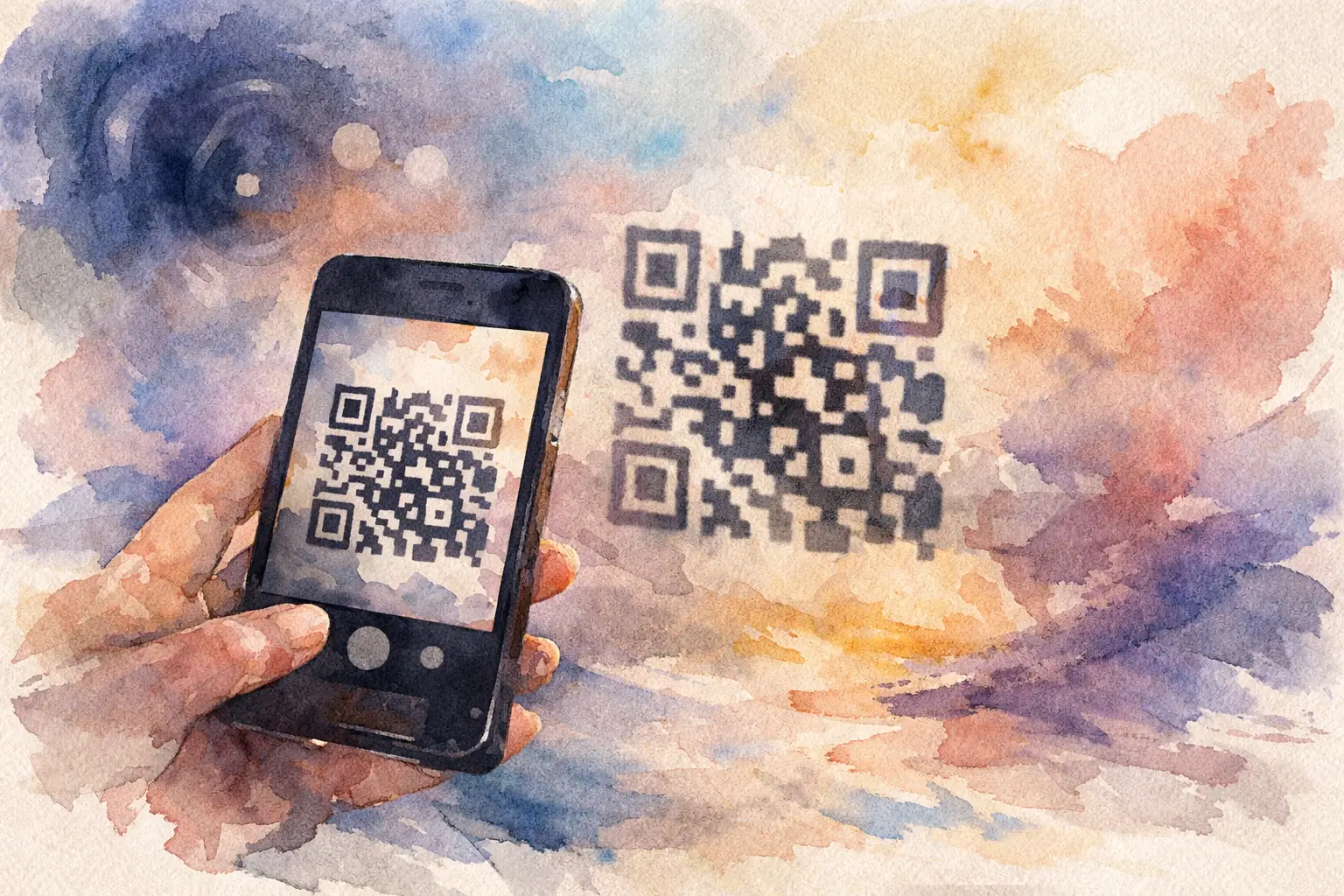
You see a QR code at a wedding table, on a conference badge, or taped near the cake. You point your camera at it, snap a photo, and wonder: what happens when you take a picture of a QR code? The short answer is not much by itself. Taking a regular photo saves an image of the code. Scanning it is what triggers the action.
That difference matters more than people think.
A lot of guests assume that if they photographed the code, they already joined the album, opened the menu, or saved the link. Usually, they didn’t. A photo of a QR code is just that - a photo. Your phone may recognize it later, but unless you tap the prompt while using the camera or open the image and interact with the detected code, nothing has actually happened yet.
What happens when you take a picture of a QR code on your phone?
There are two completely different behaviors, and your phone treats them differently.
If you open your camera app and point it at a QR code, many phones automatically detect it. A small banner or pop-up appears with the link or action. If you tap that banner, the code is scanned and something happens - maybe a website opens, maybe a contact card appears, maybe it joins you to an event gallery.
If you press the shutter button and just save the image, your phone stores a picture in your camera roll. That does not automatically open the link, submit a form, or connect you to anything.
This is where people get tripped up. They think the act of photographing the code completes the task. It doesn’t. The code still needs to be read by software.
A QR code photo vs a QR code scan
Think of it like taking a picture of a phone number versus dialing it.
A scan is an action. Your device reads the pattern, decodes the information inside it, and offers the next step. That could be opening a web page, connecting to Wi-Fi, launching a payment screen, downloading contact details, or starting an app action.
A photo is just a saved reference. Useful, yes. Active, no.
That makes taking a photo of a QR code handy in some situations. Maybe you want to use the code later when you have signal. Maybe the room is chaotic and you want to save it before the sign disappears. Maybe you’re collecting details from an event and don’t want to stop mid-conversation. A photo works well as a bookmark. It just doesn’t do the job on its own.
Can your phone scan a QR code from a saved photo?
Often, yes.
Most newer iPhones and Android phones can detect QR codes inside images saved in your gallery. You open the photo, tap and hold the code or use a built-in text or visual recognition feature, and your phone may surface the link.
But this depends on the device, operating system, camera quality, and how clear the image is. If the code is blurry, angled, poorly lit, or tiny in the frame, your phone might not recognize it. Screenshots usually work better than shaky photos for this reason.
So if you took a picture and expected it to act like an instant scan, you may need one extra step: open the image and tap the recognized link if your phone offers it.
What information is actually inside the QR code?
A QR code is just a visual container for data. The code itself can hold different kinds of information, and what happens after scanning depends on what was encoded.
In everyday use, it usually leads to a URL. That’s why most people associate QR codes with websites. But a QR code can also contain contact details, calendar invites, Wi-Fi credentials, SMS templates, payment requests, or plain text.
At events, QR codes often lead to something interactive: a shared album, a check-in page, a digital schedule, a registration form, or a branded experience. That’s where the difference between photo and scan really matters. If guests only save the code as a picture and never open it, participation drops fast.
Why people photograph QR codes instead of scanning them
Honestly, it makes sense.
Sometimes the code is on a presentation slide and disappears too quickly. Sometimes guests are in the middle of dancing, carrying drinks, or rushing between sessions. Sometimes they mean to come back later. A photo is fast, low-pressure, and easy.
It’s also a quiet little insurance policy. If the QR sign gets taken down, the room changes, or you move to a spot with better service, you still have the code saved.
The trade-off is friction. Every extra step after the event lowers follow-through. A code that gets scanned in the moment usually performs better than one that gets saved for later and forgotten in a crowded camera roll.
What happens when you take a picture of a QR code at an event?
At an event, the answer is practical: you probably saved your place, but you haven’t joined anything yet.
Let’s say the code links to a private photo album where guests can upload pictures. If you scan it and tap through, you’re in. You can start contributing right away. If you only take a photo, you still need to go back, open the image, and access the link later.
That sounds minor, but it changes behavior. The easier the first step, the more photos you collect. That’s why event QR experiences work best when guests can join instantly, with no app download and no account wall slowing them down. One quick scan beats a “I’ll do it later” photo almost every time.
For weddings, birthdays, vacations, and work events, this is the whole game. Not just getting people interested, but getting them in before the moment passes.
When taking a photo of a QR code is useful
There are good reasons to save a QR code as a photo.
If you’re offline, a photo lets you access it later when you have service. If the code contains a link to something you’ll need after the event, saving it can be smart. If you’re comparing multiple options, like vendor menus or booth materials, a photo creates a visual reminder with context around it.
It also helps when sharing with someone else. You can send the image of the QR code to a friend, and they may be able to scan it from their device or open it with image recognition tools.
So no, taking a photo is not useless. It’s just passive until you act on it.
When taking a photo is not enough
This is where expectations need a quick reset.
If the QR code is meant to check you in, confirm attendance, open a live experience, claim a time-sensitive offer, or get you into a shared photo flow right now, saving a picture is only half-finished. The action hasn’t happened yet.
There’s also the issue of expiration. Some QR codes point to campaigns, limited-time offers, or event pages that change after the moment passes. A saved photo won’t preserve the destination if the underlying link stops working later.
And from a user experience perspective, delayed action usually means lost action. People intend to go back. Then they don’t.
How to actually use a QR code photo later
If you already took the picture, don’t worry. You can still use it.
Open the image in your Photos or Gallery app. On many phones, the QR code will be recognized automatically, and you’ll see a prompt to open the link. If not, try zooming in first or using your phone’s built-in lens or visual search tool. If the image is too blurry to read, retaking the code or asking for the direct link may be the only fix.
If you’re organizing an event, this is worth remembering. A sharp, high-contrast QR code with enough size and spacing makes later recognition much easier. Tiny decorative codes may look cute on signage, but they’re harder to use in the real world.
The bigger takeaway for shared photo moments
QR codes are best when they remove friction, not add mystery.
If your goal is getting everyone into one place to contribute photos, timing matters. Asking guests to snap a picture of the code and remember it later is better than nothing, but instant participation wins. The more immediate the join, the fuller the album, the better the mix of perspectives, and the less you end up chasing photos through group chats afterward.
That’s exactly why products like Revel use QR codes as the front door, not the whole experience. The magic is not the square itself. It’s what happens right after the scan: guests get in fast, start shooting, and the memory starts building from every angle.
So what happens when you take a picture of a QR code? Usually, you save a shortcut for later. If you want the code to actually do something, scan it, tap it, and let the moment keep moving.

A writer interested in connection, memory, and the everyday moments that matter more than we realize.
Tags: QR photo sharing , QR code for photos , Cam QR , QR code camera , QR Tags