Corporate Event Photography: A Shot List Your Team Can Use
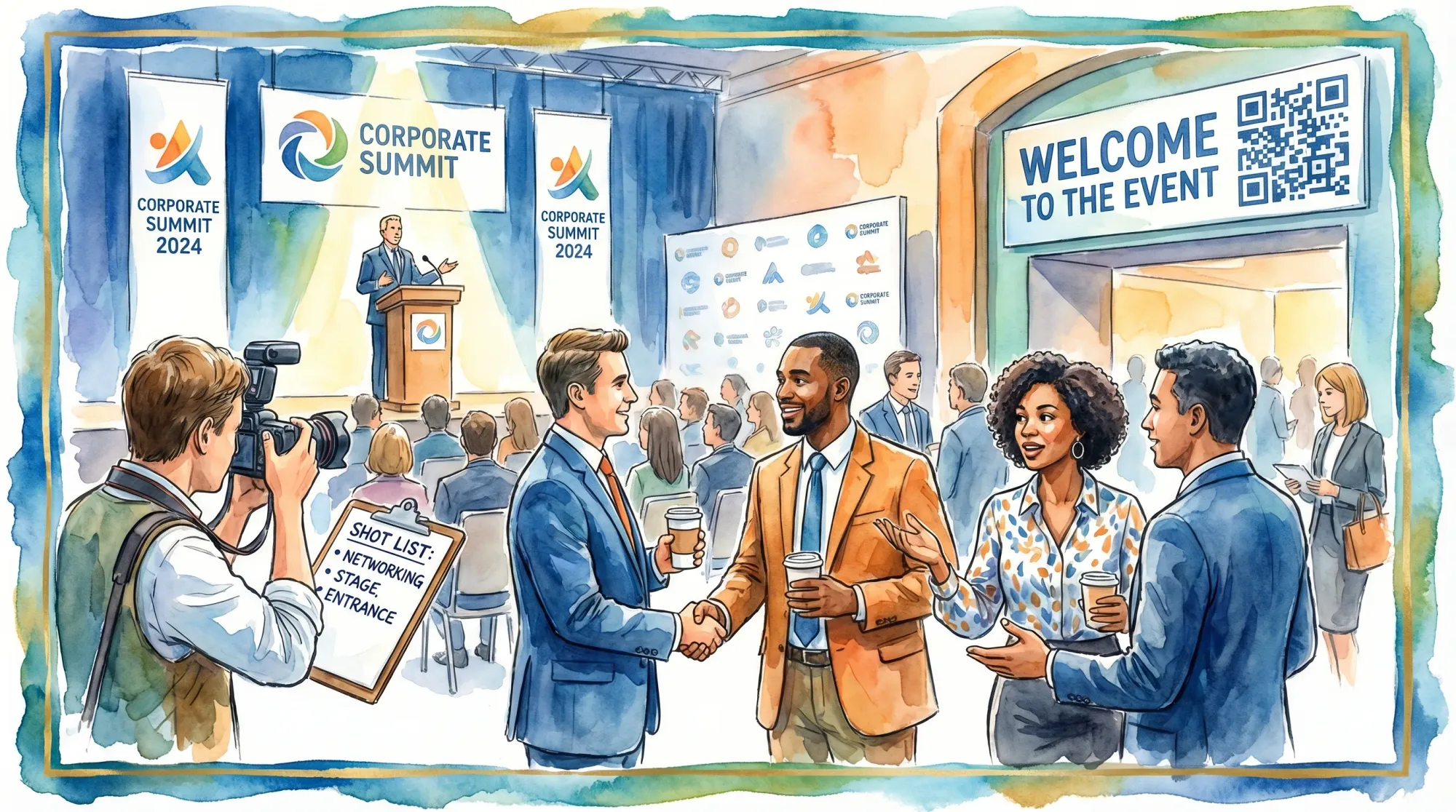
Corporate events move fast. If you wait until the agenda starts to decide what to capture, you will miss the moments your marketing, HR, and leadership teams actually need: proof the room was full, speakers on stage, customer conversations, sponsor visibility, and the candid “people actually enjoyed this” shots.
A good corporate event photography shot list solves that. It turns “get some photos” into a clear, executable plan your team can run, whether you have a professional photographer, an in-house content person, or both.
Start with the end use (so the shot list matches reality)
Before you list a single photo, align on where the images will live. Corporate event photography fails most often when expectations are vague, or when one stakeholder is thinking “website hero” and another is thinking “internal culture recap.”
Use this quick “end use” checklist to shape your shot list:
- Brand and PR: press release, corporate newsroom, partner announcements
- Demand gen: landing pages, paid social, email nurture, case studies
- Recruiting and culture: careers page, LinkedIn posts, internal comms
- Sales enablement: decks, one-pagers, event follow-up sequences
- Sponsor reporting: proof of logo placement, booth traffic, activations
If your event photos will feed paid campaigns or conversion-focused landing pages, loop in whoever owns performance marketing early. (Teams that want help turning event assets into ads, SEO pages, and conversion flows sometimes partner with a specialist shop like Realisma digital marketing agency.)
The “one-page photo brief” your team should fill out
Create a one-page photo brief and share it with whoever is shooting (a photographer, a contractor, or a teammate). It prevents day-of rework.
Include:
- Event name, date, venue, and schedule blocks (registration, keynote, breakouts, reception)
- Top 3 photo outcomes (example: “10 sponsor-proof shots,” “15 culture images,” “hero keynote set”)
- Brand rules (logo usage, prohibited areas, sensitive prototypes, badge rules)
- Must-capture people (execs, keynote speakers, award winners, customers)
- Delivery requirements (same-day selects vs. post-event gallery, file naming, where to upload)
- Privacy guidance (photo notice signage, restricted attendees, minors, opt-out process)
Corporate event photography shot list (copy, paste, and assign)
Below is a practical shot list organized by purpose. Use it as-is, or delete sections that do not apply to your event.
Priority guide
To keep the list usable on a real event day, assign each shot a priority:
- P1 (non-negotiable): if you miss it, the event “didn’t happen” in photos
- P2 (high value): boosts storytelling and marketing depth
- P3 (nice to have): great if you have time or extra coverage
Master shot list table
Use this table to assign ownership and timing.
| Category | Shot (what to capture) | Priority | When to get it | Why it matters |
|---|---|---|---|---|
| Establishing | Venue exterior with signage | P1 | Before doors | Sets context, useful for recap headers and PR |
| Establishing | Registration check-in with line and staff | P1 | Doors open | Proves attendance and operational polish |
| Brand | Step-and-repeat or logo wall, empty and then in use | P1 | Pre and peak | Sponsor proof and social-ready branding |
| Stage | Wide keynote shot showing stage + audience | P1 | First 2 minutes | “Room feel” and credibility for future promotion |
| Stage | Speaker mid-action (gesture, expression) | P1 | Throughout | Hero images for speakers, PR, and website |
| Stage | Audience reaction (laugh, applause) | P1 | 1-2 times/session | Emotion sells the experience |
| Breakouts | Speaker + attendees in one frame | P2 | Mid-session | Demonstrates learning and engagement |
| Expo | Booth interactions (not just booth signage) | P1 | Peak traffic | Shows real conversations, not empty stands |
| Expo | Product demo close-ups (hands, device, screen glow) | P2 | Scheduled demos | Visual detail for recap posts |
| People | Candid networking (2-4 people talking) | P1 | Breaks, reception | The “why attend” story |
| People | Execs greeting attendees | P2 | Arrival, VIP moments | Leadership visibility and culture |
| Culture | Staff/volunteer team photo | P2 | Before doors | Internal pride, recruiting content |
| Culture | Behind-the-scenes (AV, staging, rehearsals) | P3 | Pre-event | Adds authenticity to recap |
| Details | Badges, lanyards, printed programs | P2 | Pre-event | Adds texture for storytelling |
| Details | Food and beverage spreads | P3 | Before service | Useful for hospitality and sponsor packages |
| Awards | Winners on stage receiving awards | P1 | Awards block | Mission-critical for internal and external comms |
| Group | One “all-hands” crowd shot | P2 | Peak moment | Great for yearly wrap-ups and decks |
| Closing | Final applause or send-off moment | P2 | End | Strong ending image for recaps |
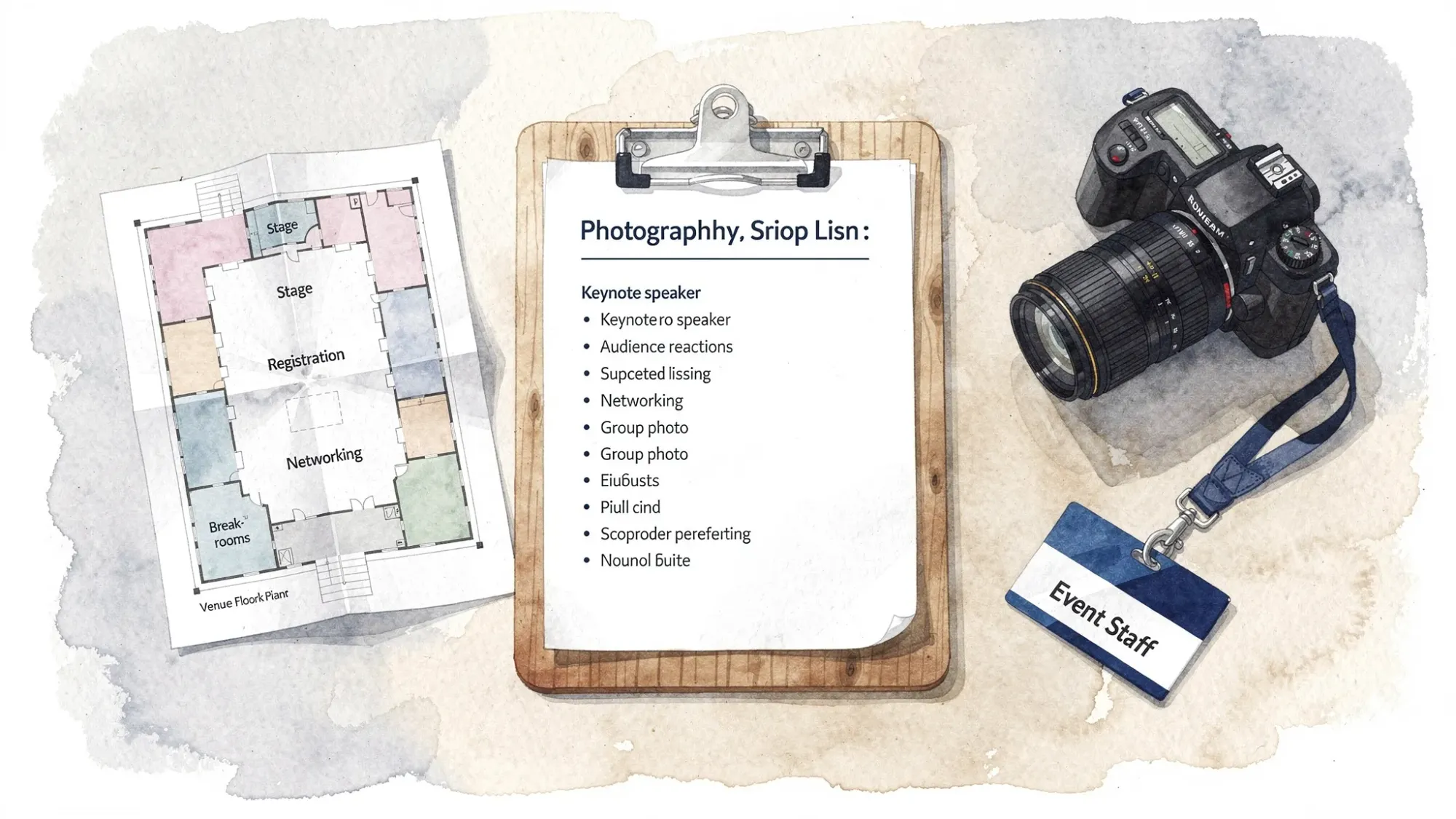
Breakdown by moment (so your team can execute without guesswork)
1) Arrival and registration (the credibility block)
This is where you capture “scale” and “polish.” Get these early, because once people flow inside, registration stops looking active.
Capture:
- Venue exterior with branded entrance signage
- Registration desk: staff helping attendees, line forming, badge pickup
- First networking moments right after check-in
- Any welcome features: coffee bar, sponsor activation, branded photo moment
Tip: Take both a wide version (context) and a tight version (emotion, detail). One wide plus one tight is more useful than five similar wides.
2) Keynotes and main stage (the hero block)
Corporate event photography on stage can look flat if you only shoot from the back of the room. Aim for three angles if possible.
Capture:
- Wide: stage plus audience (shows scale)
- Medium: speaker from waist-up with clean background
- Reaction: audience laughing, clapping, taking notes
- “Handshake moments”: speaker meets host, panelists greeting, award handoffs
Brand safety note: If slides contain confidential information, capture the speaker without readable slide content, or coordinate which slides are safe.
3) Breakouts and sessions (the proof-of-value block)
Breakouts are where content value happens, but they are easy to under-shoot.
Capture:
- Speaker plus attendees in the same frame
- Small group discussions (faces engaged, not just backs of heads)
- Q&A moments: attendee holding mic, speaker responding
- Room detail: branded screen, session title signage outside room
Operational trick: Ask session leads for the “one minute moment” when the room is fullest, then show up for that window.
4) Expo hall, demos, sponsor activations (the ROI block)
Sponsors care about two things: visibility and engagement.
Capture:
- Sponsor logo placement in real context (not just a close-up of a banner)
- Booth traffic at peak times
- Interactions: demos, scanning badges, hands-on product use
- Team at booth (friendly, professional, not mid-bite)
If sponsor reporting is promised, create a mini list per top sponsor:
- One wide showing their placement
- Two interaction shots
- One team shot at booth
5) Networking, receptions, and after-hours (the human block)
These photos are often the most shareable because they look like real connection.
Capture:
- 2 to 4 people in conversation, smiling, animated
- A few “intro moments” (handshake, exchanging contact info)
- Toasts or casual remarks
- Ambient scenes: clusters of people, laughter, movement
Avoid: overly posed, rigid groups unless requested. In modern corporate event photography, candid usually performs better on LinkedIn and internal comms.
6) Culture, recruiting, and internal storytelling (the retention block)
If HR or internal comms is involved, you want photos that show belonging and momentum.
Capture:
- Team candid moments: helping guests, laughing together, focused on execution
- Diversity of attendees (without tokenizing, aim for honest representation)
- Mentorship moments: senior leader talking with a junior attendee
- “Work looks good here” details: thoughtful signage, comfortable spaces, accessibility touches
The “executive + VIP” micro shot list
Exec photos are high stakes, low time. Treat them like a mini production.
Capture:
- Arrival greeting (exec interacting, not just walking)
- Speaking moment (if applicable)
- One small group conversation with attendees
- One clean portrait-style image (near good light, uncluttered background)
- One “brand proof” frame (exec with event signage or stage backdrop)
Practical tip: Put VIPs into the run of show as a 5-minute “photo window,” otherwise it will not happen.
How to assign roles so the shot list actually gets used
A shot list is only useful if someone owns it. For many events, the most reliable approach is to split responsibilities:
- Lead photographer (or lead shooter): stage, keynotes, planned moments
- Roving shooter (or content coordinator): networking, expo floor, details
- Shot list owner (producer or marketing lead): checks off priorities, pulls missing shots
If you only have one shooter, simplify:
- Lock P1 shots first
- Only pursue P2 shots once P1 is covered
- Treat P3 as optional
File delivery: define it now, not after the event
Your team will move faster post-event if the delivery expectations are explicit.
Decide:
- Same-day selects: yes or no, and how many (example: 10 images for internal recap)
- Final delivery: full gallery, edited highlights, or both
- Usage: internal only, external marketing, paid ads (confirm rights with pros)
- Organization: by day, by session, or by category
When you need more coverage than one photographer can provide
Even strong photographers cannot be everywhere. Meanwhile, attendees capture moments your team will never see: hallway conversations, dinner-table stories, behind-the-scenes reactions.
A practical way to fill gaps is to run a parallel guest-capture layer that is private and brand-safe.
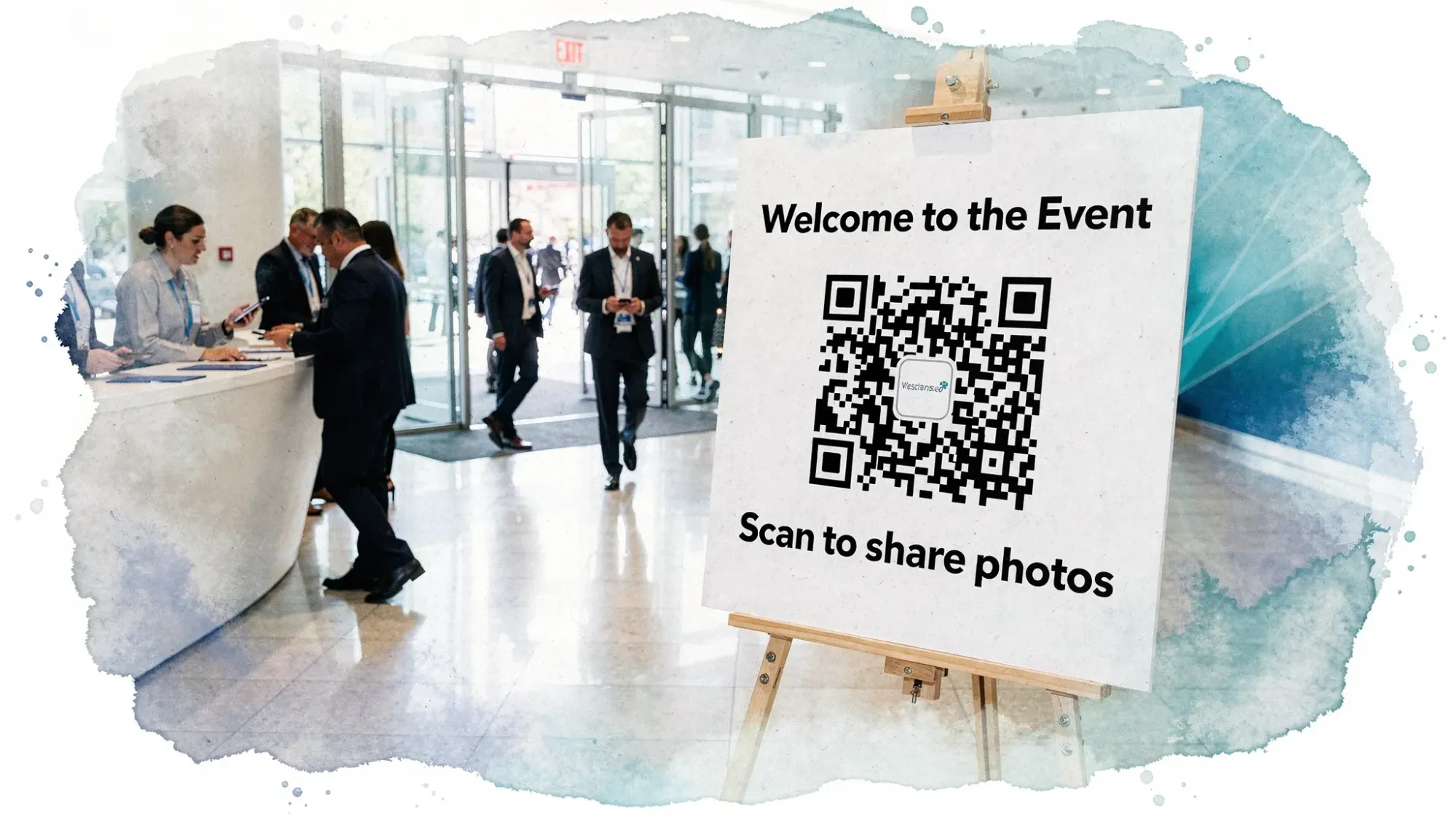
With Revel.cam, you can create a private event “Moment” where guests:
- Scan a QR code or tap an NFC tag
- Open the camera instantly (no signup, no app install, iPhone uses an App Clip)
- Take photos that upload automatically into one event gallery
For corporate events, the controls matter:
- Set guest limits and photo limits per guest to keep quality high
- Set an end time so uploads stop when the event ends
- Use host review and moderation before sharing broadly
If you want a deeper corporate-specific workflow, see Revel’s guide on QR photo for corporate events, and for the broader operational system, Corporate photos: a simple system to collect team pics.
A simple “day-of” sequence your team can follow
Use this flow to avoid getting stuck in one area too long.
Before doors open
- Capture empty venue, signage, sponsor wall, stage setup
- Confirm where VIPs will be and when
- Validate any restricted zones (no photos) with venue or security
Doors open to keynote
- Registration and arrivals
- First networking clusters
- One or two detail shots (badges, programs)
Keynote block
- Wide stage + audience
- Speaker hero shots
- Audience reaction
Breakouts and expo rotation
- Spend 10 to 15 minutes per priority room or booth
- Get one wide, one interaction, one detail, then move
Reception and closing
- Networking candids
- Awards and recognition
- Closing applause
Common corporate event photography misses (and how to prevent them)
Miss: Photos look empty
Fix: Shoot early when a room is filling, then again at the peak. Wide shots during transitions often make even successful events look sparse.
Miss: Everything is stage photos
Fix: Set a minimum for “human connection” shots, for example 20 networking images, and assign a roving shooter.
Miss: Sponsor complaints after the event
Fix: Put sponsor shots on the P1 list, and get them before crowds thin.
Miss: Great photos that cannot be used
Fix: Align on privacy and usage. Ensure registration language and signage match your intended use (internal recap vs external marketing). When in doubt, prioritize non-identifiable crowd angles for public-facing content.
A final template you can copy into your doc
Paste this into your run of show or production doc, then fill in names.
| Owner | Coverage zone | P1 shots they are responsible for | Time windows |
|---|---|---|---|
| Lead shooter | Main stage | Wide room, speaker hero, audience reaction, awards | Keynote + awards blocks |
| Roving shooter | Expo + networking | Sponsor interactions, candid networking, booth traffic | Breaks + expo hours |
| Producer/marketing | Whole event | Shot list checklist, VIP wrangling, missing shots | All day |
| Guest capture owner (optional) | Whole event | QR/NFC signage placed, announcement made, moderation plan | Pre-event + mid-event |
If you run this system once, your team will have a reusable corporate event photography playbook for every future offsite, conference, customer day, or internal summit.

A writer interested in connection, memory, and the everyday moments that matter more than we realize.
Tags: Corporate events , Corporate photo sharing , Corporate Event Photography