How to Share Wedding Photos Privately
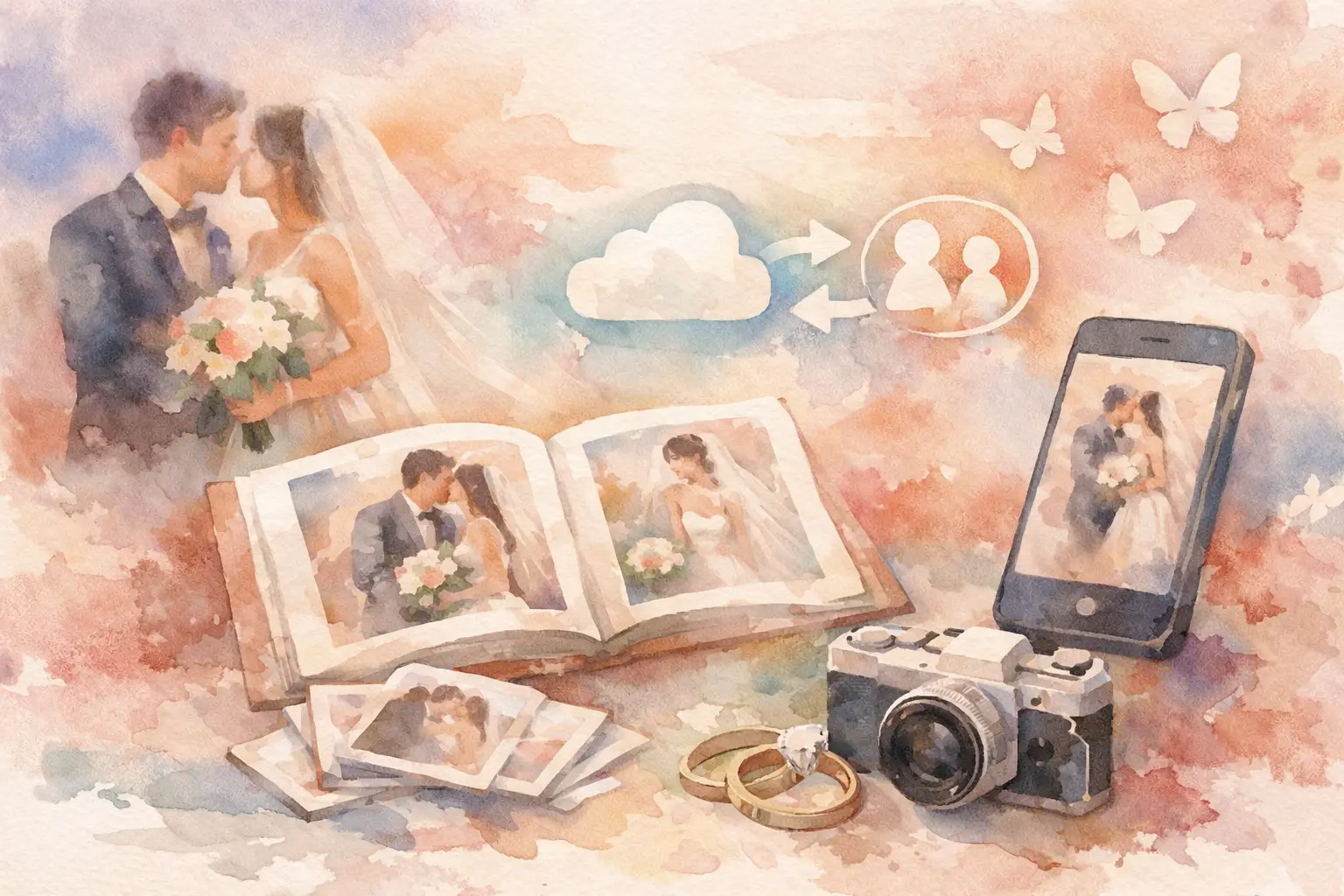
The morning after the wedding is when the photo chaos starts. Your cousin posts 14 blurry dance floor shots to Instagram. Your college friends text a handful into three different group chats. Someone promises to upload the good ones later and never does. If you're figuring out how to share wedding photos privately, the real challenge isn't access. It's getting everyone to contribute without turning your memories into digital confetti.
A private wedding photo setup should do three things well. It should keep your photos off the public internet, make it ridiculously easy for guests to join, and give you one organized place to relive the day. If it misses any one of those, you're back to screenshots, missing moments, and follow-up texts nobody wants to send.
What private wedding photo sharing actually needs to solve
Most couples start with privacy in mind, but convenience is what usually breaks the system. A password-protected folder sounds fine until half your guests forget the password. A shared drive works until older relatives get confused by the upload flow. A social app can feel familiar, but not everyone wants their wedding on a platform built for public posting first and private sharing second.
That is why how to share wedding photos privately is really a question of friction. The lower the friction, the more photos you get. The more complicated the process, the more your gallery ends up depending on five helpful friends and one bridesmaid with a good camera roll.
Privacy matters, of course. Weddings include kids, family members who do not want to be posted publicly, and plenty of moments that are meaningful because they were shared in the room, not with the entire internet. But privacy without participation is not much of a win. You need both.
The best approach: one private album, one simple way in
If you want the cleanest setup, give guests a single private album and a single dead-simple way to join it. Ideally, they should be able to scan a QR code, open the camera instantly, and start taking or uploading photos without downloading an app or making an account.
That last part matters more than people think. Every extra step cuts participation. Download this. Sign up here. Verify your email. Create a folder. Request access. By cocktail hour, everyone has moved on.
A QR-based photo-sharing system works especially well for weddings because it fits the pace of the event. Guests can join in seconds from their table card, welcome sign, or bar area. They do not need instructions longer than one sentence. Scan. Shoot. Add to the shared album.
That is also why digital disposable camera-style setups have become such a smart fit for weddings. They feel fun instead of administrative. Guests are more likely to participate when the experience feels like part of the event, not a task after it.
How to share wedding photos privately without killing the vibe
The sweet spot is private, easy, and social. Not social media social. Shared-experience social.
Start by deciding who the album is for. Is it just immediate family and the wedding party? Everyone who attended? A wider circle of guests plus vendors? Your answer shapes the right level of access. Some couples want a fully private guest-only gallery. Others want a private core album and a separate public highlight set later. Either is fine. The mistake is trying to force one album to do both jobs.
Next, think about timing. Do you want guests to see photos as they come in, or do you want a delayed reveal? A live gallery can be fun, especially during the reception. But a timed reveal has its own magic. It builds anticipation, keeps everyone in the moment, and avoids the classic problem of people watching the wedding through a stream of uploads while the actual wedding is still happening.
That delayed-gallery format is especially good if you want the wedding to feel more present and less performative. Guests still capture everything, but the payoff comes later when everyone unlocks the full story together.
What to avoid when choosing a private sharing method
A lot of wedding photo systems sound good until real guests touch them.
Email collection is the first trap. It feels organized, but it asks too much. Guests need to remember later, sort through their camera roll, attach files, and send them. That works for maybe 8 percent of people on a good day.
Shared cloud folders can be better, but only if your crowd is patient and tech-comfortable. Upload permissions, storage limits, file duplicates, and confusing folder structures can turn a simple idea into a low-grade headache.
Private social groups solve familiarity, but they come with trade-offs. Some guests do not use those platforms. Others do not want wedding photos tied to personal accounts. And once content lives on a social platform, the line between private and public gets thin fast.
Text threads are the most common fallback and the worst long-term solution. They compress image quality, bury photos in conversation, and make it impossible to build a gallery that feels complete. Group chat is where photos go to disappear.
A better guest experience means a better gallery
The couples who get the best wedding galleries from guests usually do one thing right: they make participation feel automatic.
That means the instructions should be obvious at a glance. Put the QR code where guests already pause - on the welcome sign, the bar, the guest book table, the dinner menu, or the reception tables. Use one clear line of copy. Something like: Add your photos here. Or: Capture together. Reveal together.
It also helps to set the tone early. Mention the private photo album on your wedding website, in a pre-wedding email, or through your emcee. Not with a long explanation. Just enough so guests know there is one place for everything, and it is private.
If your platform supports it, limited-shot photo capture can be a sneaky-good feature. It changes behavior. Guests become more intentional, the photos feel more candid, and the whole thing taps into that disposable camera energy people still love. Less spray-and-pray. More personality.
Privacy features that are actually worth caring about
Not every privacy feature matters equally. Couples often focus on passwords, but access flow is only one piece.
What matters more is whether the gallery is invite-only or accessible only through your event entry point, whether guests can join without exposing personal profiles, and whether the photos stay in a dedicated event space instead of getting mixed into a public feed. High-resolution uploads matter too. Private should not mean lower quality.
Offline capture support is another underrated feature. Wedding venues are famous for weak service, especially in barns, hotels, vineyards, and remote outdoor spaces. If guests can keep taking photos and sync later, you avoid the dead zone problem without losing momentum.
Device compatibility matters for the same reason. Your guests are not all on the same phone, browser, or comfort level. The simpler and broader the access, the more complete your final gallery will be.
If you're comparing options, ask these questions
Before you choose a tool, run it through real wedding logic, not just product promises.
Can a guest join in under 10 seconds? Can they contribute without creating an account? Will older relatives understand it without help? Can people upload both in the moment and after the event? Can you keep everything private without making the process annoying?
And maybe the biggest one: will this feel fun enough that people actually use it?
That is where a lot of traditional photo-sharing options fall flat. They treat wedding photos like file management. But weddings are not file management. They are crowded, emotional, chaotic, funny, fast-moving days with too many good moments happening at once. Your sharing system should match that energy.
This is exactly why a platform like Revel fits so naturally here. It keeps the experience private, removes guest friction, and turns photo collection into part of the event instead of one more thing to organize afterward.
The smartest private setup is the one guests barely have to think about
If you are still deciding how to share wedding photos privately, use this as the filter: private for you, effortless for them.
You do not need a complicated workflow. You need one place, one entry point, and one experience that feels easy enough for everyone from your college roommate to your aunt who still says, "Text it to me." When the system works, more people participate. When more people participate, you get the wedding back from more angles, more personalities, more real moments.
And that is the whole point. Not just protecting the photos, but actually collecting them.
Because the best wedding gallery is not only the polished one your photographer delivers. It is also the unplanned, guest-made, laugh-in-the-background, caught-before-you-saw-it version of the day. Keep it private. Keep it simple. Then let the memories show up from everywhere.

A writer interested in connection, memory, and the everyday moments that matter more than we realize.
Tags: Wedding photo sharing , Photo sharing , Guest photo sharing , Event photo sharing , QR photo sharing